What you need first
- The address of your NAS, for example
nas.local. - User name and password of an account that may read and write on the share.
- Your device on the same network as the NAS, or over a VPN.
The steps
-
Open the storage choice
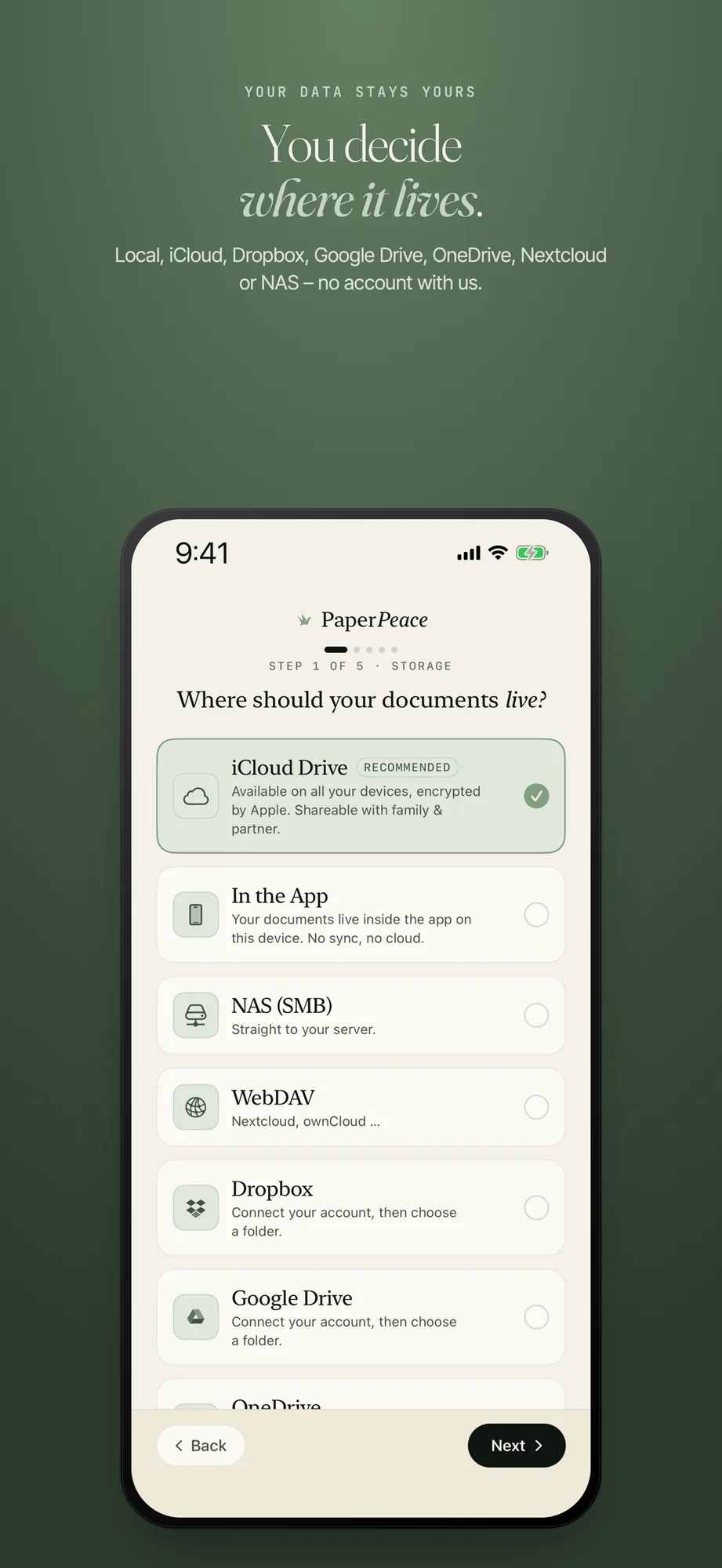
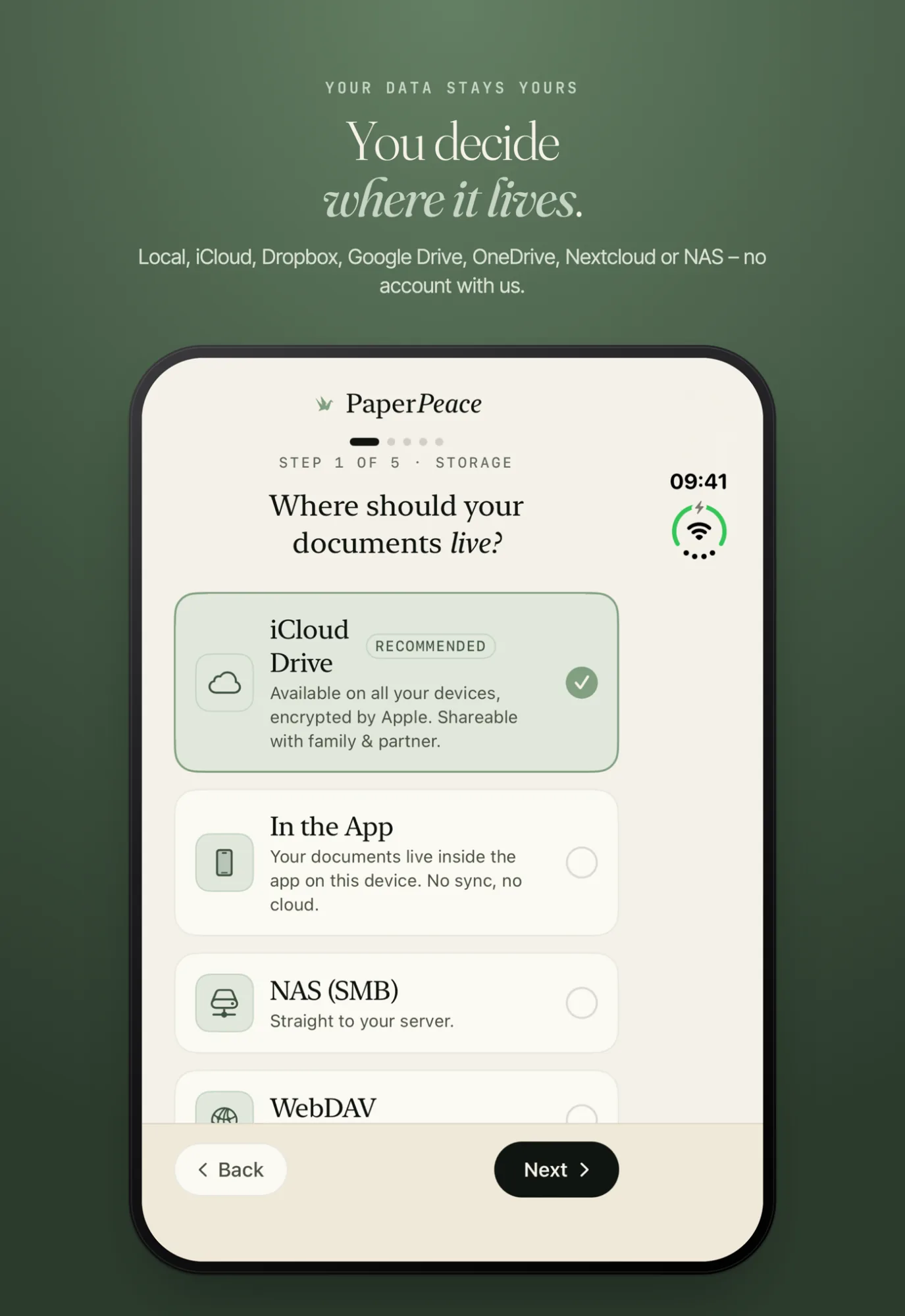
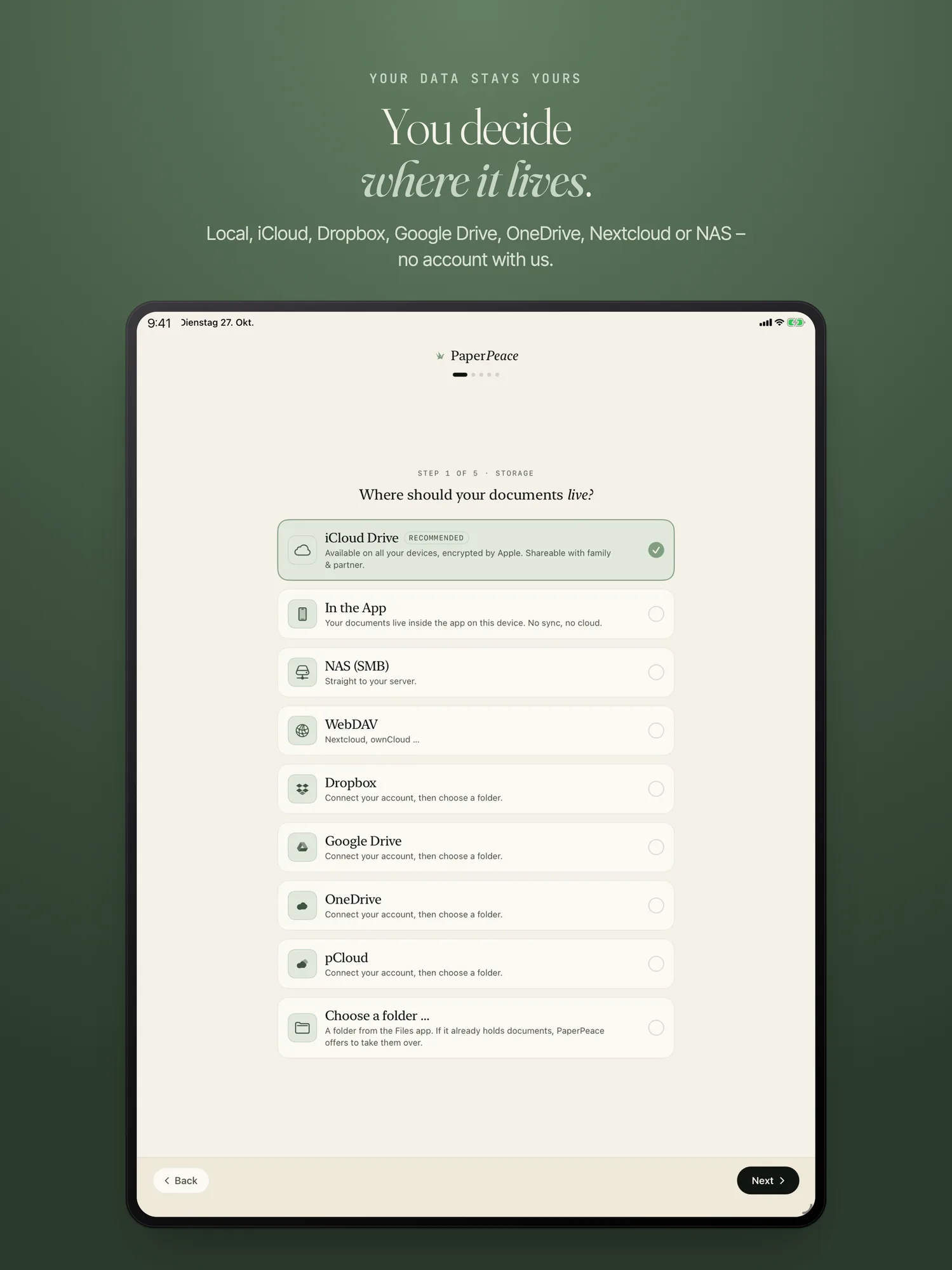
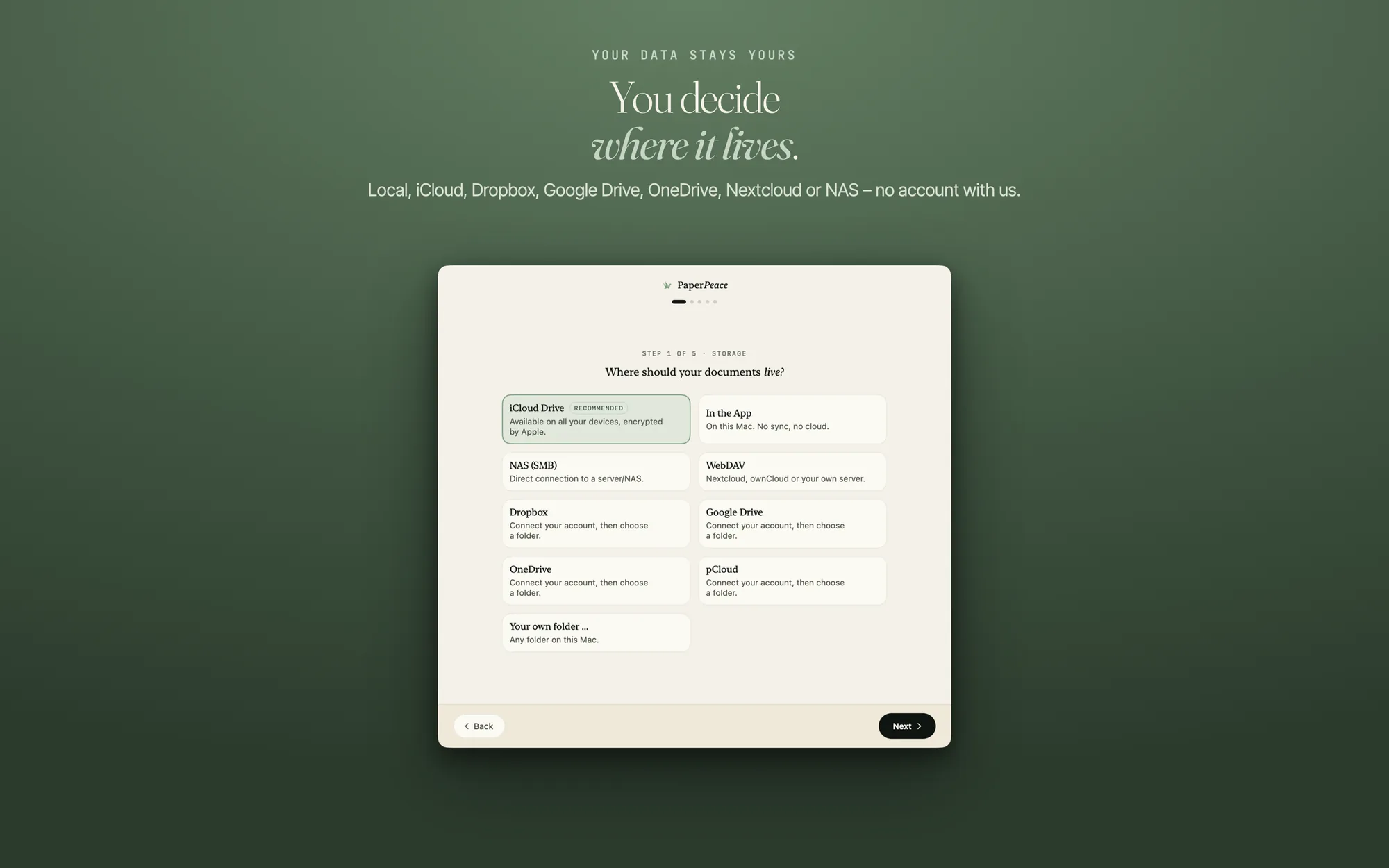
During setup this is “Step 1 of 5 · Storage” (see First steps). Later, go to Settings › Storage › “Add storage location” (on the Mac: Settings › Storage location). Without a purchase this works only while no other storage location is set up; otherwise the row opens the purchase.
-
Choose the “NAS (SMB)” card
The card needs no account with a cloud provider and is available offline. It opens the form “Connect to NAS”.
-
Fill in the form
The form has three groups:
- Server: “Address (e.g. nas.local)” and “Port”. If you leave the port empty, PaperPeace uses the standard port 445.
- Sign-in: “Username” and “Password”. You can leave “Domain (optional)” empty.
- Below is a note: your credentials are transmitted via the SMB protocol, so connect only on trusted networks or via VPN.
Then tap “Connect”. Your credentials are stored encrypted in your device’s keychain.
-
Allow the local network
The first time you connect, the system asks whether PaperPeace may access the local network. Allow it. If you refused, the app shows: “PaperPeace is not allowed to access the local network.” Turn the access on in Settings on your iPhone or iPad (on the Mac: System Settings) under “Privacy & Security” → “Local Network” and connect again.
-
Choose the share and the folder
The next page is called “Choose NAS (SMB) folder”. It says: “Your library will live here — as plain folders and PDFs.” As long as no share is chosen, it says “Choose a share first.” Tap the share and, if you like, go into a subfolder (“Up one level” takes you back). “Create new folder” and “Create” make a new folder.
-
Confirm
The button at the bottom names the folder you picked: Use “folder name”. PaperPeace then checks the storage location and takes it if it may write there.
If it does not work
- “The server didn’t respond.” Check the address and that your device is on the same network as the server.
- “Connection failed.” Check the address and the credentials.
- The location is not accepted. The account you connect with needs read and write access to the share.
What happens when the NAS is off later is on Storage locations. Why a NAS as plain storage is often enough is explained in the guide A DMS on your own NAS (in German).
A NAS over SMB is one of the storage locations you can use without a purchase. Without a purchase it is then your one storage location; the prices are on the home page.
Write to us through the contact form. The more exactly you name the step and the message in the app, the faster we find the cause.