Every common storage
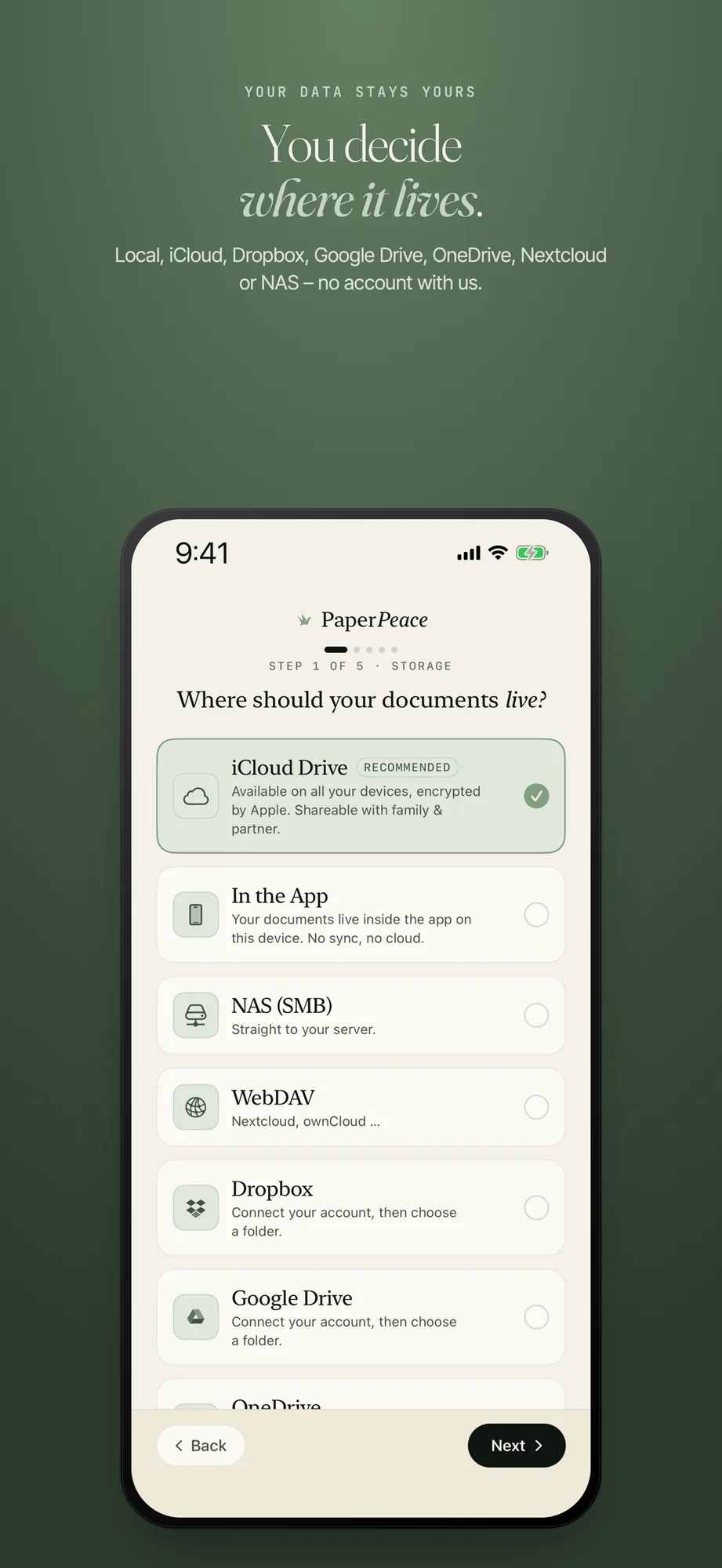
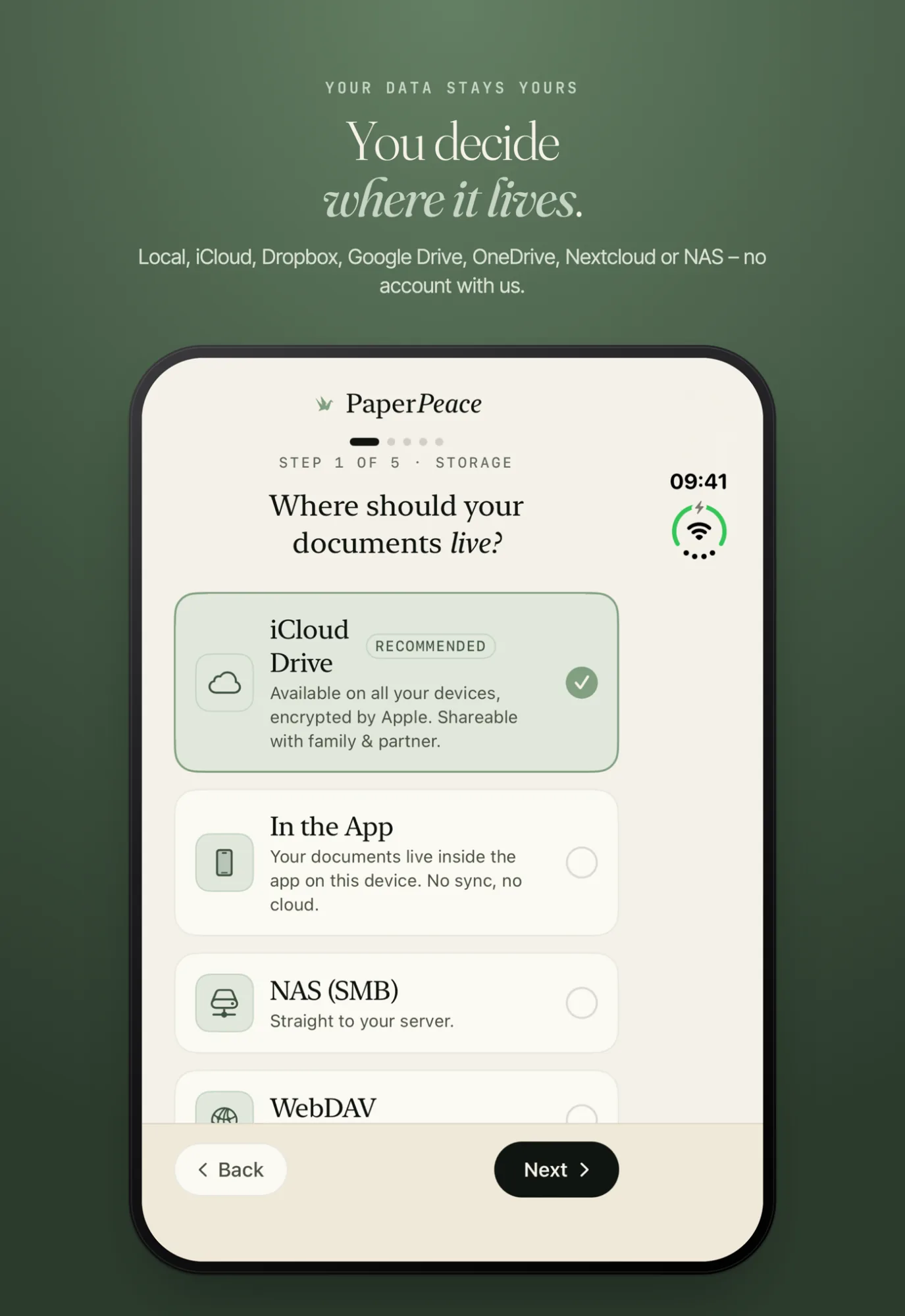
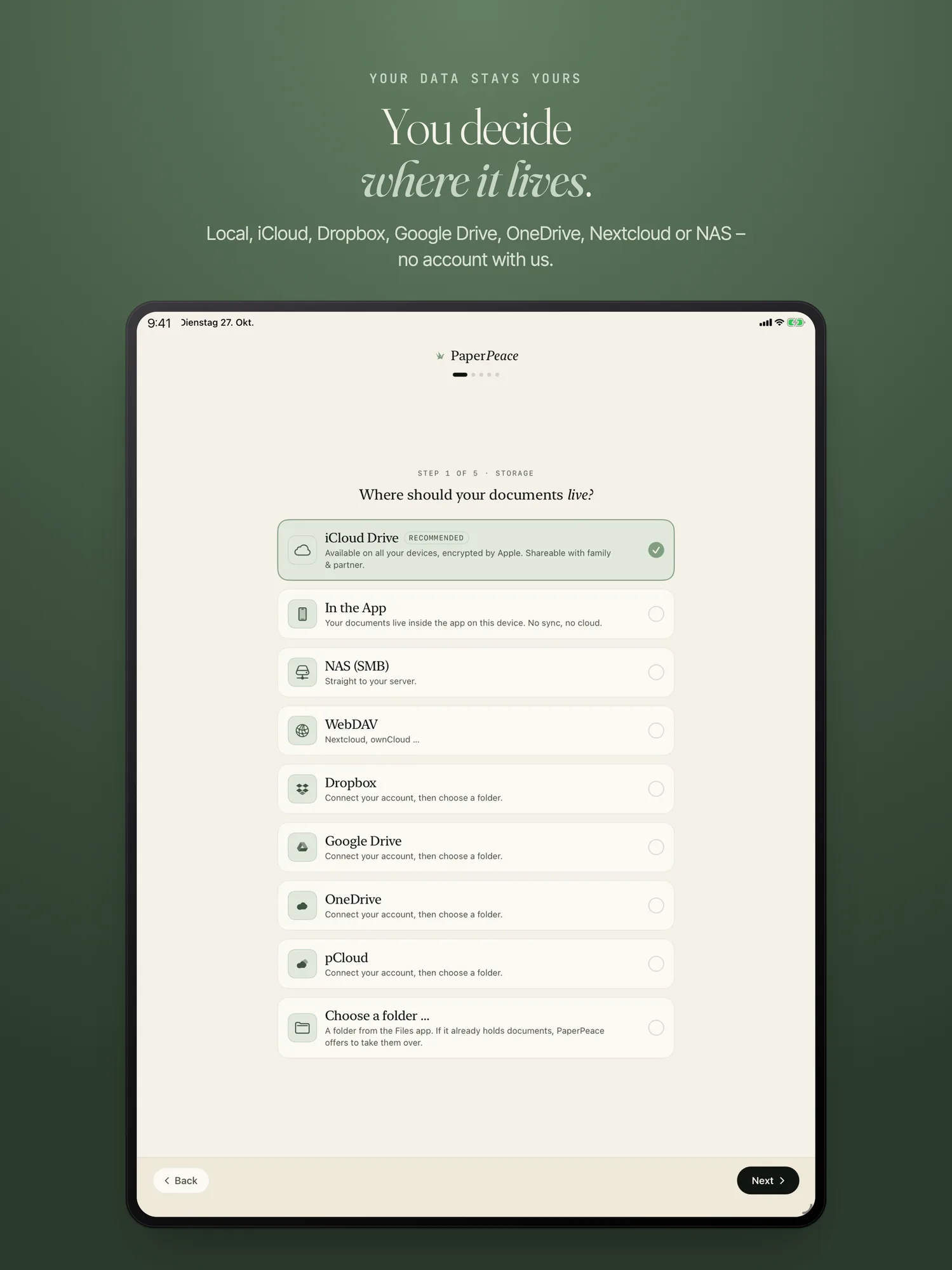
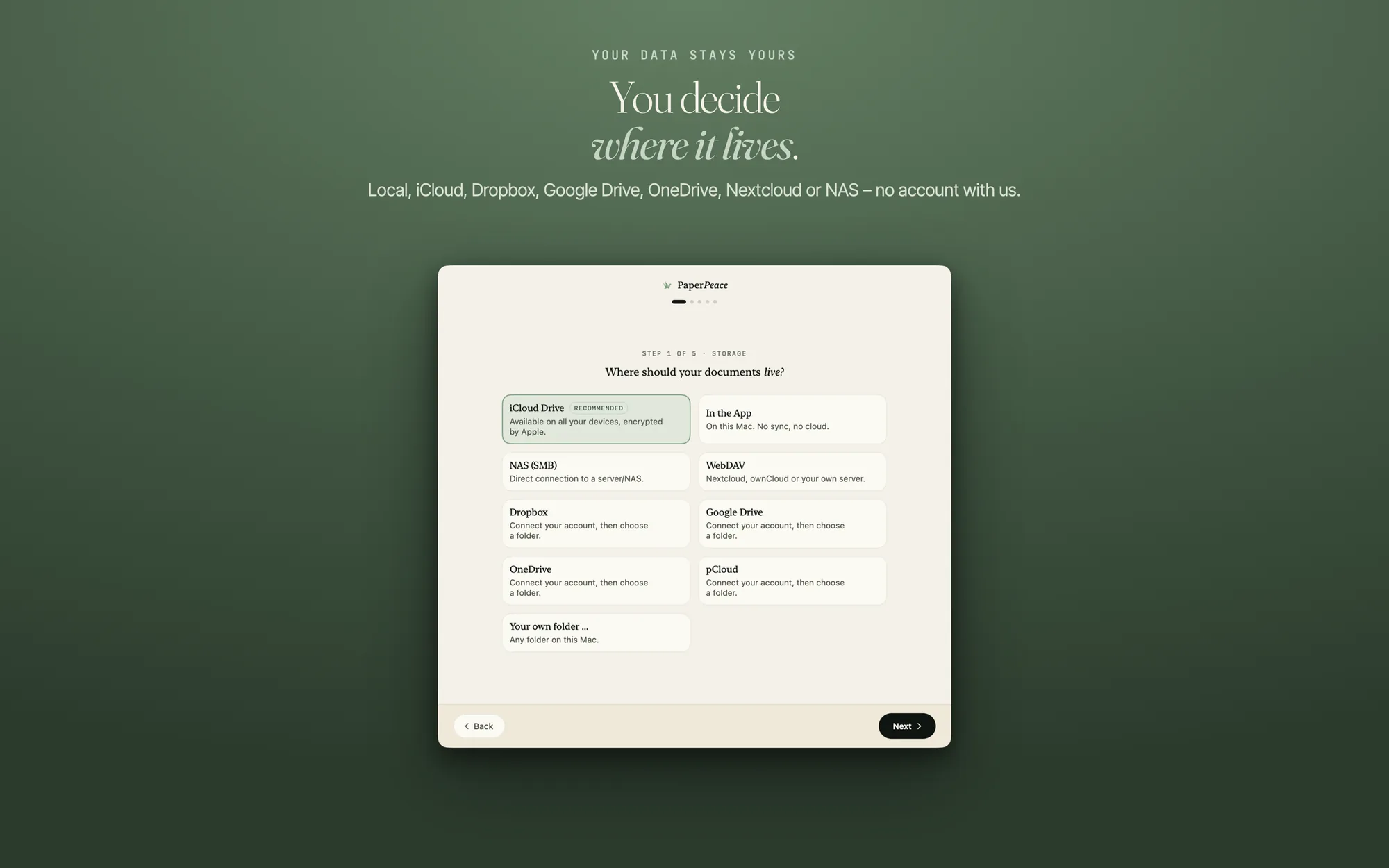
During setup you pick a card: iCloud Drive, “In the App” (the documents stay on this device), a folder of your own, a NAS over SMB, WebDAV (for example Nextcloud, ownCloud or your own server), Dropbox, Google Drive, OneDrive or pCloud.
For Dropbox, Google Drive, OneDrive and pCloud you need no sync client on the device. You connect the account right in the app. The sign-in happens in a secure system sheet, and PaperPeace never sees your password. In the end the documents sit in your storage as ordinary folders and PDFs, the same on iPhone, iPhone Duo, iPad and Mac. What the app knows about a document is kept in a separate folder next to them; your own folders stay free of extra files. Here is how that folder is built.
Checked before you start
A NAS folder or a shared iCloud folder can be handed to you read-only. When you pick a location, PaperPeace checks that it may write there, and does not take the location otherwise. The message tells you where to change it: on a NAS, the account you connect with needs read and write access to the share.
Several locations, switching deletes nothing
On iPhone and iPad, Settings › Storage shows a list of your storage locations; on the Mac, it is “Storage location” in Settings. If you switch to another one, the previous one stays in the list with its sign-in and its state, and the app deletes nothing. When you go back, it catches up on what changed there in the meantime. At most one location is active at a time.
You can edit a location (name, folder and sign-in) or remove it. Before removing, the app names every file the location does not have yet. Nothing is deleted at the storage location itself.
When the storage does not answer
For a NAS and for the cloud providers, the app keeps a copy on the device. Documents you mark “Keep offline” and recently used files stay on the device, and the rest is loaded on demand. Changes made without a connection upload at the next contact. If the NAS is off, everything already on the device keeps working. A document that has not been loaded yet can only be opened once the storage answers again.
The app also tells you when something is stuck: a notice when the space at the location is full, a notice when the location does not answer, and one when iCloud does not deliver changes from other devices. How to narrow down a problem is in the guide When something is wrong.
All devices of a library
On iPhone and iPad under Settings › Storage › “Manage devices”, on the Mac under “Devices” in Settings, you see which devices use your library, with name, device type and when each was last active. You can rename the device you are holding. You can remove any other one, for example the old iPhone you sold: it loses access and deletes its local copy at the next start.
Without a purchase you use one storage location: “In the App”, iCloud, a folder of your own or a NAS over SMB. With the purchase you get any number of locations plus WebDAV, Dropbox, Google Drive, OneDrive and pCloud; prices are on the home page.
Frequently asked questions
Do I need an account with PaperPeace?
No. Your documents live in the storage you choose, and recognition runs on your device. You only need a Dropbox, Google Drive, OneDrive or pCloud account if you pick exactly that storage.
Can I change the storage location later?
Yes. The previous location stays in the list with its sign-in and is not deleted. You can go back at any time, and the app catches up on what changed there.
Does Nextcloud work?
Yes, over WebDAV. The same goes for ownCloud and for a server of your own. WebDAV is one of the storage locations that need the purchase.
What happens when my NAS is off?
Everything already on the device keeps working because the app keeps a copy there. A document that has not been loaded yet can only be opened once the NAS answers again. Changes upload as soon as it is reachable again. If it does not answer, a notice appears.
How many devices may I use?
Without a purchase, at most three devices per library. If there are more, a device shows the device list, where you can remove one.
Can I share PaperPeace with my partner or family?
Yes. Through a shared folder — for example in iCloud Drive — you both see the same library with the same tags and the same state. Either of you can file and find, so it is not just one person keeping track of the household paperwork. Without a purchase, everyone's devices count together: up to 3 devices on the same library. How this looks in family life is in the guide Document management for families (in German).
Can I use my NAS?
Yes. PaperPeace connects straight to your NAS over SMB, with no extra software. If the NAS is off, everything already on your device keeps working, and the app catches up as soon as the NAS answers again. What Synology, QNAP & Co. can do out of the box, and when a DMS in a container pays off, is in the guide A DMS on your own NAS (in German).
Can I get to my documents while I'm out and about?
Yes, as long as your chosen storage is reachable on the go, such as iCloud Drive or your cloud. You do not have to set up a server or remote access for it.
Your storage, your order
PaperPeace runs on iPhone, iPhone Duo, iPad and Mac.
iPhone · iPhone Duo · iPad · Mac · iOS 18 and macOS 15 or later