Find peace in the
paper chaos.
PaperPeace is heading into beta — and you can be part of it. Medical bills, warranties, school forms, contracts: sorted automatically, found in seconds. The intelligence runs on your device, and everything is stored wherever you want.
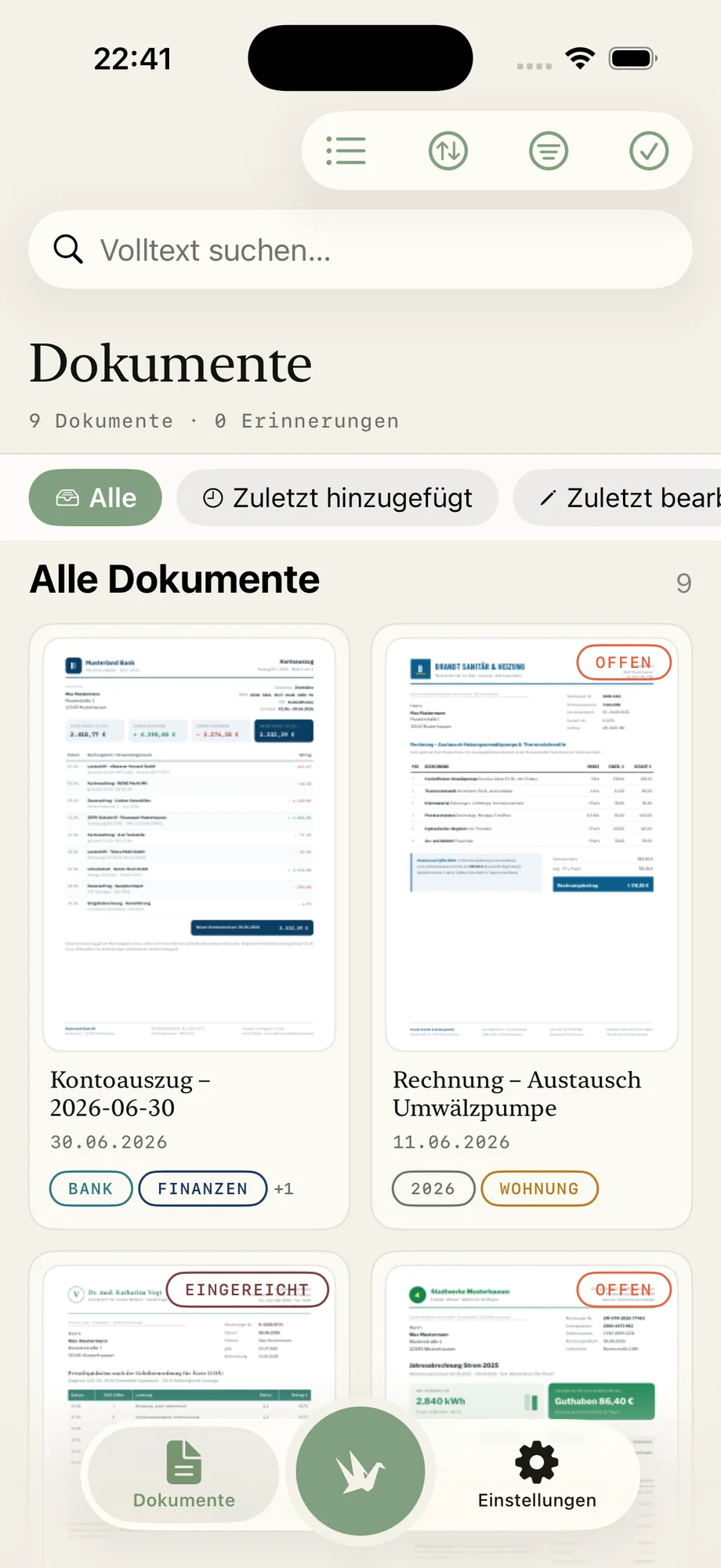
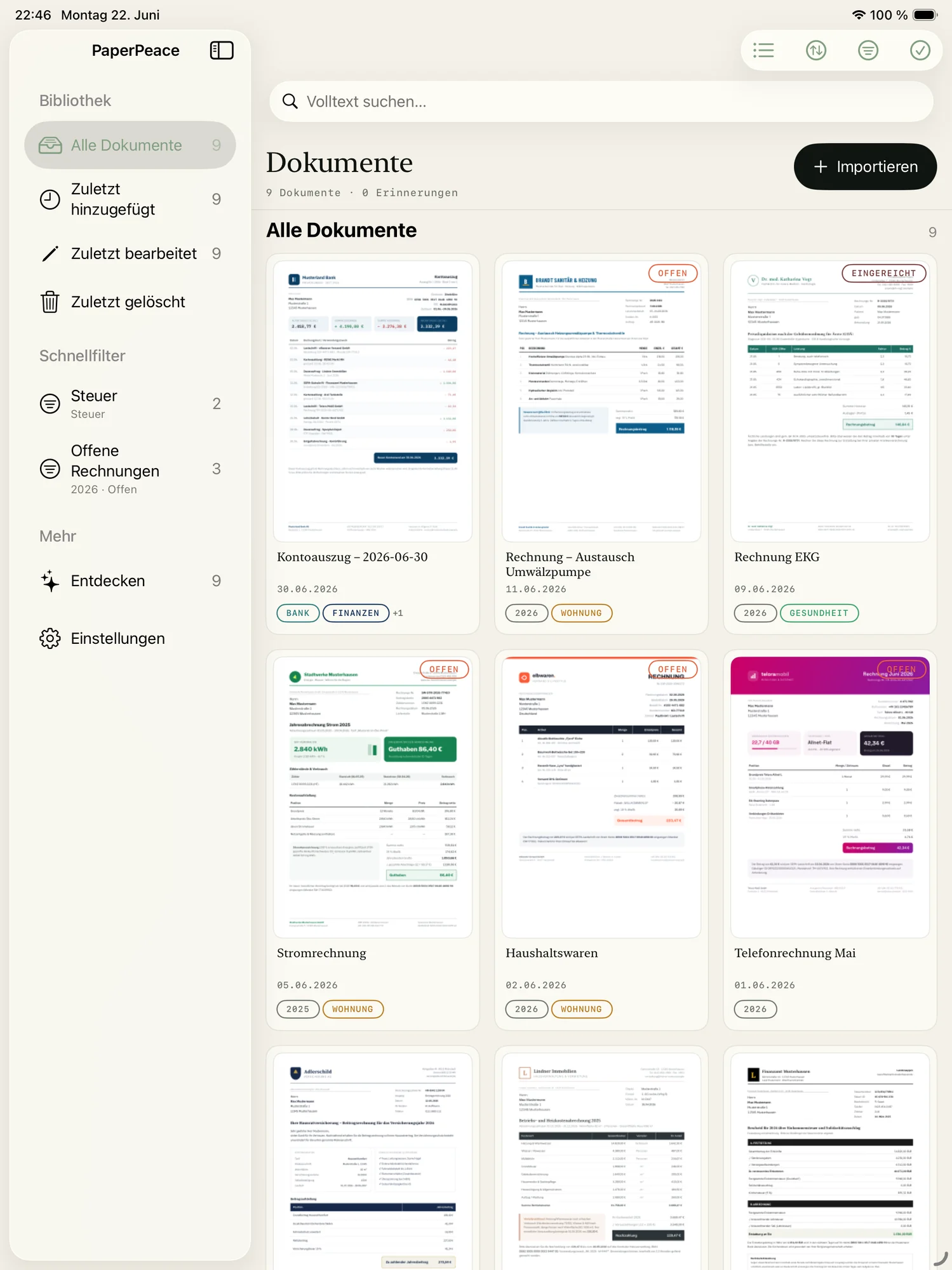
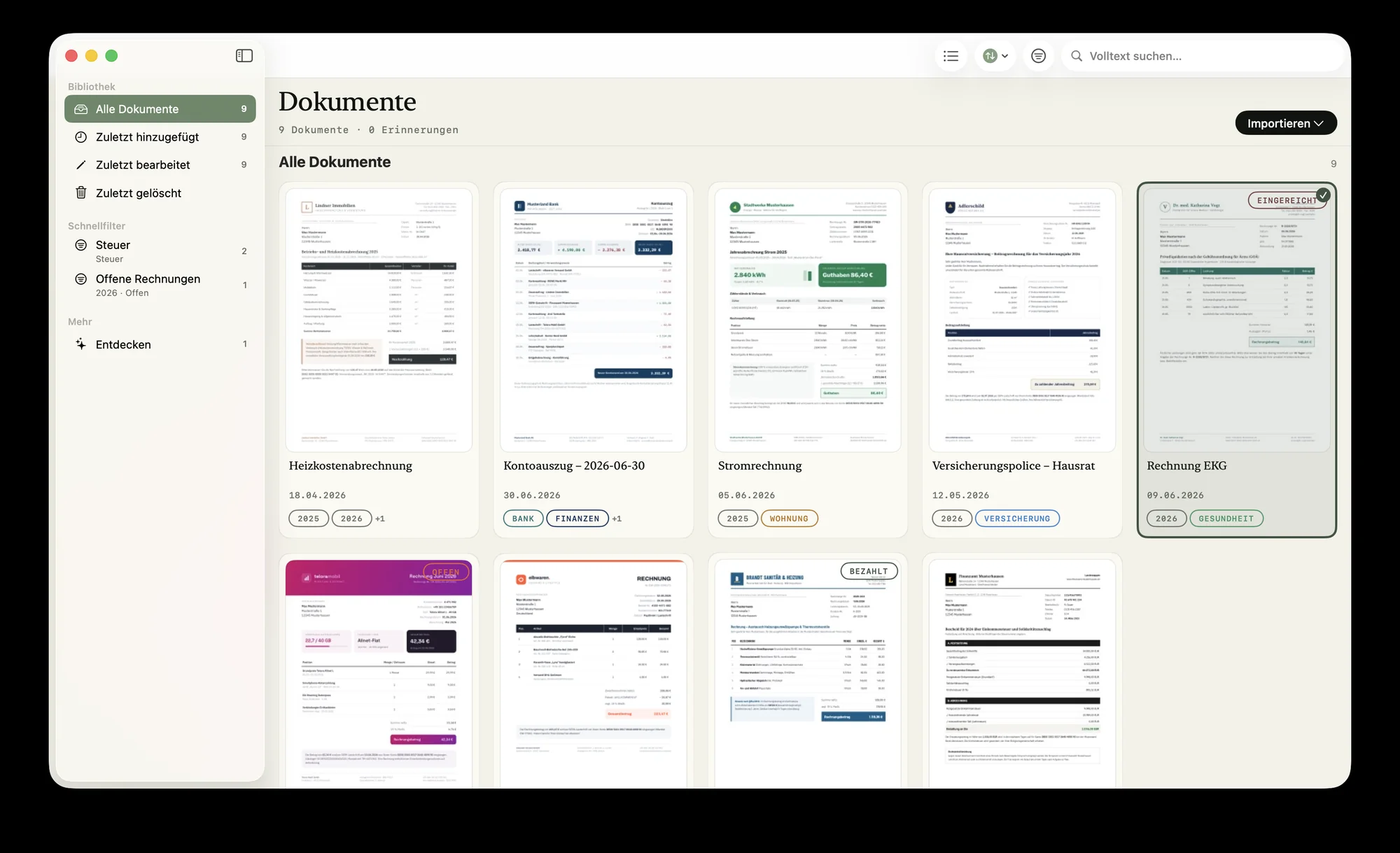
Built for anyone who wants to stay on top of it.
Family, single household or self-employed — the core problem is the same: too much paper, too little overview. PaperPeace adapts to whatever you need it for.
Families
Medical bills, school forms, contracts — the whole household's paperwork in one place, shared with your partner. Both of you see what's still open at a glance.
Decluttering & moving
Finally get rid of the binder tower: sorted automatically, searchable in seconds, as plain PDFs. No forced subscription, no lock-in.
Planning ahead
Powers of attorney, directives and insurance filed securely and shared with siblings — so the moment it counts, everyone finds what matters.
Self-employed
Collect receipts all year, keep private and business apart — and send them encrypted to your accountant at year's end. No accounting subscription.
The control of your own server. Without the server.
Until now you only had two choices: hand your most sensitive files to someone else's cloud service — or run a server yourself, with all the setup, updates and security holes that come with it. PaperPeace dissolves that dilemma. You get documents kept in sync across multiple devices and people — and you decide for yourself whether, and to whom, you entrust your data.
No server of your own
No installation, no updates, no security patches — and no open port to the internet that you'd have to lock down.
No third-party DMS cloud
No account with a provider that manages your files. All of the intelligence runs on your device.
You draw the line
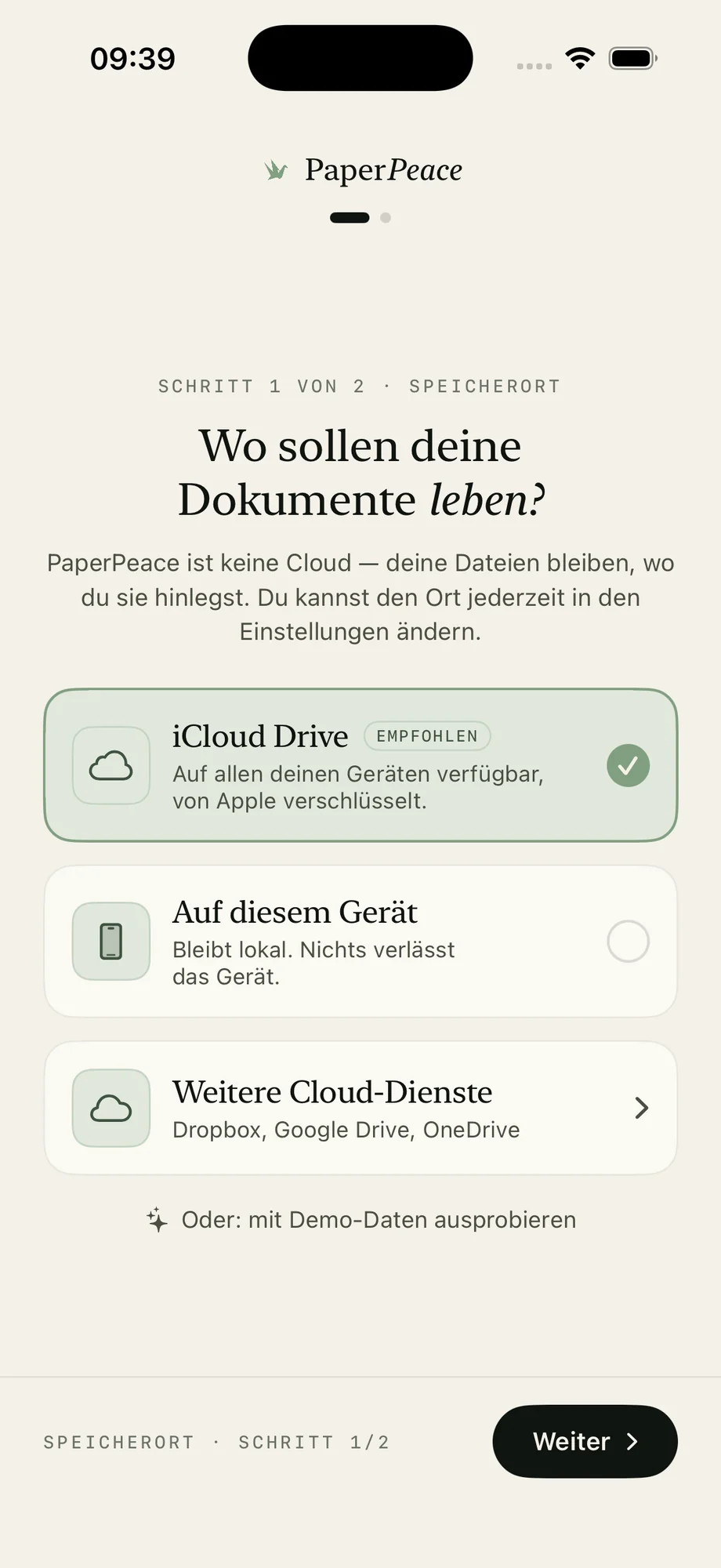
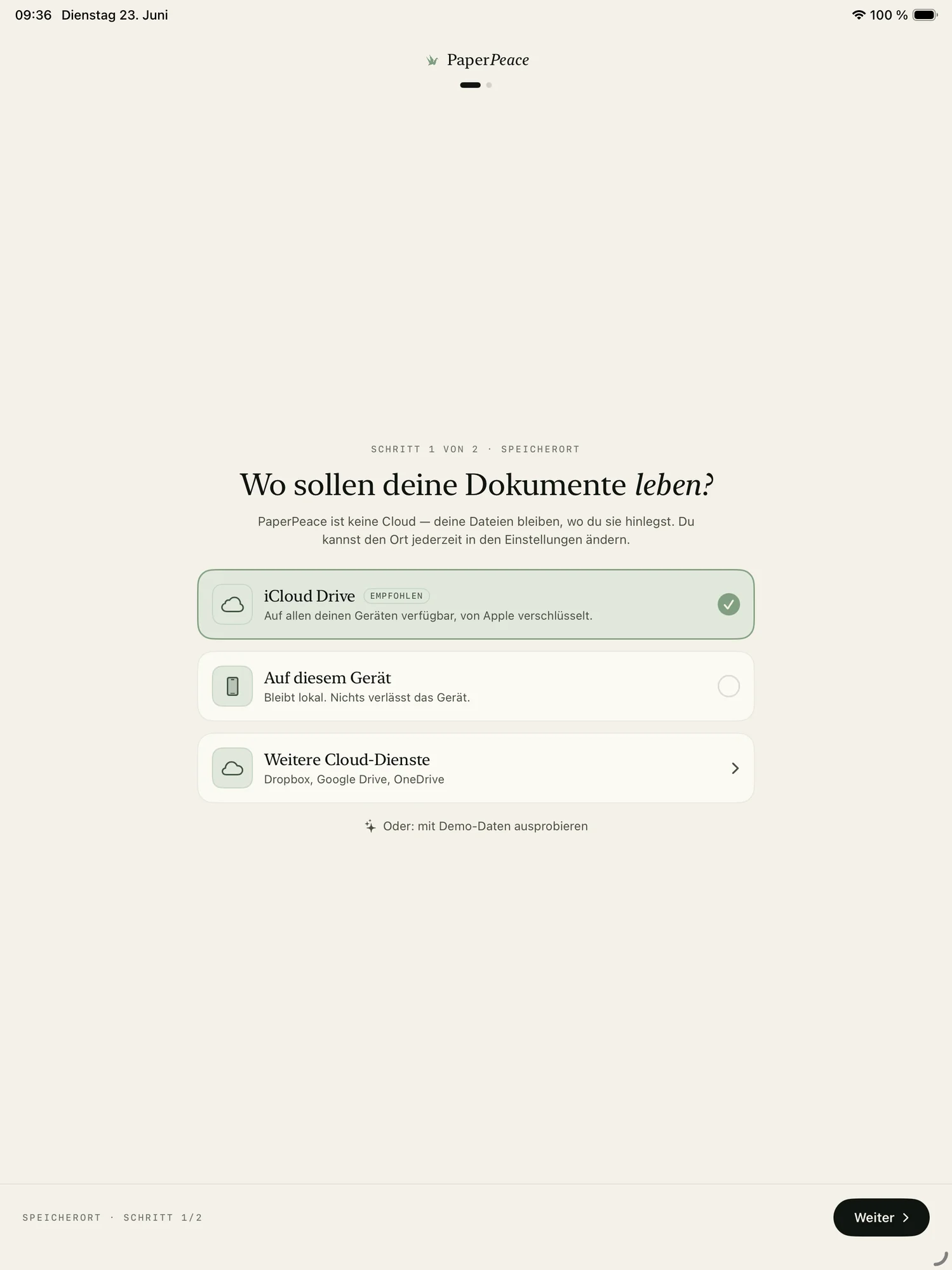
Local only, on your home network, in your cloud or shared with the family — your choice, changeable anytime.
Most people have long since entrusted their photos and documents to Apple — knowingly, once. PaperPeace doesn't force you to ask that same question of trust over and over again. You keep the choice — all the way down to: no one but you.
Sorted automatically. No outside AI.
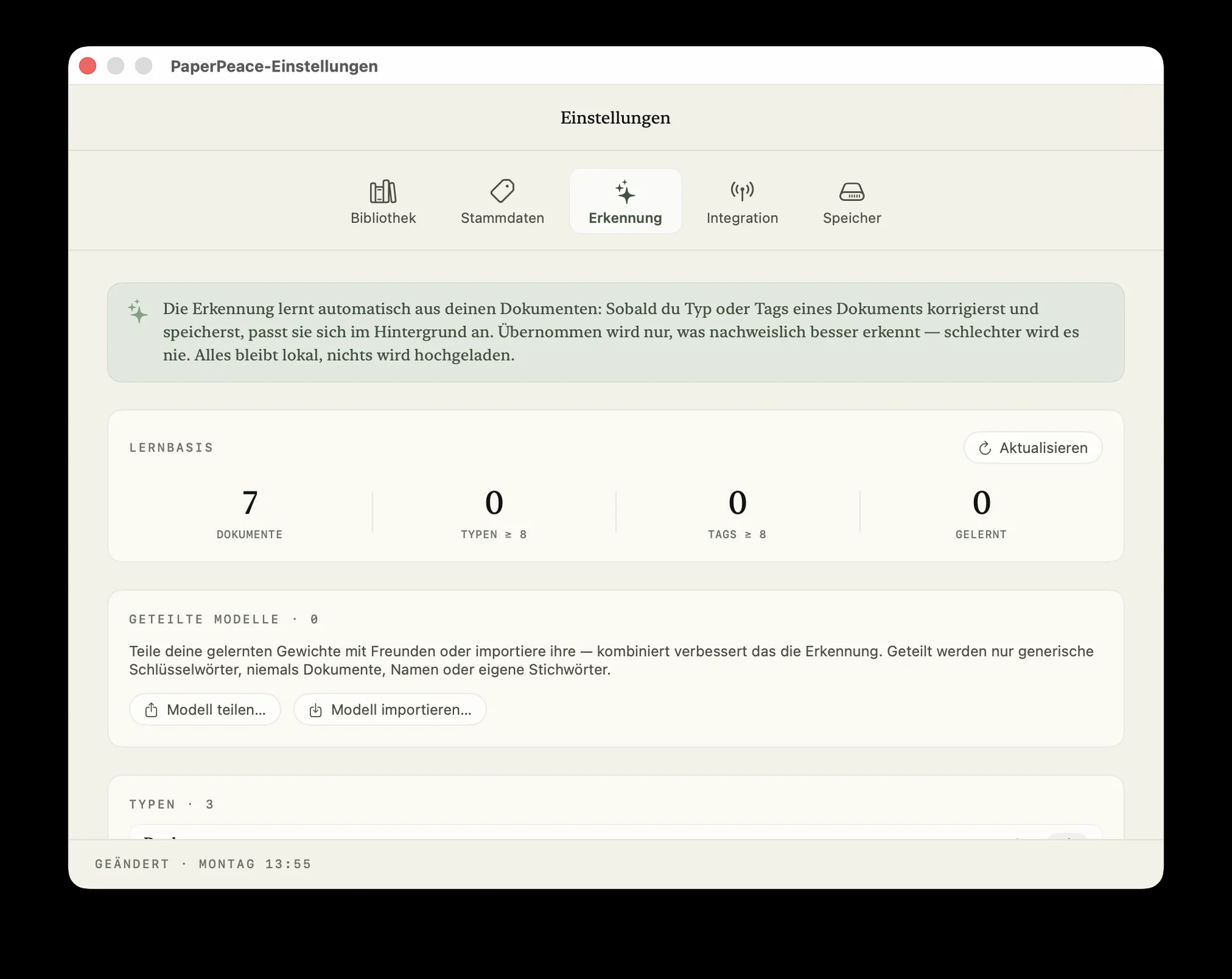
To recognize documents automatically, many apps send them off to a cloud AI service. PaperPeace doesn't. Text recognition, classification and learning from your corrections all happen entirely on your iPhone, iPad or Mac — no upload, no third-party service reading along.
On-device recognition
Document type, tags, correspondents and the text of scanned pages are all recognized right on the device — nothing is uploaded for analysis.
Learns with you — privately
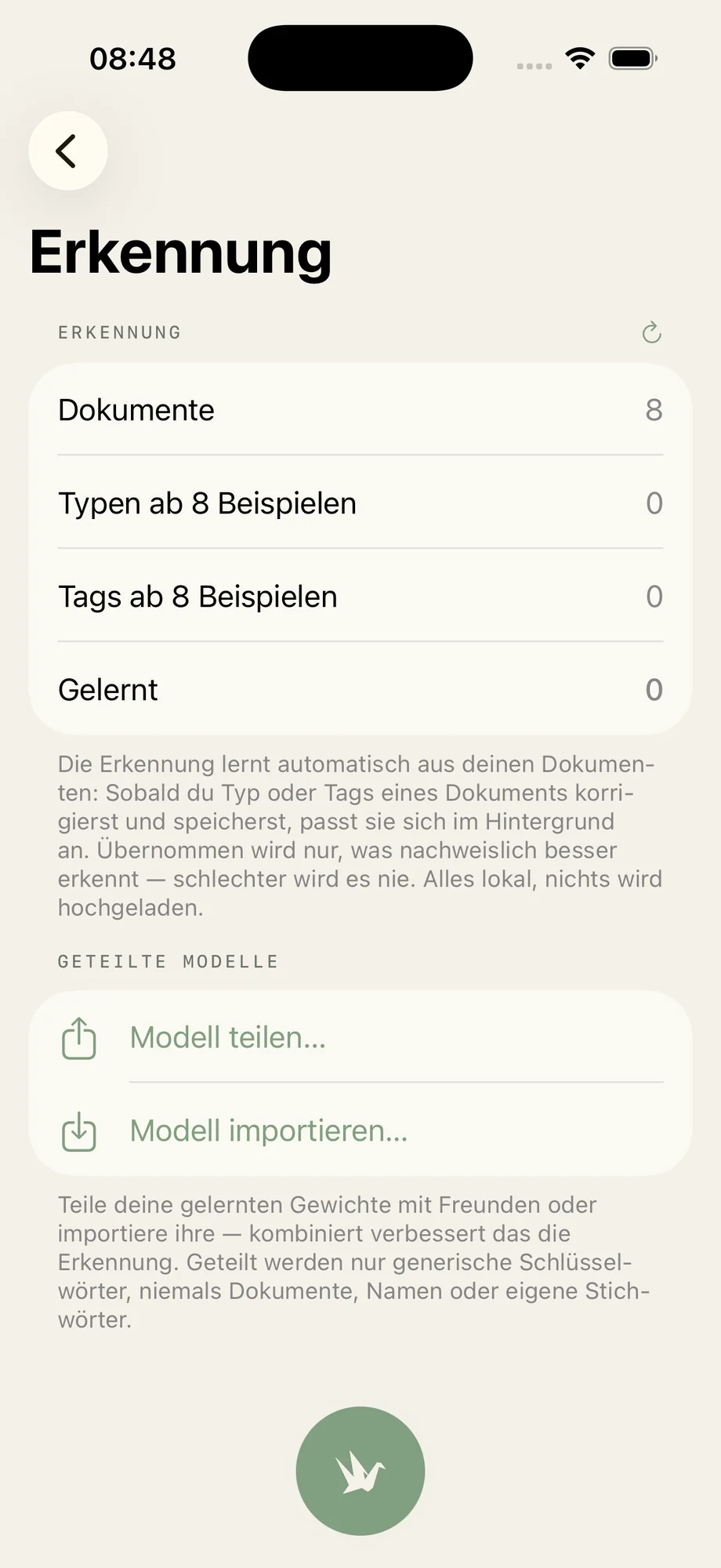
PaperPeace gets better with every correction. The learned model stays on your device, and nothing is uploaded for training.
No account, no profiling
No PaperPeace account, no tracking, no cloud LLM. Your content is never turned into profiles.
Feed it, sort it, find it.
From a stack of paper to an organized library: PaperPeace brings structure to your document chaos — feed it, sort it, find it. So you can focus on the things in life that matter, instead of shuffling paper.
Drop it in — from anywhere.
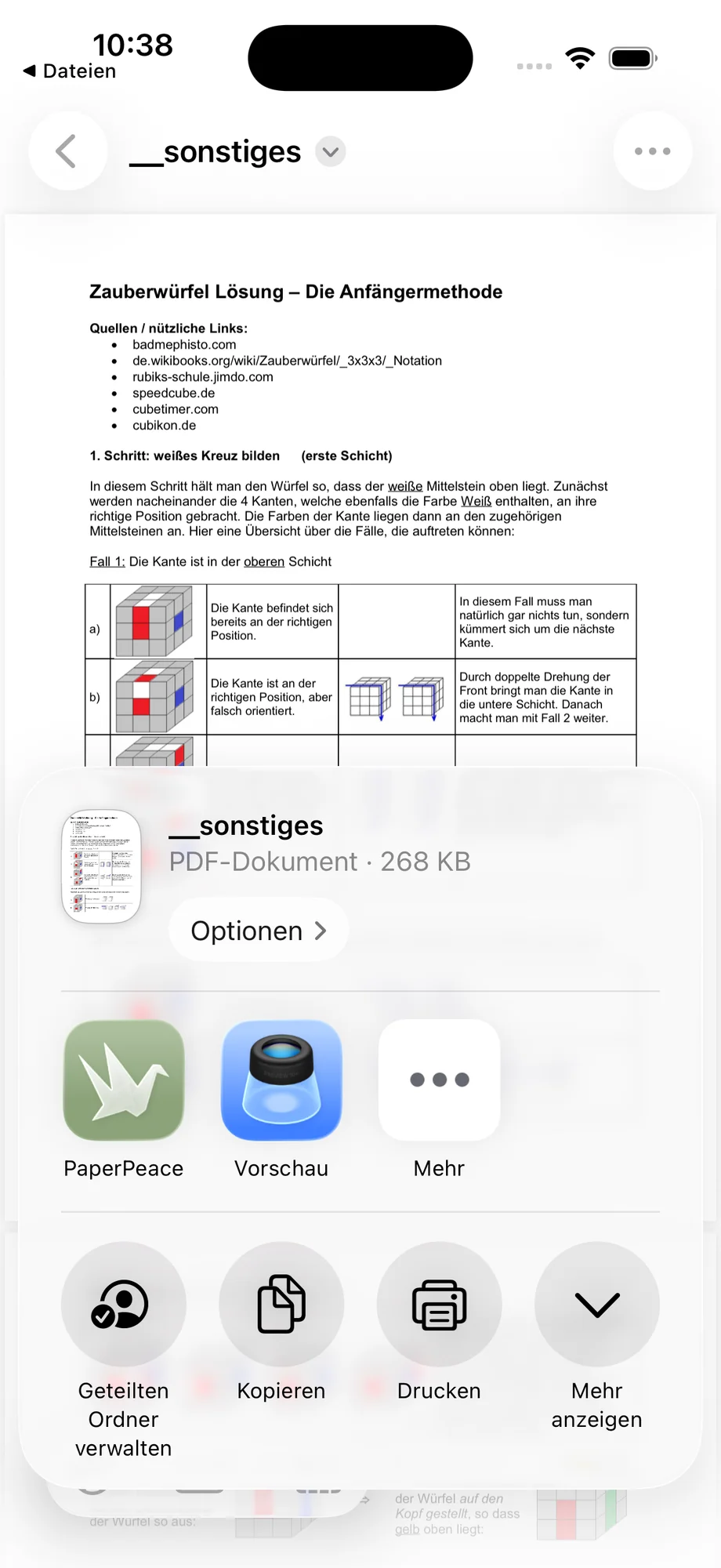
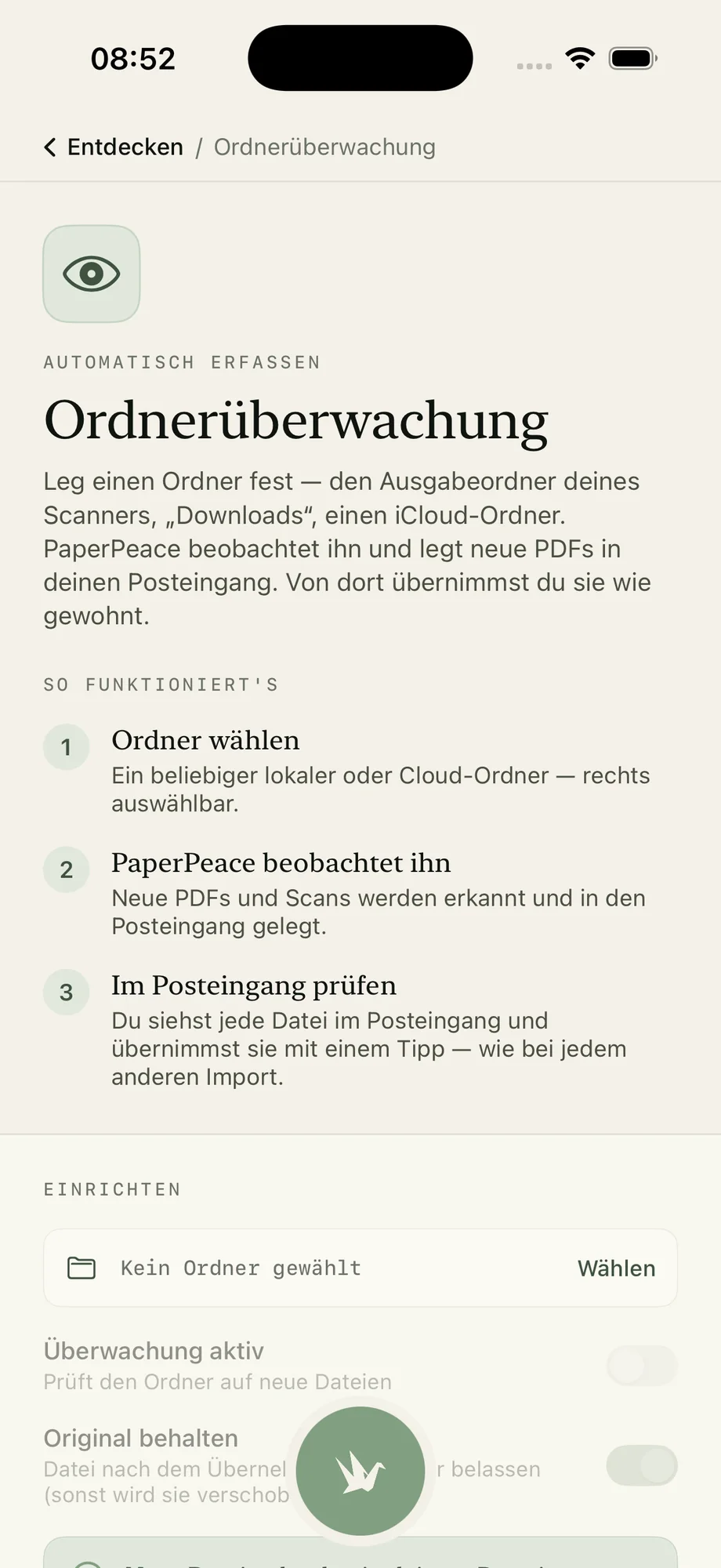
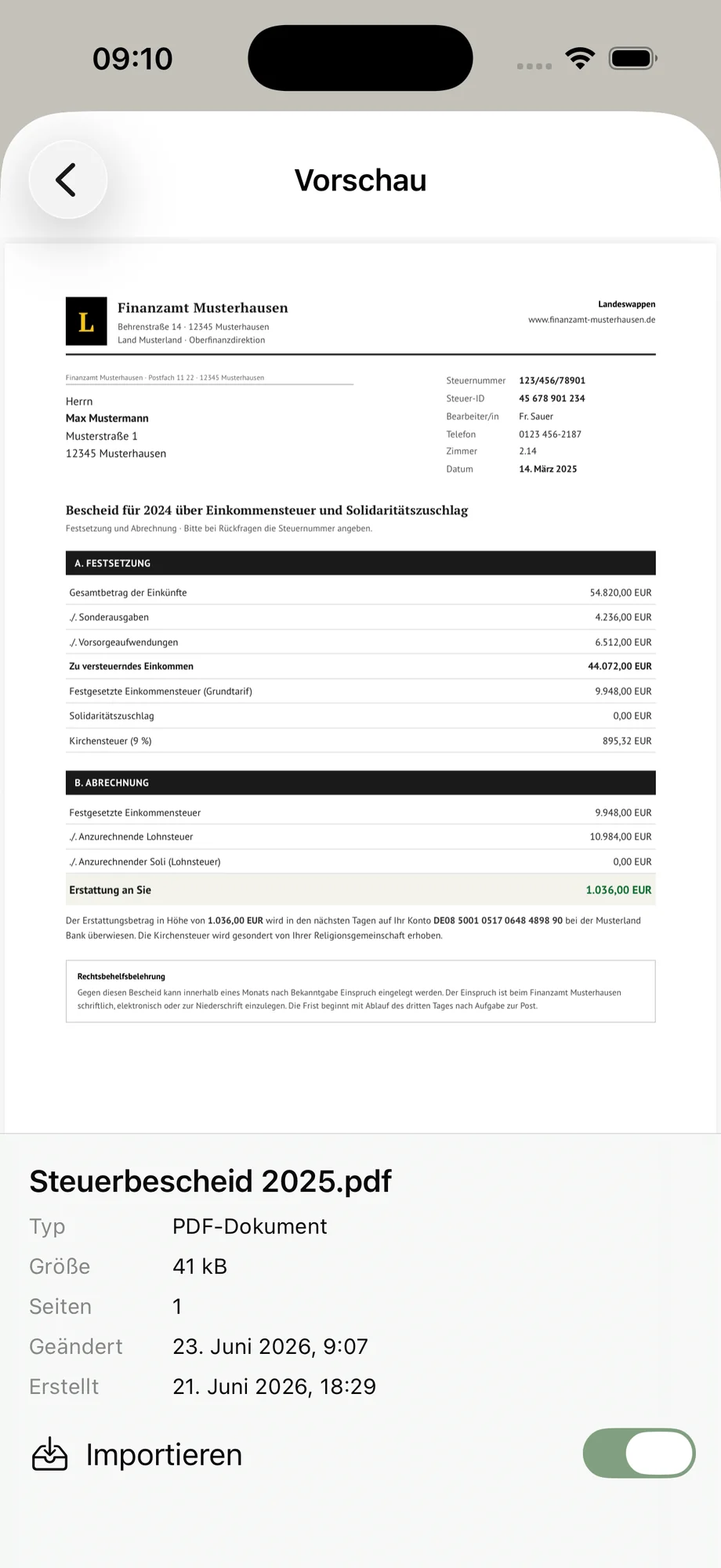
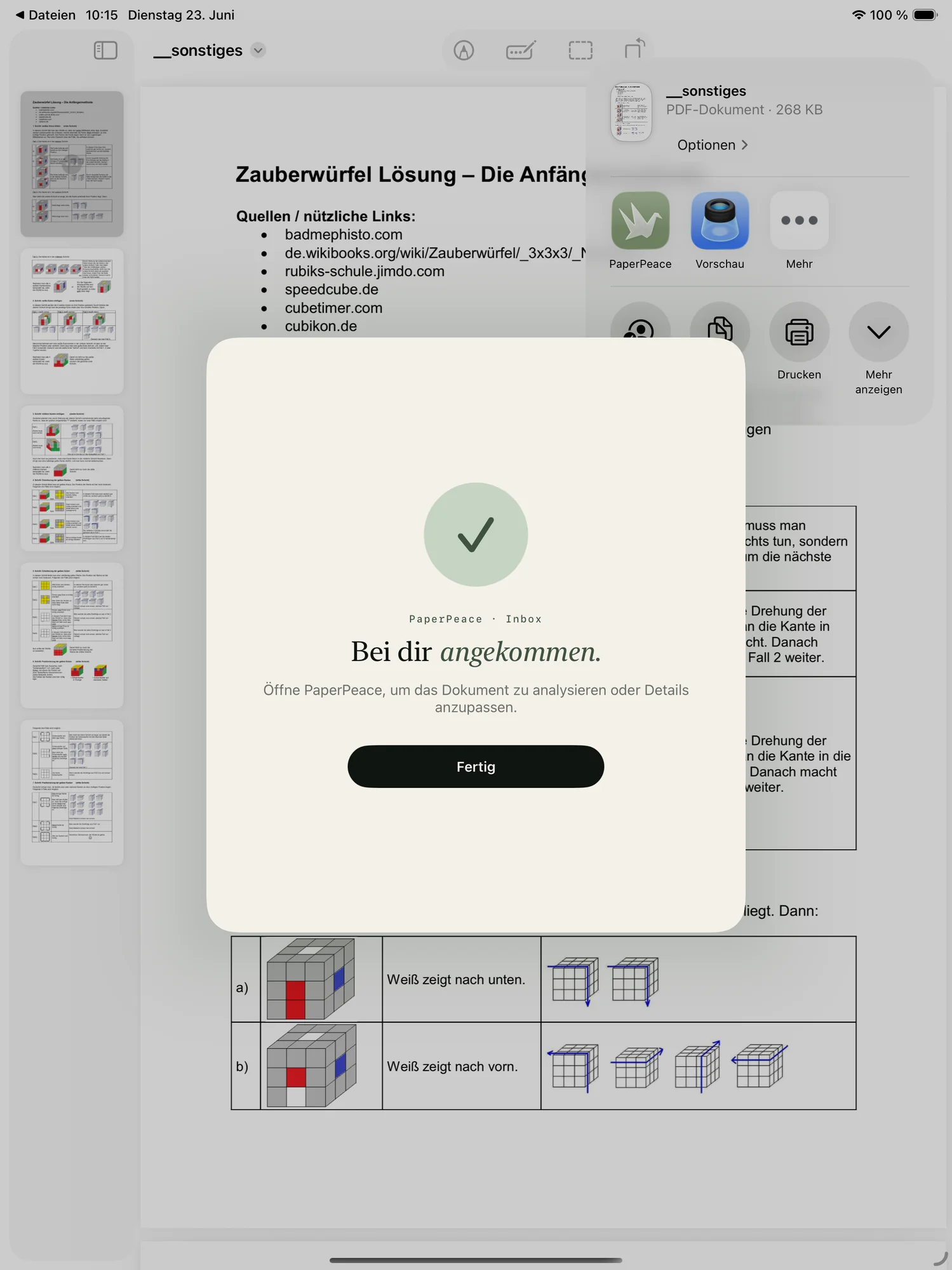
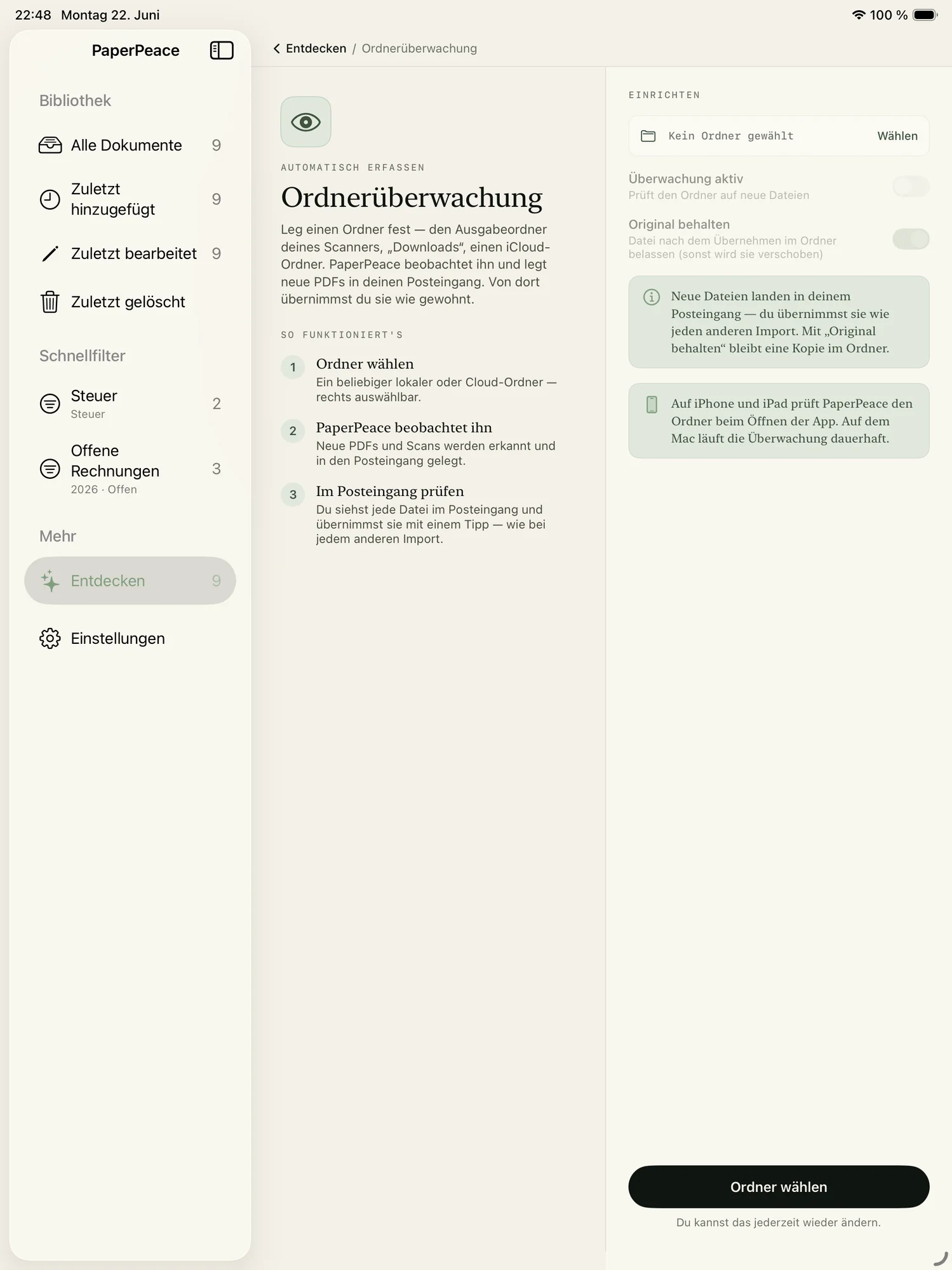
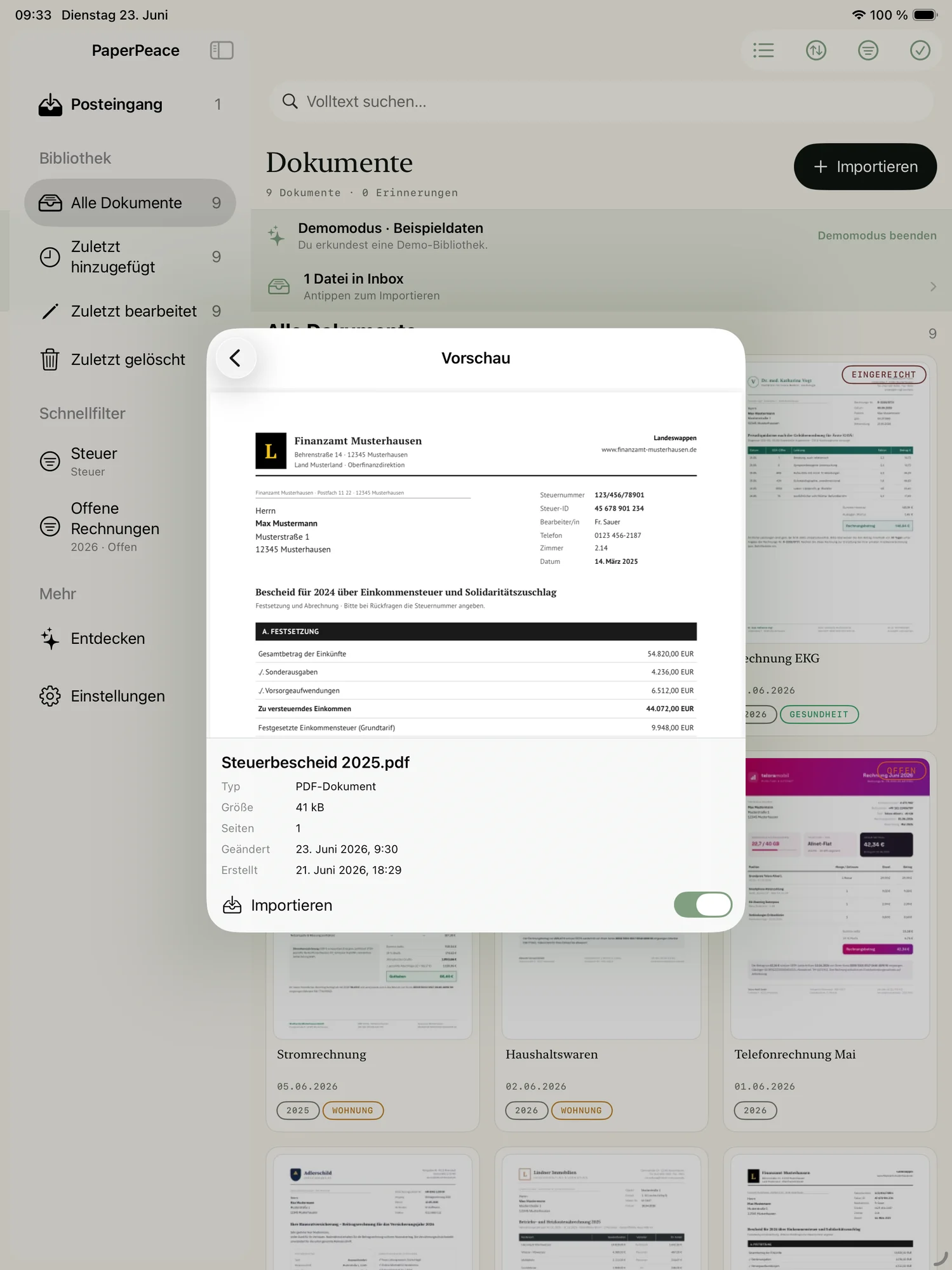
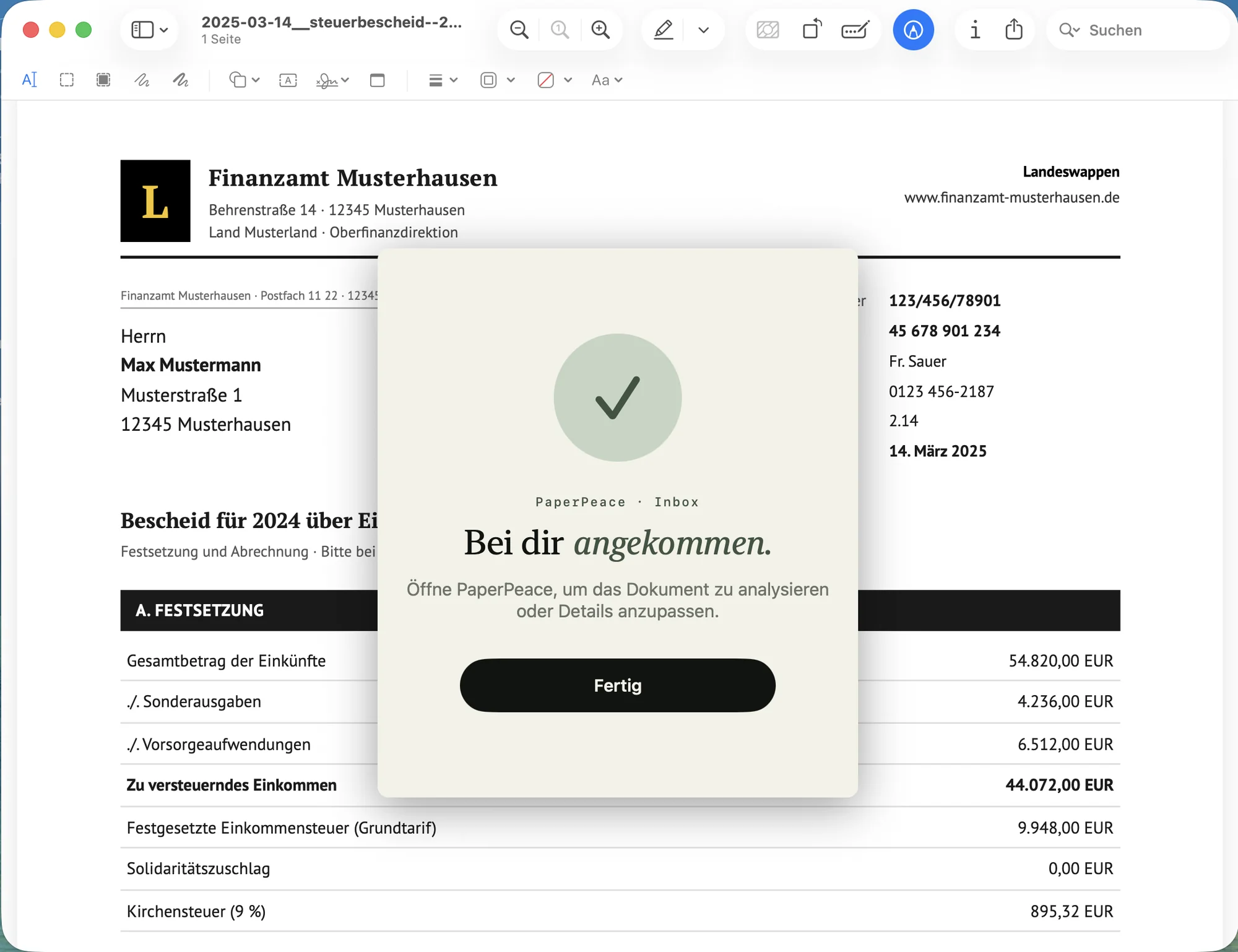
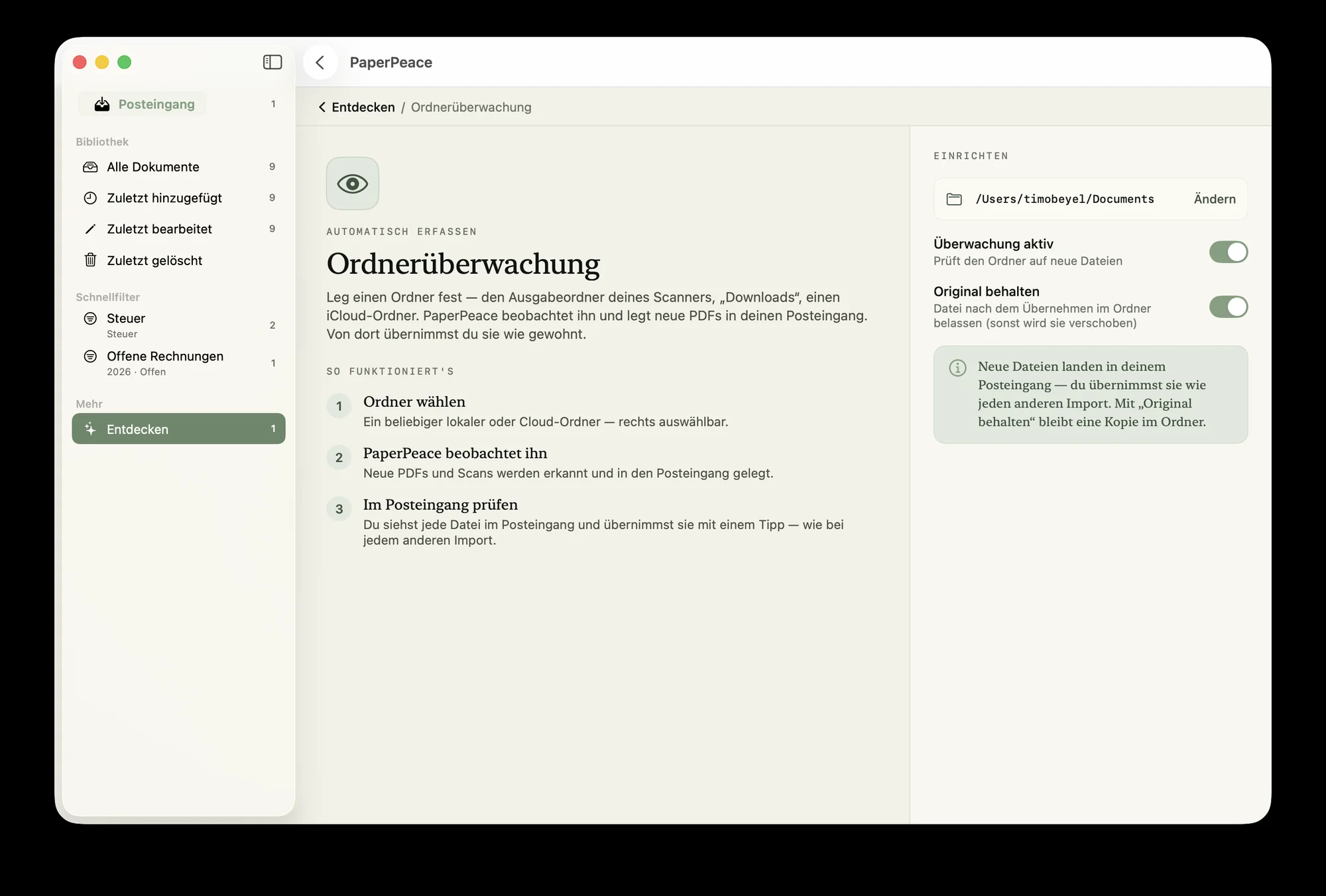
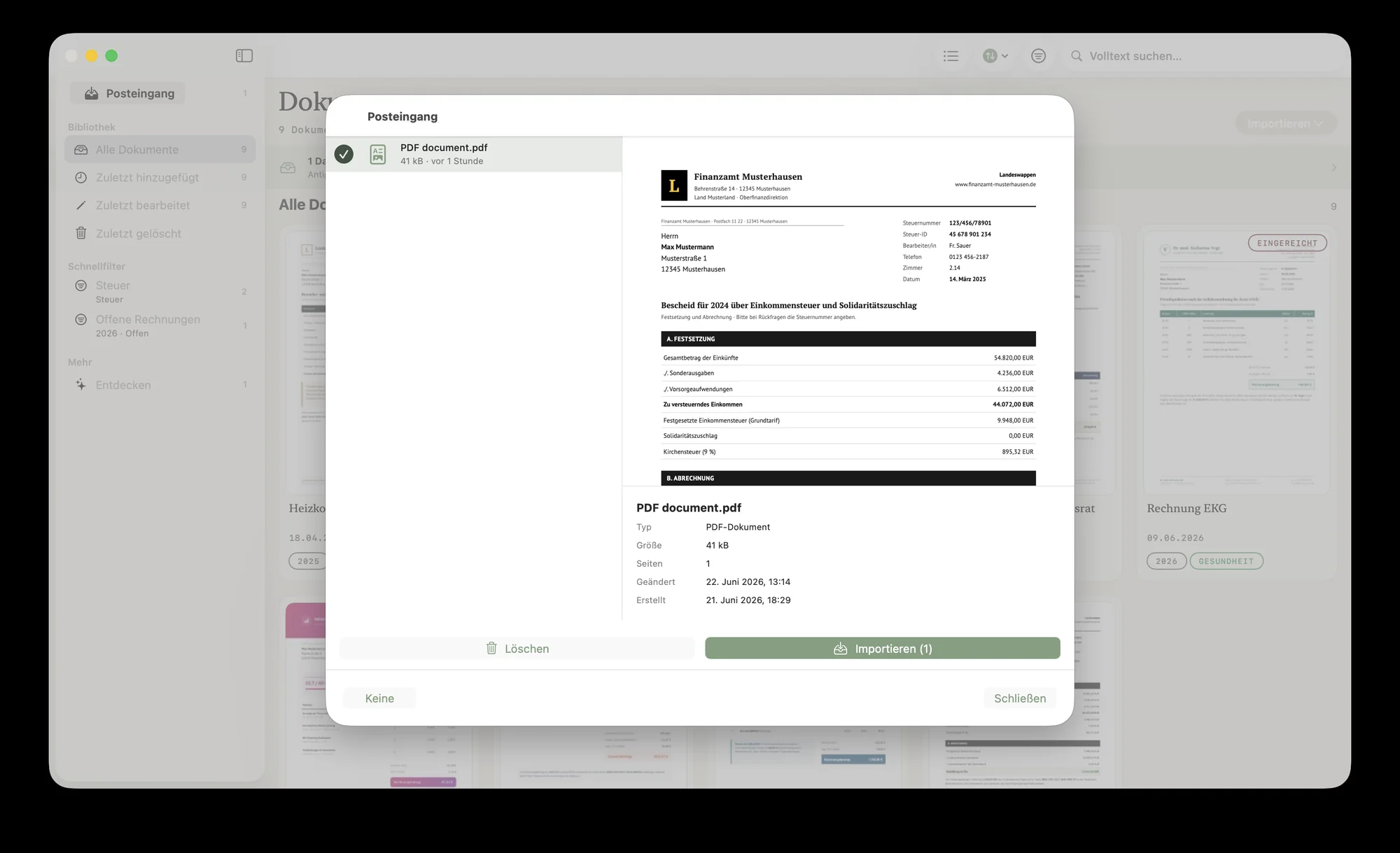
Scan a document with your iPhone or iPad, send it straight to PaperPeace via the Share sheet from any app — or set up a folder that PaperPeace watches and automatically imports new documents from.
It sorts itself.
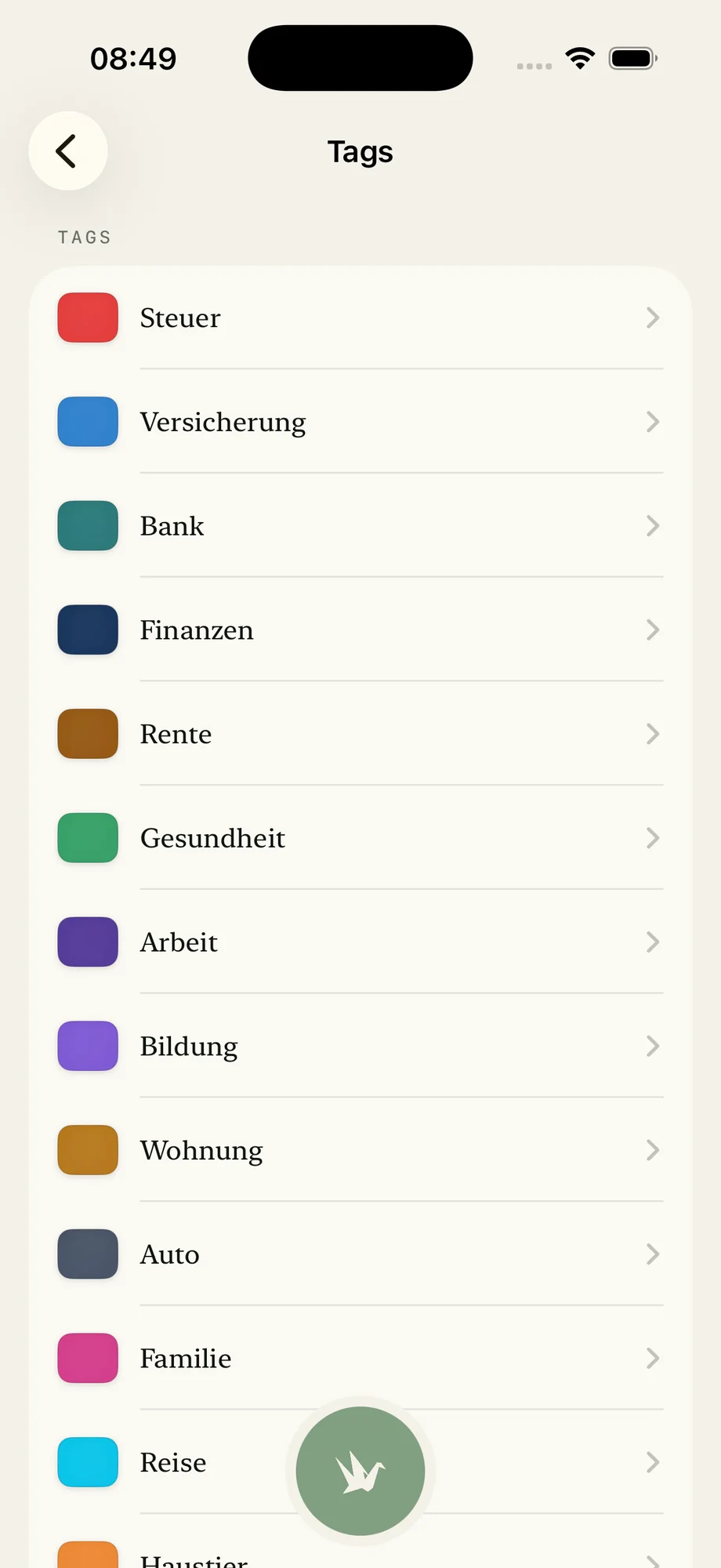
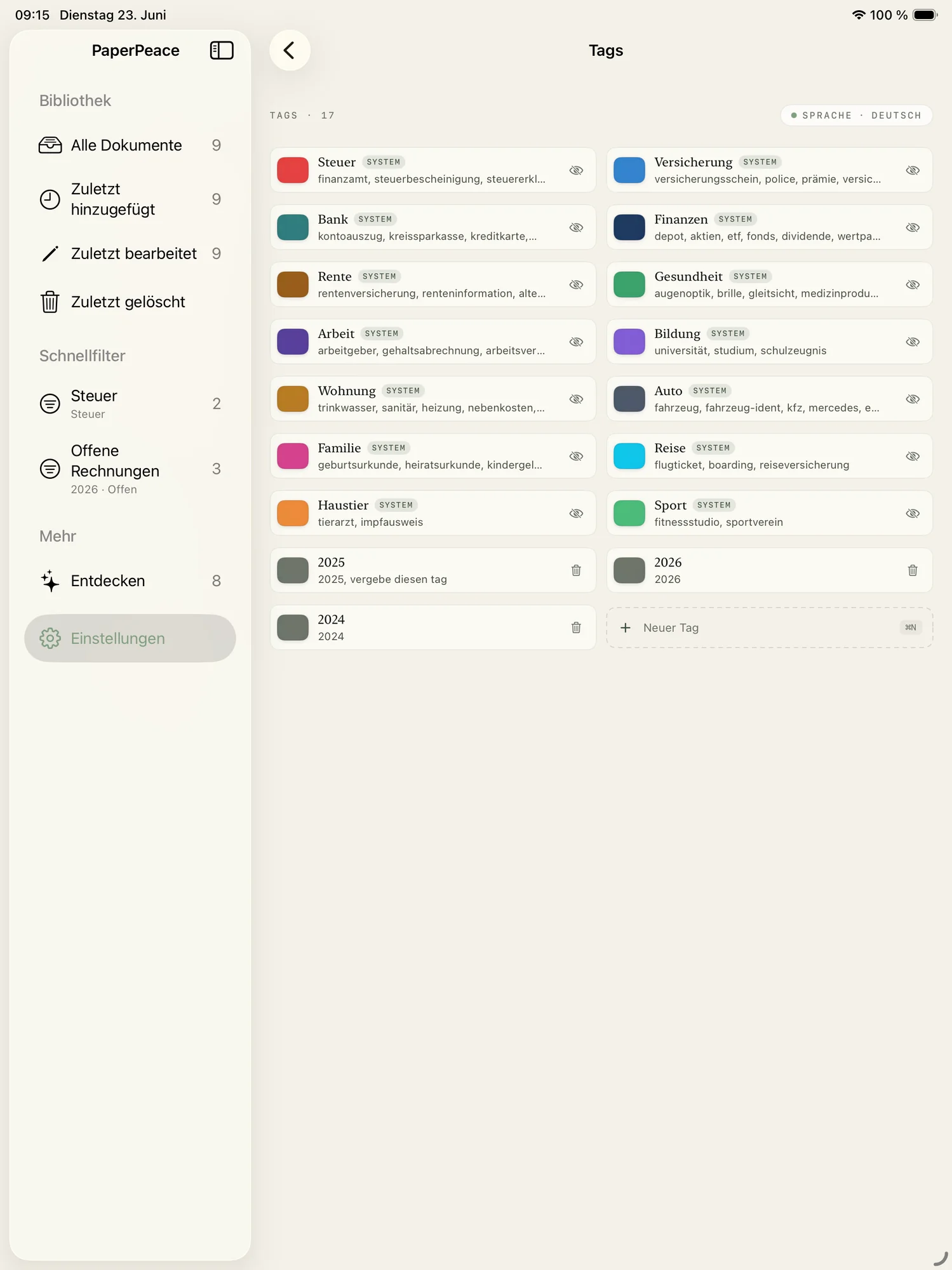
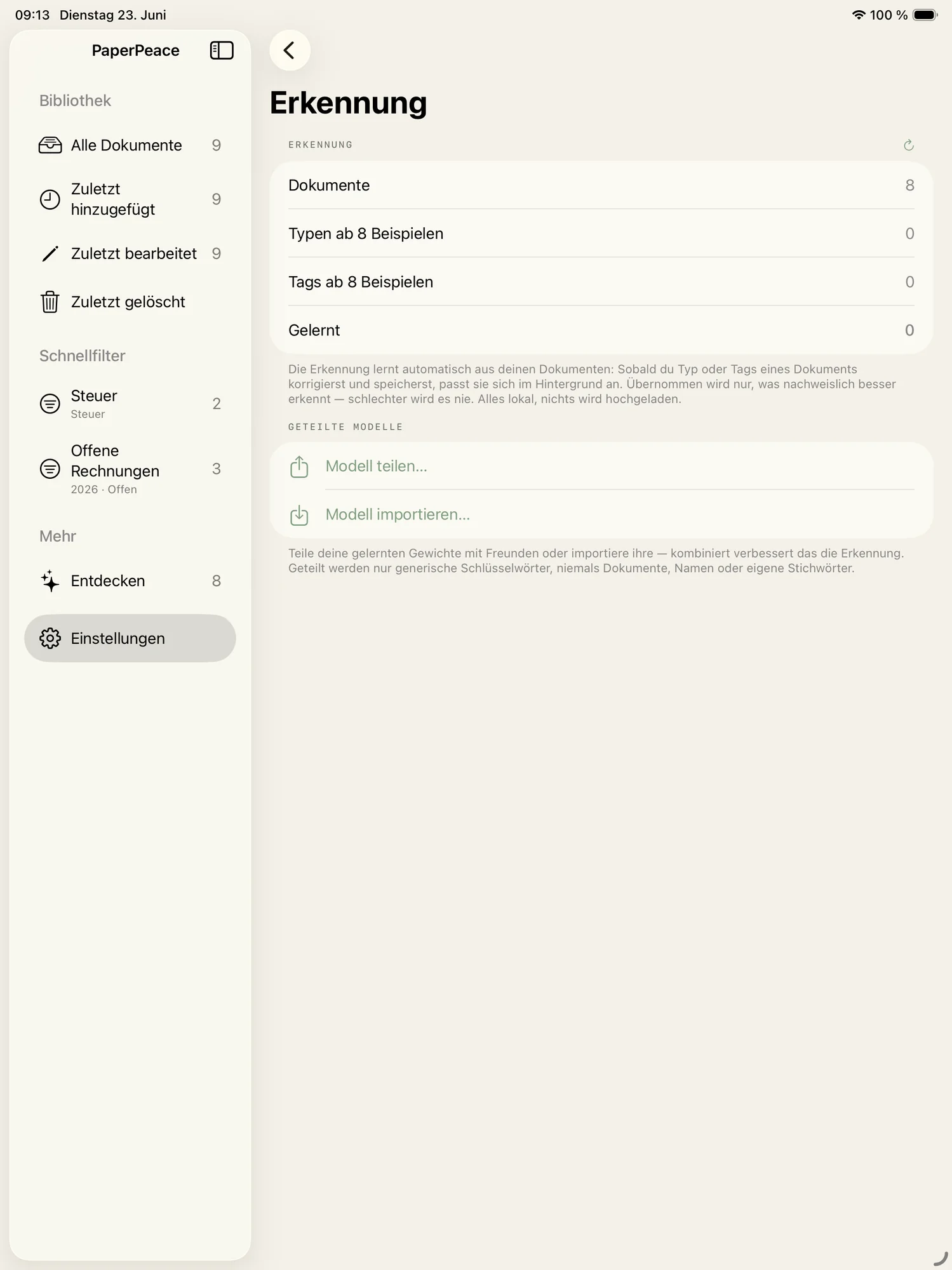
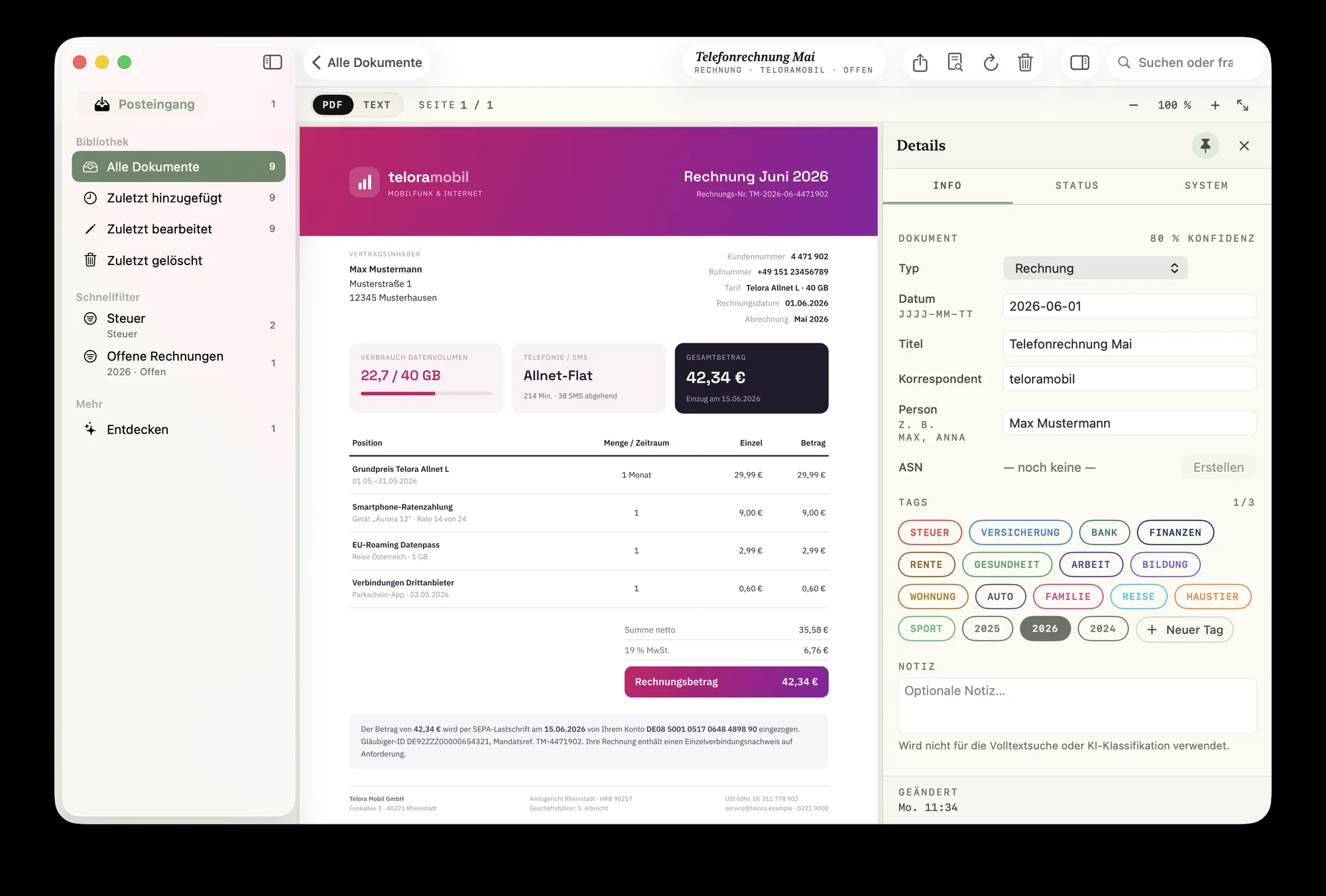
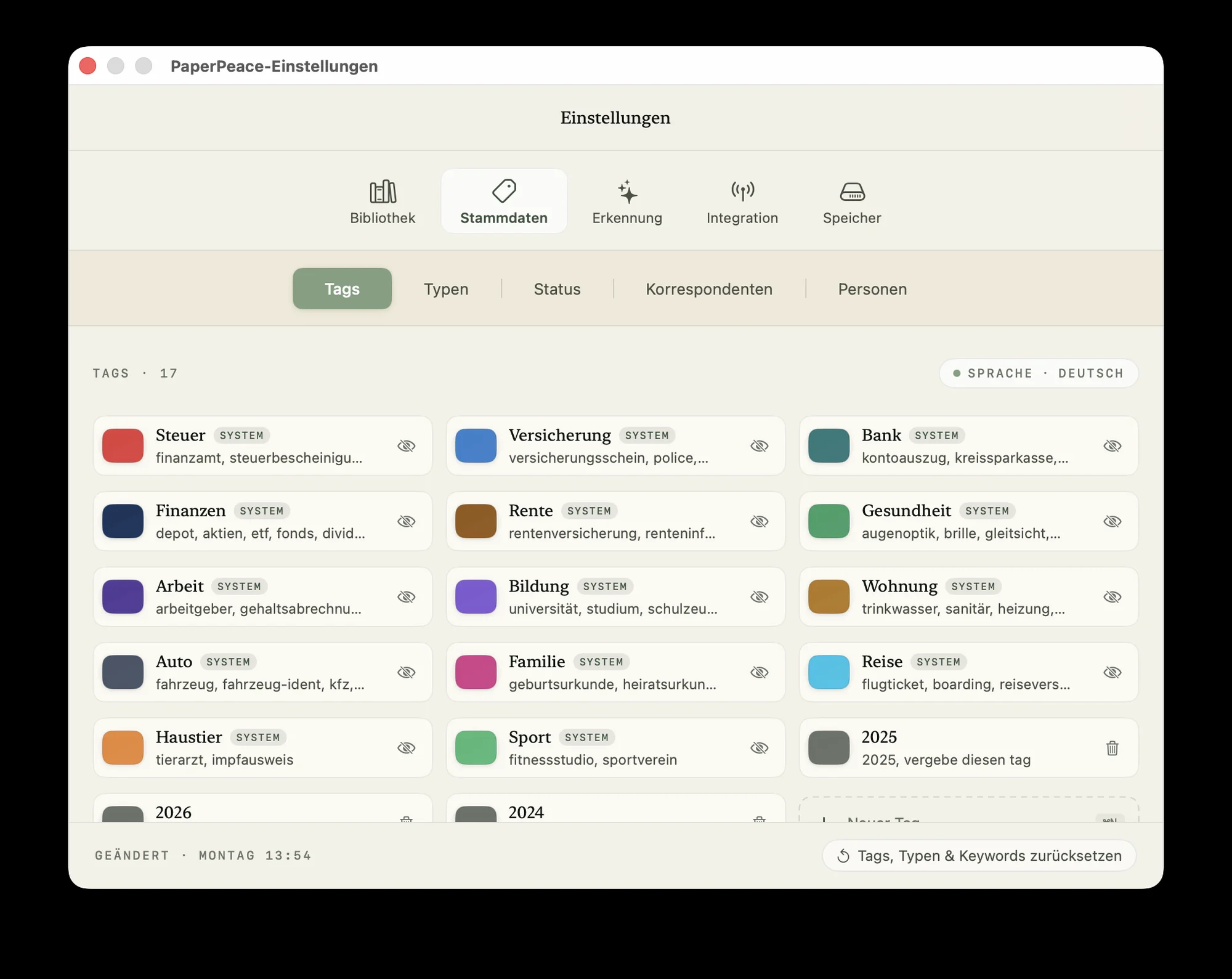
PaperPeace recognizes document types, tags, correspondents and people automatically. Thanks to built-in machine learning, it keeps learning and getting better. Recognition happens entirely on the device — your data is never sent over the internet for processing.
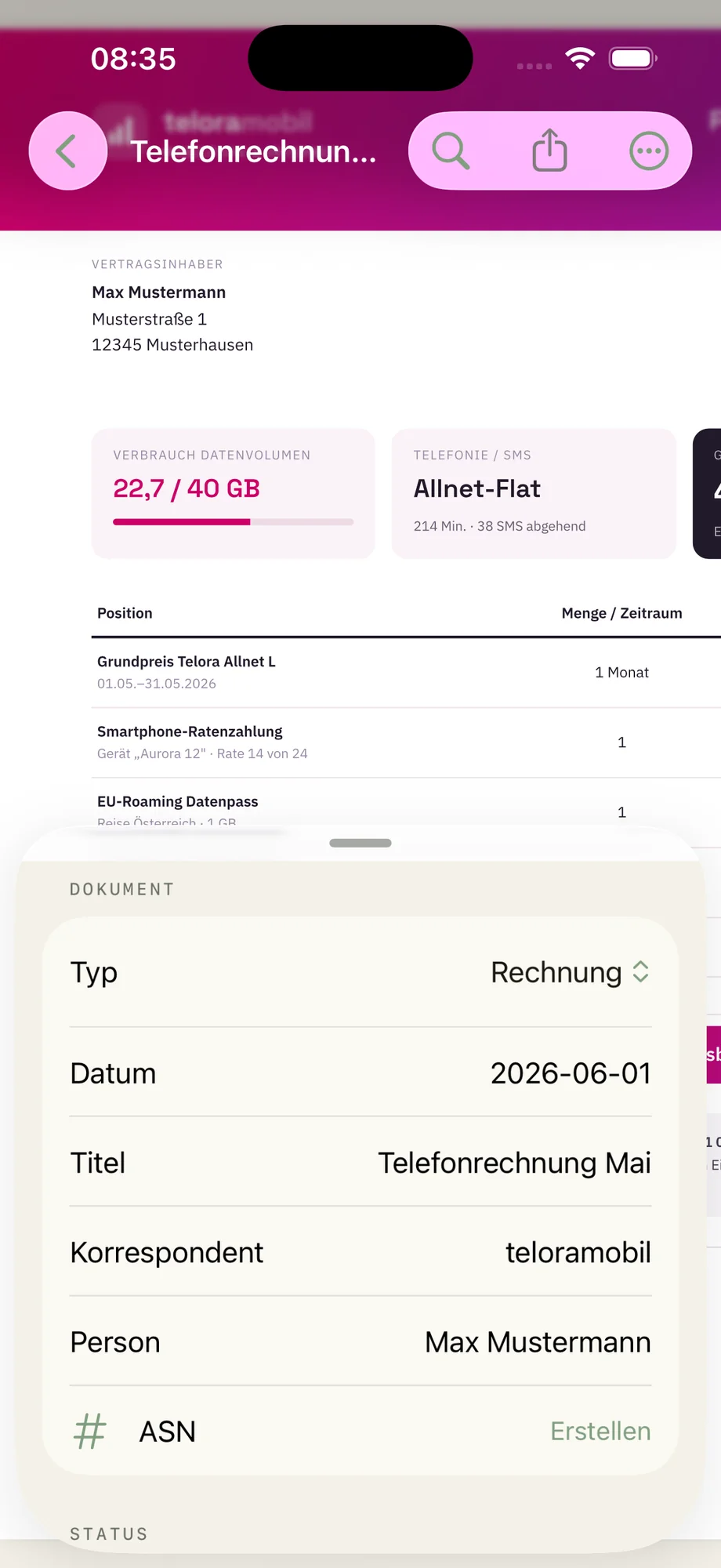
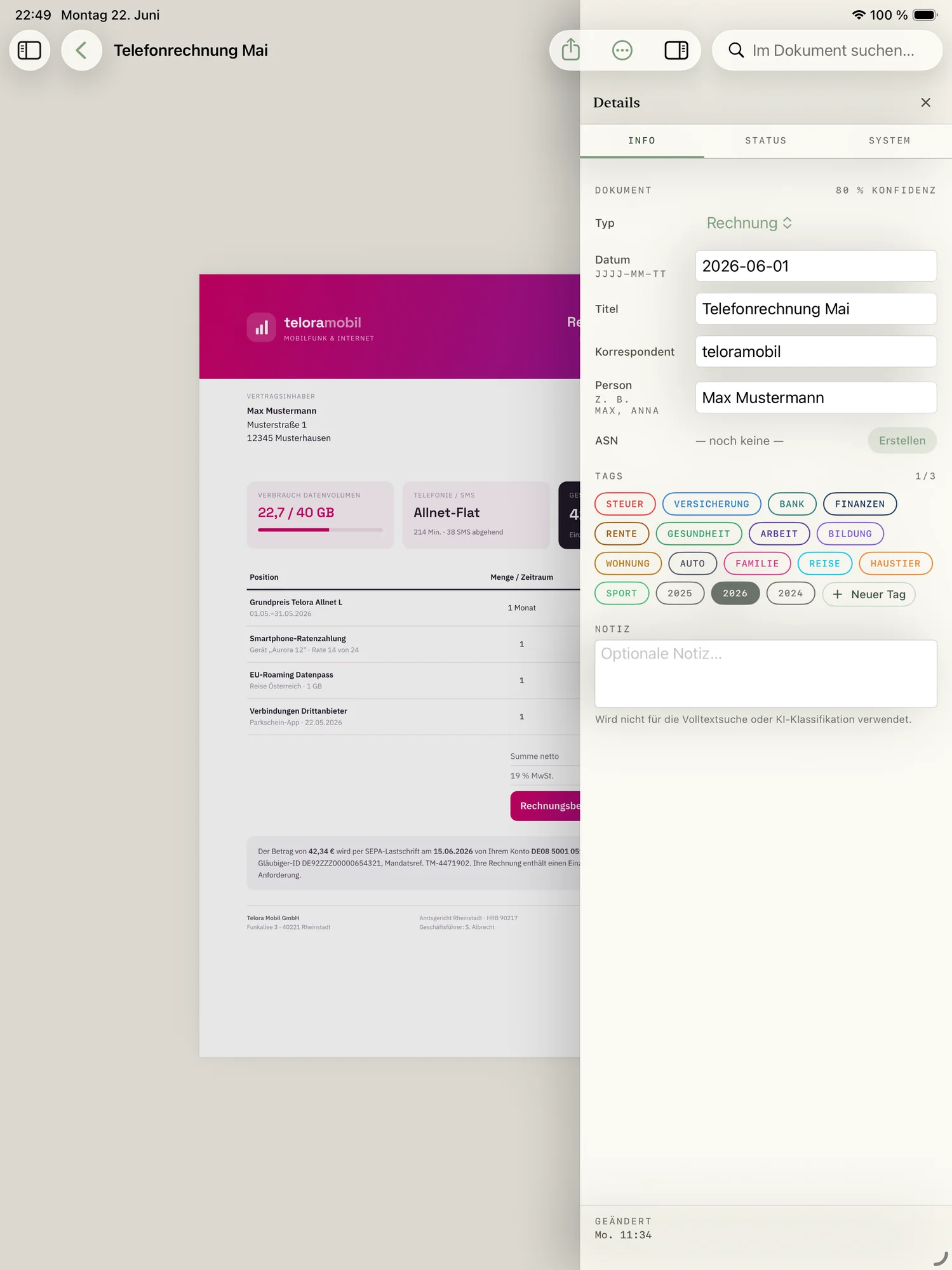
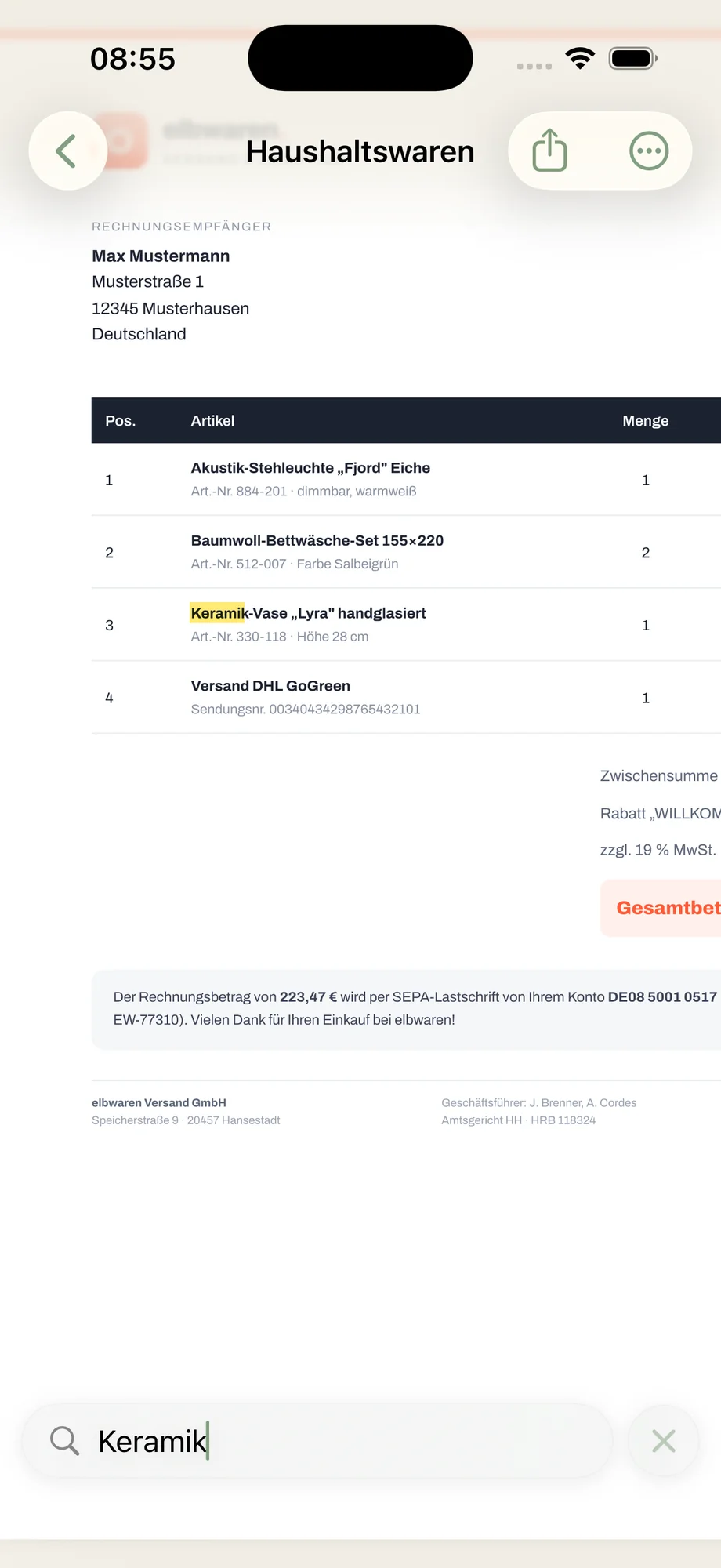
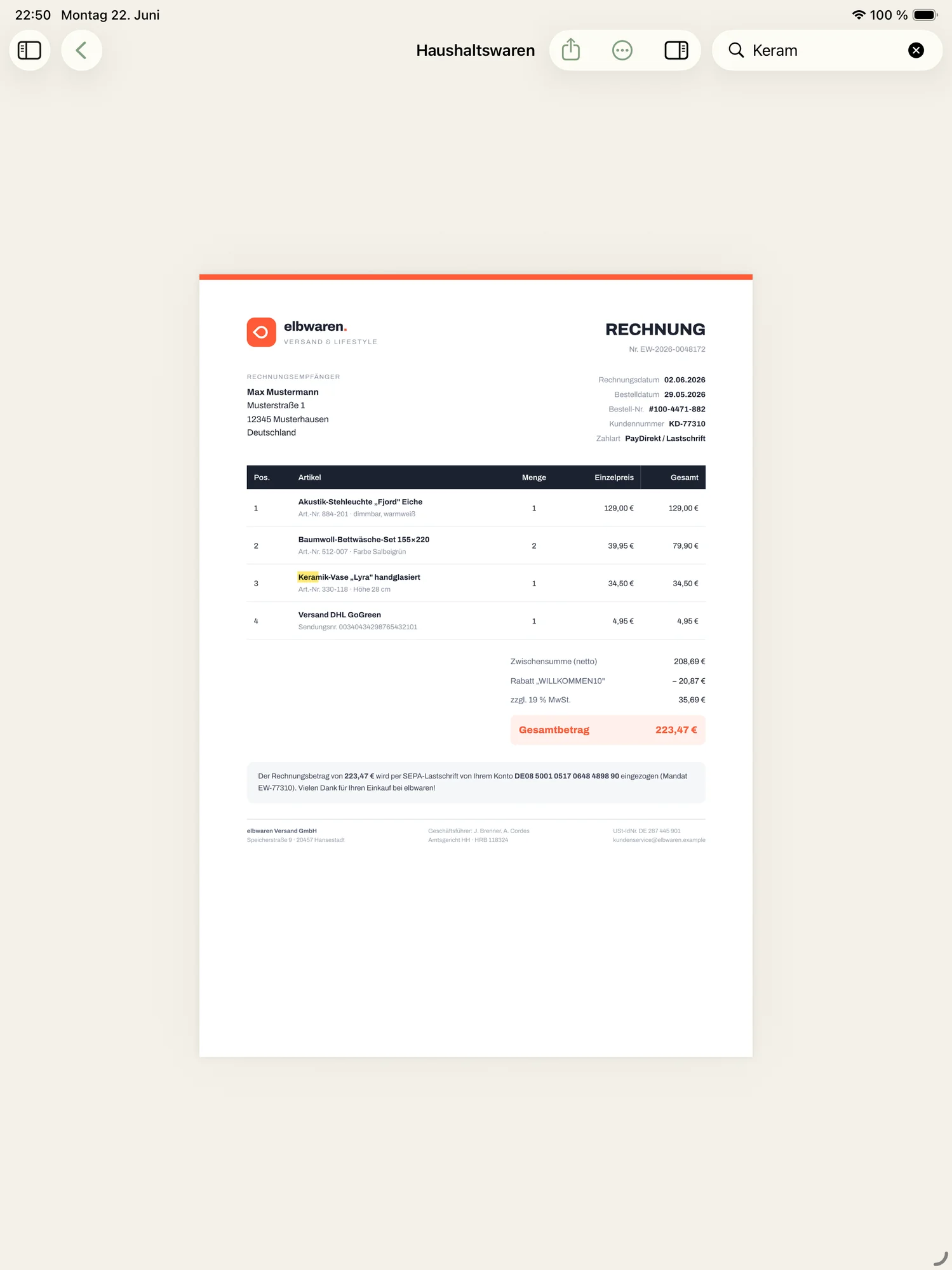
Search the words, not the filename.
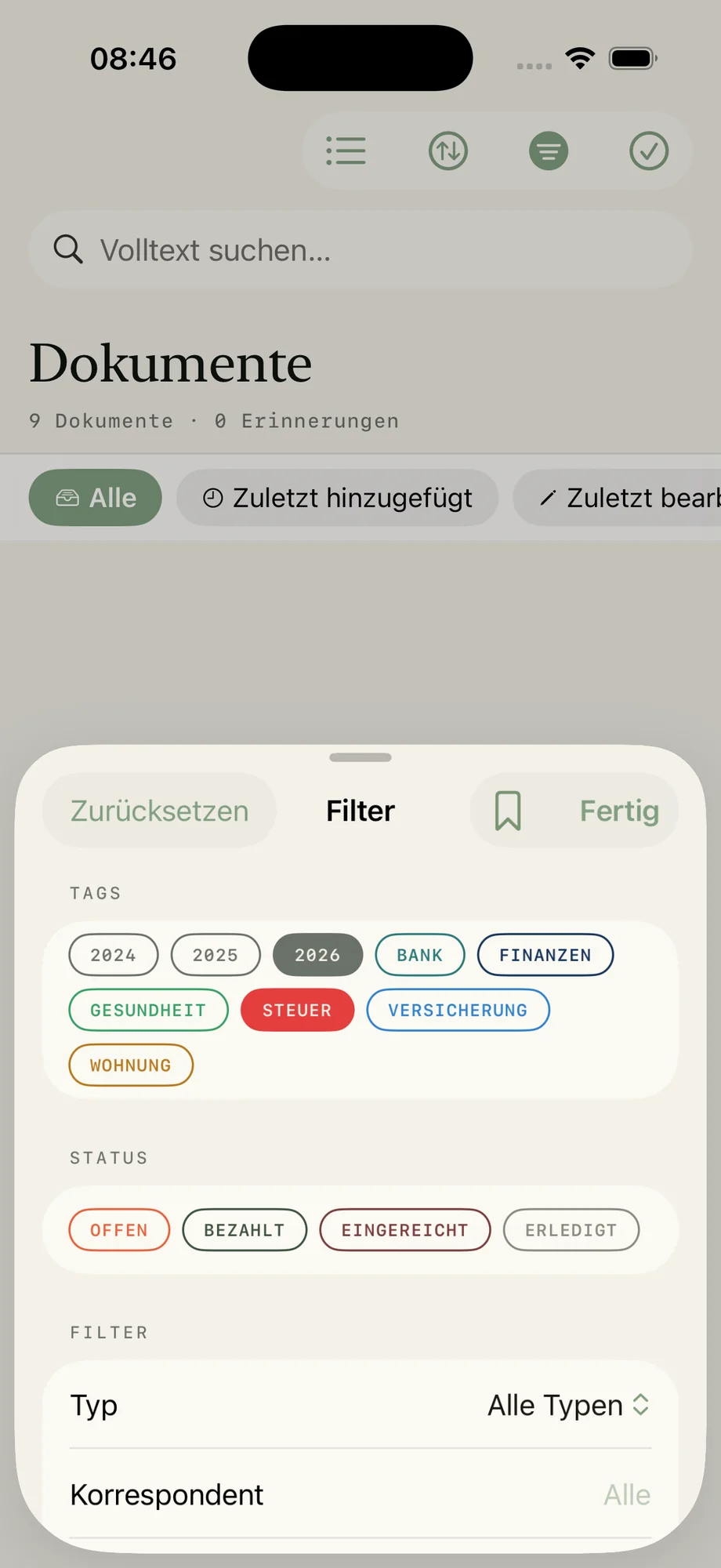
Just start typing — PaperPeace searches every letter, including the text inside scanned documents. Quick filters let you narrow by type, tag, correspondent or date, putting the right document in front of you in seconds.
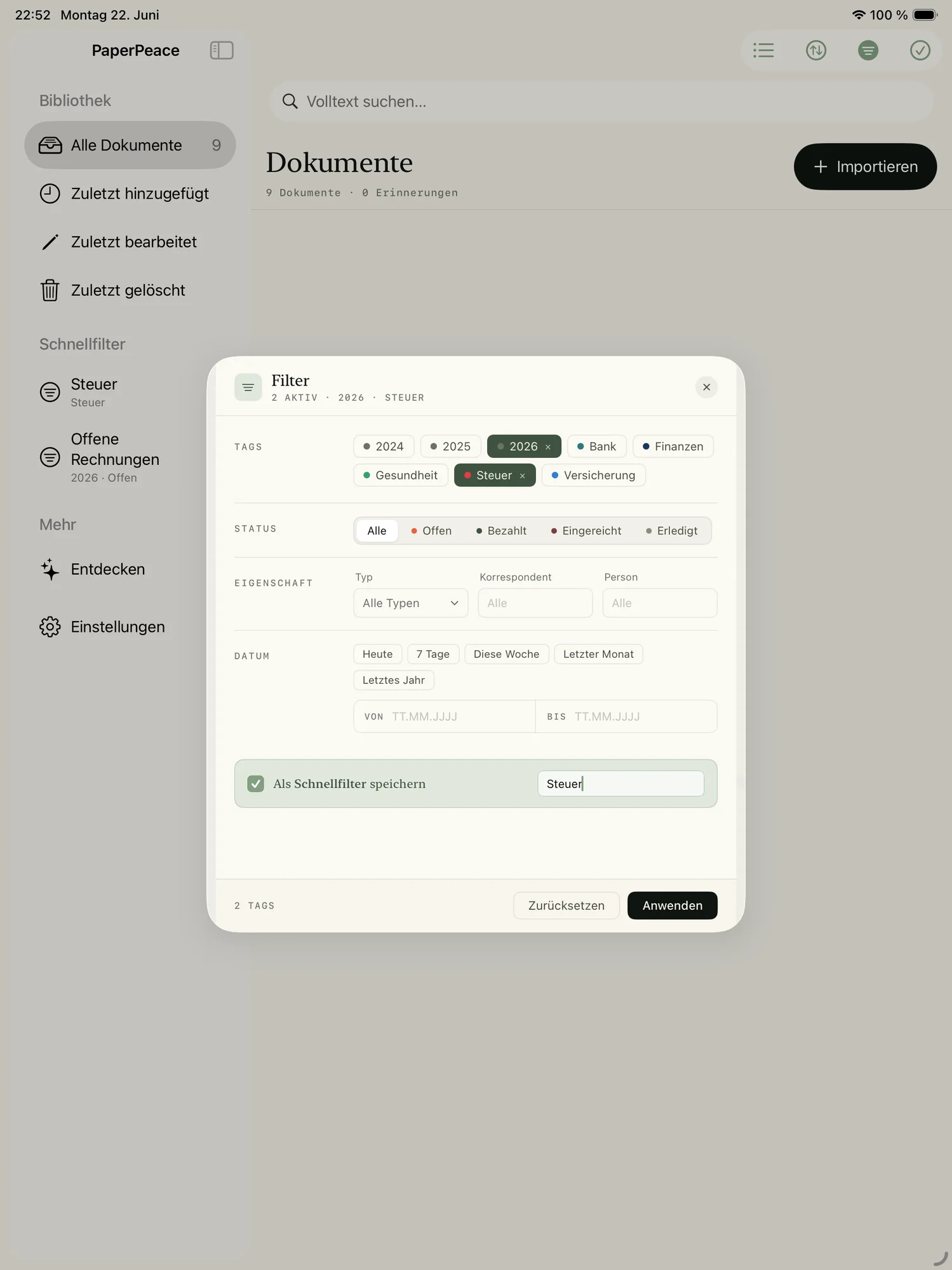
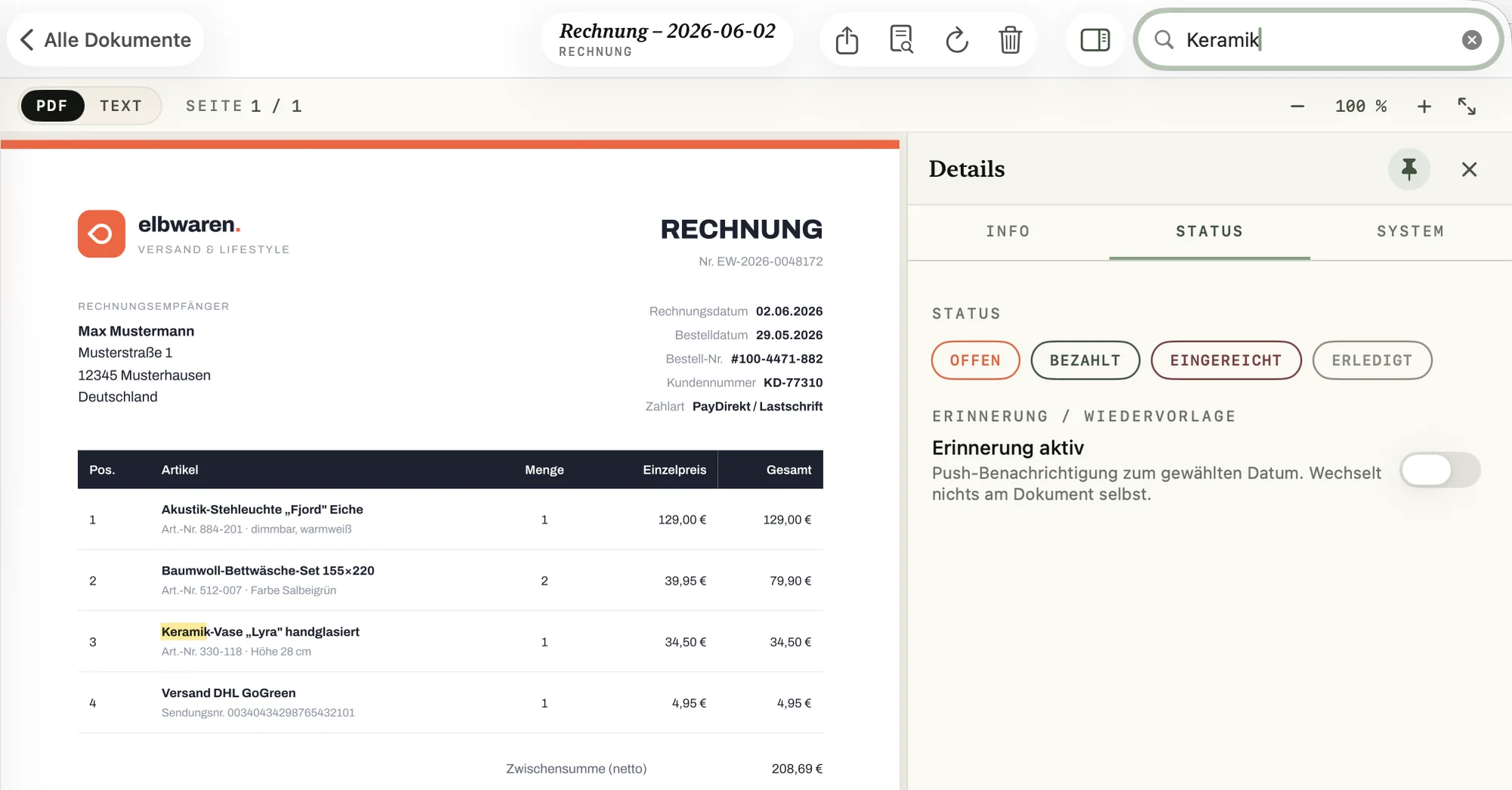
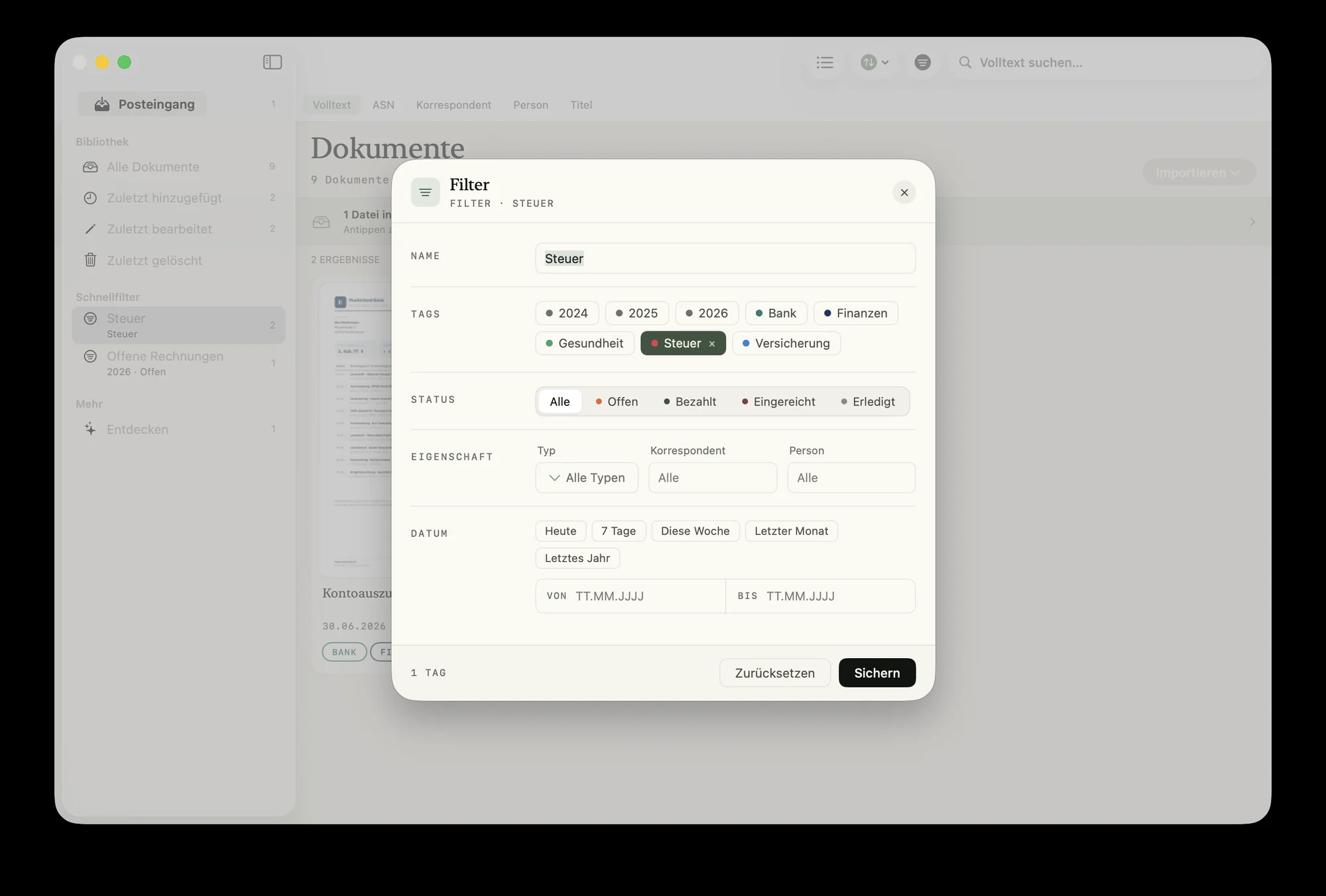
Right where you already look.
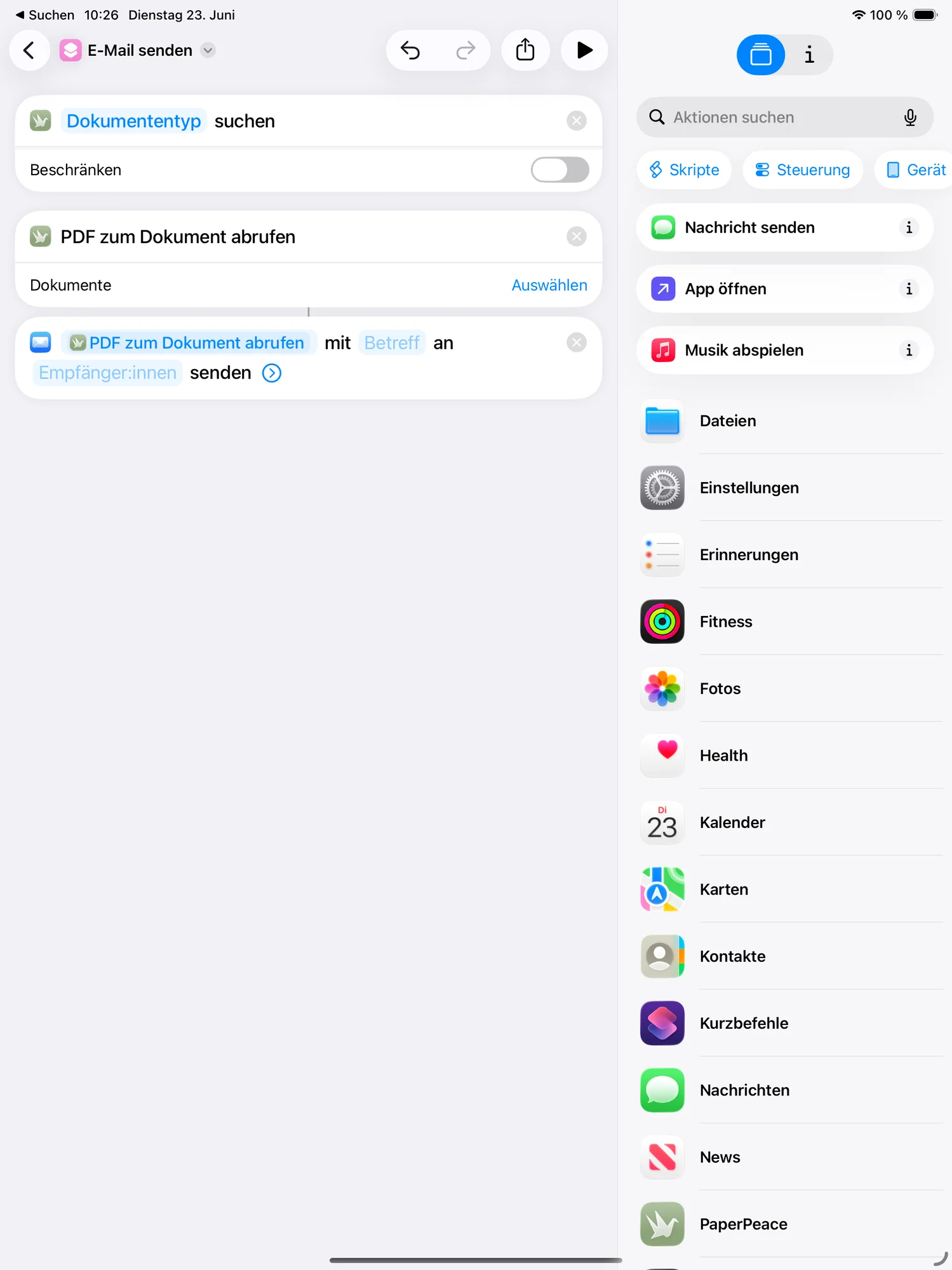
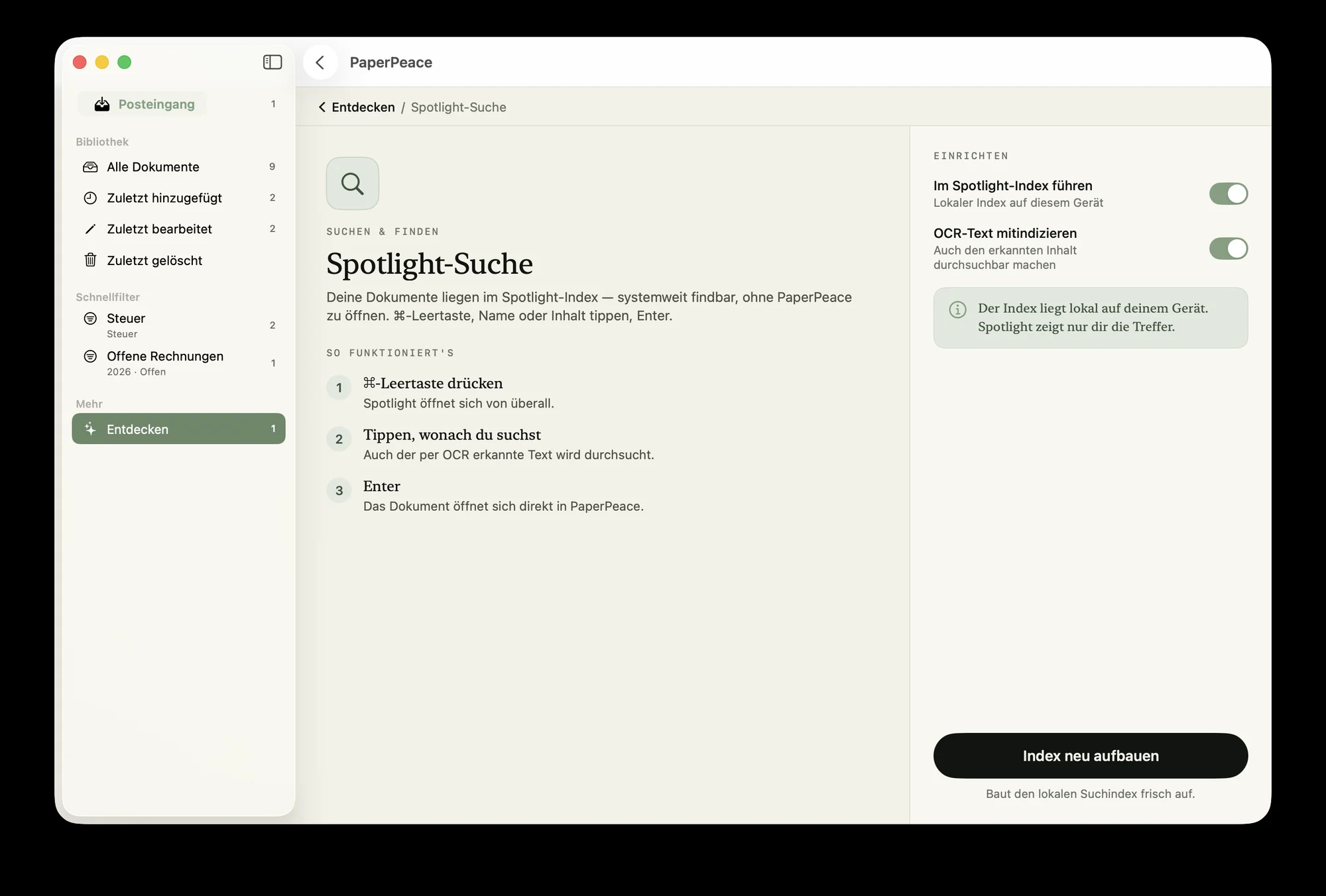
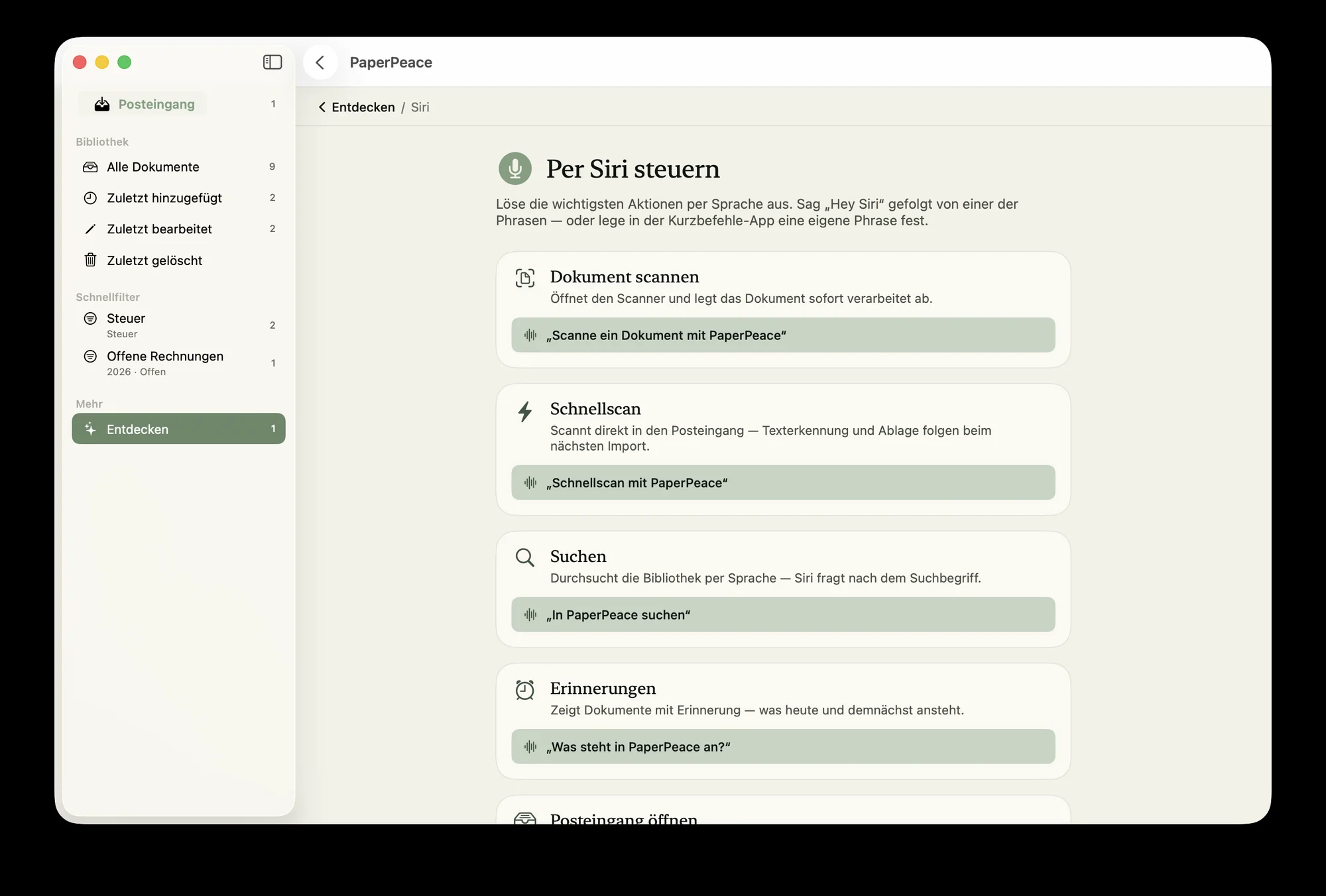
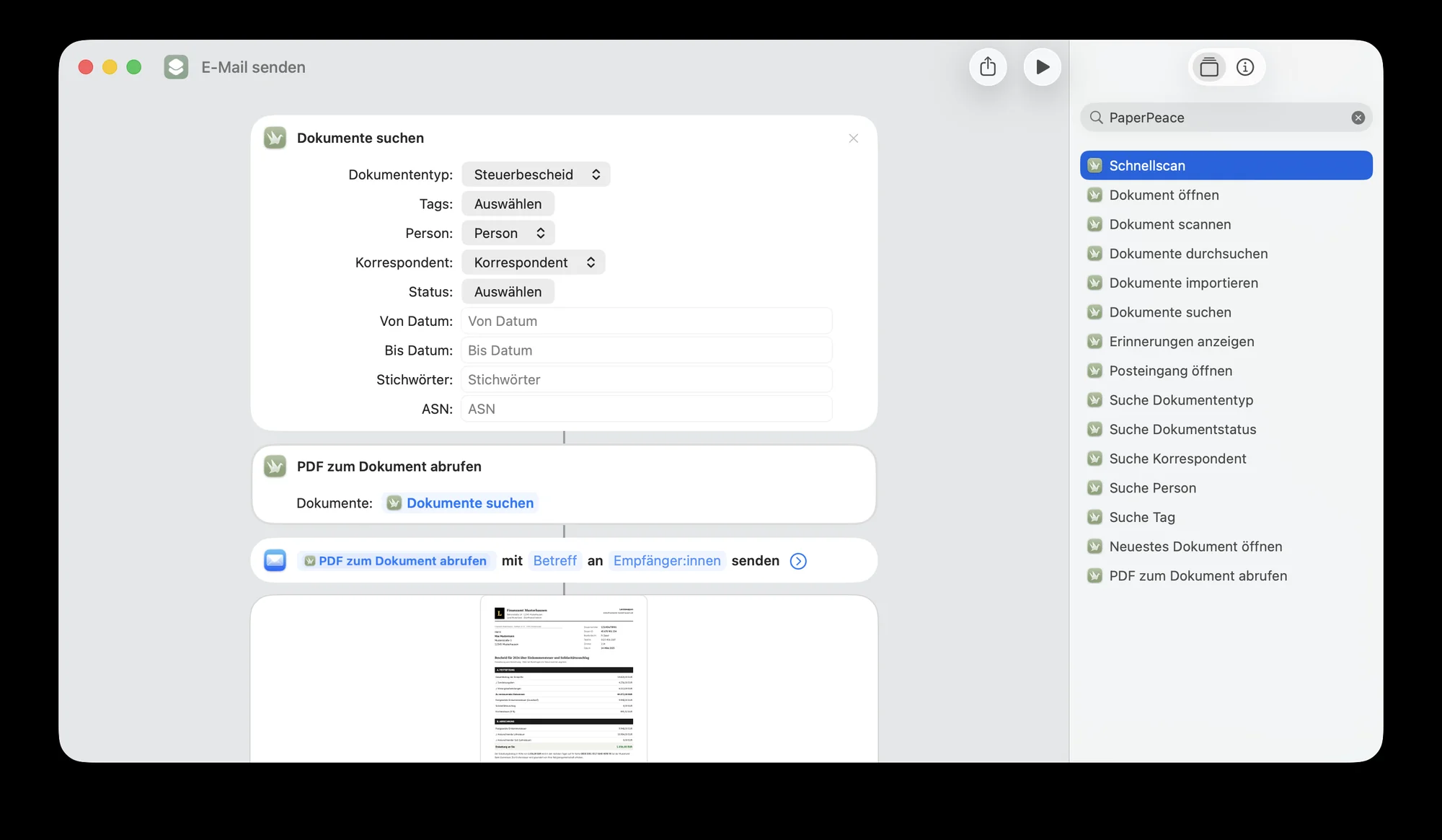
If you like, PaperPeace integrates deeply into iOS and macOS: find documents straight from Spotlight, ask Siri for them — and if you want something more custom, build your own workflows with Shortcuts.
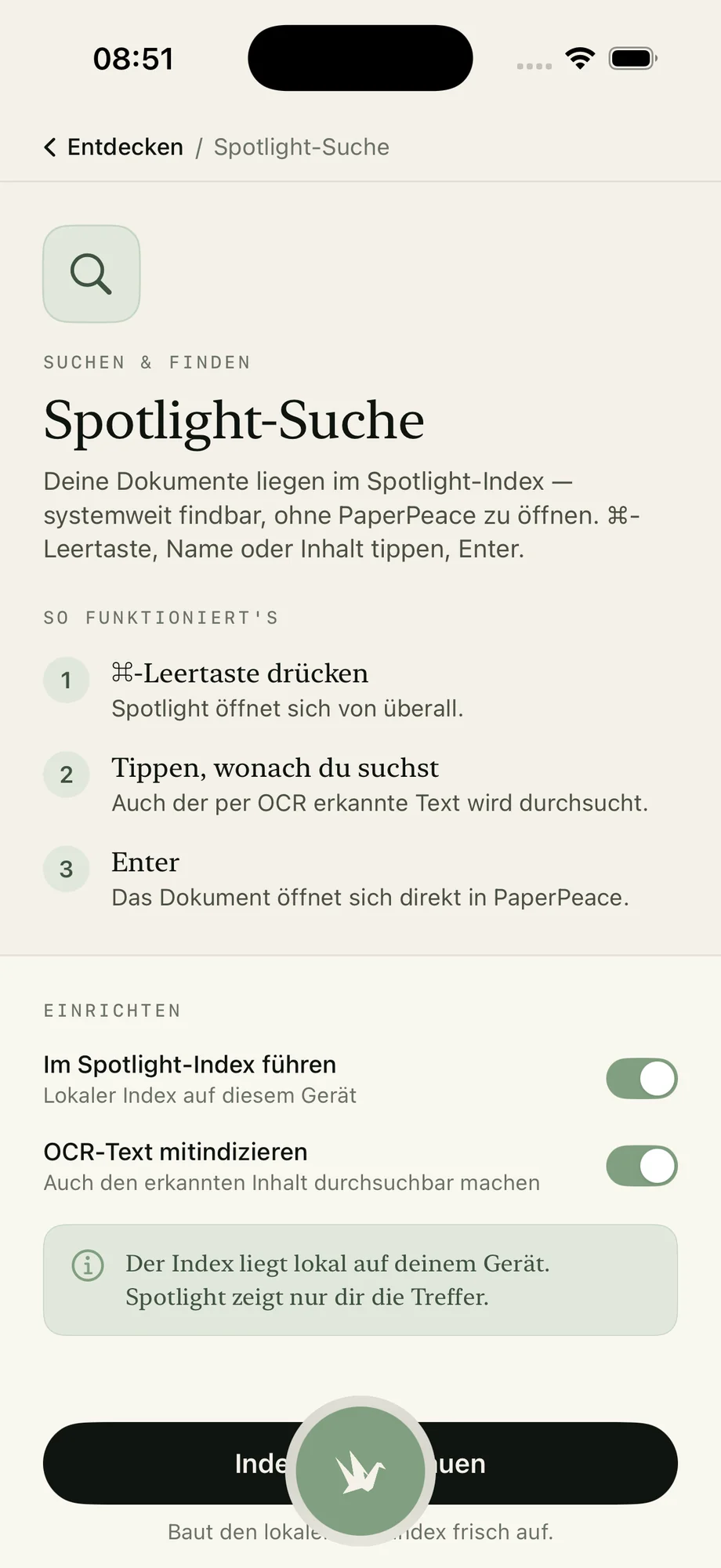
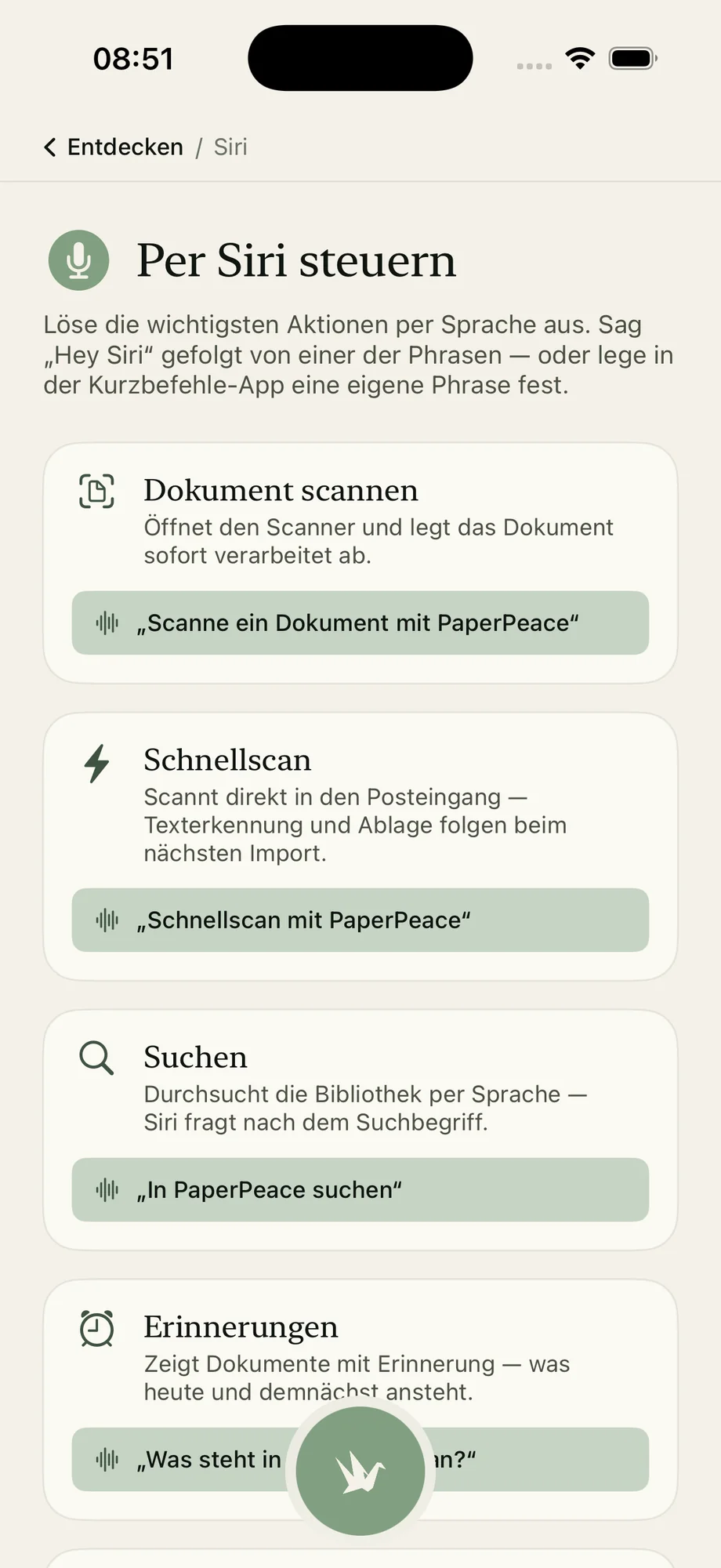
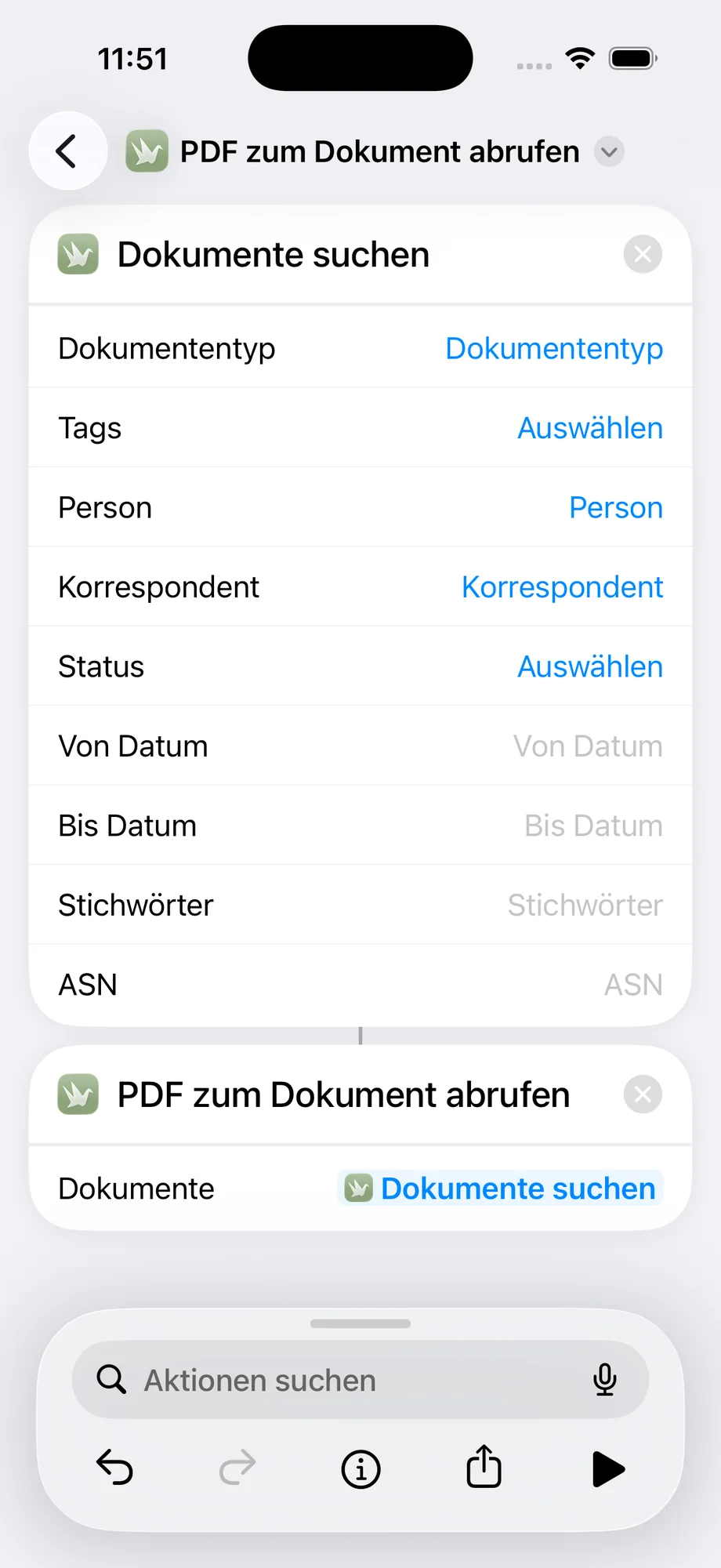
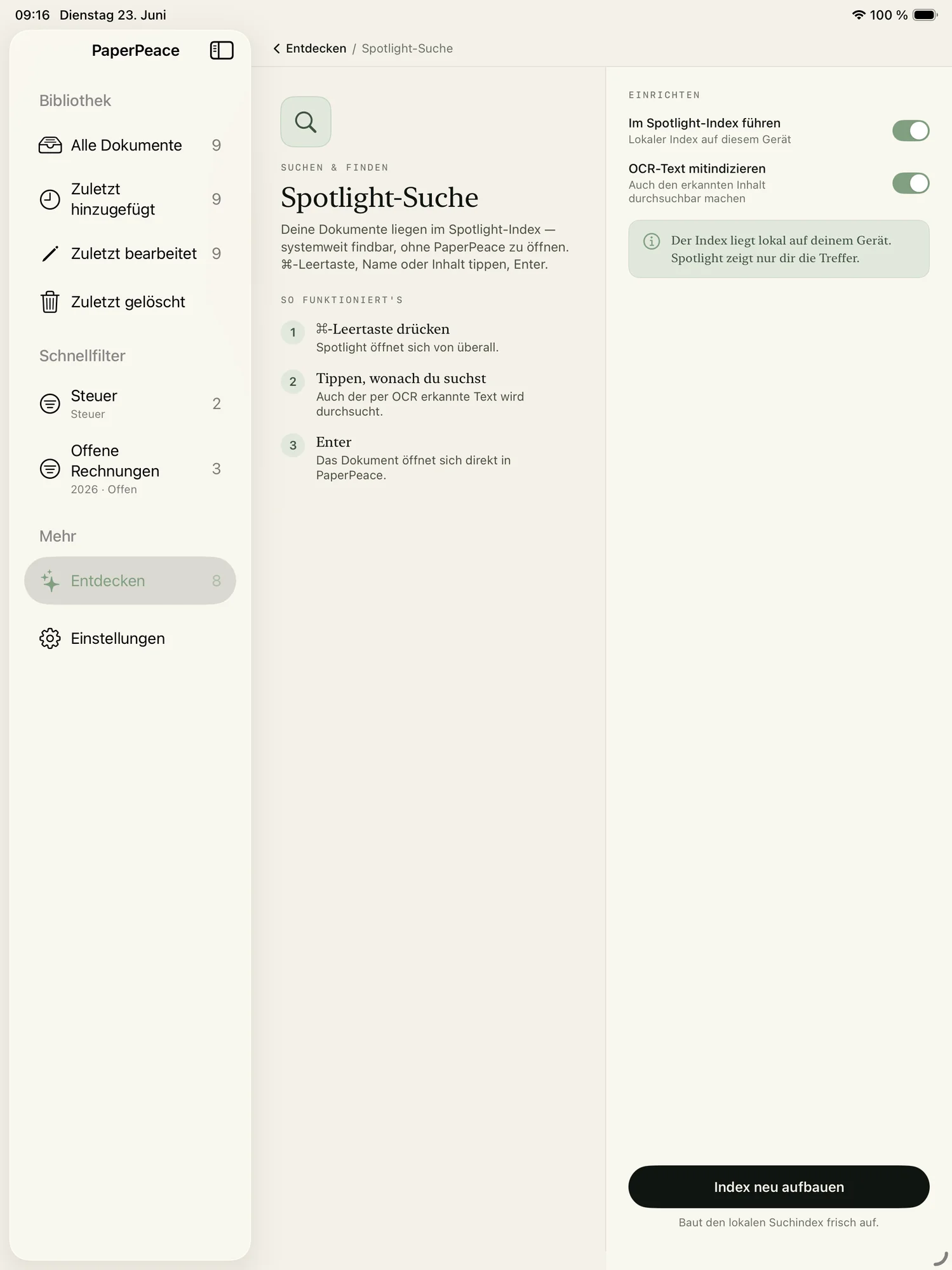
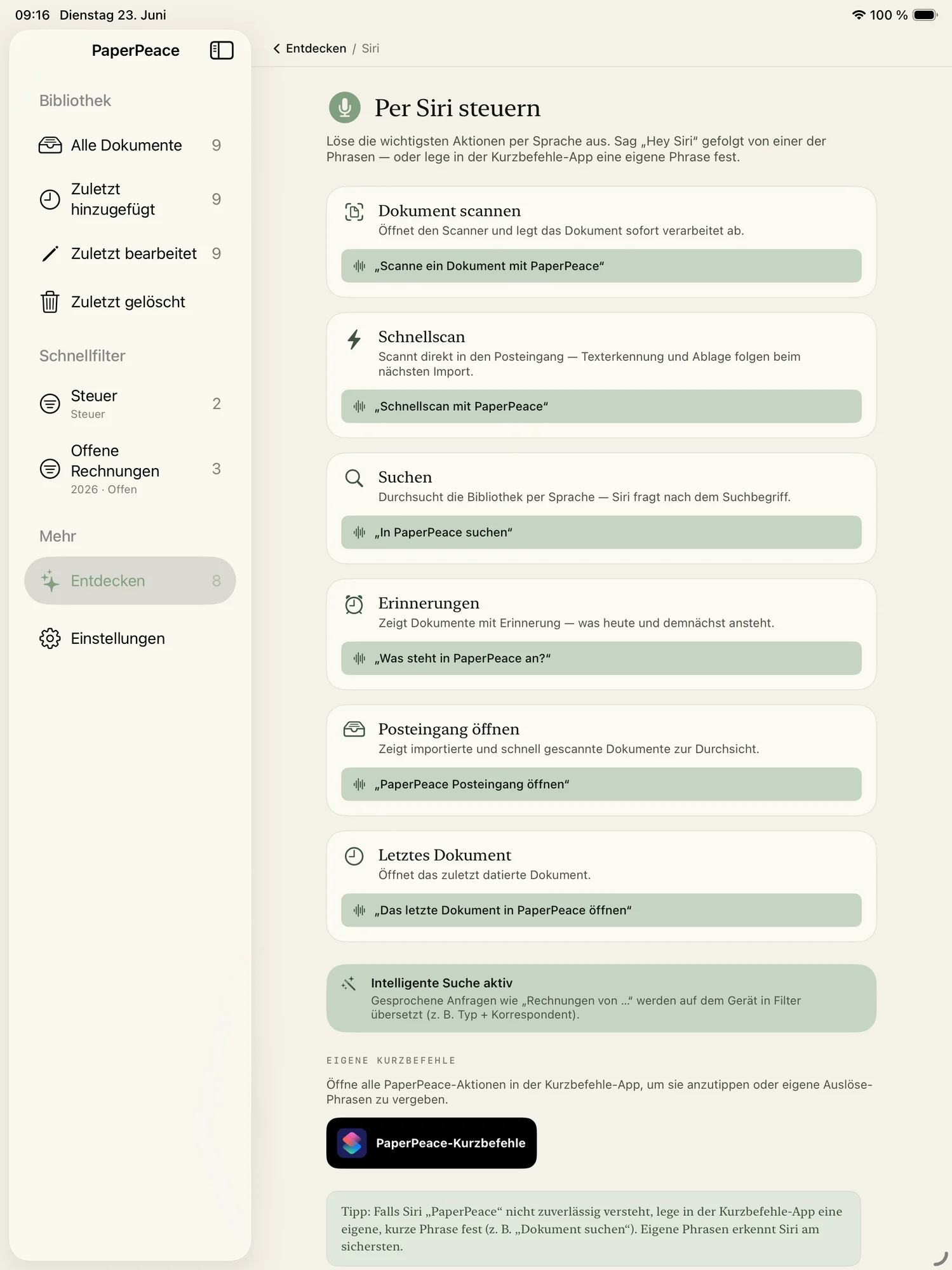
The same state on every device.
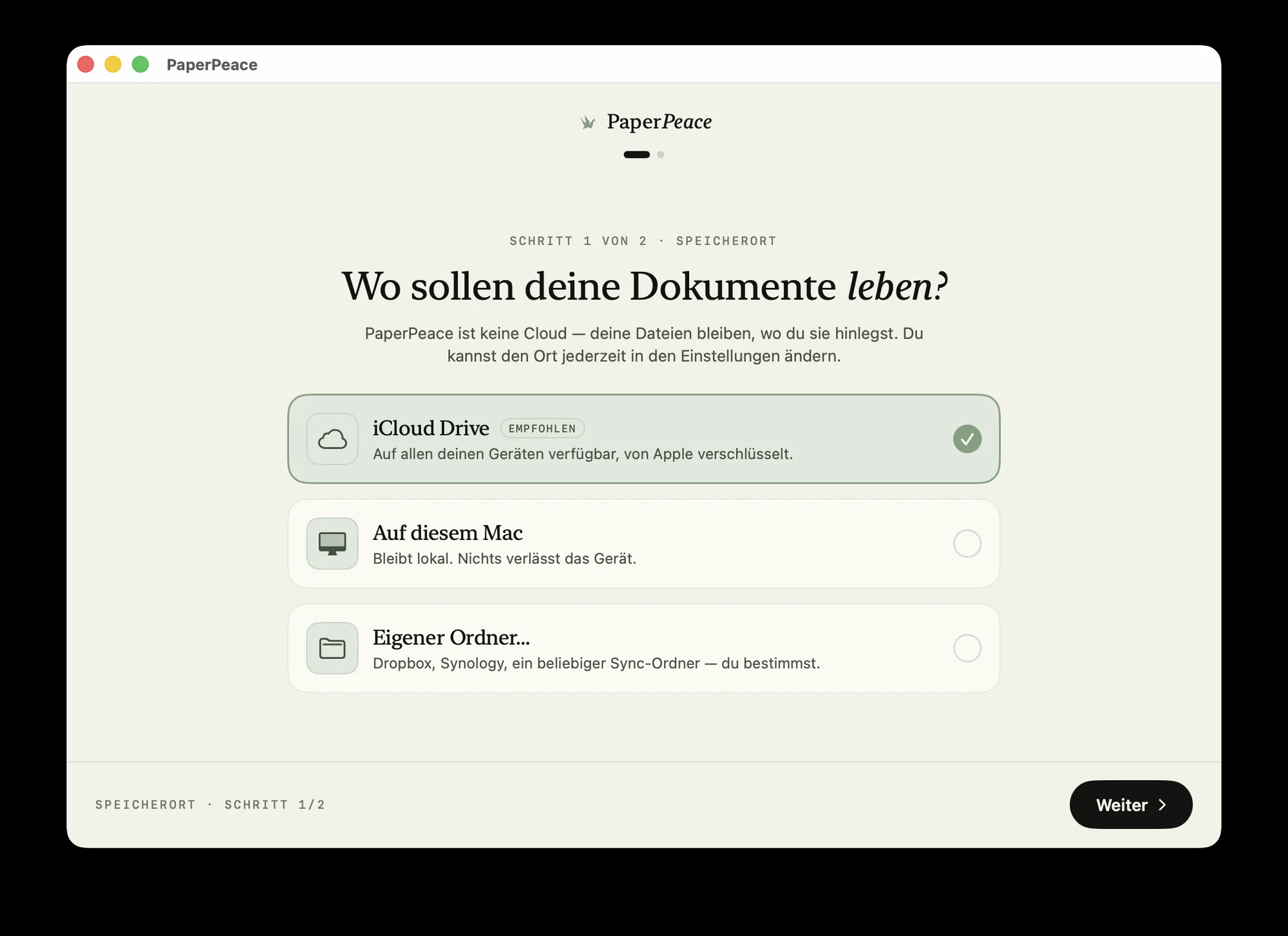
The same library on iPhone, iPad and Mac — the same tags, the same state, kept current in the background. You choose where it lives: locally, in iCloud Drive or with your own cloud provider. And through a shared folder you can easily work on the same documents together — perfect for family, your partner or a small office.
Never miss a deadline again.
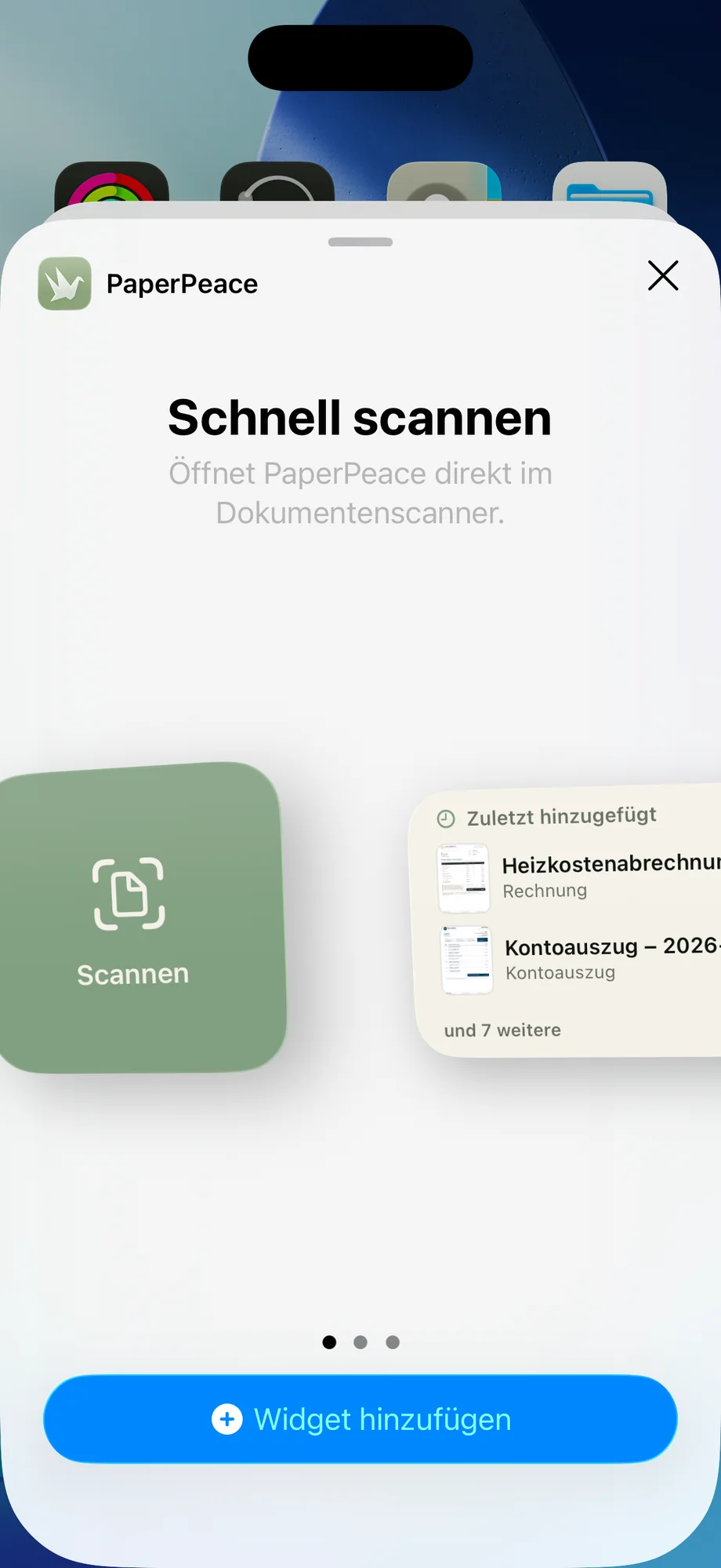
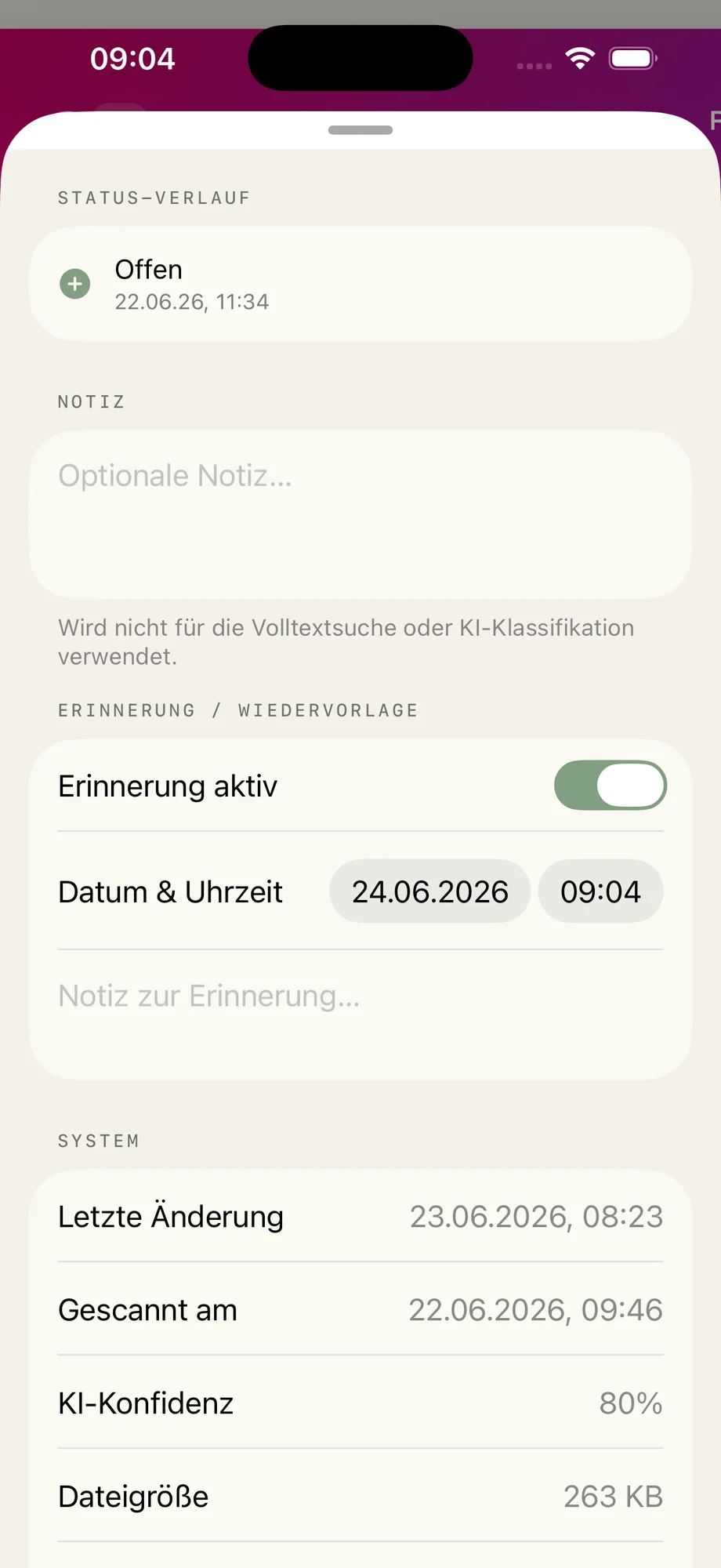
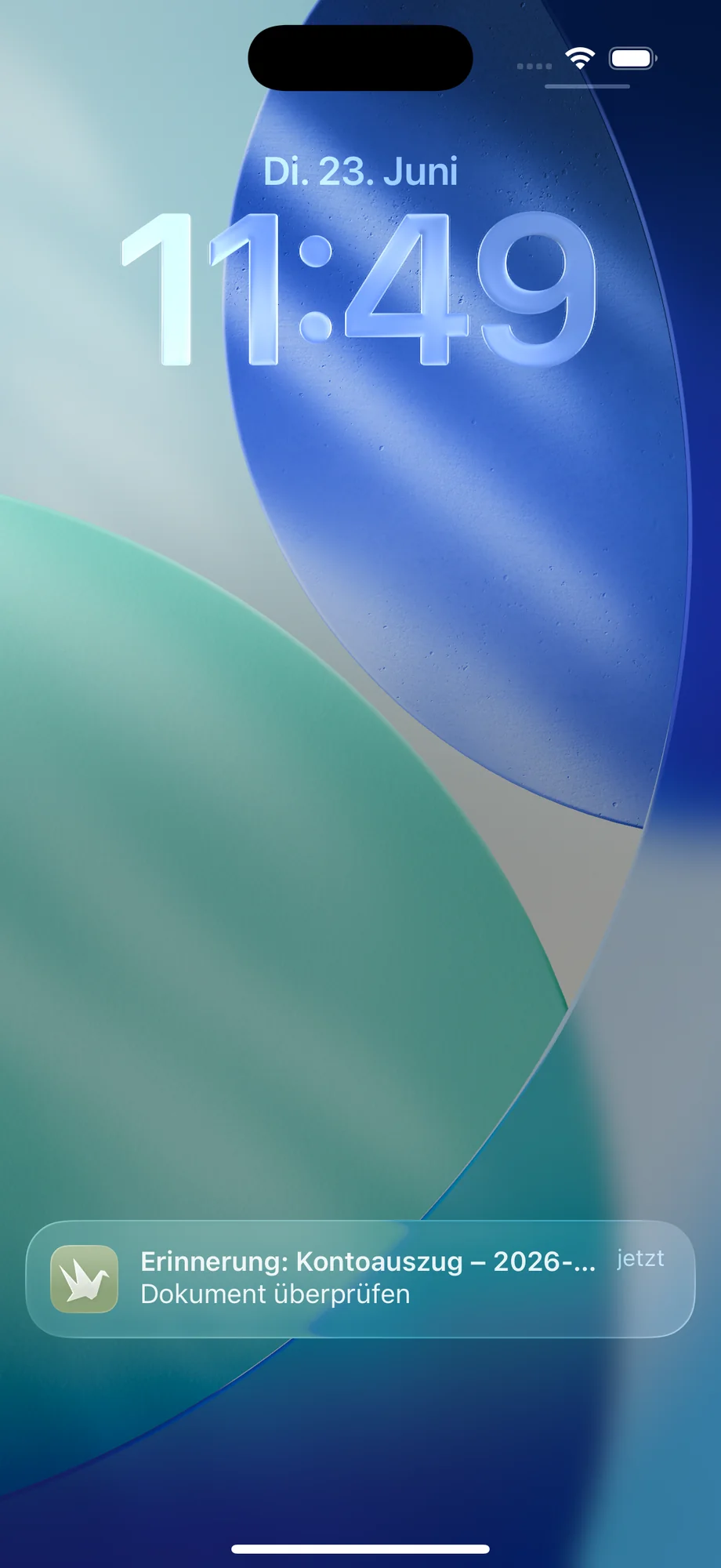
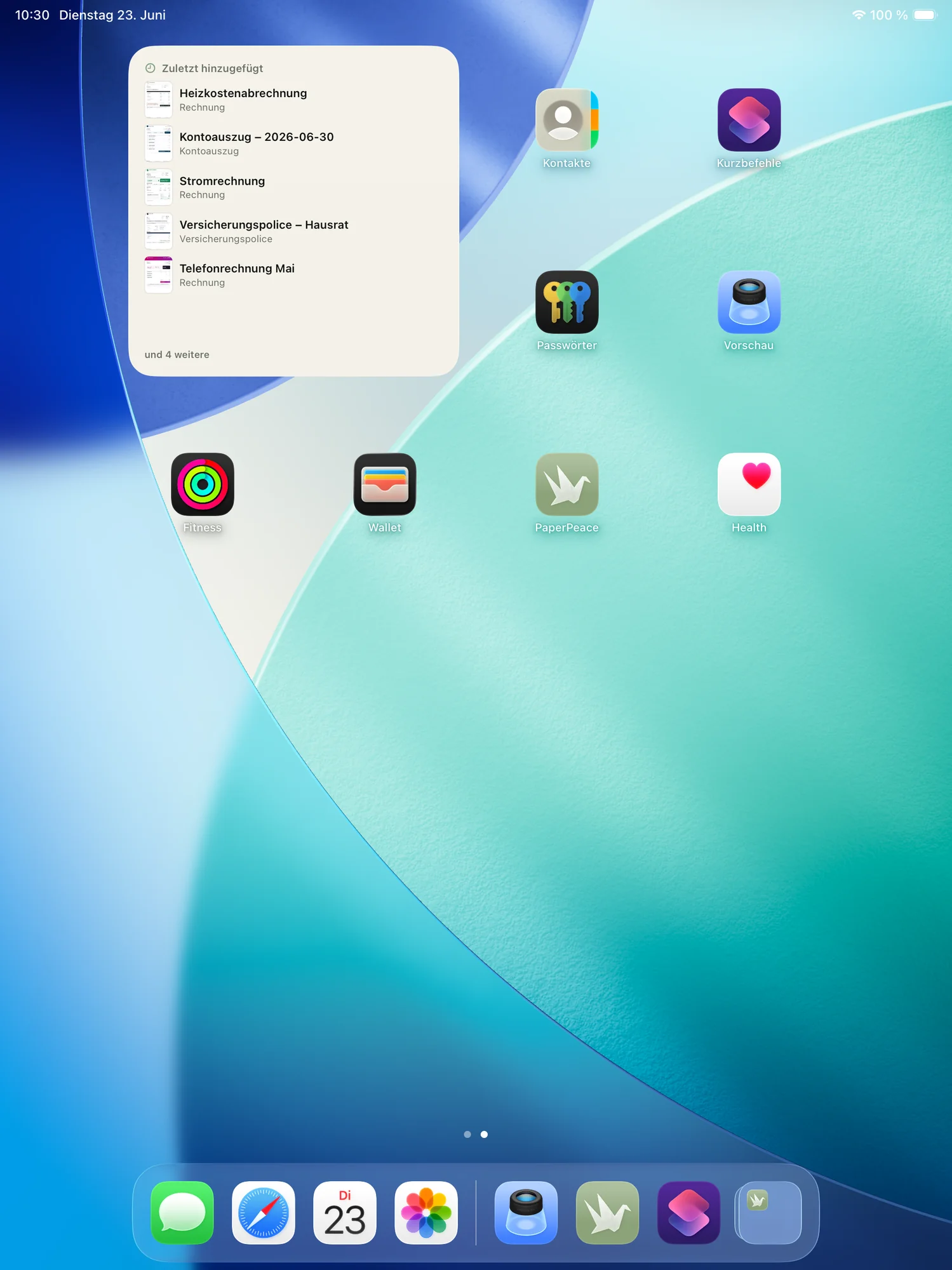
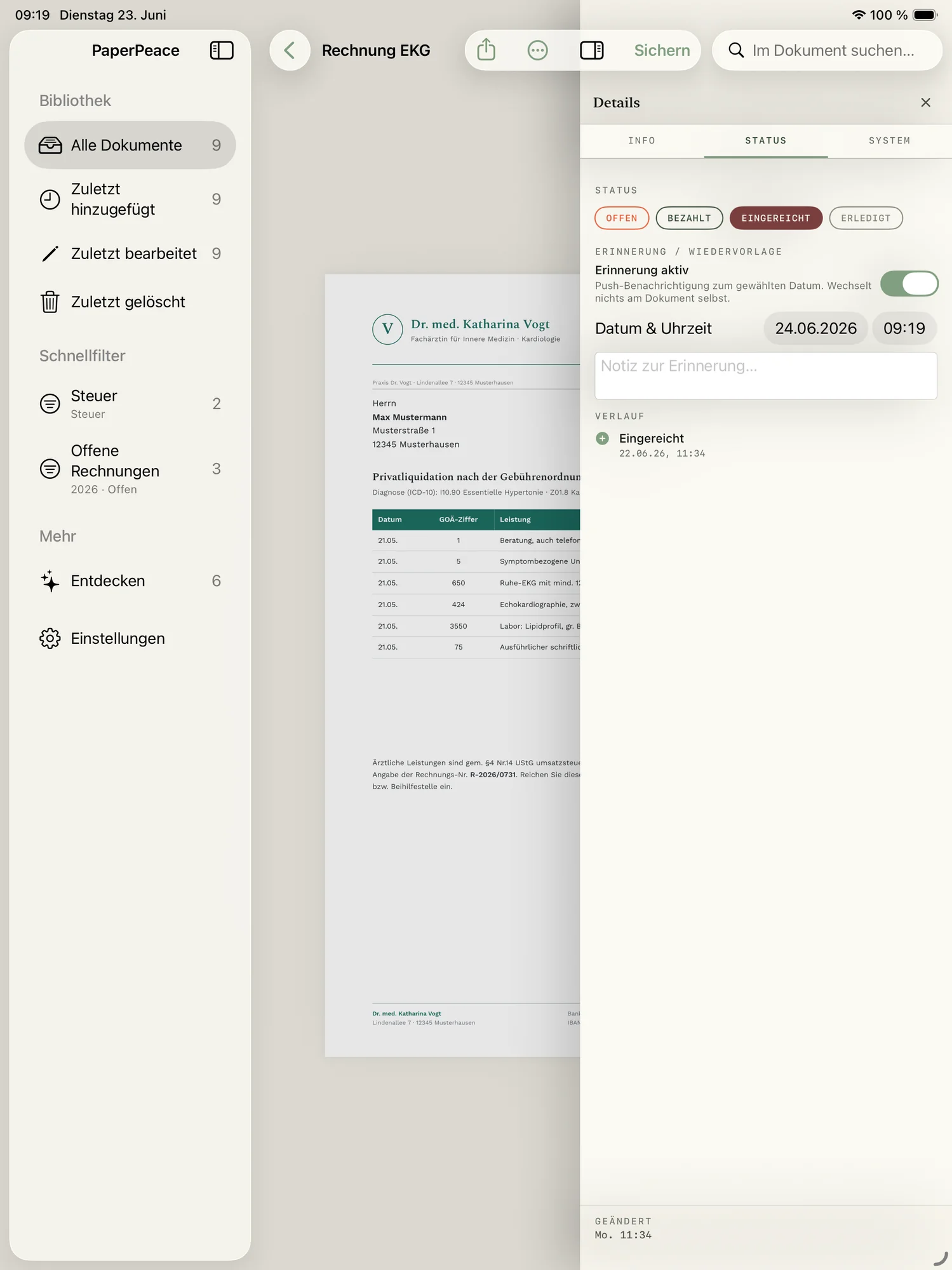
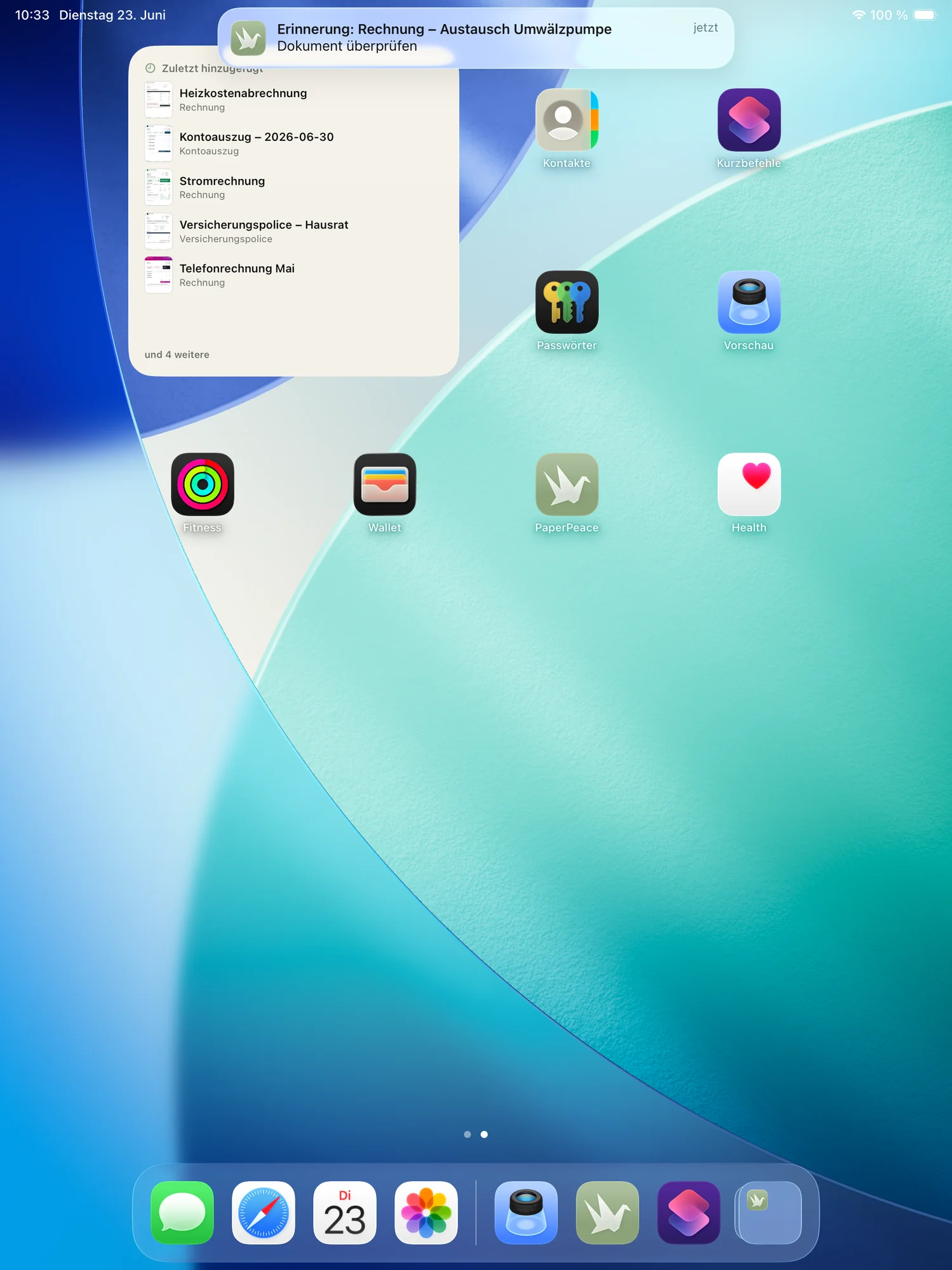
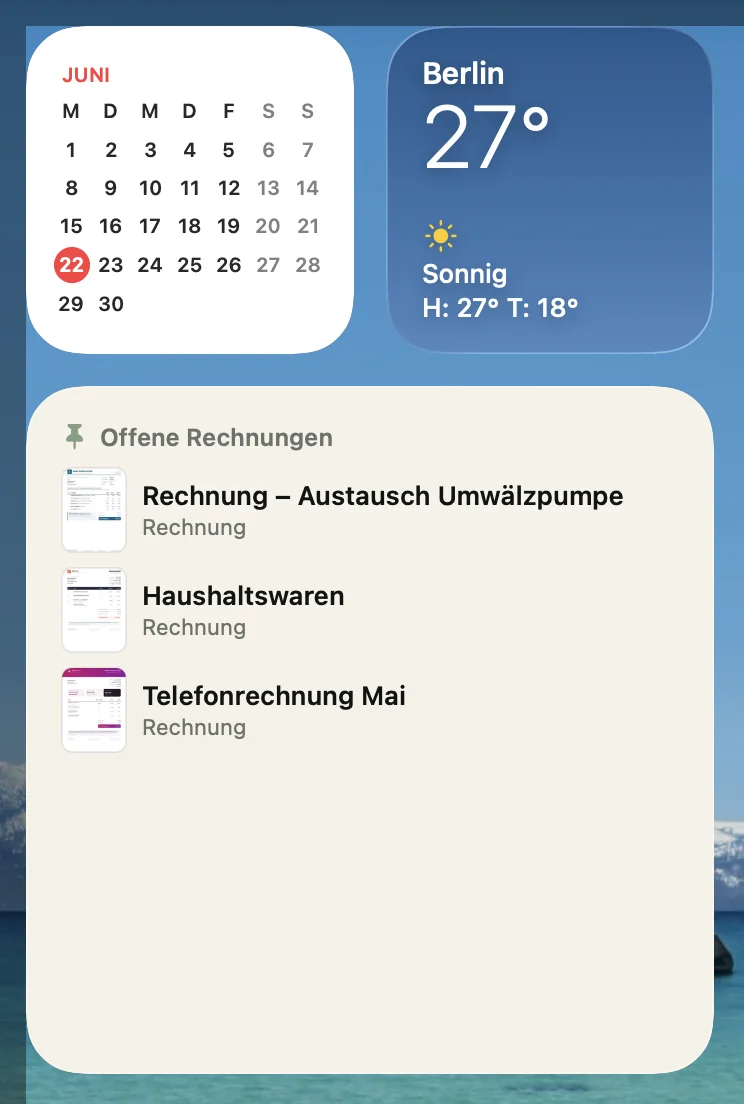
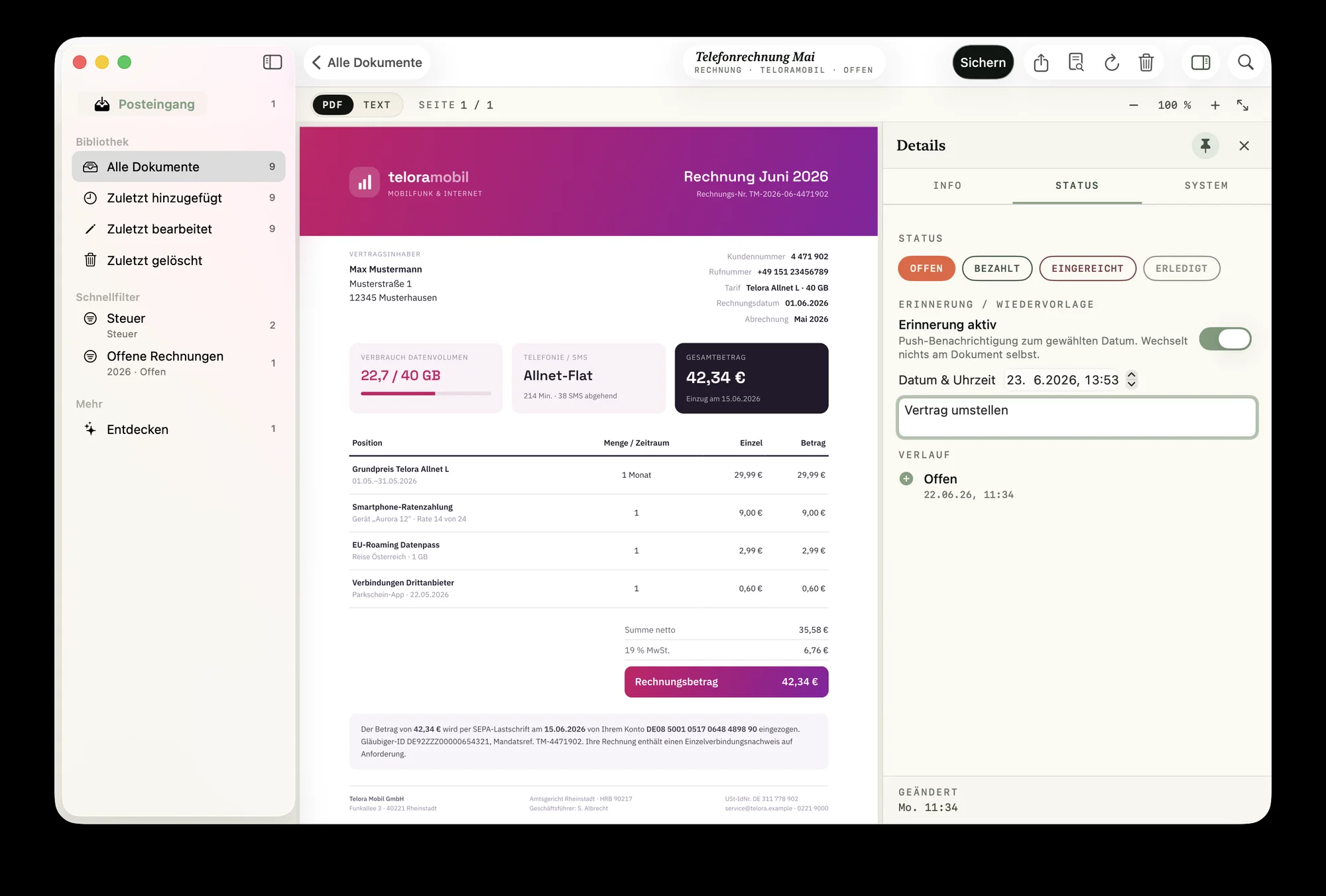
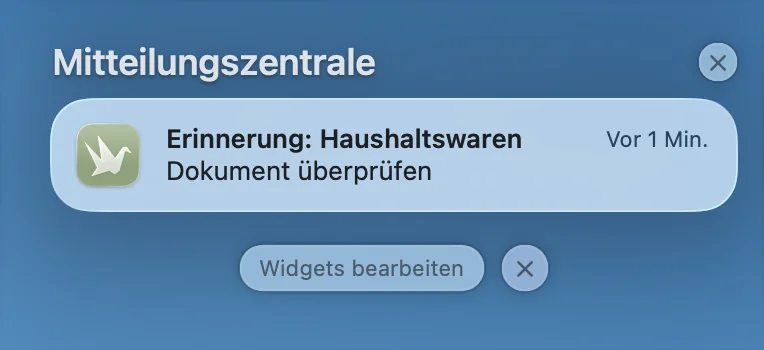
Contract renewal, warranty or a tax deadline: set a follow-up and PaperPeace reminds you in time. Pinned documents show up as a widget right on your Home and Lock Screen.
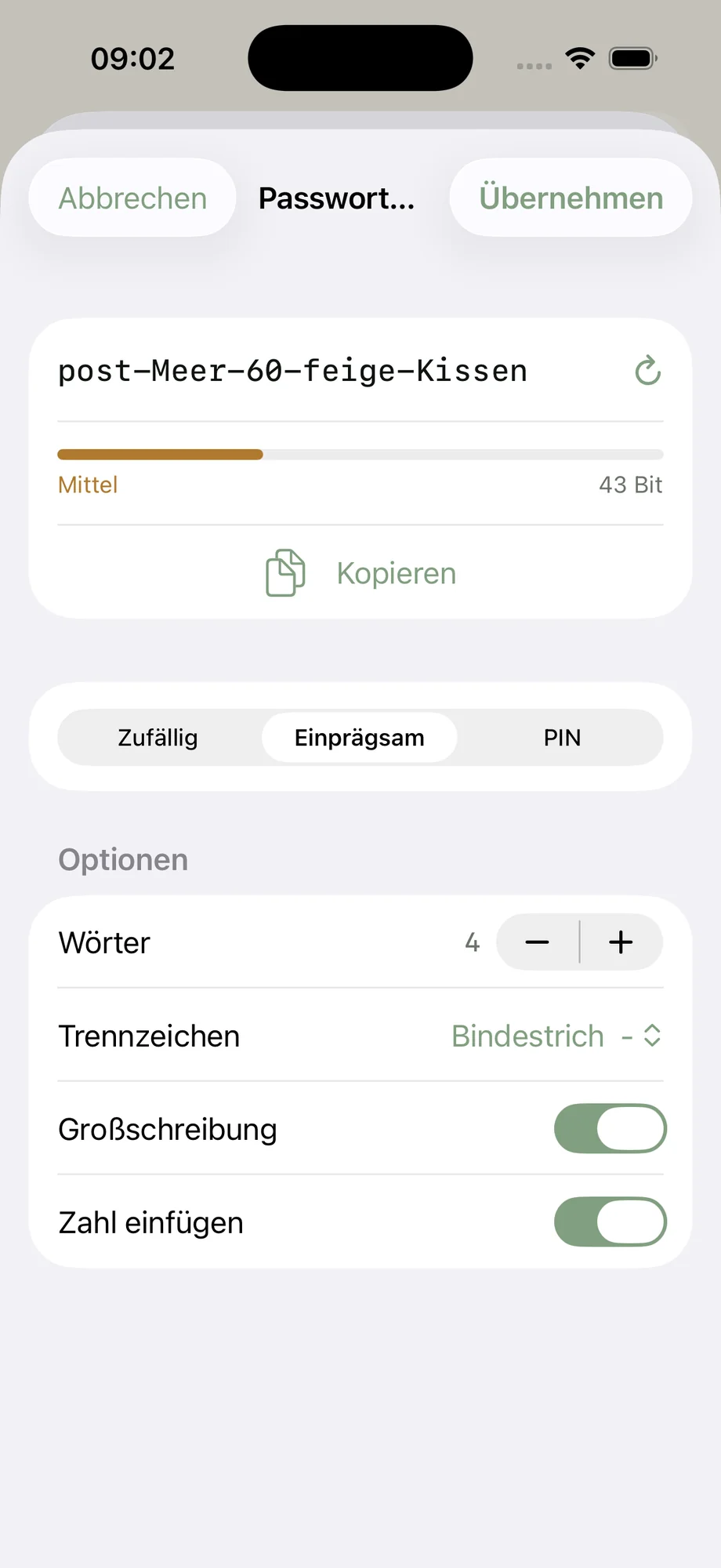
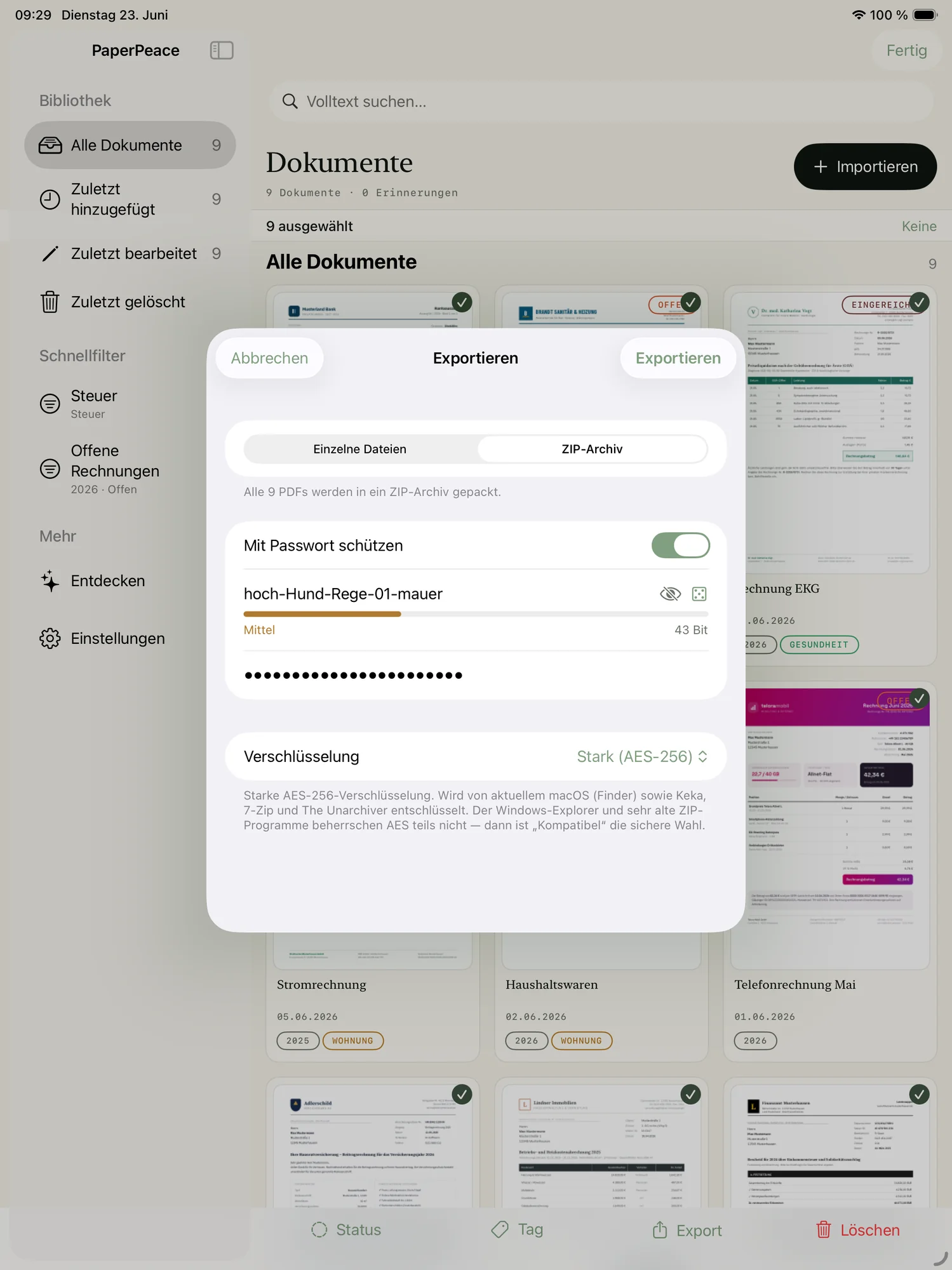
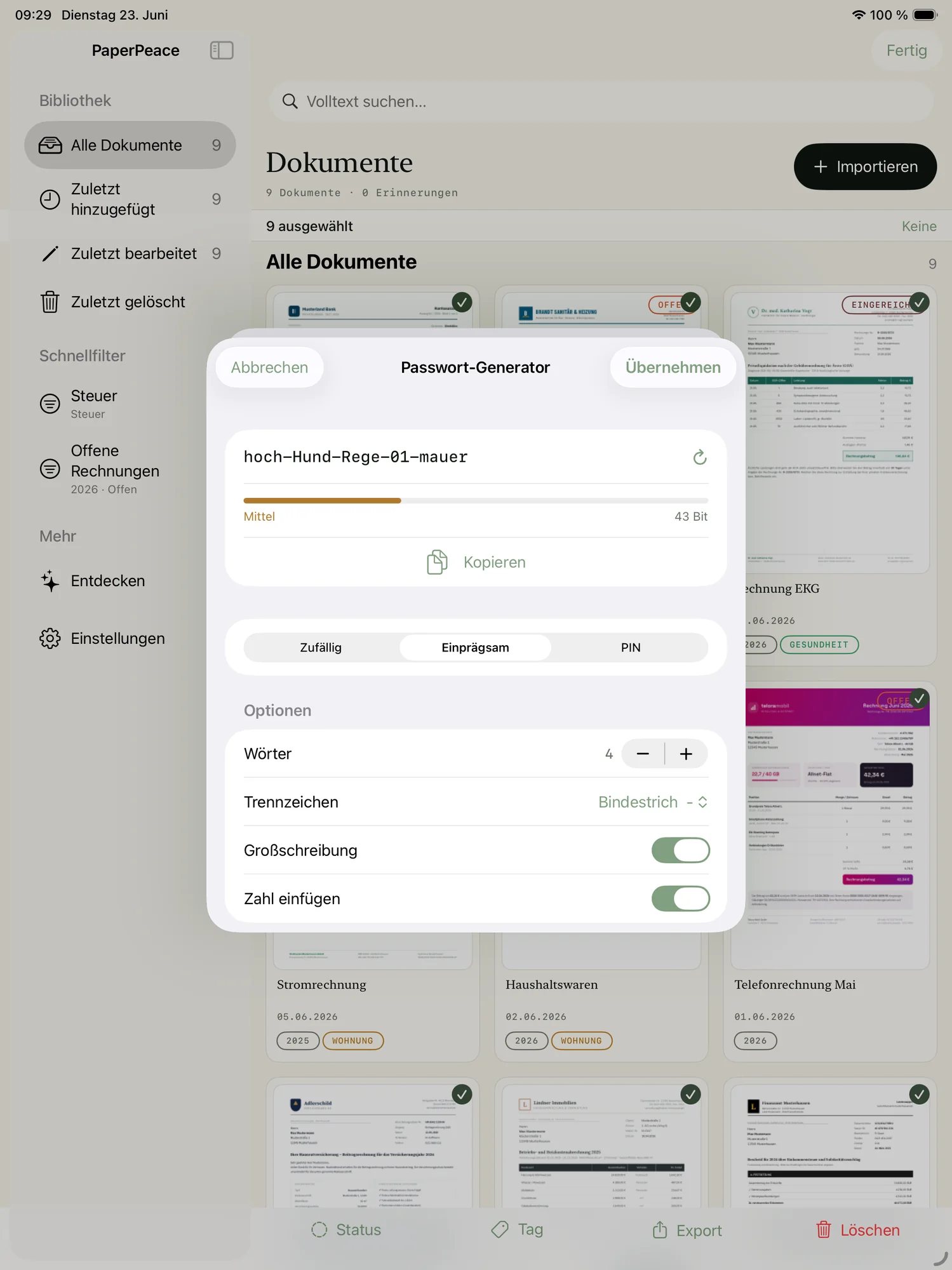
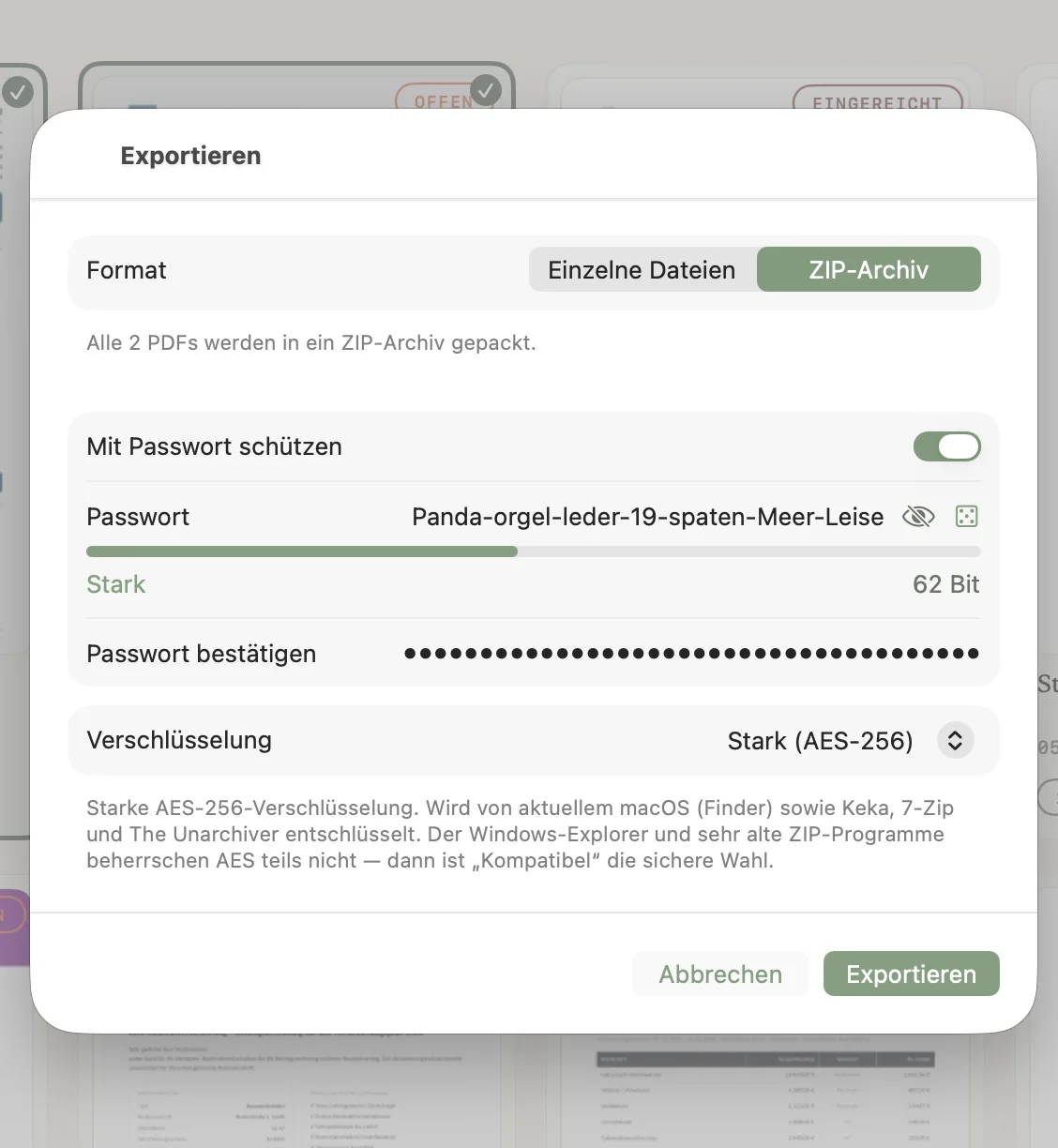
Share securely — encrypted.
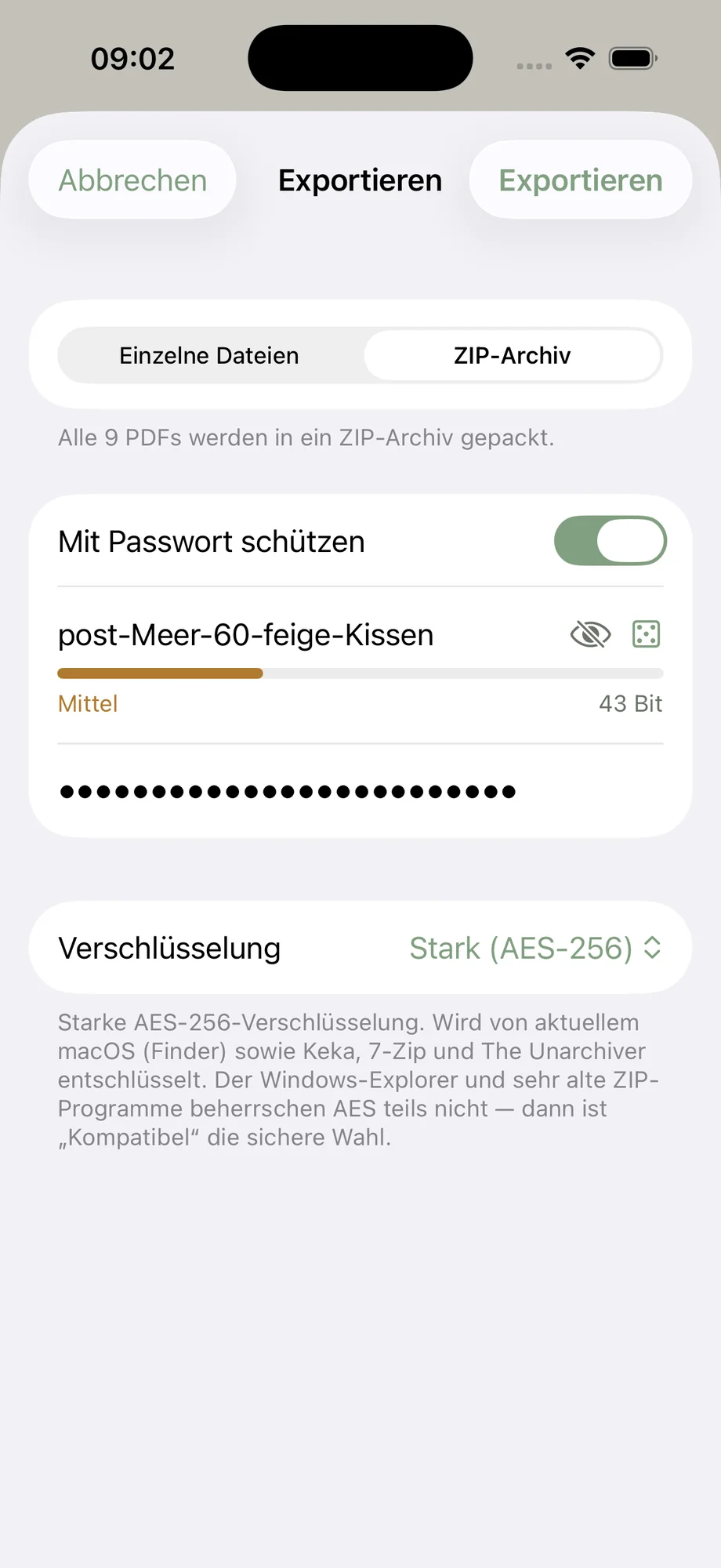
Need to send your tax records to your accountant? PaperPeace exports your documents into encrypted archives with strong AES-256 encryption — so sensitive files arrive safely.
Your data stays yours.
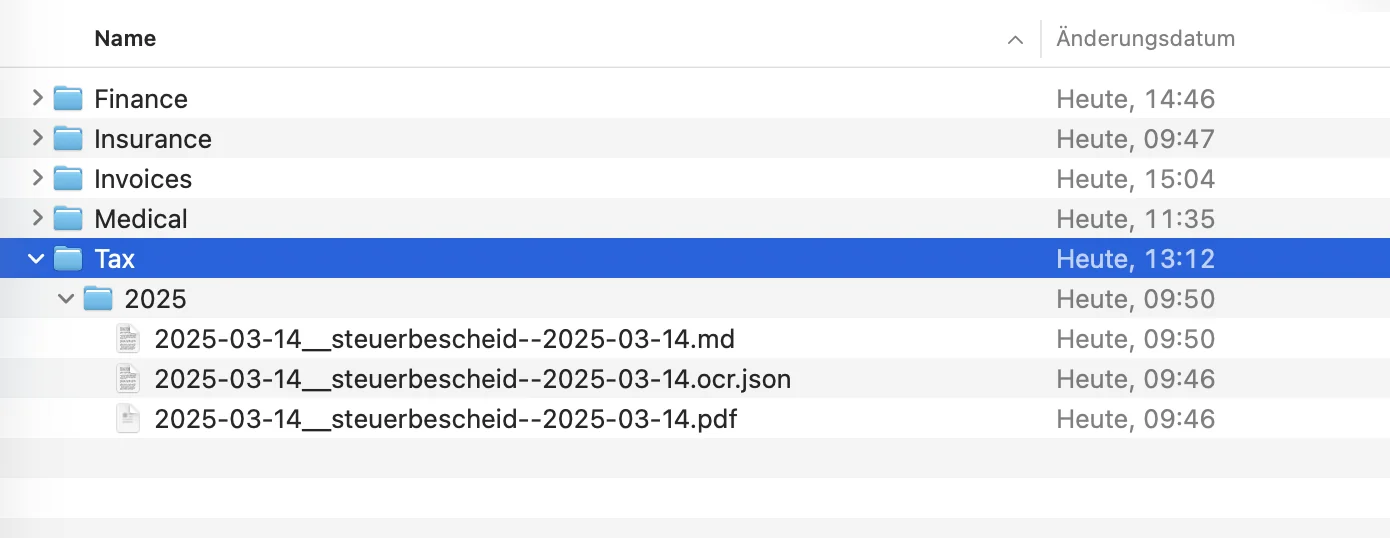
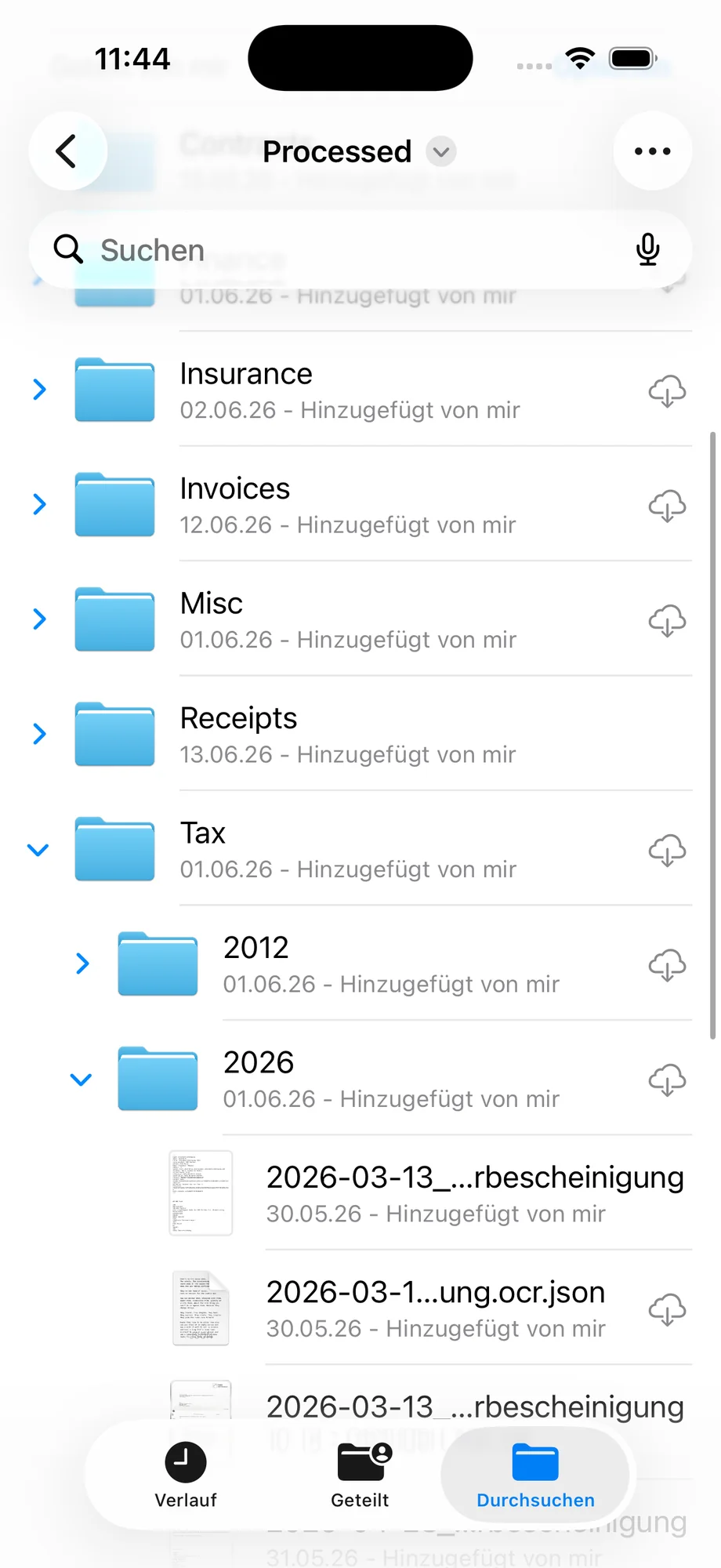
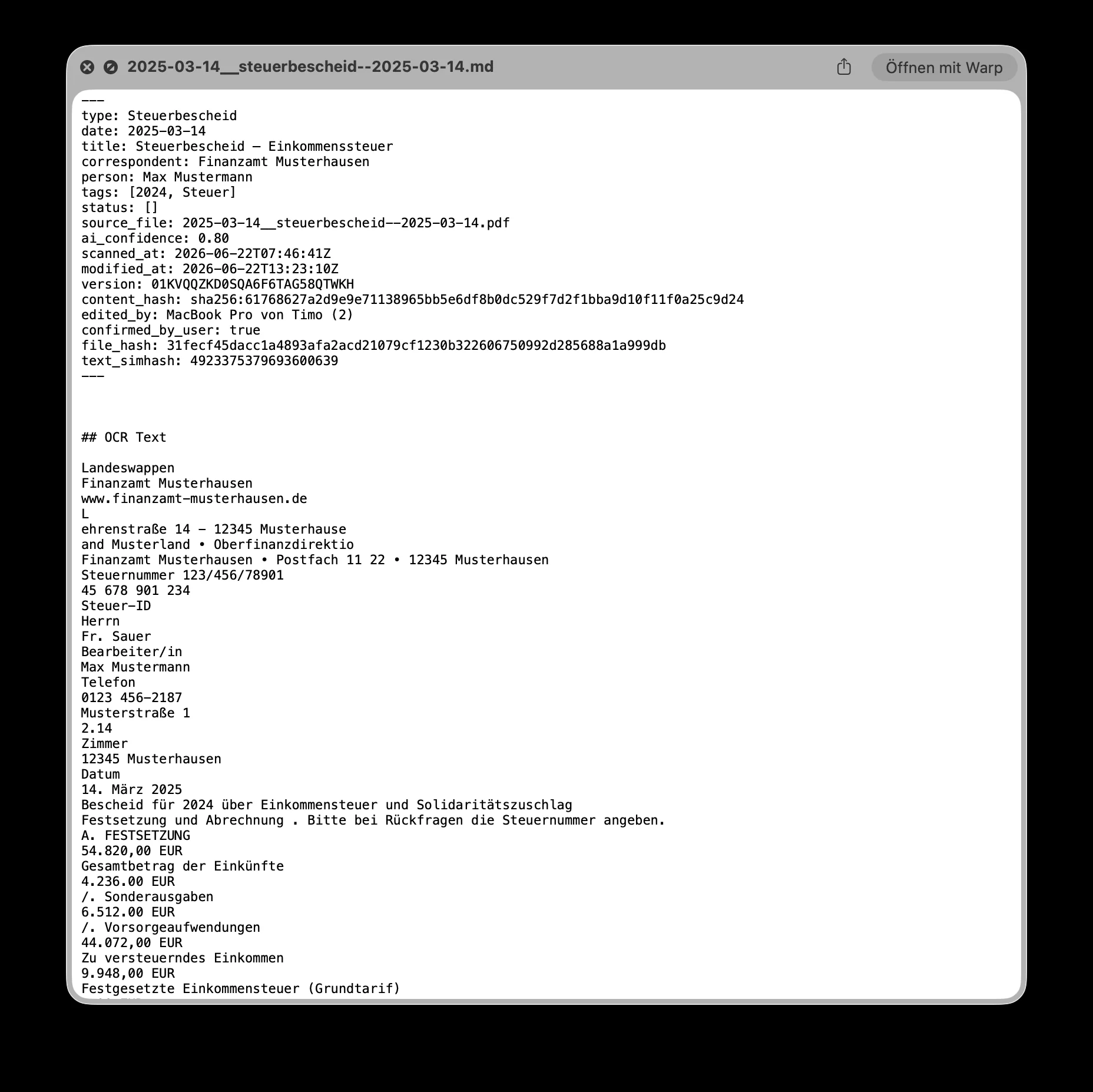
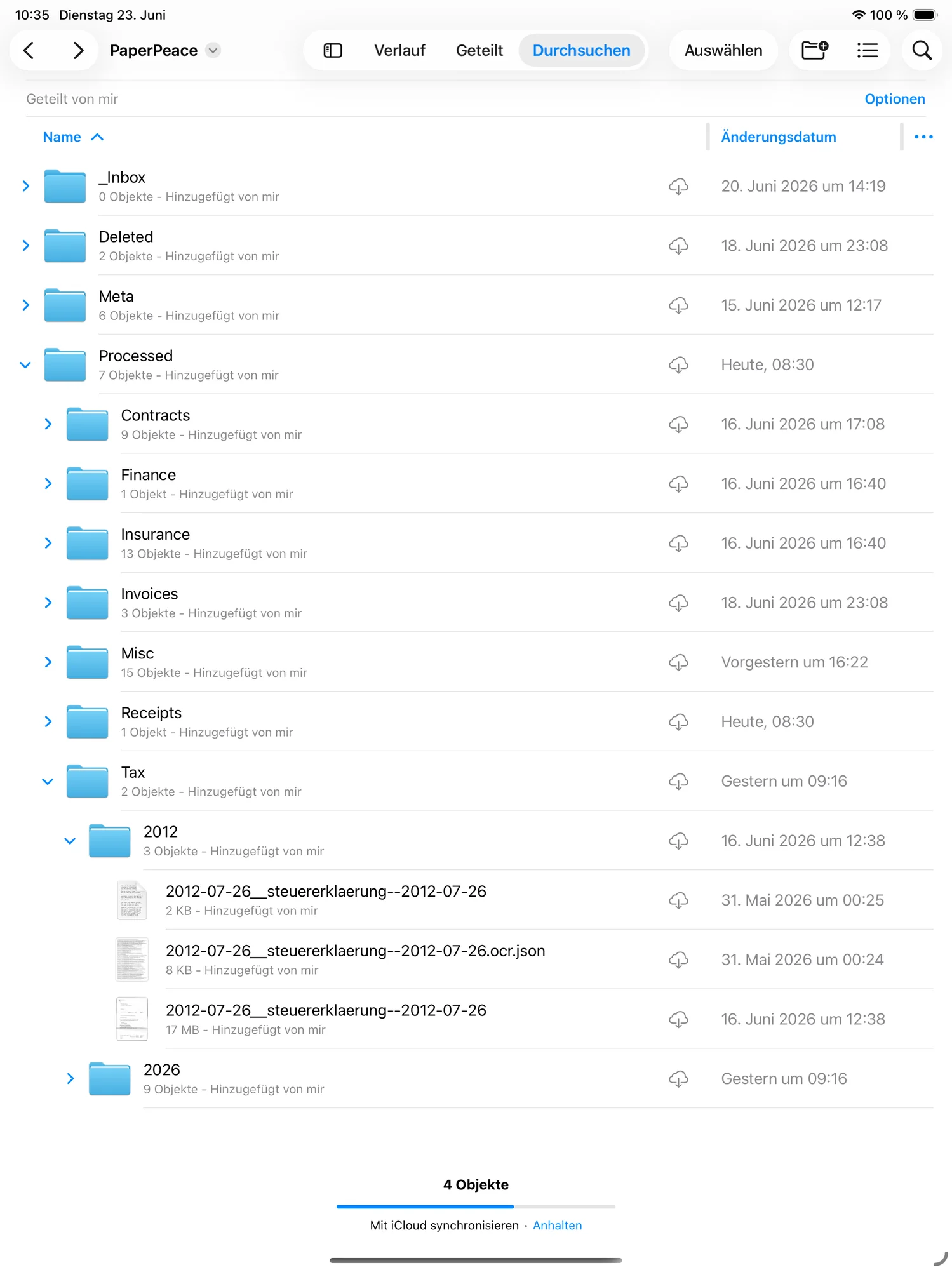
PaperPeace never stores your raw data in a proprietary format — it sits as plain, ordinary files at your storage location. So you can search and open it anytime, even without PaperPeace. The metadata it generates lands right alongside in easy-to-read Markdown files.
Start small, unlock more.
PaperPeace stays usable for free, permanently. If you want your paperwork automated, you unlock every feature — once, or as a subscription.
This is an announcement — nobody is paying yet. PaperPeace is currently an open beta, and every feature is included there free of charge, with no time limit. These prices only apply once the app reaches the App Store. Take part in the beta and you get the early-bird offer.
To get started
- Unlimited documents
- Scanning with text recognition
- Full-text search & your own tags
- Local, in iCloud Drive or on your own NAS
- Up to 3 devices on the same library
Pay once
- Automatic recognition & filing
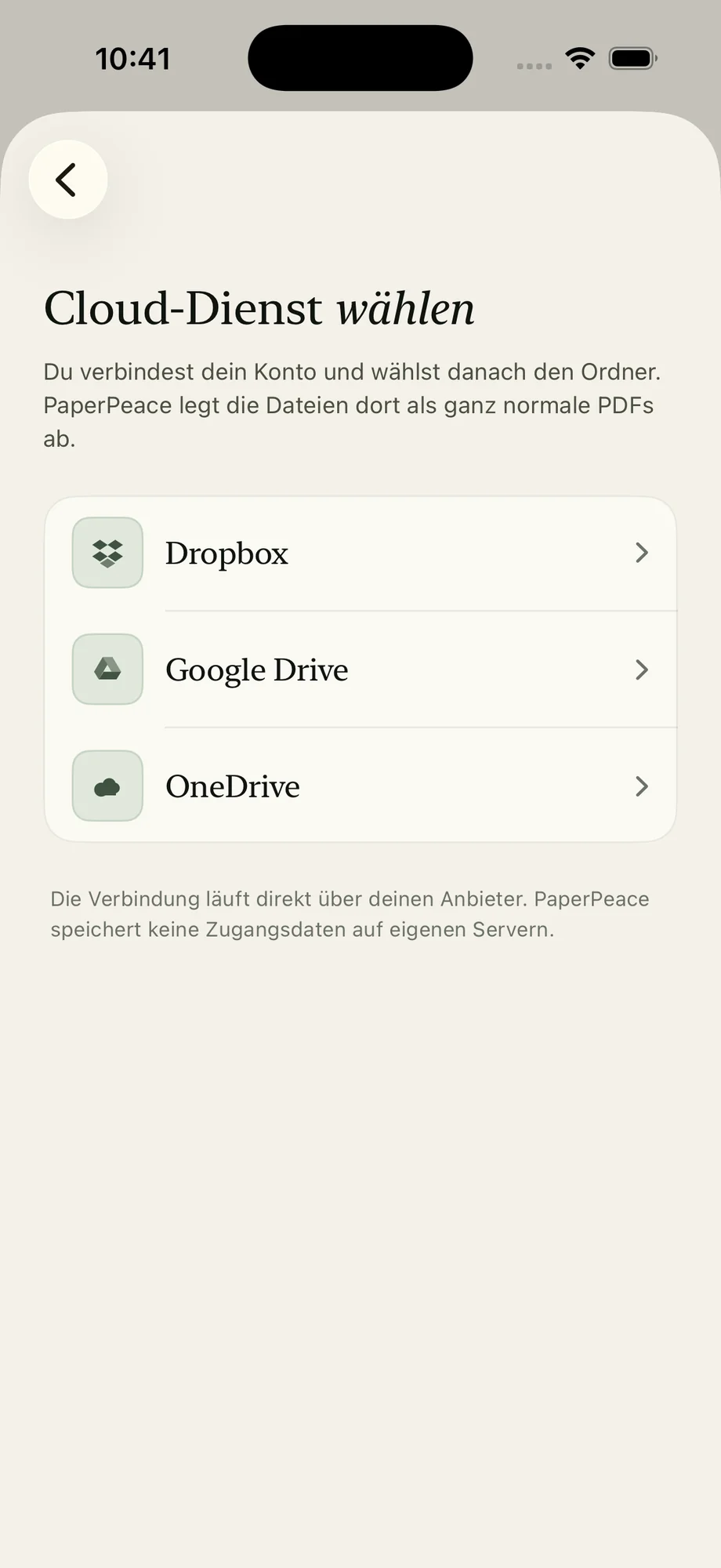
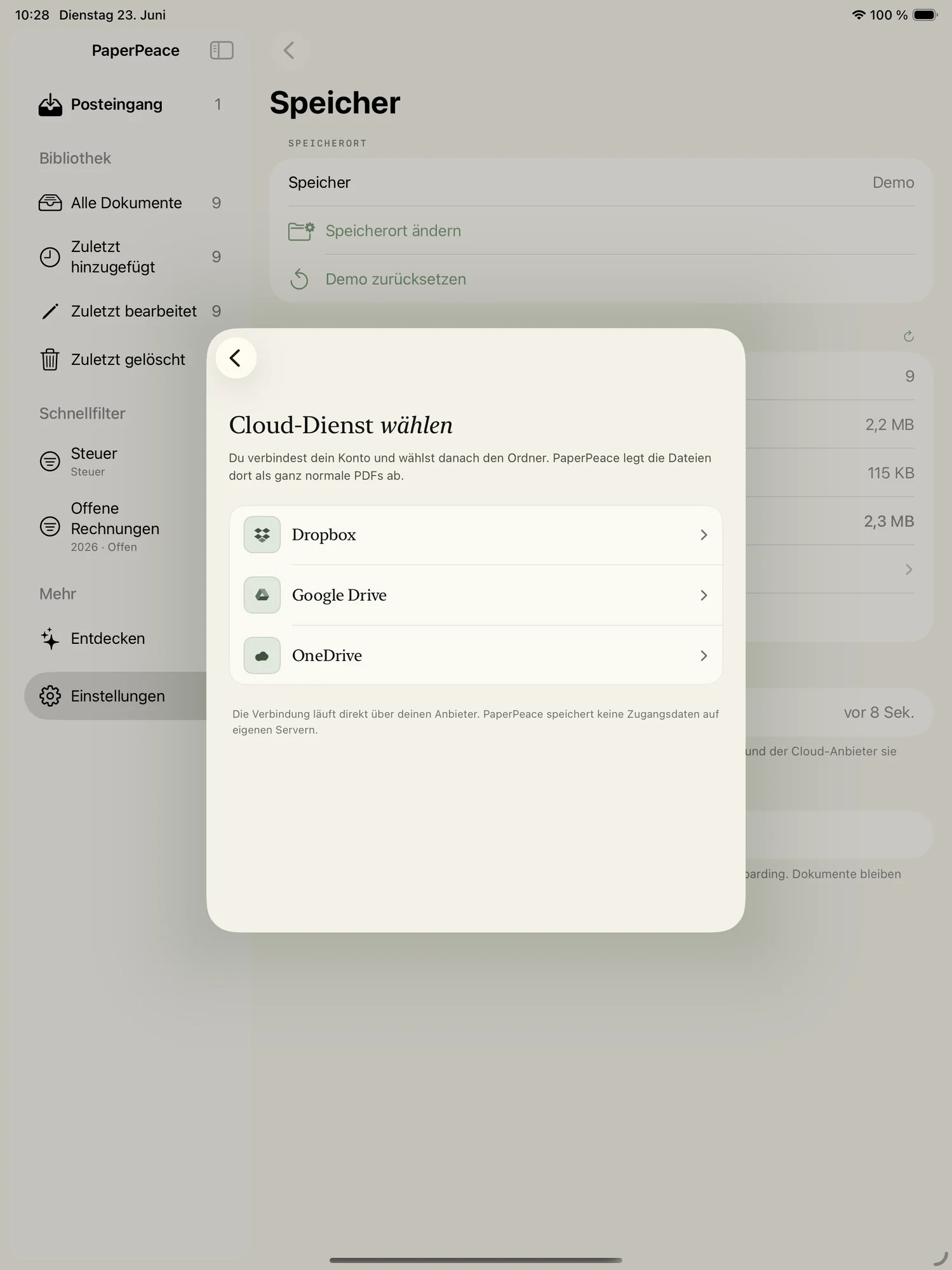
- Dropbox, Google Drive, OneDrive & more
- Siri, Shortcuts & Spotlight
- Encrypted export
- Any number of devices on one library
- Licensed for business use as well
- Apple Family Sharing included
Always current
- Every feature on every device
- Every future major version included
- Business use allowed & Family Sharing included
All prices include VAT · Purchase and billing will run through the App Store · Family Sharing included with every paid option
These prices are planned and may still change before release.
Good to know.
The most important questions about everyday use, storage and privacy — answered briefly.
Can I use PaperPeace without any IT skills?
Yes — that's exactly what it's built for. No server, no account, no setup: install the app, scan or share in your first receipt, and PaperPeace takes care of recognising, sorting and tagging. If you can use a photos or notes app, you can use this.
Can I share PaperPeace with my partner or family?
Yes. Through a shared folder — for example in iCloud Drive — you both see the same library with the same tags and the same state. Either of you can file and find, so it's not just one person keeping track of the household paperwork.
Is PaperPeace any good for the self-employed?
For many people, yes. You collect receipts throughout the year, keep private and business apart with tags, and export an encrypted bundle for your accountant at year's end — without an expensive accounting subscription. It is not, however, a legally audit-proof archive (such as GoBD).
Do I need my own server?
No. PaperPeace needs no server, no database and no installation on a machine. The app runs directly on your iPhone, iPad and Mac — all of the intelligence included. There's nothing for you to host, update or secure against attacks.
How does PaperPeace sync without a server?
Through your storage location. PaperPeace puts your documents as plain, ordinary files in the folder you chose — locally, in iCloud Drive or with your cloud provider. Your devices sync themselves through those files, in the background. There's no central point reading along.
Which storage locations are supported?
Locally on the device, iCloud Drive (including shared folders for family or office), Dropbox, Google Drive and OneDrive, your NAS over SMB and WebDAV (Nextcloud, ownCloud, Infinite Scale or your own server) — and beyond that any folder you pick yourself, such as one provided by another service in the Files app.
Can I use my NAS?
Yes. PaperPeace connects straight to your NAS over SMB — no extra software, no port opened to the internet. And so you never depend on it being reachable, PaperPeace also keeps a local copy of your library at hand: you can search, read and file even while the NAS is asleep or you're away from home. As soon as it's back, PaperPeace syncs up in the background.
Can I get to my documents while I'm out and about?
Yes — as long as your chosen storage is reachable on the go, such as iCloud Drive or your cloud. Unlike a self-hosted server, you don't have to open a port or set up remote access for it.
Can I keep my existing folder structure?
Yes. Point PaperPeace at an already-organised folder and it asks you once what should happen — choose “keep structure” and every existing document stays exactly where it is. The filing scheme you set then governs only new and edited documents, and the archive you've curated for years is left untouched. If you'd rather have a spring clean: define a scheme from building blocks — year, correspondent, document type — and let PaperPeace re-file the whole library accordingly. You first see a preview of everything that would move or be renamed; nothing happens that you haven't confirmed.
Which document formats does PaperPeace support?
PDFs and images (JPEG, PNG, HEIC, TIFF, GIF, BMP, WebP) are the core: PaperPeace reads an existing text layer or recognises the text via on-device OCR. On top of that come text files (TXT, RTF, Markdown), Office documents (DOCX, XLSX, PPTX, DOC, ODT) and iWork files (Pages, Numbers, Keynote). Everything is stored in its original format, nothing is converted, and a ZIP archive is unpacked automatically on import. Two limitations: full-text search for DOC and ODT works on the Mac only, and iWork files yield text only when they carry an embedded PDF preview. Such documents are marked “text recognition pending” and picked up automatically once that becomes possible — on your Mac, for instance. HTML files and web archives we deliberately don't accept: importing them would open an unnecessary security hole.
Can PaperPeace import my email attachments automatically?
Yes. You add your IMAP mailbox and set rules — “everything from billing@utilities.com”, say, or “from @myinsurer.com when the subject contains ‘policy’”. PaperPeace fetches matching attachments (PDFs and images) on its own and runs them through the same recognition as a fresh scan; if you prefer, they land in a review view first where you approve each one. Older mail can be collected retroactively too. The connection is encrypted and goes straight from your device to your mail server — no service of ours in between. Outlook.com and Microsoft 365 aren't supported at the moment; Gmail and iCloud need an app-specific password.
Does a document ever leave my device for analysis?
No. Text recognition (OCR), classification and every other kind of recognition run entirely on your device. Nothing is sent to a server for processing — not even to us.
Can I bring my data over from another DMS?
Yes. From Paperless-ngx, PaperPeace fetches your documents straight off the server — titles, correspondents, document types and tags included, so you don't start from scratch. Independently of that, you can import whole folders including subfolders, or ZIP archives, which gives you a workable route out of just about any system. Further integrations, for DEVONthink or Evernote for example, are in the works.
How do I back up my data or move to another provider?
You copy a folder — that's it. Everything sits together at your storage location: the documents themselves, their metadata (tags, correspondents, dates) in a Markdown file alongside, and your library's settings — folder scheme, naming templates, filing rules, saved filters and everything the recognition has learned from you. A backup is therefore an ordinary folder backup, with Time Machine or any other tool. To move, you copy the folder to the new provider and select it in PaperPeace: library, structure and recognition are right back, with nothing to re-teach. Only credentials for cloud or mailbox stay — for good reason — in your device's keychain and are entered once more.
What happens if I stop using PaperPeace one day?
Your documents stay right where they are as plain, ordinary files at your storage location, with the metadata alongside in easy-to-read Markdown files. No proprietary format, no lock-in — you can open and search everything anytime, even without PaperPeace.
Which operating systems are supported?
iOS and iPadOS 18 and later, plus macOS 15 and later. One app, one licence: iPhone, iPad and Mac share the same library and the same feature set.
Will there be a version for Android or Windows?
For now PaperPeace is focused entirely on the Apple ecosystem — that's where the on-device intelligence at the heart of the app lives. Do check back here now and then: if there's news on this, this page is where you'll find it.
What does PaperPeace cost?
Nothing at all while the open beta runs: it includes every feature, with no time limit and no payment details. After that, a free version remains — for personal use only, with up to three devices on the same library and without automatic recognition. To unlock everything, or to use PaperPeace commercially, you pay €9.99 once for iPhone and iPad, €79.99 once for all Apple devices, or €39.99 per year. Beta participants get all devices for €49.99.
Does a one-time purchase include future major versions?
The one-time purchase includes every update to version 1 — all the new features and fixes that arrive in that line. A later major version may carry a one-off surcharge; existing customers will pay less than newcomers. Whatever you bought stays fully usable either way. If you would rather never think about version changes, take the subscription: every future major version is included there.
Be there from the start.
PaperPeace launches as a TestFlight beta. Drop in your email — you'll get your invite as soon as the next batch of spots opens up. Free, no strings attached, unsubscribe anytime.
Almost there!
We've sent you a confirmation email. Please check your inbox. If you can't find it, take a look in your spam folder too.
Early access
Use PaperPeace before anyone else — on iPhone, iPad and Mac.
Help shape it
Your feedback goes straight into the app before it ships.
Free
The beta is free — and there'll be a free version later too, with no forced subscription.