Type what you still know
Type a word and PaperPeace searches the text of your documents, including that of scanned pages, which text recognition reads on your device. You do not have to know the whole word: “rechnung” finds “Stromrechnung”. If you only want whole words, turn on “Exact search”; partial matches then drop out.
A phrase in quotation marks finds only exactly that sequence of whole words. Notes and the text of reminders can be searched as well. The search also knows areas: Full text, ASN, Correspondent, Person and Title.
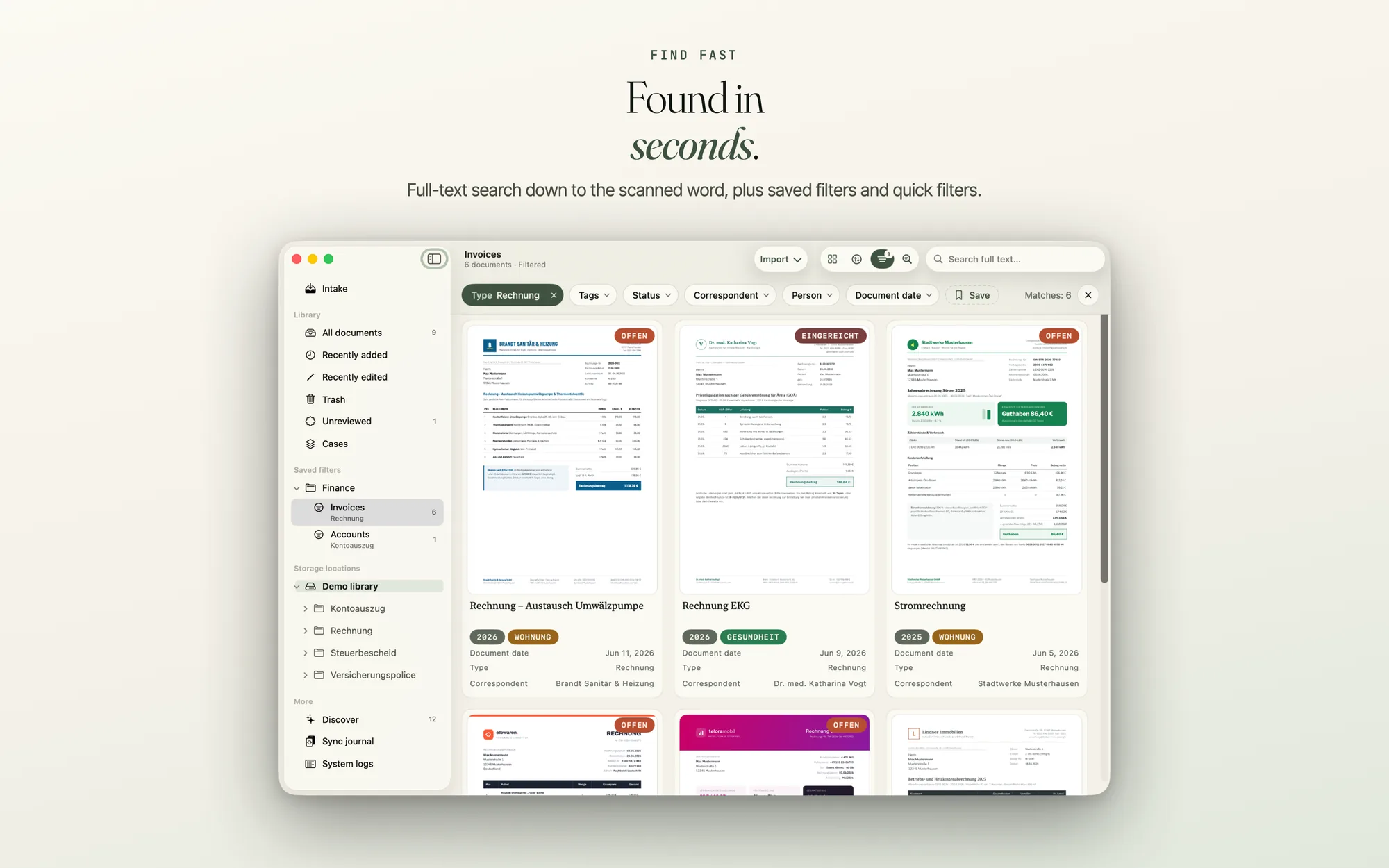
On an iPhone with iOS 26 the search sits in the bottom bar, next to the button for adding documents; on iOS 18 it opens a screen of its own. On the Mac, ⌘F jumps to the library’s search field; with a document open, it opens the search in the document instead.
Narrow it down with filters
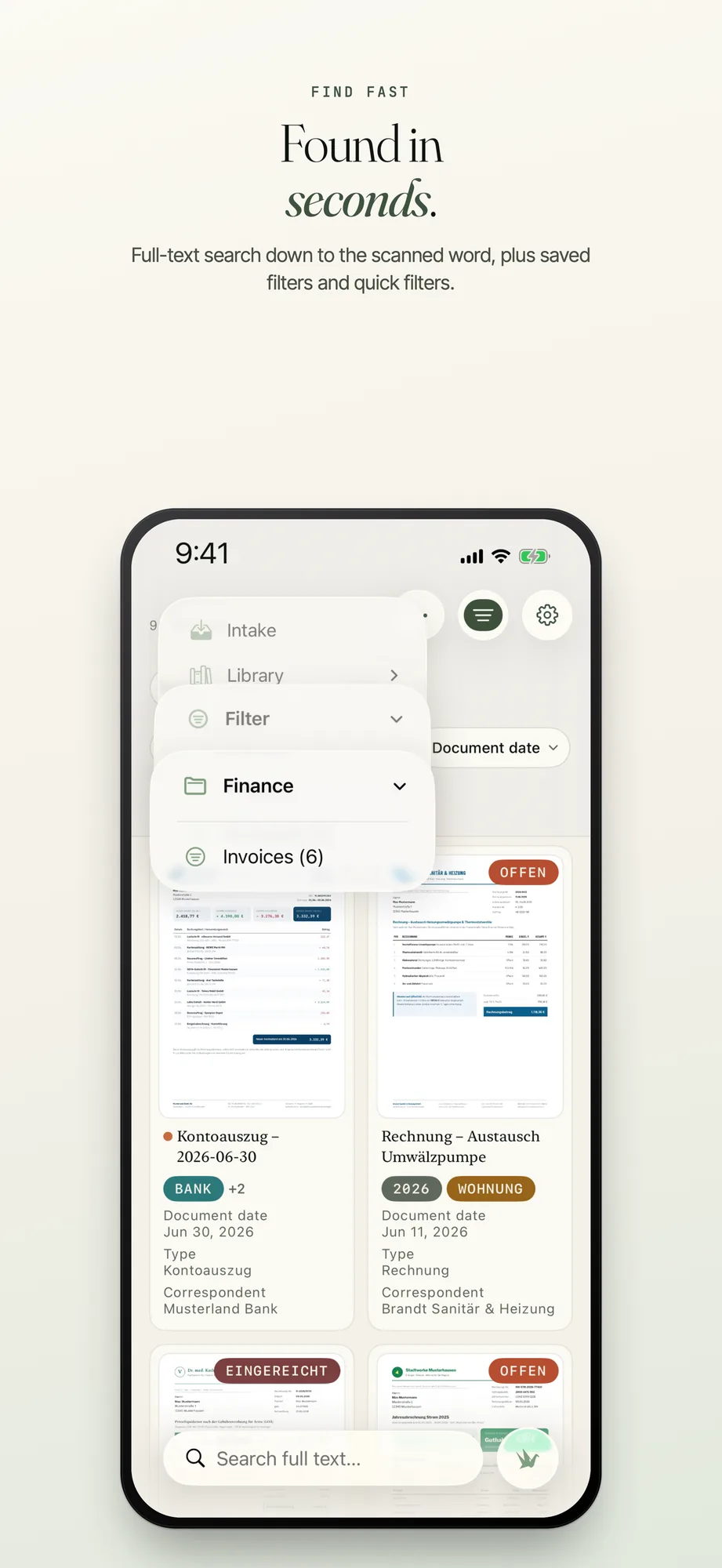
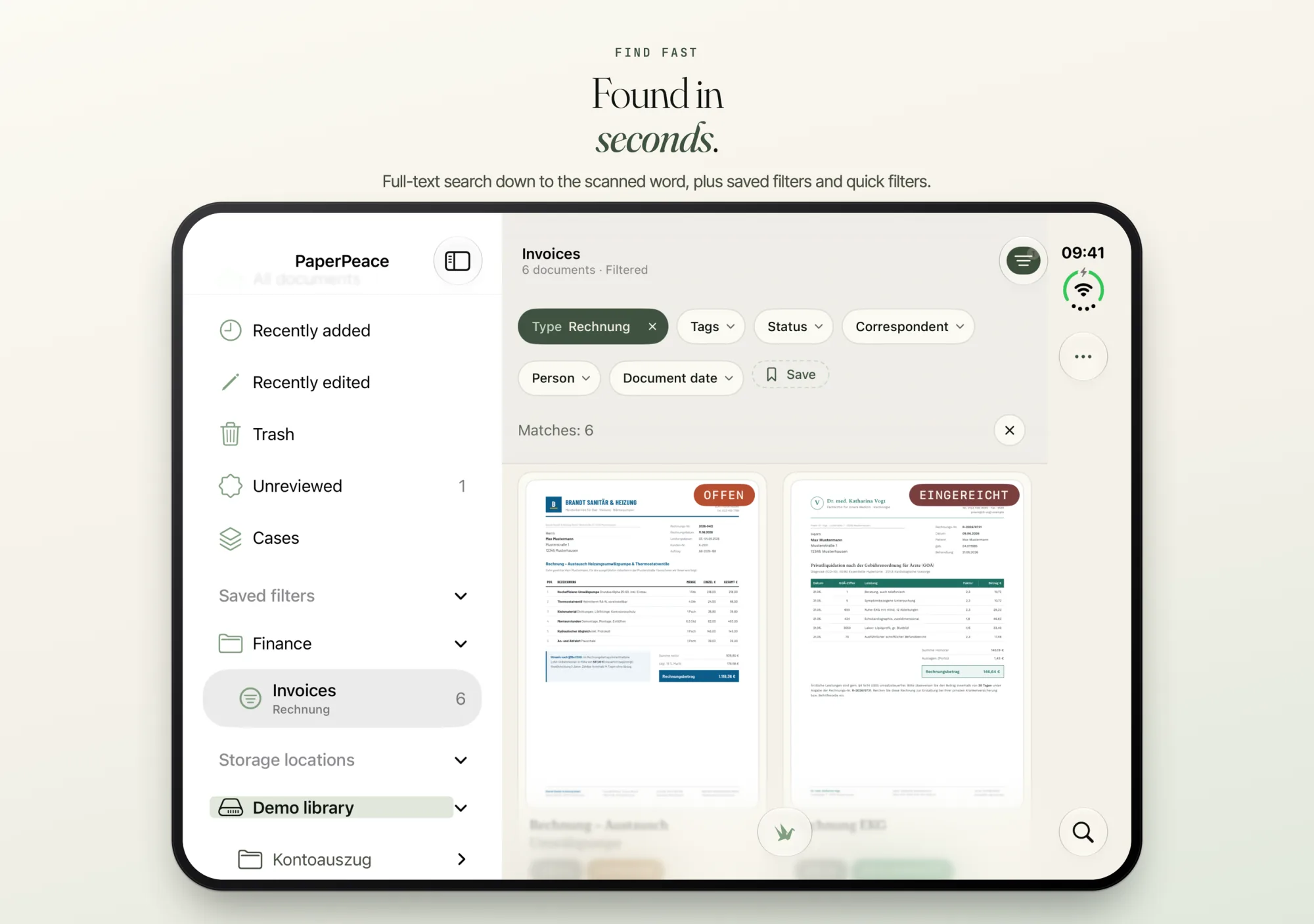
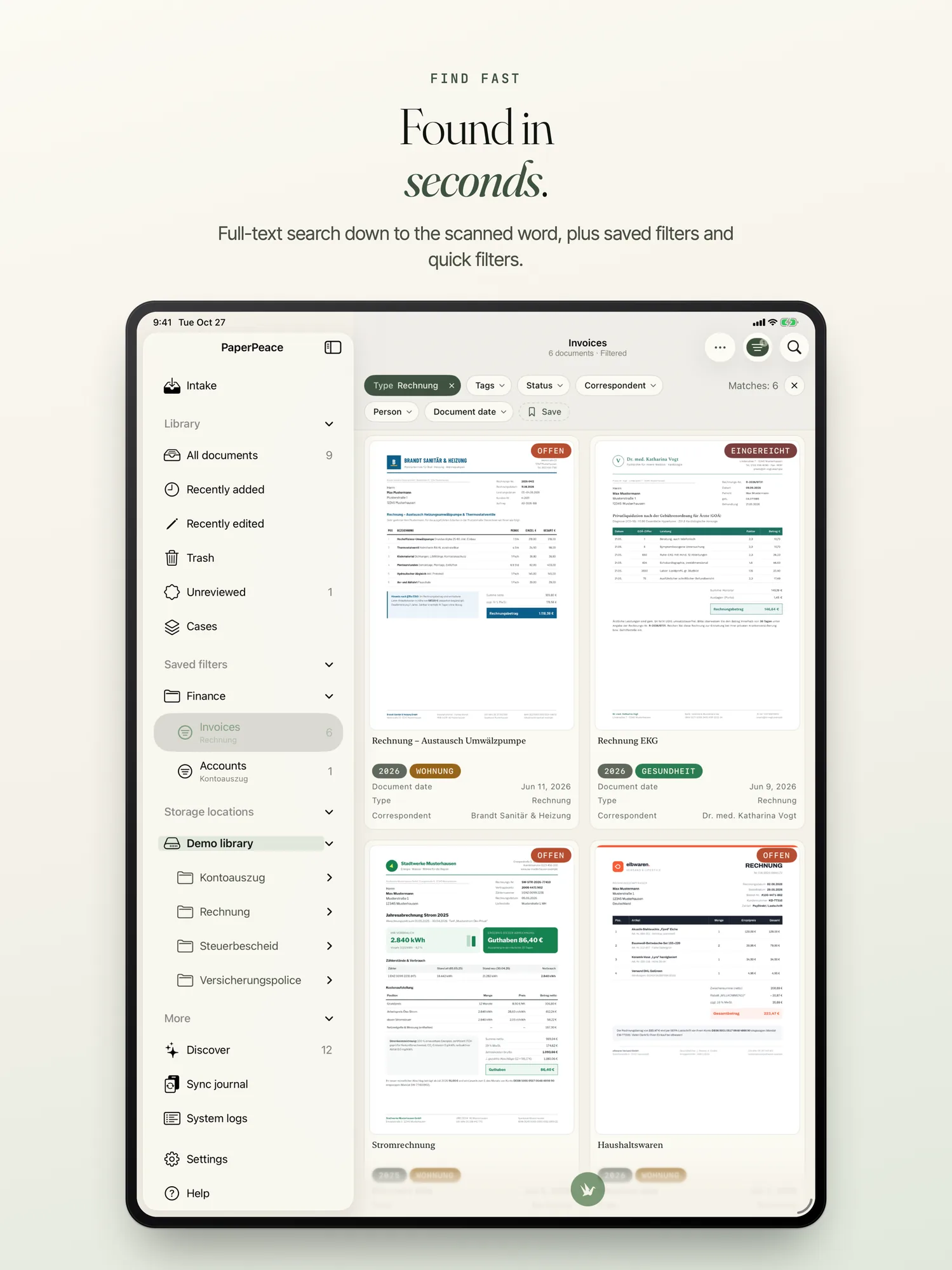
In the filter bar every field is a pill with its own selection and a ✕. The selection has a search and shows the colours of your tags and statuses. Which fields appear there, and in which order, you set separately for each device under “Customize Filter Bar …”: on the Mac in the View menu, on iPhone and iPad in the ⋯ menu (“More actions”). “+n more” opens the advanced filter.
Inside a folder, the bar offers only the types, tags, correspondents and people that occur in that folder. If a filter is active you see it even with the bar collapsed: the button shows a number, and “Filtered” appears above the list, so that a filtered library does not look like an empty one.
Conditions for every field
With “+ Condition” you filter on any field: type, tags, status, dates, amounts and your own fields of every kind: text, number, date, yes/no or a list with one or several choices. You can exclude, too. For that there are “does not contain”, “does not equal” and “none of the selected values”. In the filter bar every value has an “Exclude”; an excluded value appears struck through in its pill. A document without a type matches “Type” with “none of the selected values”.
Save filters and sort them into groups
A filter you need often, you save as a quick filter. You change their order by dragging: in the sidebar on iPad and Mac, in the list in Settings on all devices.
Every saved filter can belong to a group, one level deep. On the iPhone a group is a submenu under “Filter”; on iPad and Mac it is a collapsible row of the sidebar, with the filters indented below it. In Settings, and on iPad and Mac also in the sidebar, there are “Move to Group”, Rename and “Dissolve Group”, and the dialog for editing has a “Group” row. Whether a group is open or closed, each device remembers for itself.
Without opening the app
Spotlight shows documents from PaperPeace; it always shows the documents of the storage location that is currently active. With Siri you search by voice: say “Search in PaperPeace” and Siri asks for the search term. In the Shortcuts app you can also set your own short phrase for it.
If you search via Siri or a shortcut in your own words, for example “electricity bills from 2025”, PaperPeace understands the sentence on your device and turns it into filters. This works on iOS and macOS 26 with Apple Intelligence; otherwise PaperPeace searches the sentence as full text.
The regular search and your filters are free. Spotlight, Siri and Shortcuts, and searching in your own words are part of the purchase. The prices are on the home page.
Frequently asked questions
Does the search also find text in scanned documents?
Yes. PaperPeace reads the text of scans and photos with text recognition on your device and searches it like any other text. Where PaperPeace can read only part of the text or none, it tells you in the “Text” tab. Which formats yield how much text is on the page Getting documents in.
How do I search for an exact phrase?
Put the words in quotation marks. PaperPeace then finds only exactly that sequence of whole words, even across a line break.
Can I exclude documents instead of only narrowing down?
Yes. The advanced filter has “does not contain”, “does not equal” and “none of the selected values”. In the filter bar every value has an “Exclude”.
How do I sort saved filters into groups?
Choose “Move to Group” on a saved filter, in Settings and, on iPad and Mac, also in the sidebar. Or pick a group or “New Group…” in the “Group” row of the editing dialog. A group goes one level deep.
Your storage, your order
PaperPeace runs on iPhone, iPhone Duo, iPad and Mac.
iPhone · iPhone Duo · iPad · Mac · iOS 18 and macOS 15 or later