What the app recognises
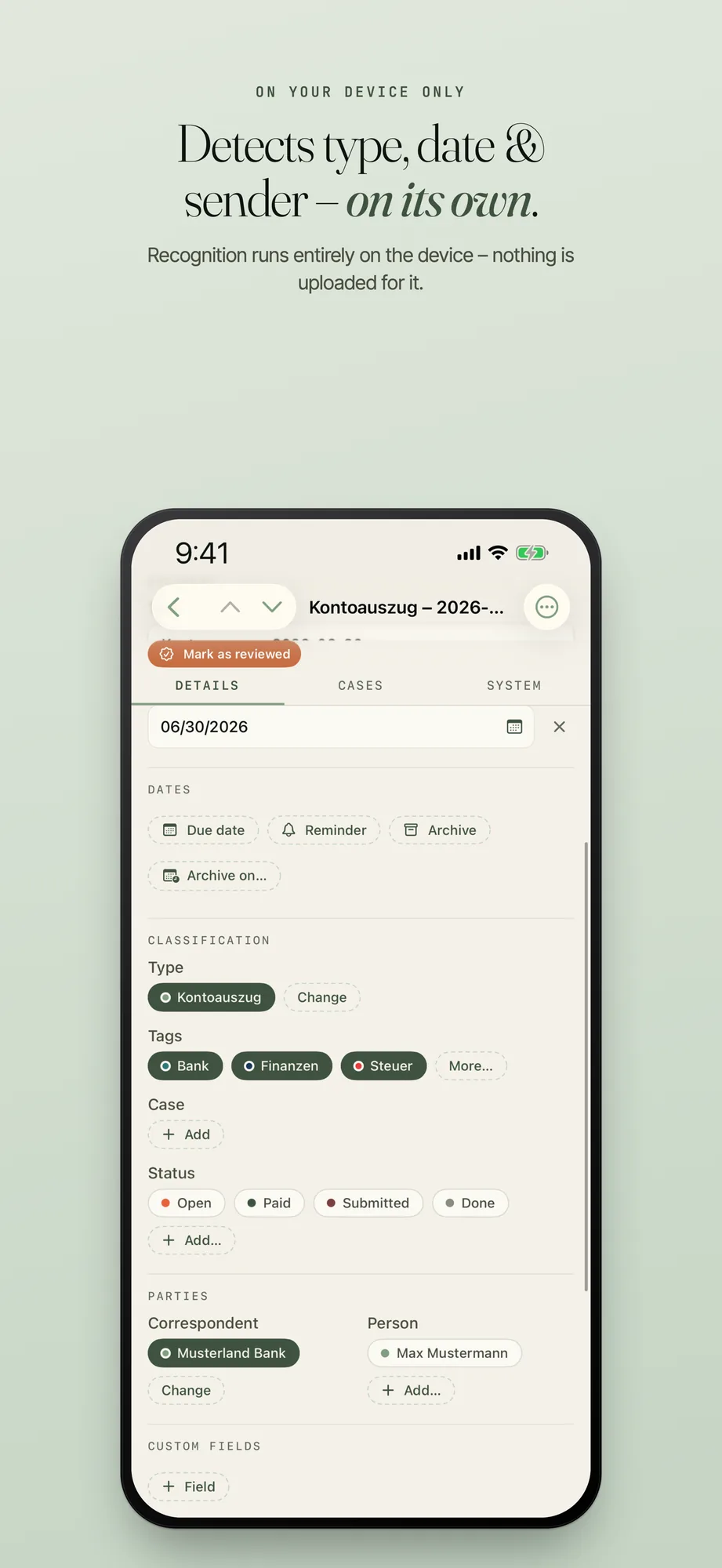
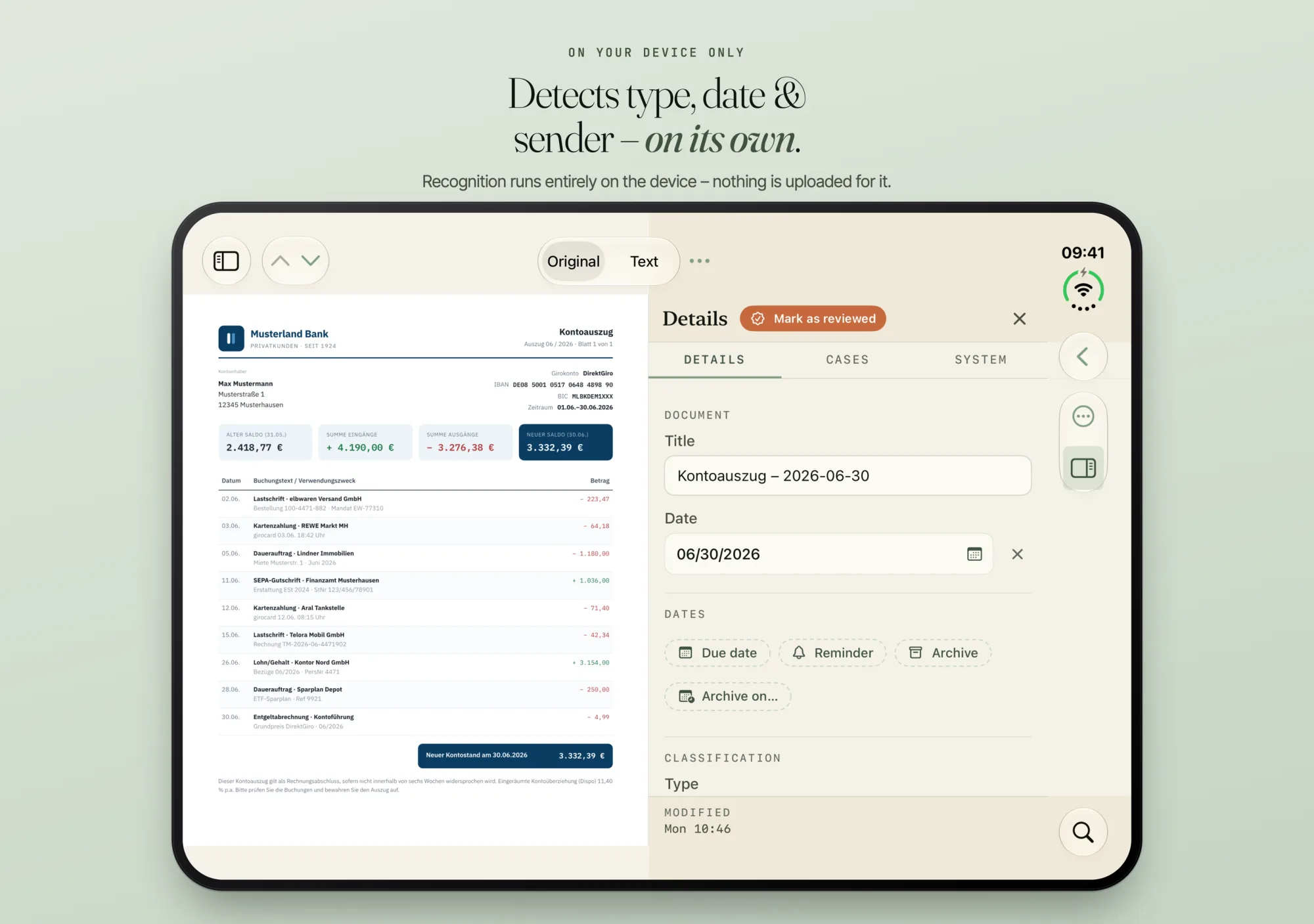
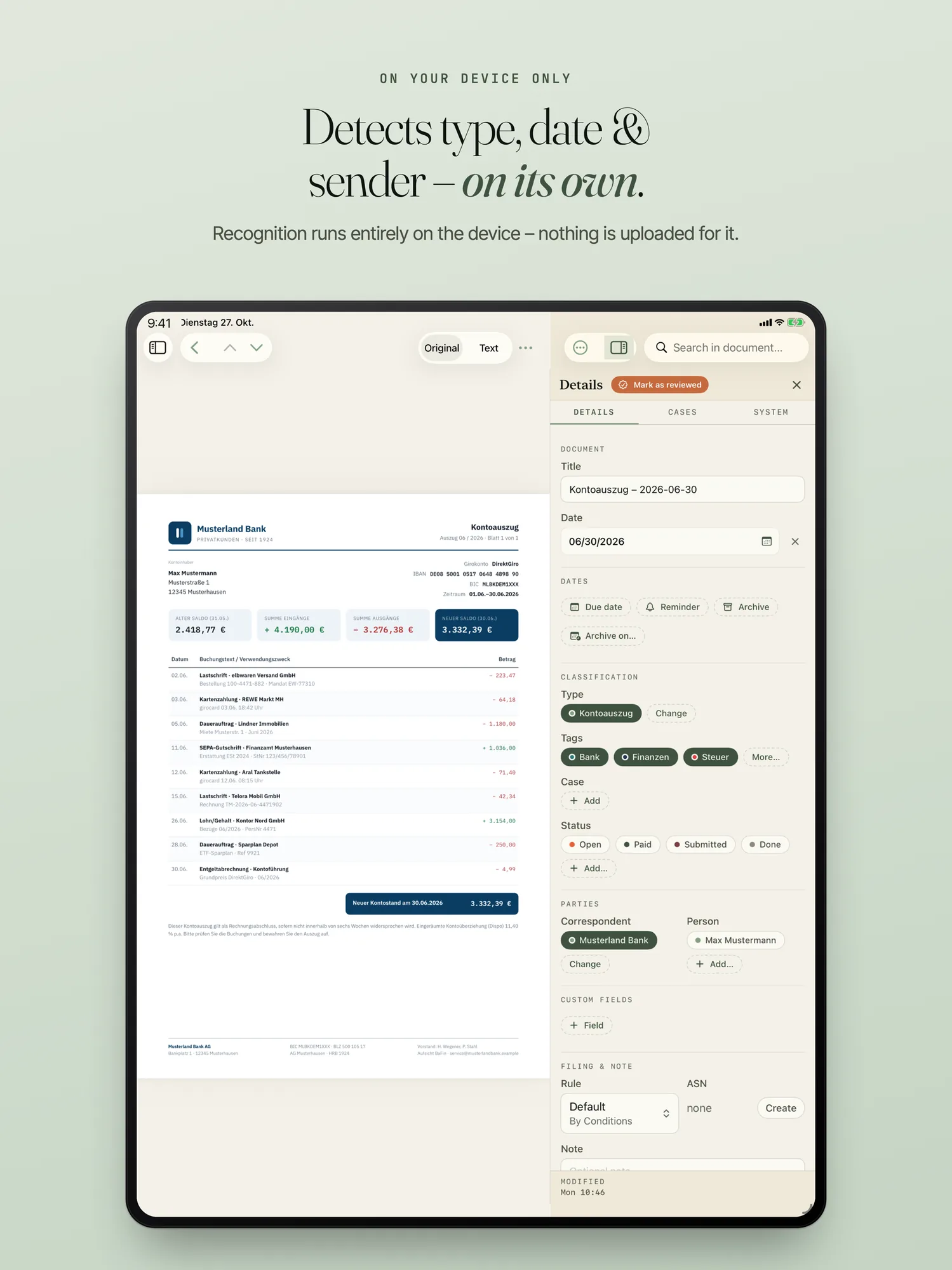
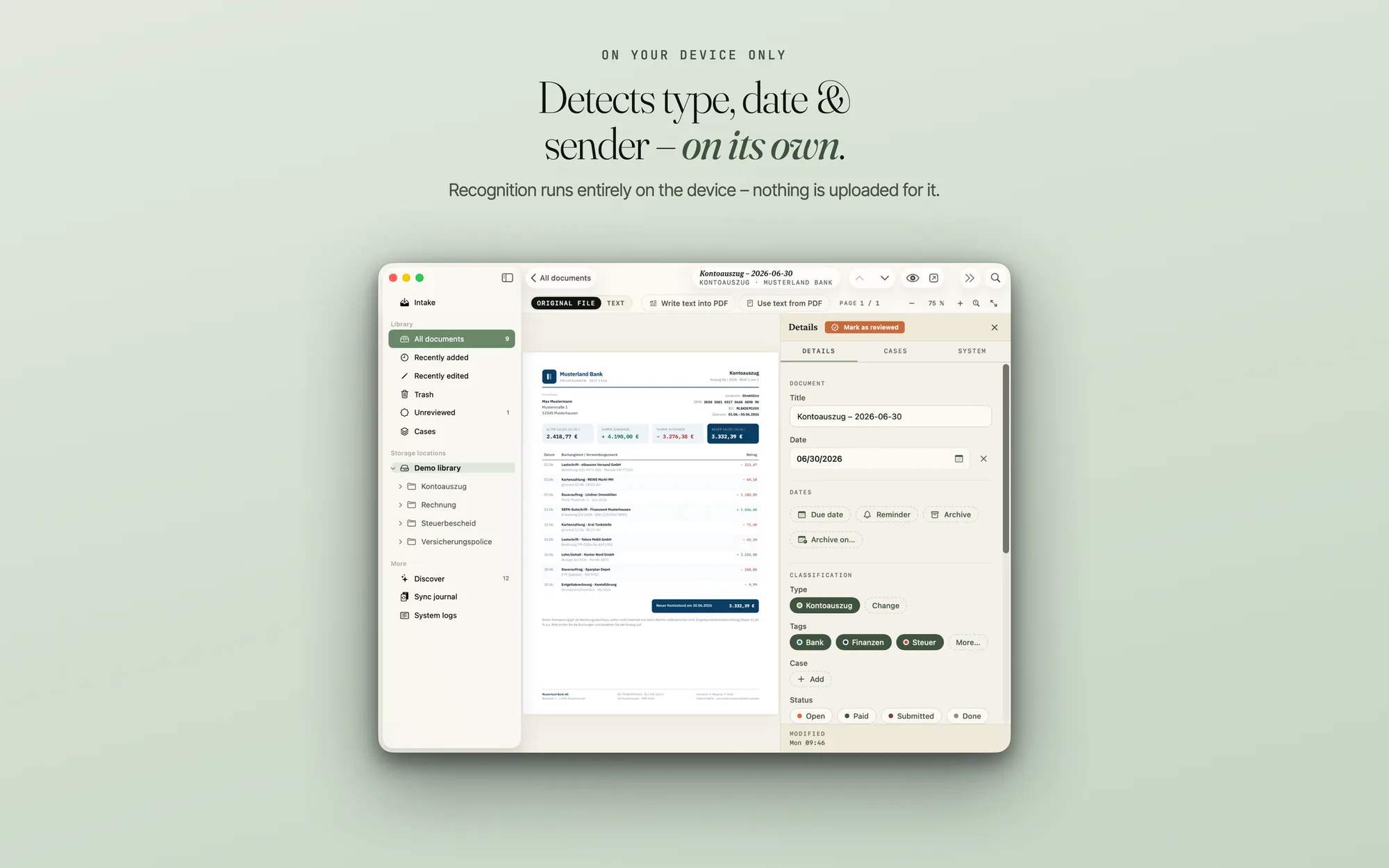
For every new document, PaperPeace suggests type, tags, date, correspondent and person. For scans and photos, text recognition reads the text first, also on the device. If the app is not sure, the field stays empty instead of guessing. If part of a name fits several entries, it assigns nothing.
No document leaves your device for analysis
Text recognition, classification and tagging run only on your device. The content of your documents is never sent to us or to third parties for analysis, not even to a cloud language model. This is the same on iPhone, iPhone Duo, iPad and Mac and needs no internet connection.
PaperPeace includes no advertising networks and no third-party analytics or tracking services, and builds no usage profiles. Where your documents live is up to you: in your own storage, not with us.
The recognition learns from you
When you correct a recognition, the app remembers it. With “Mark as reviewed” you teach it that it was right; if you take the mark back, it takes back what it learned. You can look at the words it has learned for a document type (the training words) and hide them, as with a tag. A hidden word no longer has any effect on any of your devices.
What the recognition learns belongs to your library. It travels through your storage location to your other devices, not to us.
Send training data: only what you release
If you like, you help the recognition for all users. This is voluntary and never happens in the background. A submission only starts when you tap the send button in the preview, for example “Send 12 words”. There, every word is listed on its own with a checkmark, and you can deselect any of them. Only words for the built-in document types are offered, never a document. Filters on the device sort out digits, addresses and known names beforehand.
A submission carries the word, its document type, the language, the app version and a random ID of the installation. The ID is linked to no account and no person. We do not store your IP address and delete every single submission after 90 days at the latest. We only review a word once at least five different installations have sent it, and it enters the recognition with a later update only as a general word. All details are in the privacy policy.
Optional: fields with Apple Intelligence
For fields such as invoice number, amount or due date, Settings › Recognition has a switch “Detect additional fields with Apple Intelligence” if your device supports it. On the field itself you switch on “Enable Apple Intelligence” in the “AI recognition” tab. Apple’s on-device model then reads the value from the document. Type, tags, date and sender stay with the app’s own recognition. PaperPeace does not use Apple’s variant that runs on a server (Private Cloud Compute).
Finding duplicates
“Find Duplicates…” in the library menu shows groups of “Same File” and, if you switch on “Similar Texts”, of “Similar Text”. For each document you see preview, title, date, correspondent and folder. You decide which document stays: the app never picks one itself and deletes nothing for good here.
Automatic recognition is part of the purchase; without a purchase it is off. The prices are on the home page.
Frequently asked questions
Does a document ever leave my device for analysis?
No. Text recognition (OCR), classification and every other kind of recognition run entirely on your device. Nothing is sent to a server for processing — not even to us.
Does the recognition need the internet?
No. The recognition runs on the device and needs no connection for it. Only your storage location needs one, if it is not on the device.
Can I correct what the recognition has learned?
Yes. You can look at the training words of a document type and hide them. A hidden word no longer has any effect on any of your devices. With “Mark as reviewed” you teach the recognition that it was right; the mark can be taken back.
Do documents leave my device when I send training data?
No. Only words for the built-in document types go out, never a document, and only those you leave ticked in the preview and send yourself.
Is my text sent to Apple if I switch on Apple Intelligence?
PaperPeace uses Apple’s on-device model for this. PaperPeace does not use Apple’s variant that runs on a server (Private Cloud Compute).
Your storage, your order
PaperPeace runs on iPhone, iPhone Duo, iPad and Mac.
iPhone · iPhone Duo · iPad · Mac · iOS 18 and macOS 15 or later