Scanning and photos
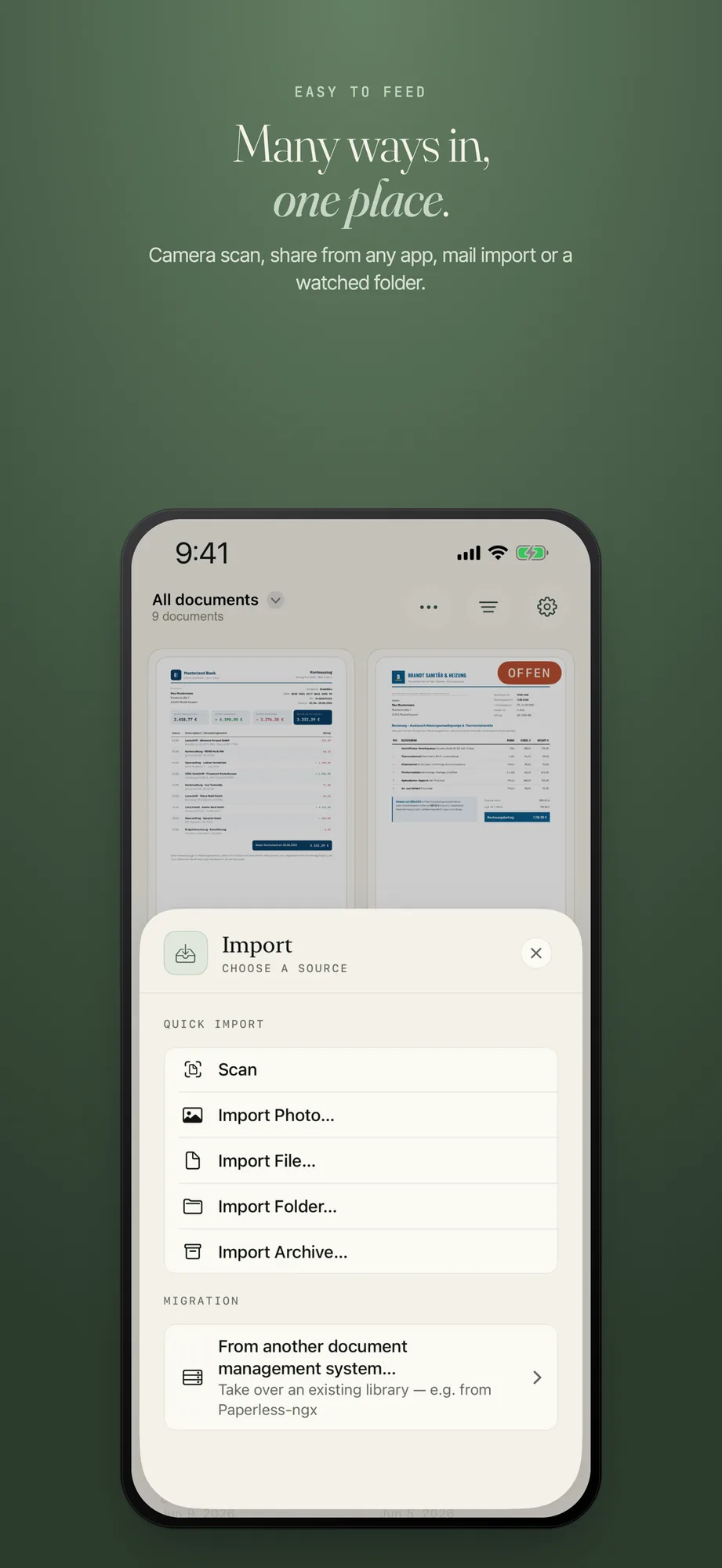
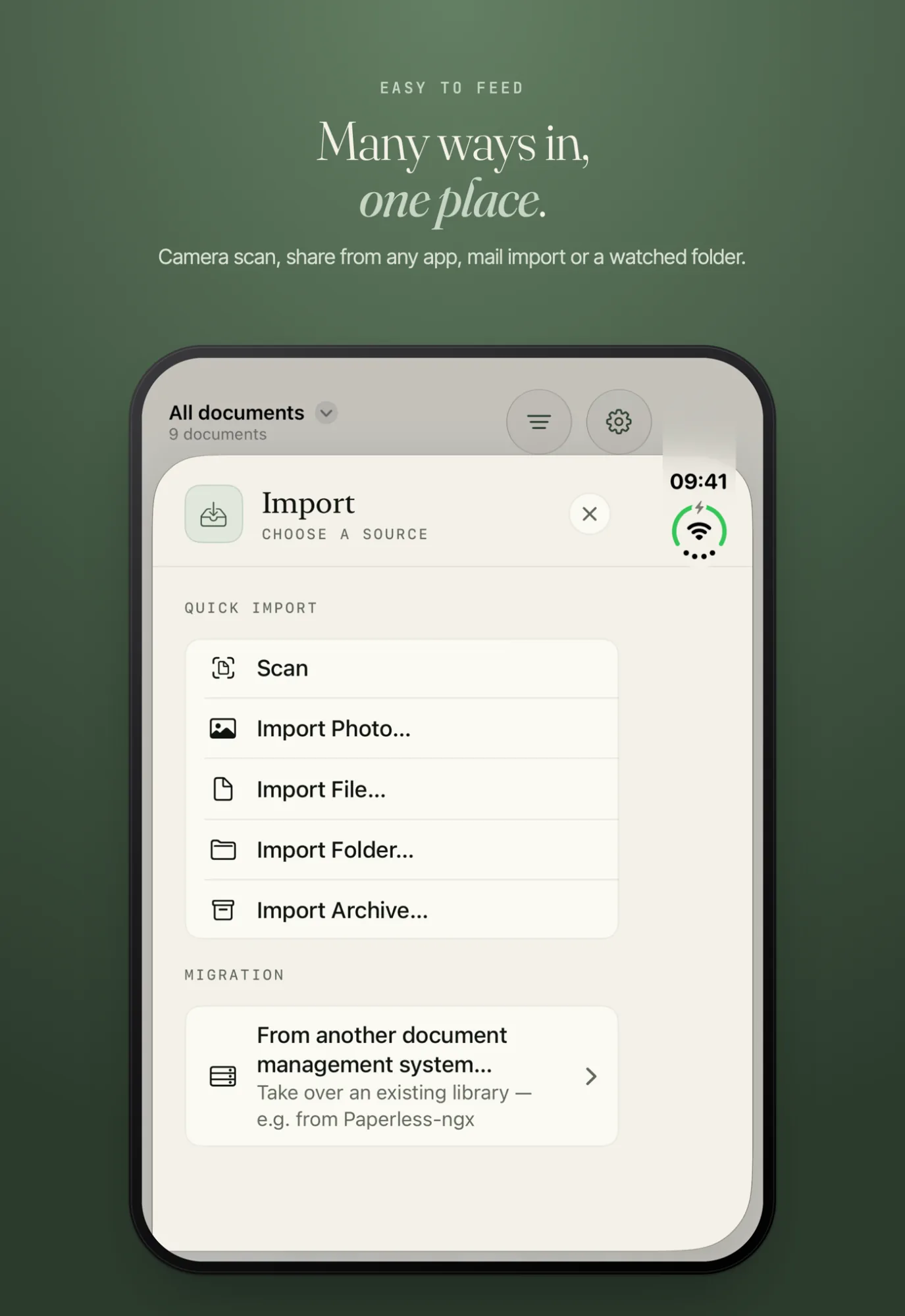
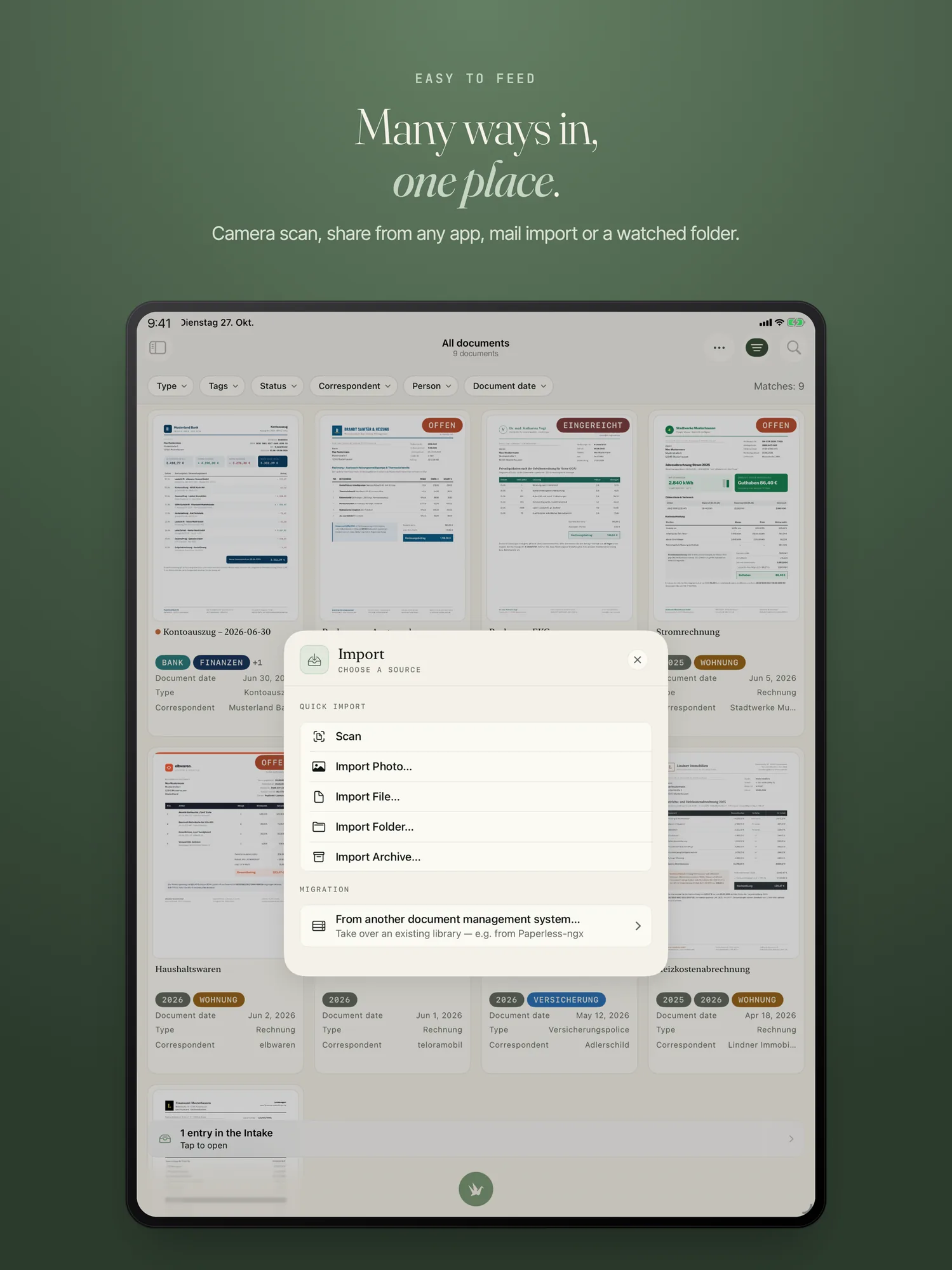
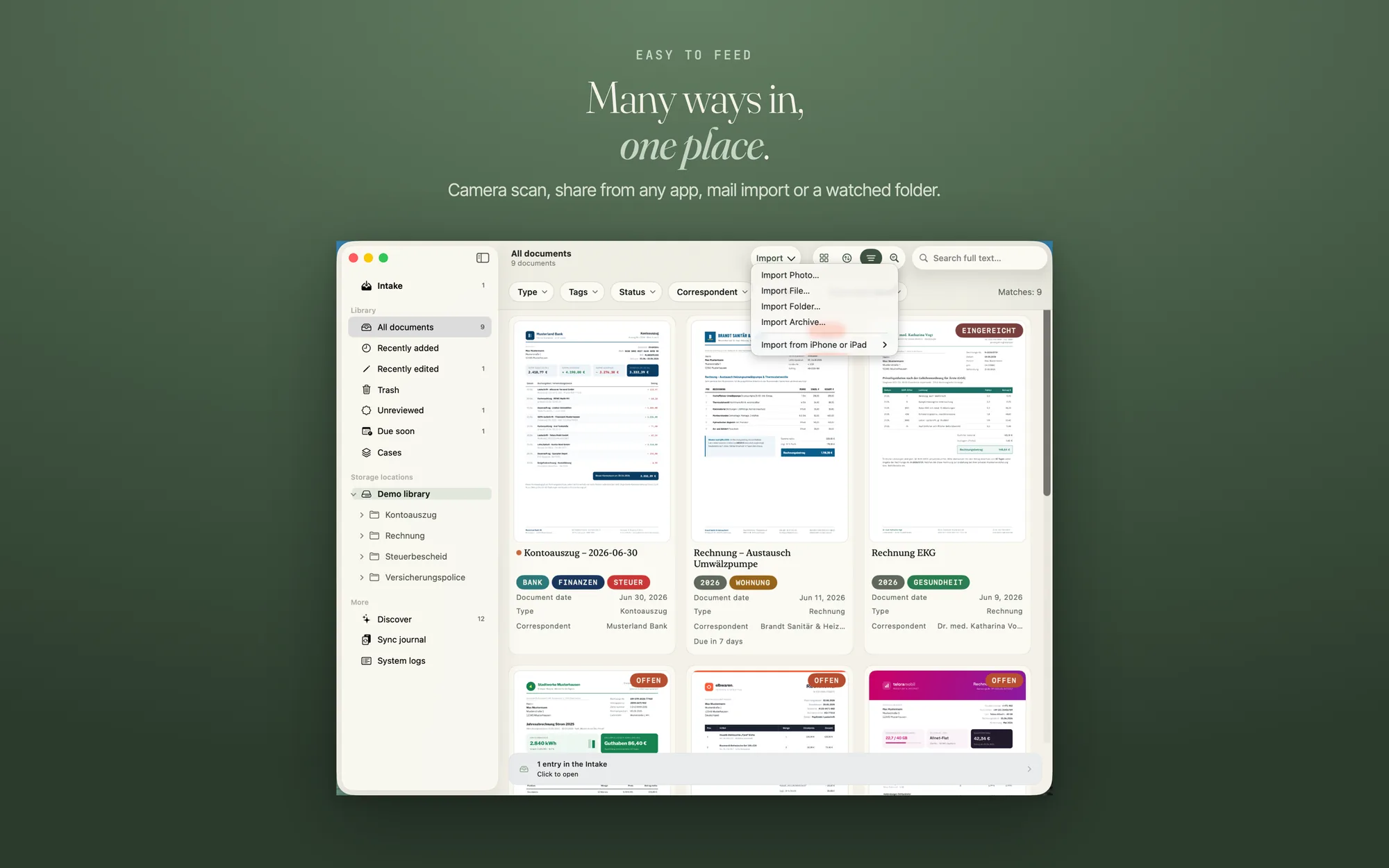
On iPhone and iPad you scan a document with the camera. An image from your photo library arrives as a photo, on iPhone, iPhone Duo, iPad and Mac. On the Mac, “Import Photo…” is the first item in the import menu.
Share, drag, paste
From any app you send a file to PaperPeace with “Share”. You can also pick files, drop them, paste them or hand them to the app with “Open in”. Whole folders with their subfolders work, and so do ZIP archives: PaperPeace unpacks an archive automatically and takes every file in it whose format it knows.
Watched folders
You can have any number of folders watched, for example “Downloads” or the folder your scanner saves to. New files show up in Intake. For each folder you choose separately whether PaperPeace copies or moves the files. Only what arrives after you pick the folder is offered; what is already in it stays untouched.
Filing email attachments automatically
You add your IMAP mailbox and set rules, such as “everything from rechnung@stadtwerke.de” or “from @meineversicherung.de if the subject contains ‘Police’”. A rule can also apply to all senders. With exclusions you take senders, subjects or file names out again. PaperPeace collects matching attachments (PDFs and images) by itself and sends them through the same recognition as a fresh scan.
If you like, you review every attachment first: it then waits in Intake under “Import?”, and you release or discard it. You can also collect older mail for a period afterwards.
The connection is encrypted and runs directly from your device to the mail server, with no service of ours in between. PaperPeace does not mark any mail as read. So that a mail does not arrive twice, it gets its own marker on the server if the server allows it; otherwise only this device remembers what it has already fetched. Outlook.com and Microsoft 365 aren't supported; for Gmail and iCloud you need an app password. Step by step: Set up mail import.
Taking over from Paperless-ngx
From Paperless-ngx (in German), PaperPeace fetches your documents directly from the server, with titles, correspondents, document types and tags.
The formats the app accepts
PaperPeace stores every file in its original format and converts nothing, and you can open it without PaperPeace at any time. The formats differ in how much text PaperPeace reads from them. Full-text search and the automatic recognition of document type, sender and tags depend on that.
Fully supported, on iPhone, iPhone Duo, iPad and Mac:
- PDF: PaperPeace reads the text layer and adds what only text recognition sees on the first pages, such as a company name in the letterhead. For scanned PDFs without a text layer, text recognition (OCR) reads them on the device. If a PDF is password-protected, PaperPeace asks for the password on import. Only for PDFs can you edit pages, fill in forms, sign and write the recognised text into the file for good.
- Images: JPEG, PNG, HEIC/HEIF, TIFF, GIF, BMP and WebP. They stay images; PaperPeace recognises the text with OCR on the device.
- Text files: TXT, RTF and Markdown, with the whole text.
- Word (DOCX) and PowerPoint (PPTX): the whole text, and for presentations the text of all slides.
With limits:
- Excel (XLSX): the texts in the cells are searchable, plain numbers and amounts are not.
- Older Word files (DOC): on the Mac PaperPeace reads the whole text, on iPhone and iPad only the text of the first page.
- OpenDocument text (ODT): only the Mac reads the text. On iPhone and iPad the file stays as “Format not readable”; on the Mac you catch up with “Catch up text recognition”.
- Pages, Numbers and Keynote: the whole text is only there if the file contains an embedded PDF preview. Most current files lack it; PaperPeace then recognises the text of the first page from its preview image.
Where PaperPeace can read only part of the text or none, it tells you in the “Text” tab. There you can also type or add the text by hand; the document is then recognised and filed with it. The mail import takes PDFs and images from the attachments.
Not supported: We deliberately do not accept HTML files and web archives, because importing them would open an unnecessary security hole. Also not: the old Office formats XLS and PPT, CSV files, program code and scripts, and files that are really folders (RTFD and older Pages, Numbers and Keynote files in package format). Save such files as PDF, or in one of the formats above, first. The way into the app and what each format gives you is in the guide File formats.
Mail import and watched folders are part of the purchase; without a purchase they are off. The prices are on the home page.
Frequently asked questions
Can PaperPeace import my email attachments automatically?
Yes. You add your IMAP mailbox and set rules — “everything from billing@utilities.com”, say, or “from @myinsurer.com when the subject contains ‘policy’”. PaperPeace fetches matching attachments (PDFs and images) on its own and runs them through the same recognition as a fresh scan; if you prefer, they land in Intake first, where you approve each one. Older mail can be collected retroactively too. The connection is encrypted and goes straight from your device to your mail server — no service of ours in between. Outlook.com and Microsoft 365 aren't supported; Gmail and iCloud need an app-specific password.
How do I know later how a document reached me?
Under “System”, the inspector says in one sentence where a document came from: the way (camera, Intake, mail, Paperless, device), the folder and the sender.
What if a file cannot be imported?
Then it is in Intake under “Import failed”. There you can try again, discard the file and look at the details.
Can I import HTML pages or CSV files?
No. PaperPeace deliberately does not accept HTML files and web archives, and it does not accept CSV files either. Save such content as PDF first.
Your storage, your order
PaperPeace runs on iPhone, iPhone Duo, iPad and Mac.
iPhone · iPhone Duo · iPad · Mac · iOS 18 and macOS 15 or later