How to bring a file in
-
Open the import menu
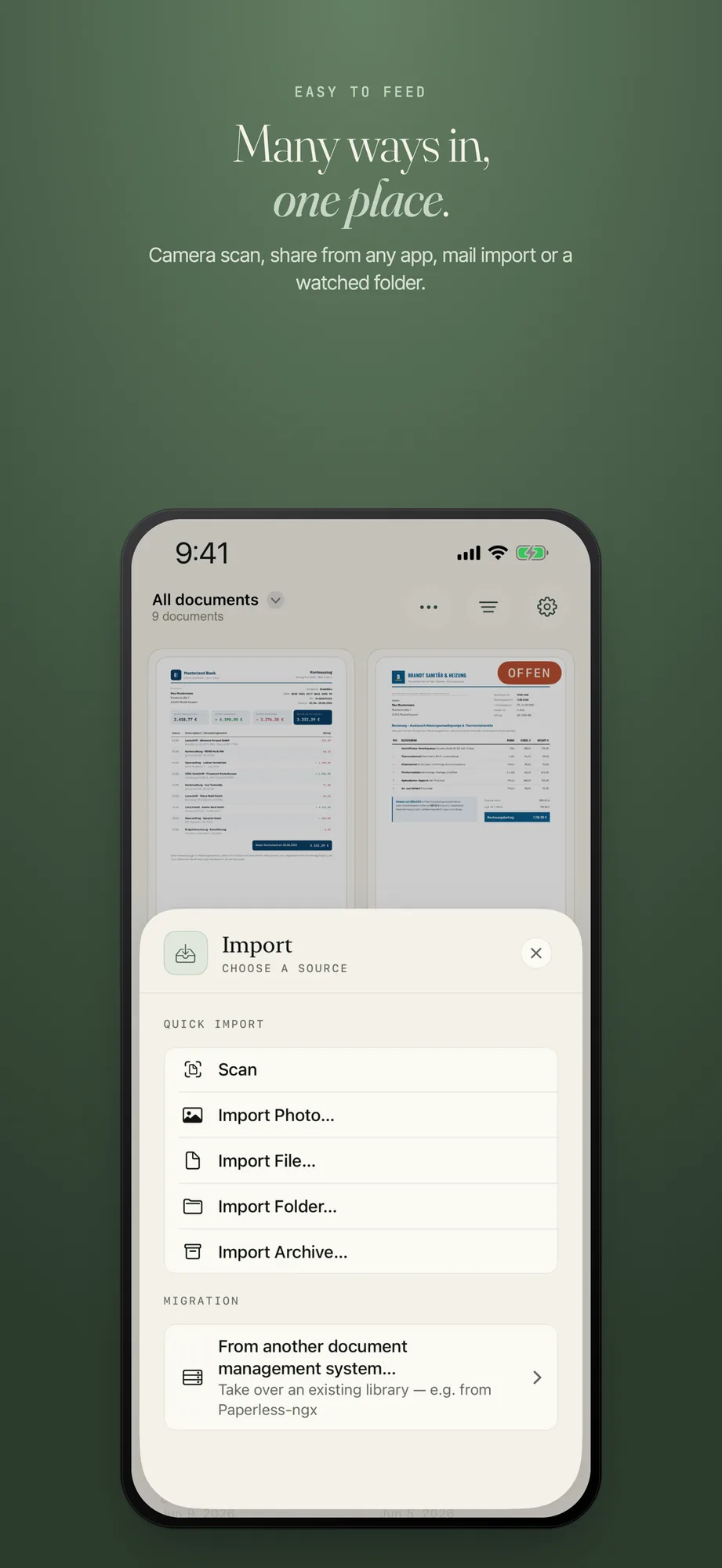
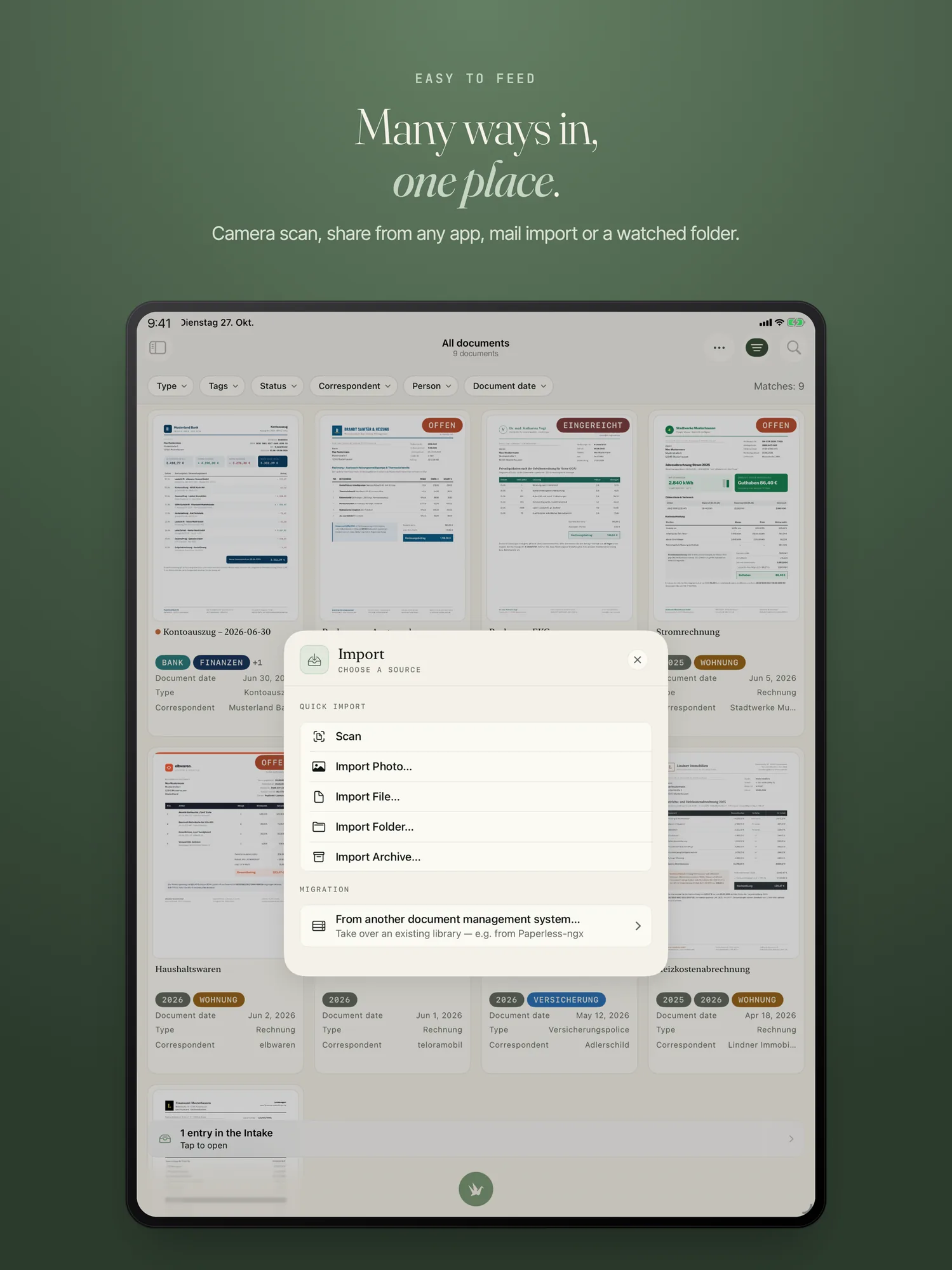
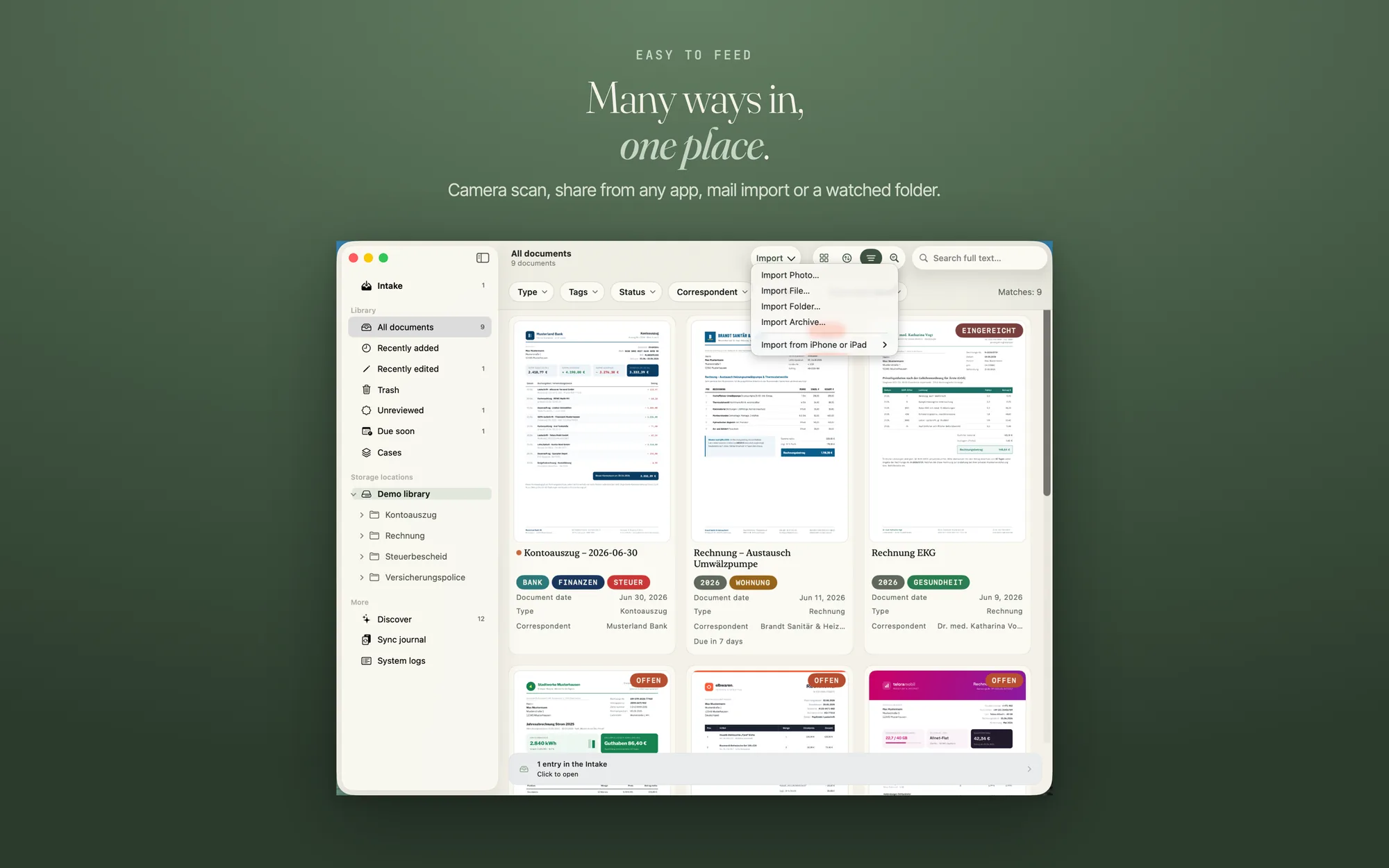
iPhone and iPad: tap the round button with the PaperPeace crane (“Add document”) in the bar at the bottom. Mac: click “Import” in the toolbar, or in the “File” menu choose “Import…” (⌘O).
-
Choose “Import File…”
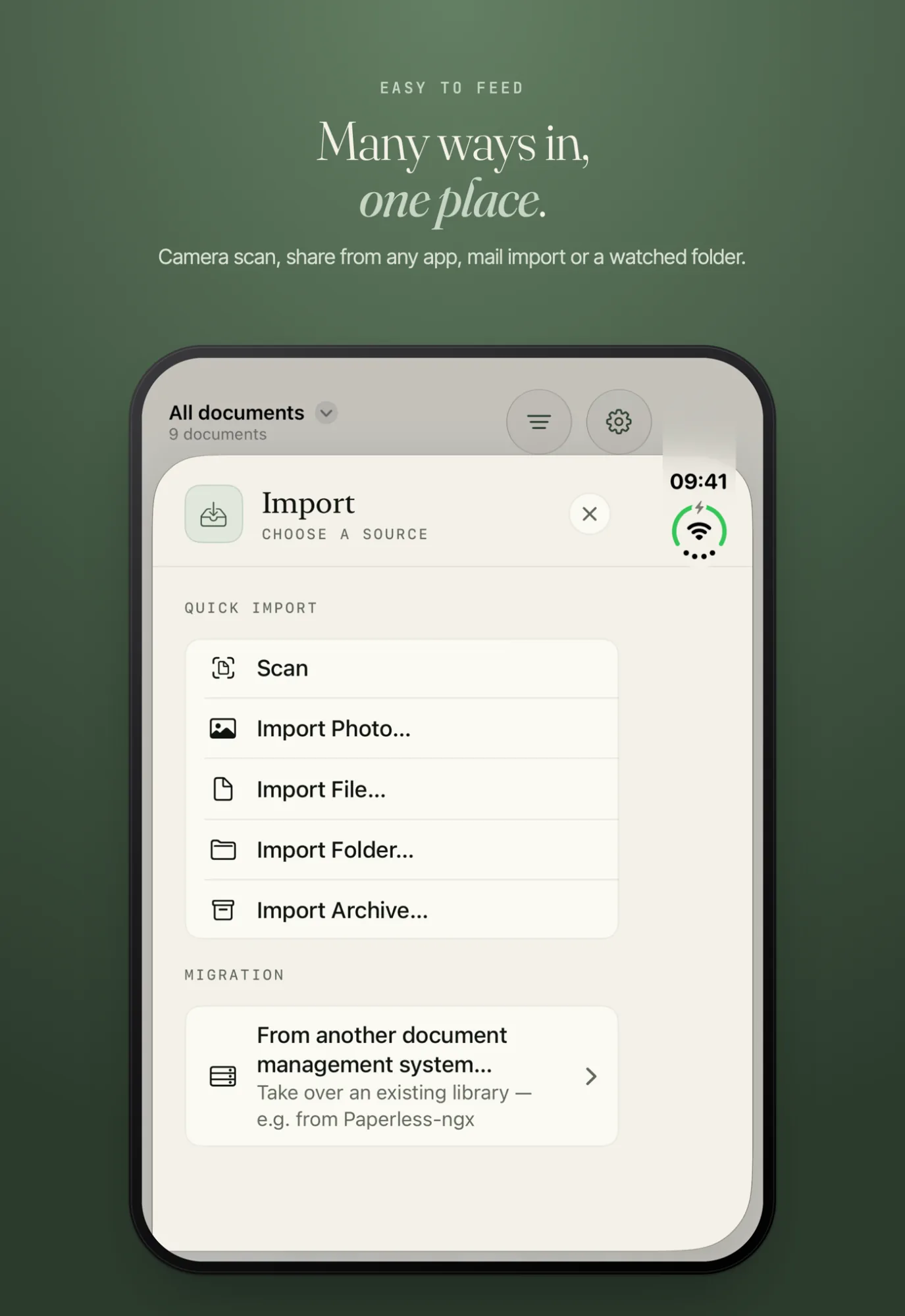
On iPhone and iPad the menu offers “Scan”, “Import Photo…”, “Import File…”, “Import Folder…” and “Import Archive…”. On the Mac, “Scan” is missing; instead, the toolbar’s “Import” menu has “Import from iPhone or iPad”. On the Mac, “Import…” (⌘O) opens a window with the same sources.
-
Pick the file
The dialog offers PDFs, images, text files, Word, Excel, PowerPoint, and Pages, Numbers and Keynote. If a PDF is protected by a password, it waits with “Unlock”. Open it and enter the password; after that it is analyzed and filed.
A file also gets in by other ways (share, drag, a watched folder); they are on Bringing documents in. A ZIP archive is unpacked by PaperPeace, and it takes every file in it whose format it knows.
The original stays
PaperPeace files every file in its original format and converts nothing. You can open it without PaperPeace at any time. A Markdown file (.md) is filed by the app as “.markdown”. The formats differ in how much text PaperPeace reads from them. Full-text search and the automatic recognition of document type, sender and tags depend on it.
Fully supported
On iPhone, iPhone Duo, iPad and Mac:
- PDF. PaperPeace reads the text layer and adds, on the first pages, what only text recognition sees, such as a company name in the letterhead. Scanned PDFs without a text layer are read by text recognition (OCR) on the device. Only for PDFs can you edit pages, fill in forms, sign and write the recognized text into the file for good.
- Images: JPEG, PNG, HEIC/HEIF, TIFF, GIF, BMP and WebP. They stay images; PaperPeace recognizes the text by OCR on the device.
- Text files: TXT, RTF and Markdown, with the whole text.
- Word (DOCX) and PowerPoint (PPTX): the whole text, and for presentations the text of all slides.
With limits
- Excel (XLSX). The text in the cells is searchable; plain numbers and amounts are not.
- Older Word files (DOC). On the Mac PaperPeace reads the whole text; on iPhone and iPad only the text of the first page.
- OpenDocument text (ODT). Only the Mac reads the text. On iPhone and iPad the file stays as “Format not readable”; on the Mac you catch up on text recognition with “Catch up on text recognition”.
- Pages, Numbers and Keynote. The whole text exists only if the file contains an embedded PDF preview. Most current files lack it; then PaperPeace recognizes the text of the first page from its preview image.
Where PaperPeace can read only part of the text or none at all, the app tells you in the “Text” tab. There you can also enter or add the text by hand; the document is then recognized and filed with it.
Not supported
PaperPeace does not accept HTML files and web archives, for security reasons. Also not: the old Office formats XLS and PPT, CSV files, program code and scripts, and files that are really folders (RTFD and older Pages, Numbers and Keynote files in package format). Save such files as a PDF or in one of the formats above first.
From emails
Mail import fetches PDFs and images from the attachments. How to set it up is in Set up mail import.
Write to us through the contact form. The more exactly you name the step and the message in the app, the faster we find the cause.