Find peace in the
paper chaos.
PaperPeace is heading into beta — and you can be part of it. Medical bills, warranties, school forms, contracts: sorted automatically, found in seconds. The intelligence runs on your device, and everything is stored wherever you want.
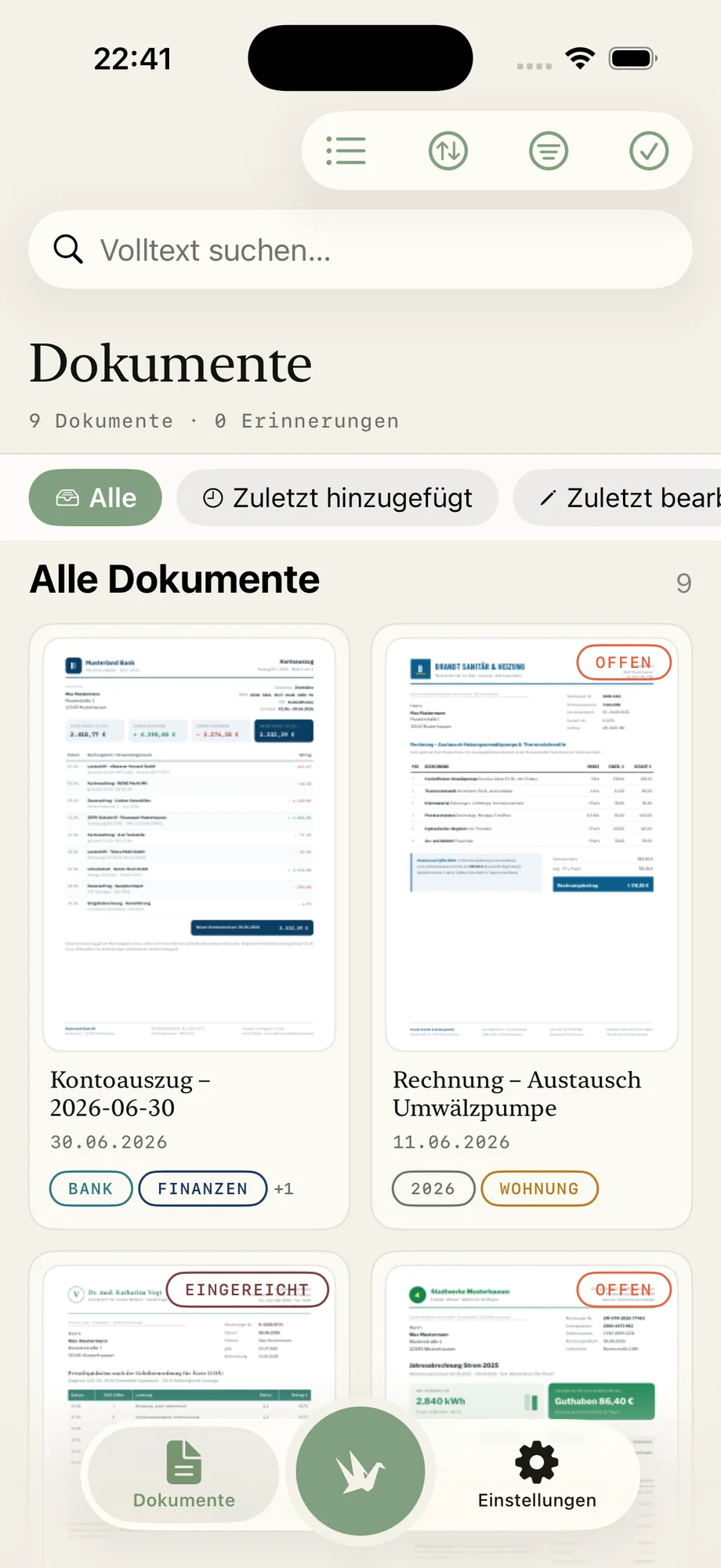
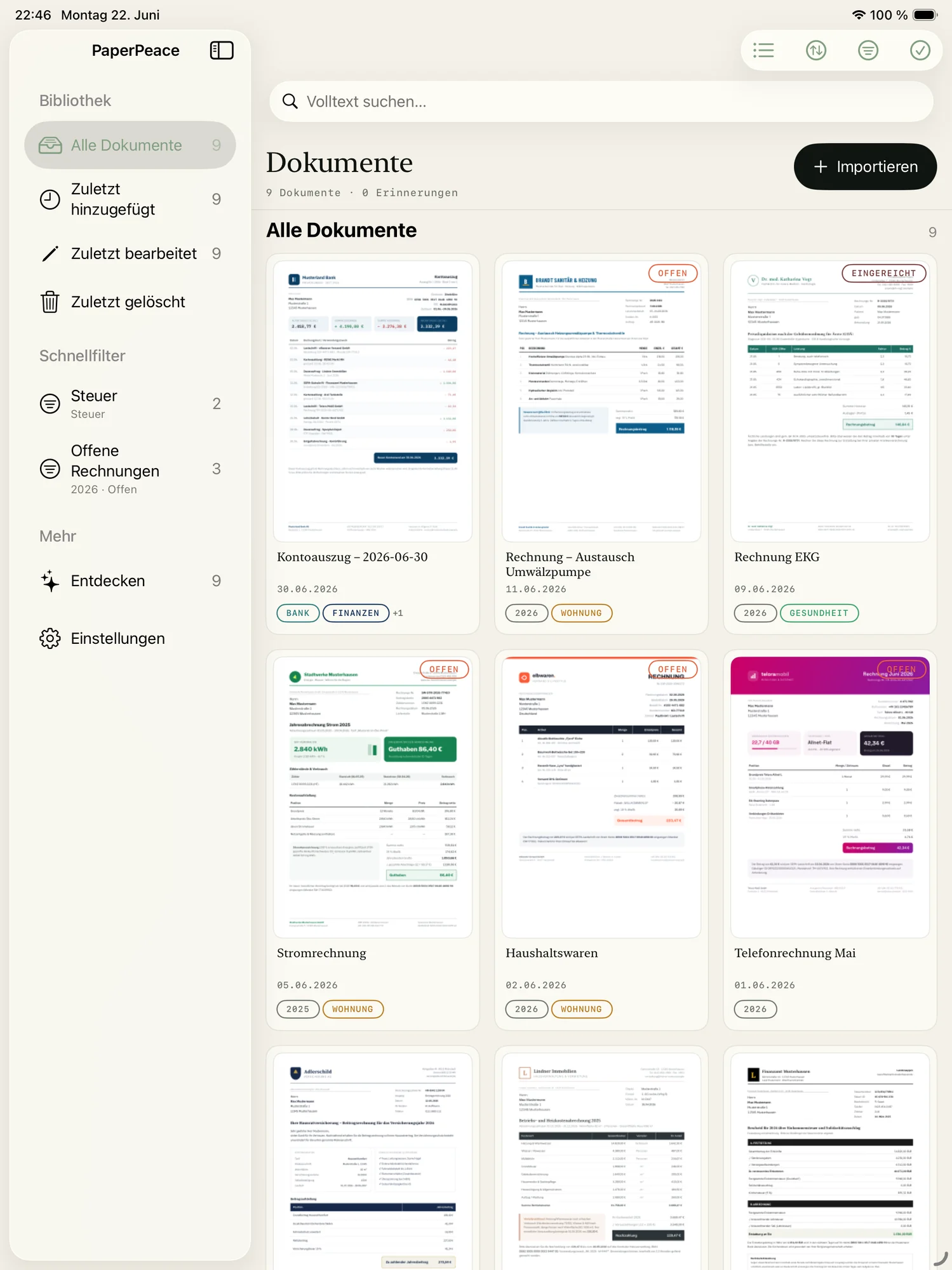
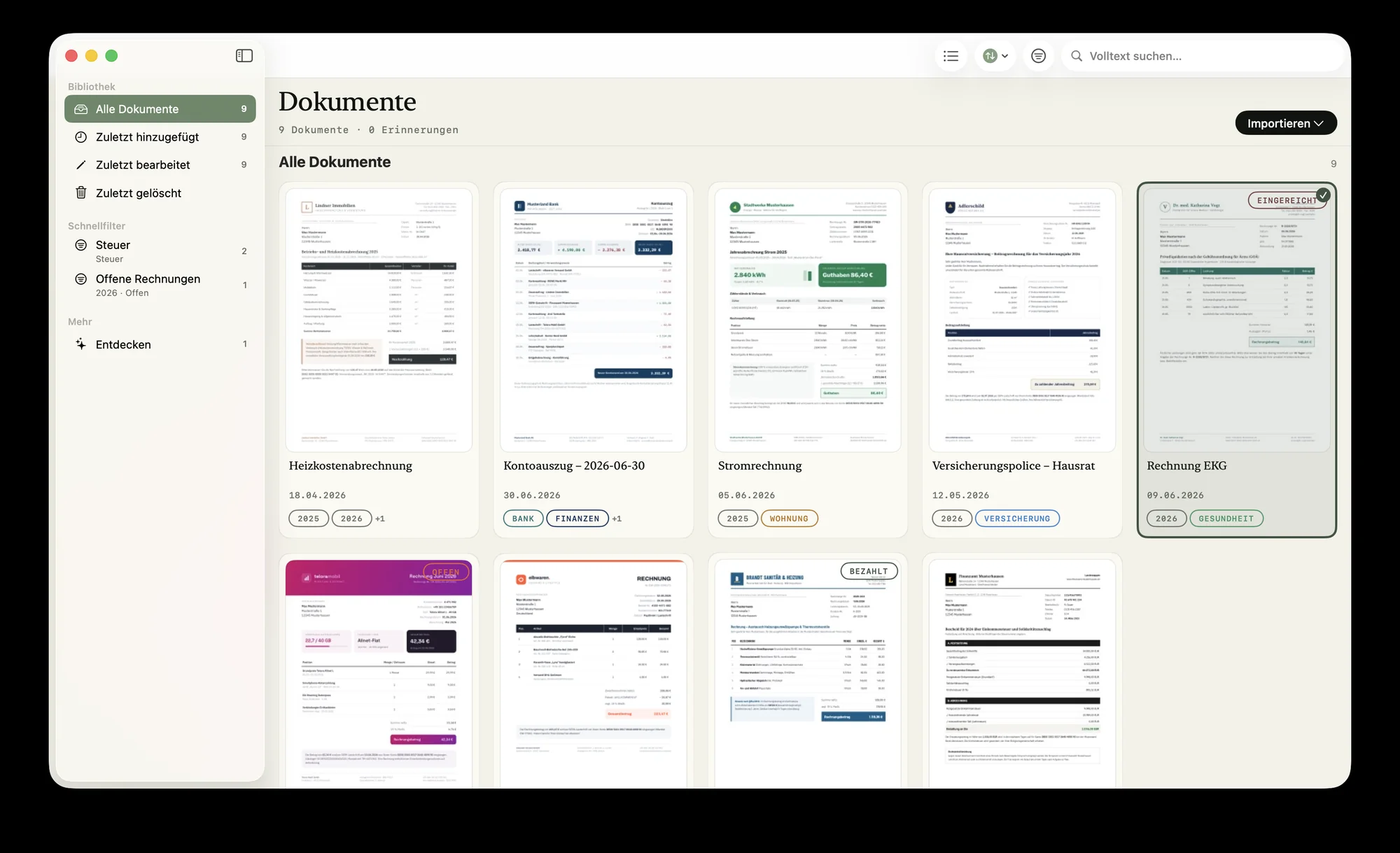
Built for anyone who wants to stay on top of it.
Family, single household or self-employed — the core problem is the same: too much paper, too little overview. PaperPeace adapts to whatever you need it for.
Families
Medical bills, school forms, contracts — the whole household's paperwork in one place, shared with your partner. Both of you see what's still open at a glance.
Decluttering & moving
Finally get rid of the binder tower: sorted automatically, searchable in seconds, as plain PDFs. No forced subscription, no lock-in.
Planning ahead
Powers of attorney, directives and insurance filed securely and shared with siblings — so the moment it counts, everyone finds what matters.
Self-employed
Collect receipts all year, keep private and business apart — and send them encrypted to your accountant at year's end. No accounting subscription.
The control of your own server. Without the server.
Until now you only had two choices: hand your most sensitive files to someone else's cloud service — or run a server yourself, with all the setup, updates and security holes that come with it. PaperPeace dissolves that dilemma. You get documents kept in sync across multiple devices and people — and you decide for yourself whether, and to whom, you entrust your data.
No server of your own
No installation, no updates, no security patches — and no open port to the internet that you'd have to lock down.
No third-party DMS cloud
No account with a provider that manages your files. All of the intelligence runs on your device.
You draw the line
Local only, on your home network, in your cloud or shared with the family — your choice, changeable anytime.
Most people have long since entrusted their photos and documents to Apple — knowingly, once. PaperPeace doesn't force you to ask that same question of trust over and over again. You keep the choice — all the way down to: no one but you.
Sorted automatically. No outside AI.
To recognize documents automatically, many apps send them off to a cloud AI service. PaperPeace doesn't. Text recognition, classification and learning from your corrections all happen entirely on your iPhone, iPad or Mac — no upload, no third-party service reading along.
On-device recognition
Document type, tags, correspondents and the text of scanned pages are all recognized right on the device — nothing is uploaded for analysis.
Learns with you — privately
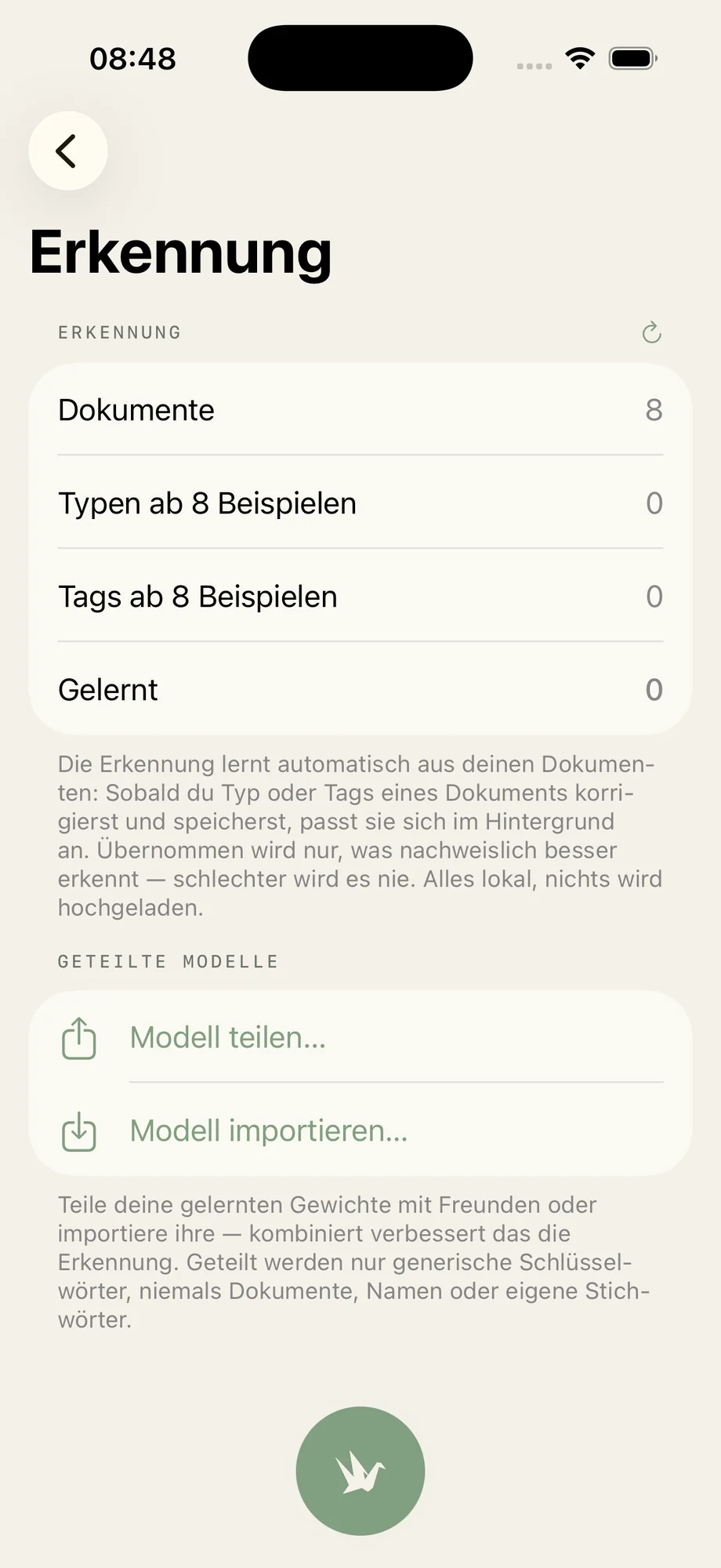
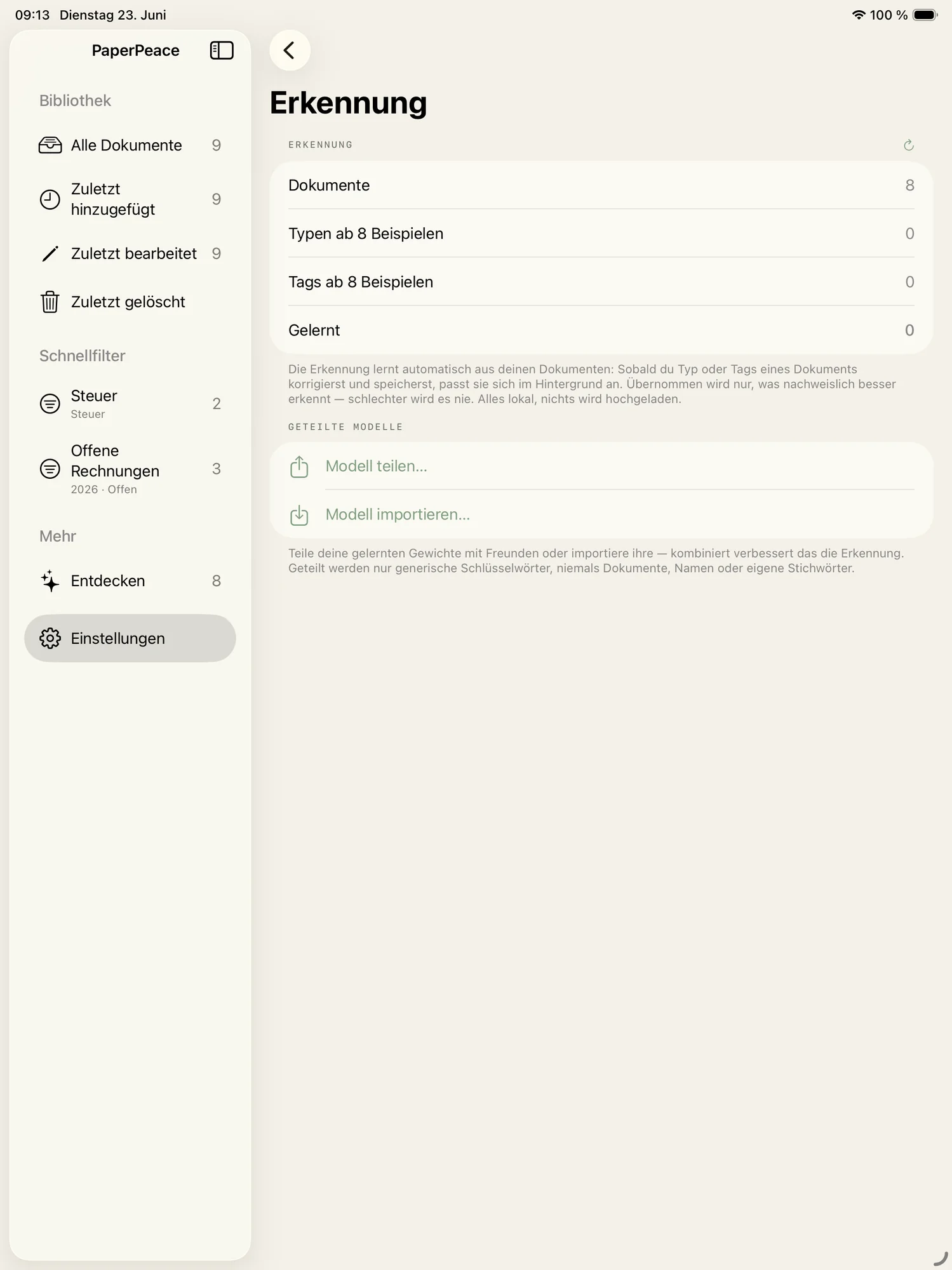
PaperPeace gets better with every correction. The learned model stays on your device, and nothing is uploaded for training.
No account, no profiling
No PaperPeace account, no tracking, no cloud LLM. Your content is never turned into profiles.
Feed it, sort it, find it.
From a stack of paper to an organized library: PaperPeace brings structure to your document chaos — feed it, sort it, find it. So you can focus on the things in life that matter, instead of shuffling paper.
Drop it in — from anywhere.
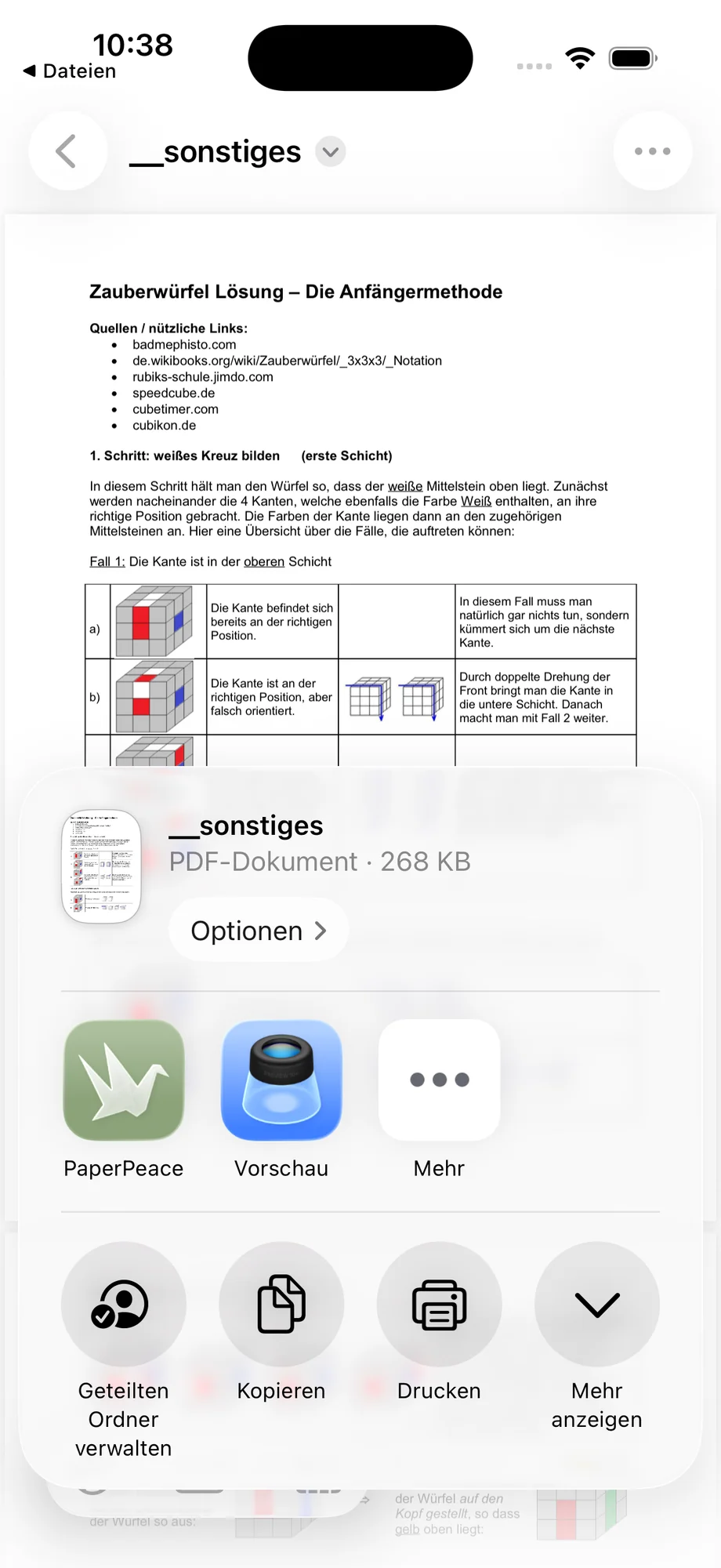
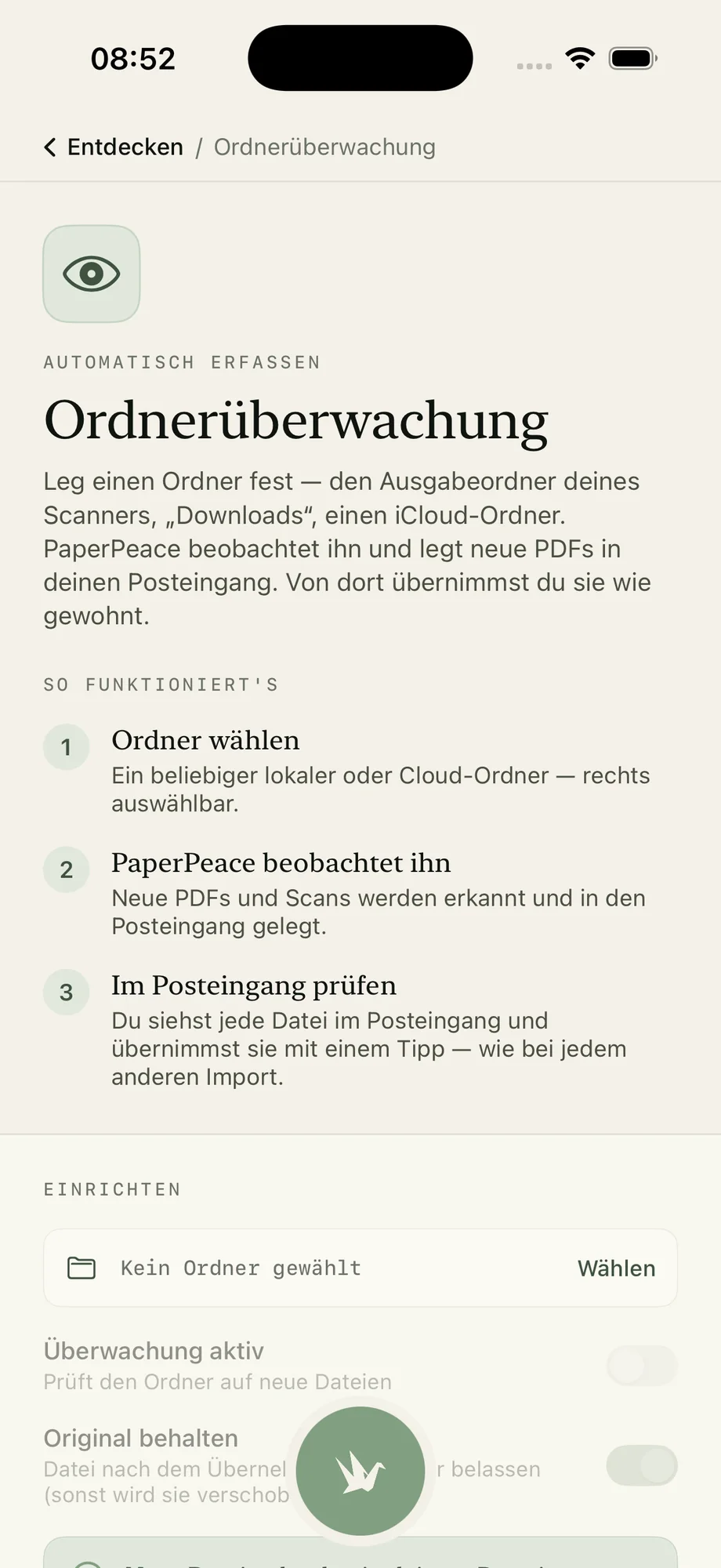
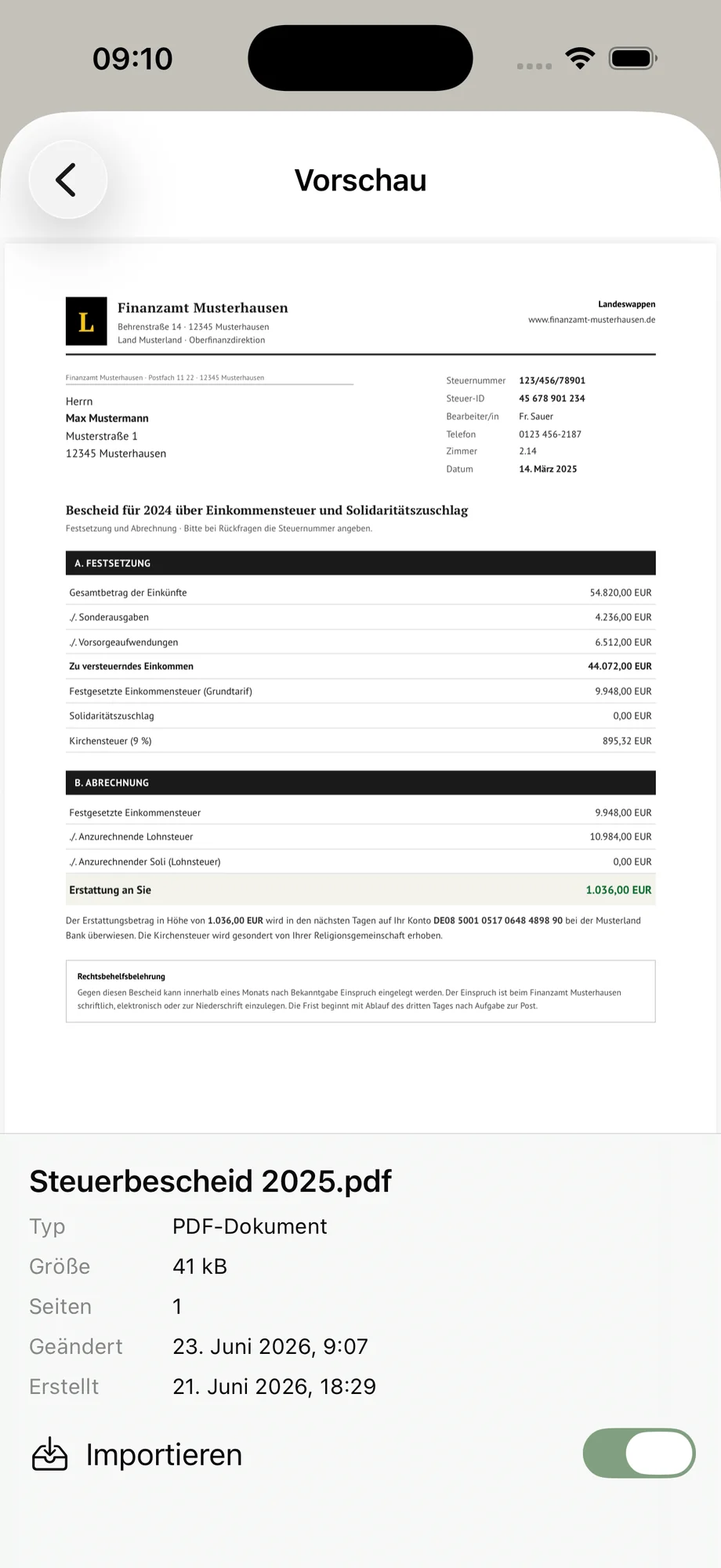
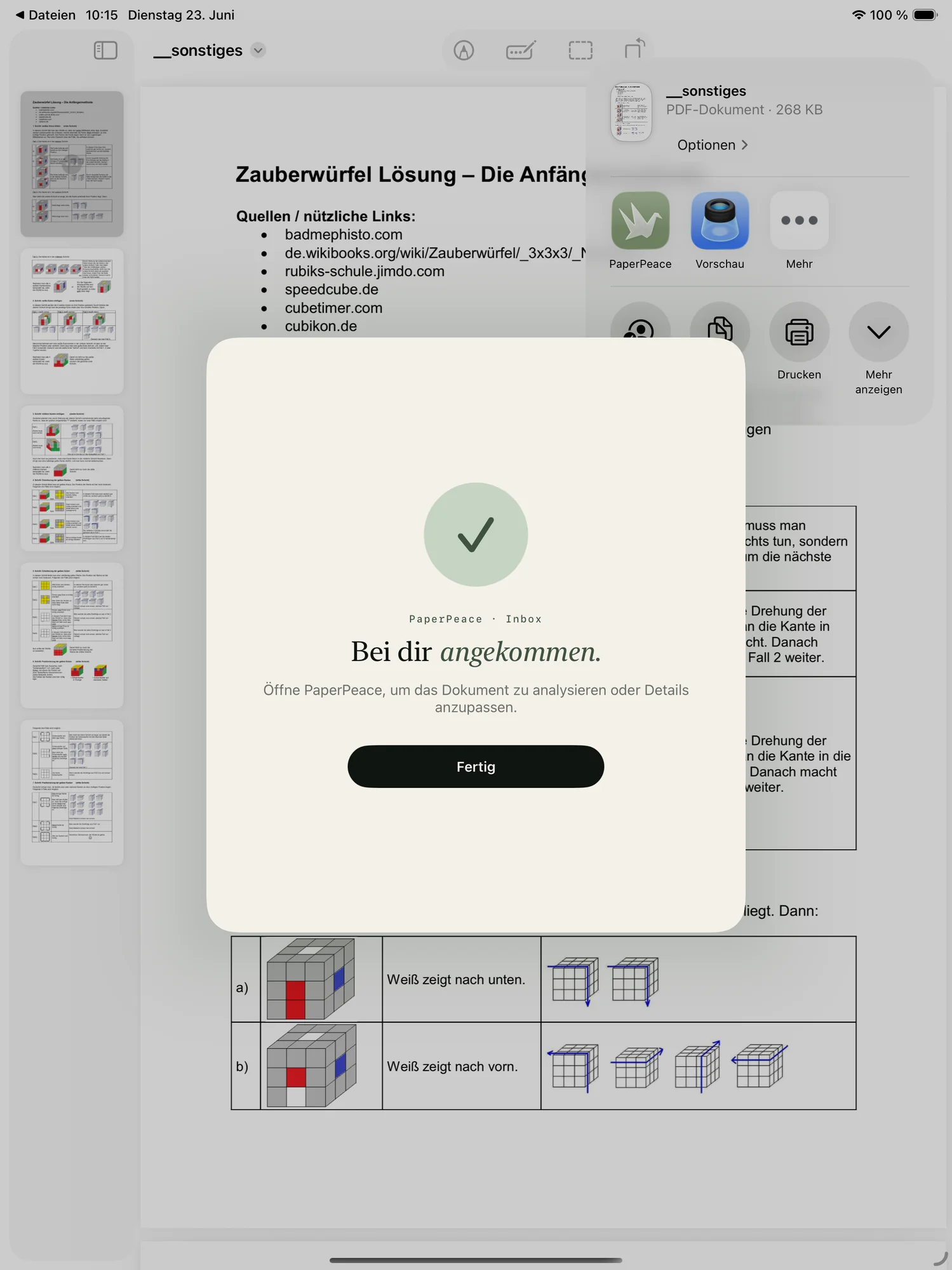
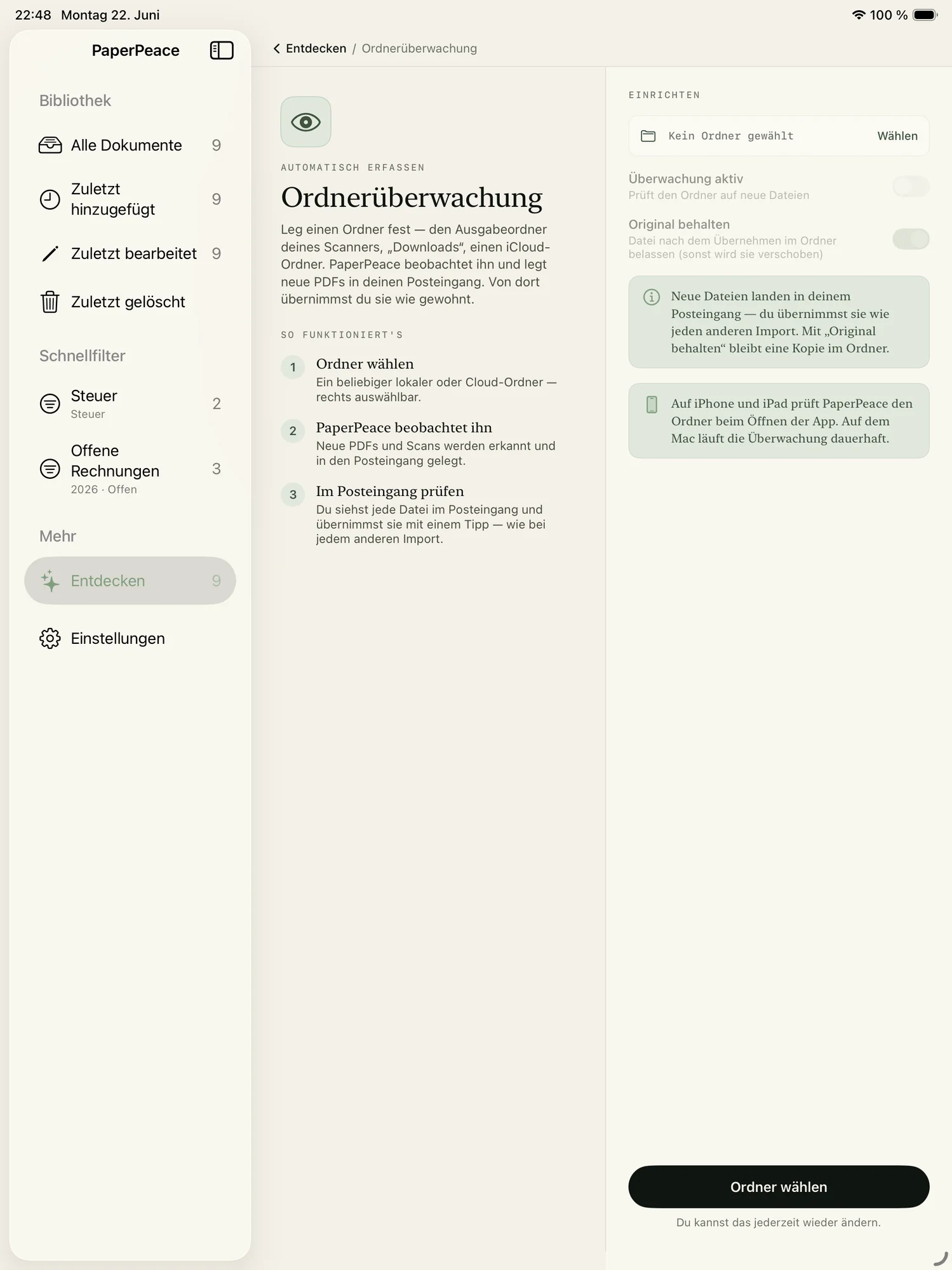
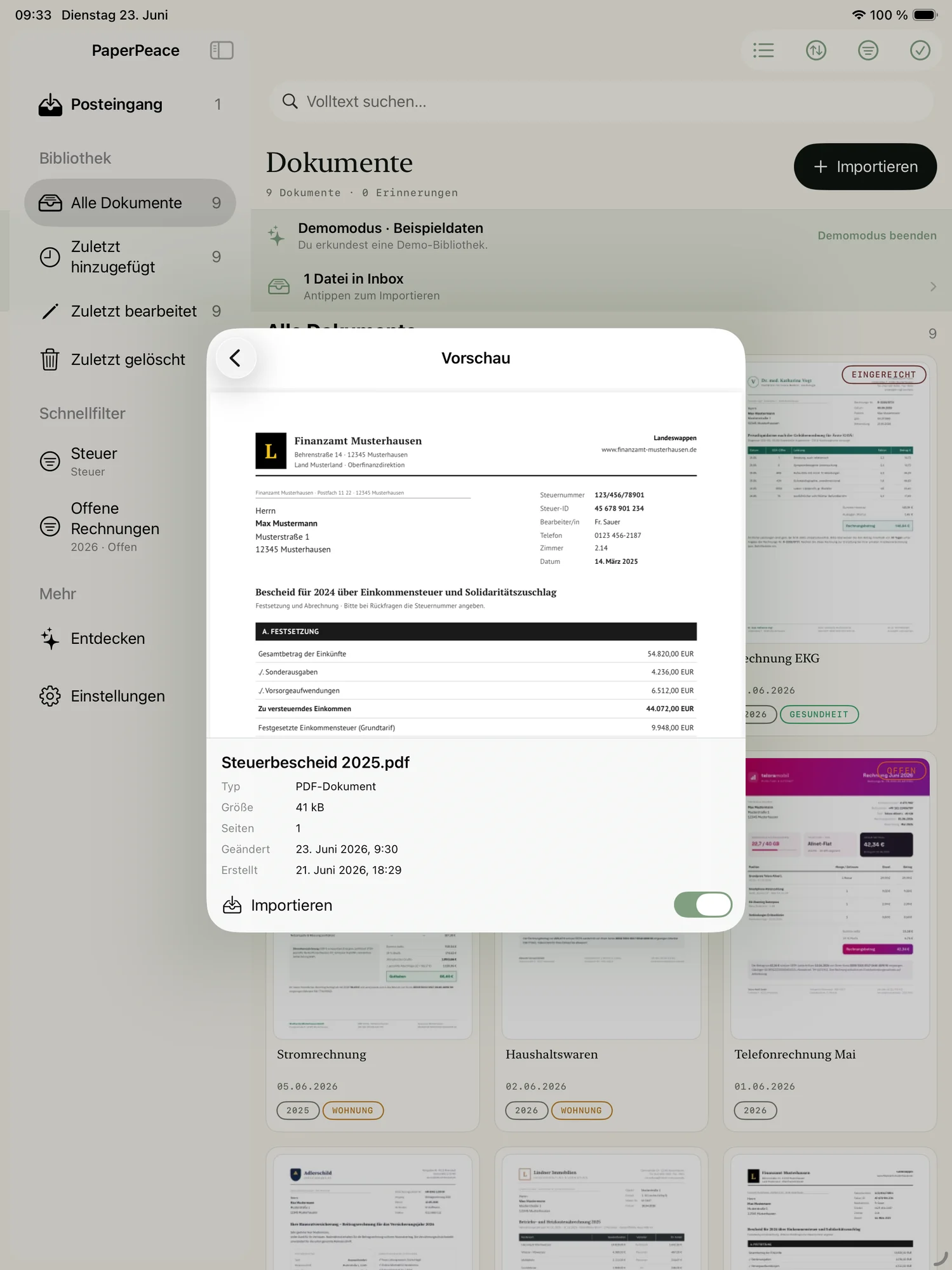
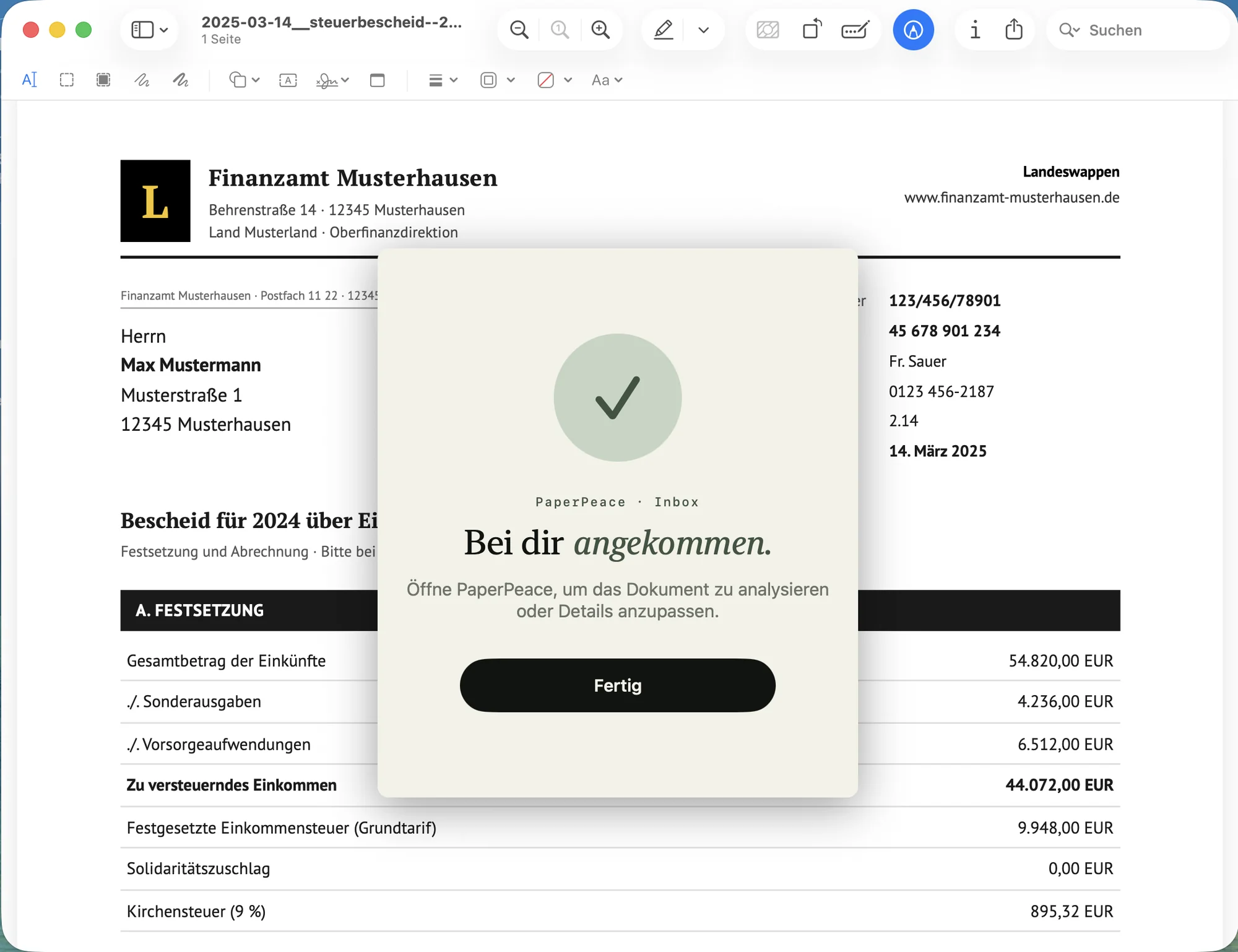
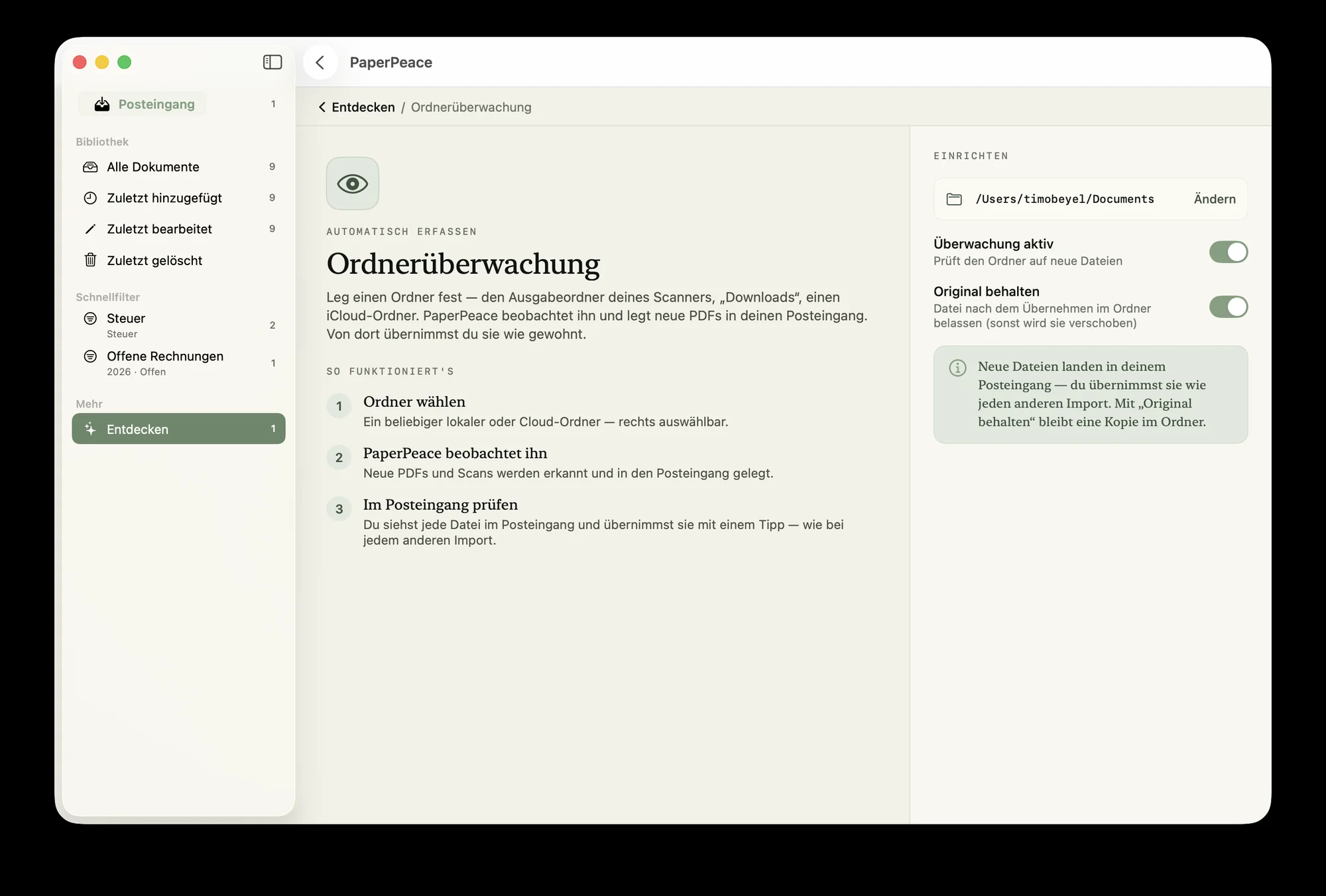
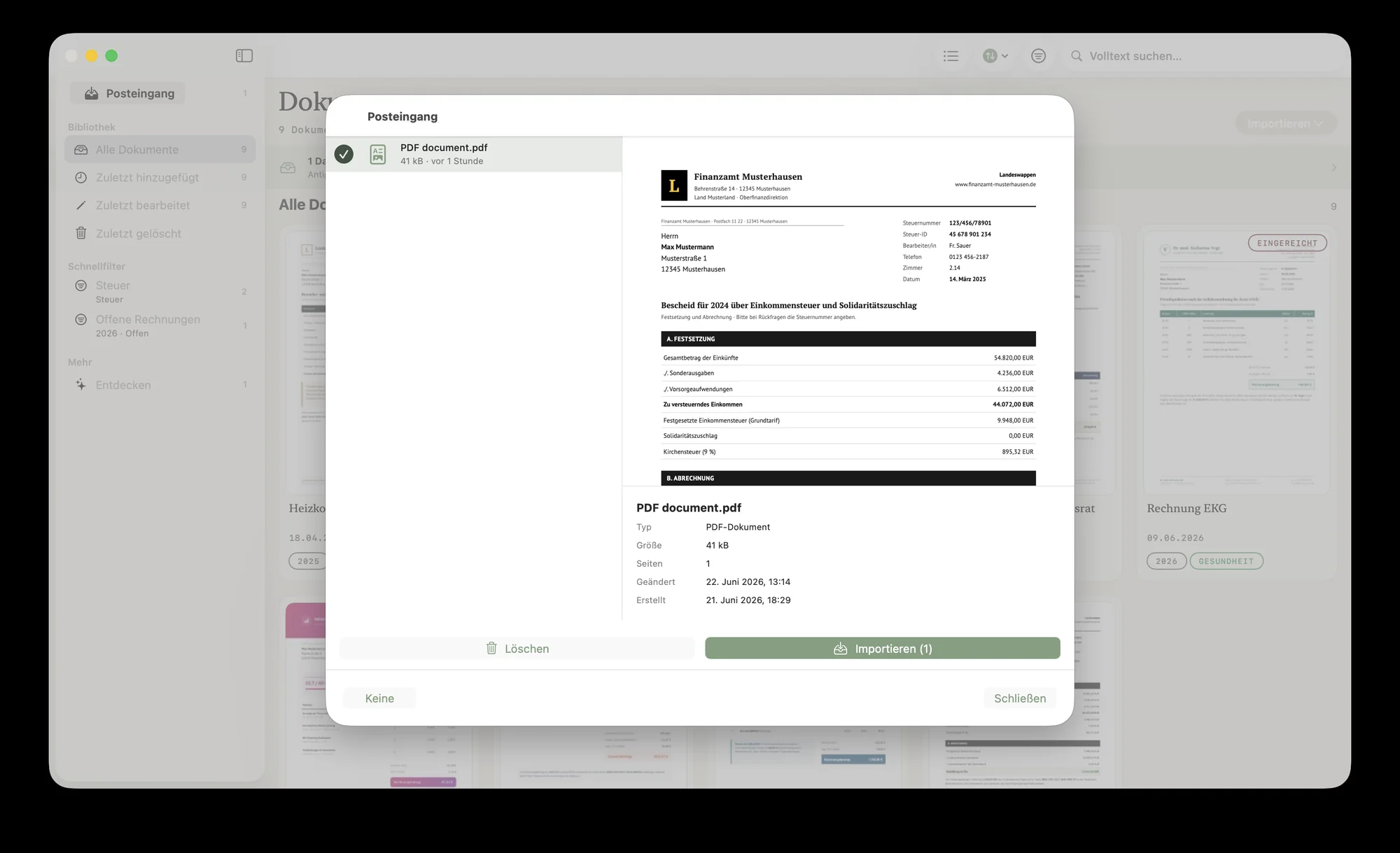
Scan a document with your iPhone or iPad, send it straight to PaperPeace via the Share sheet from any app — or set up a folder that PaperPeace watches and automatically imports new documents from.
It sorts itself.
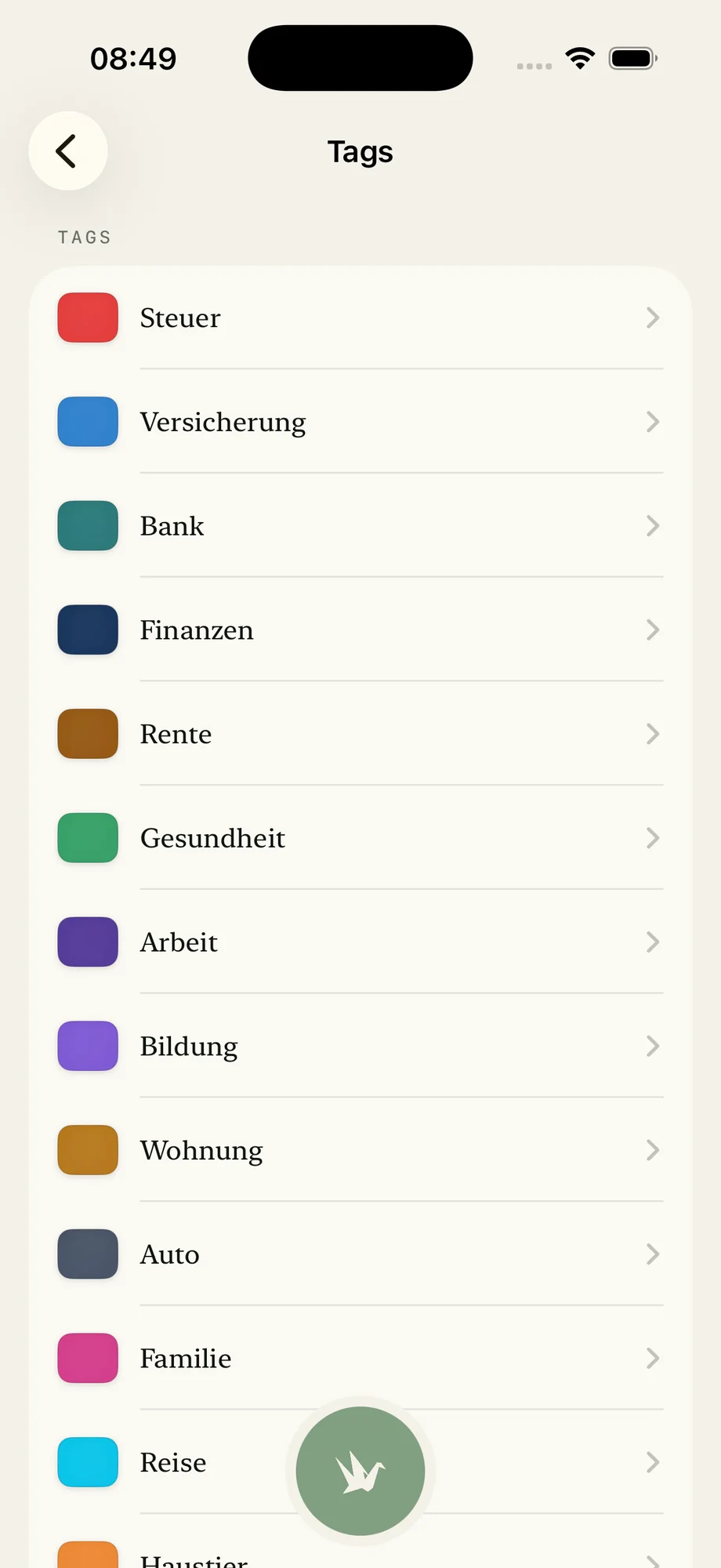
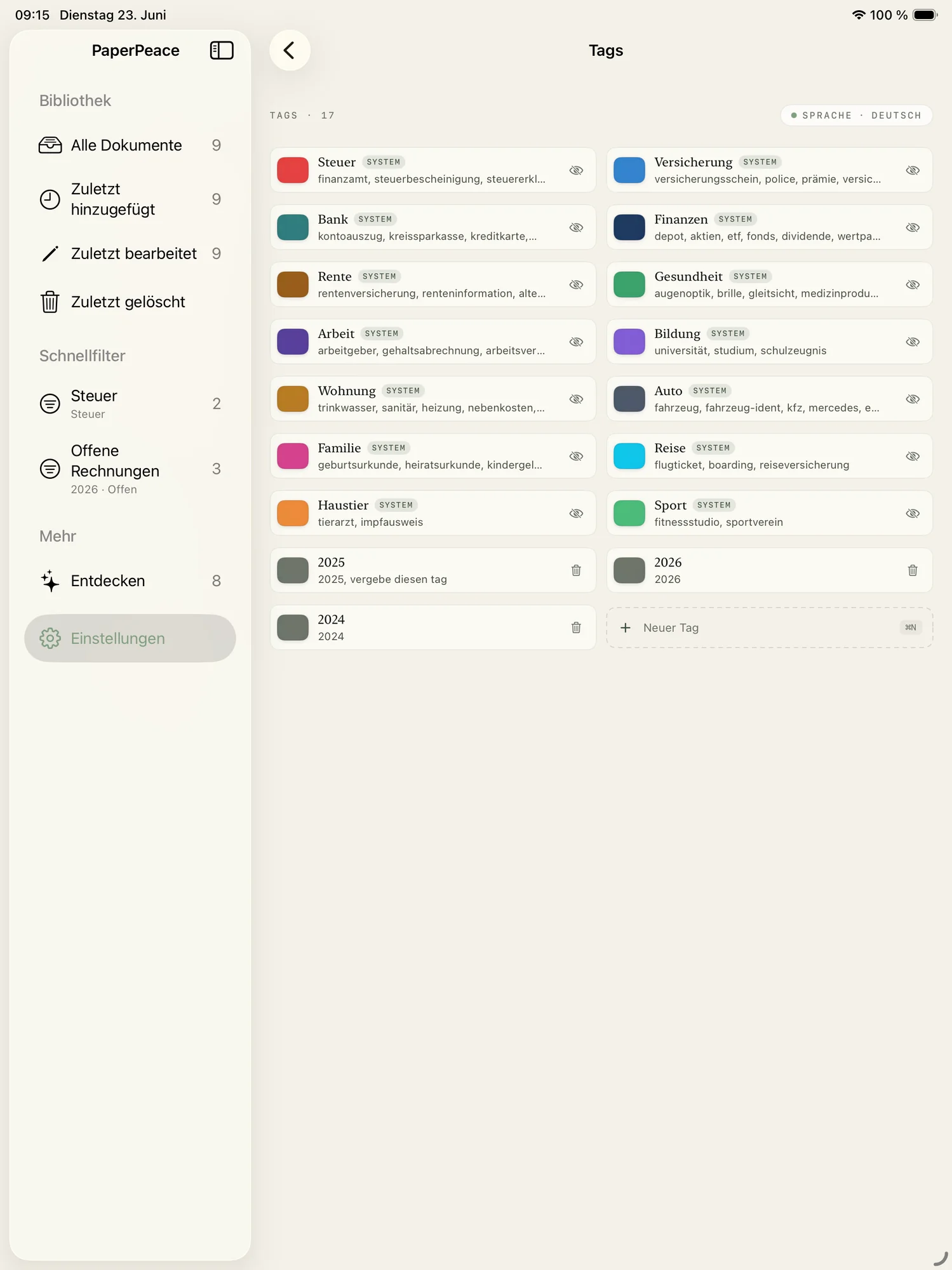
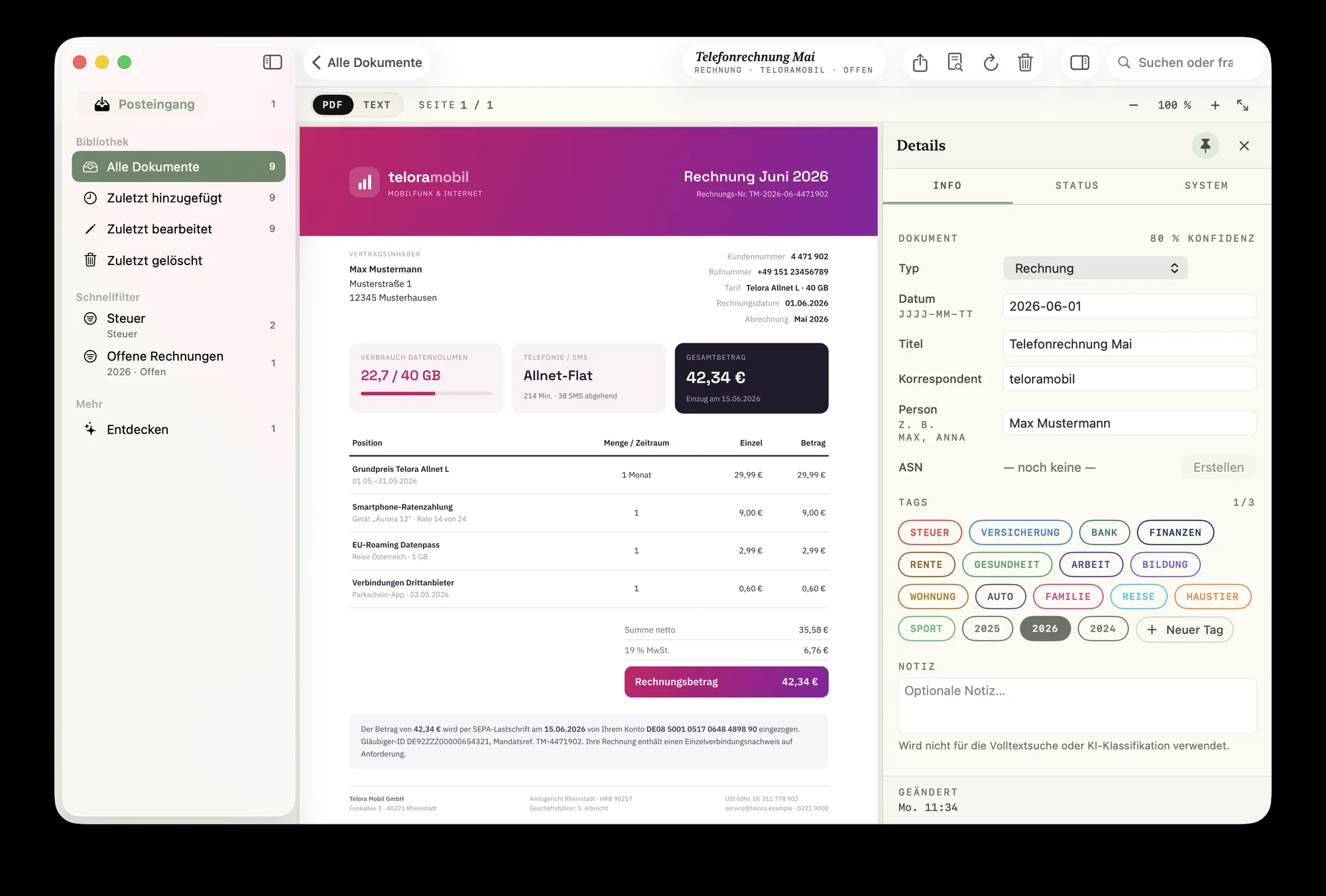
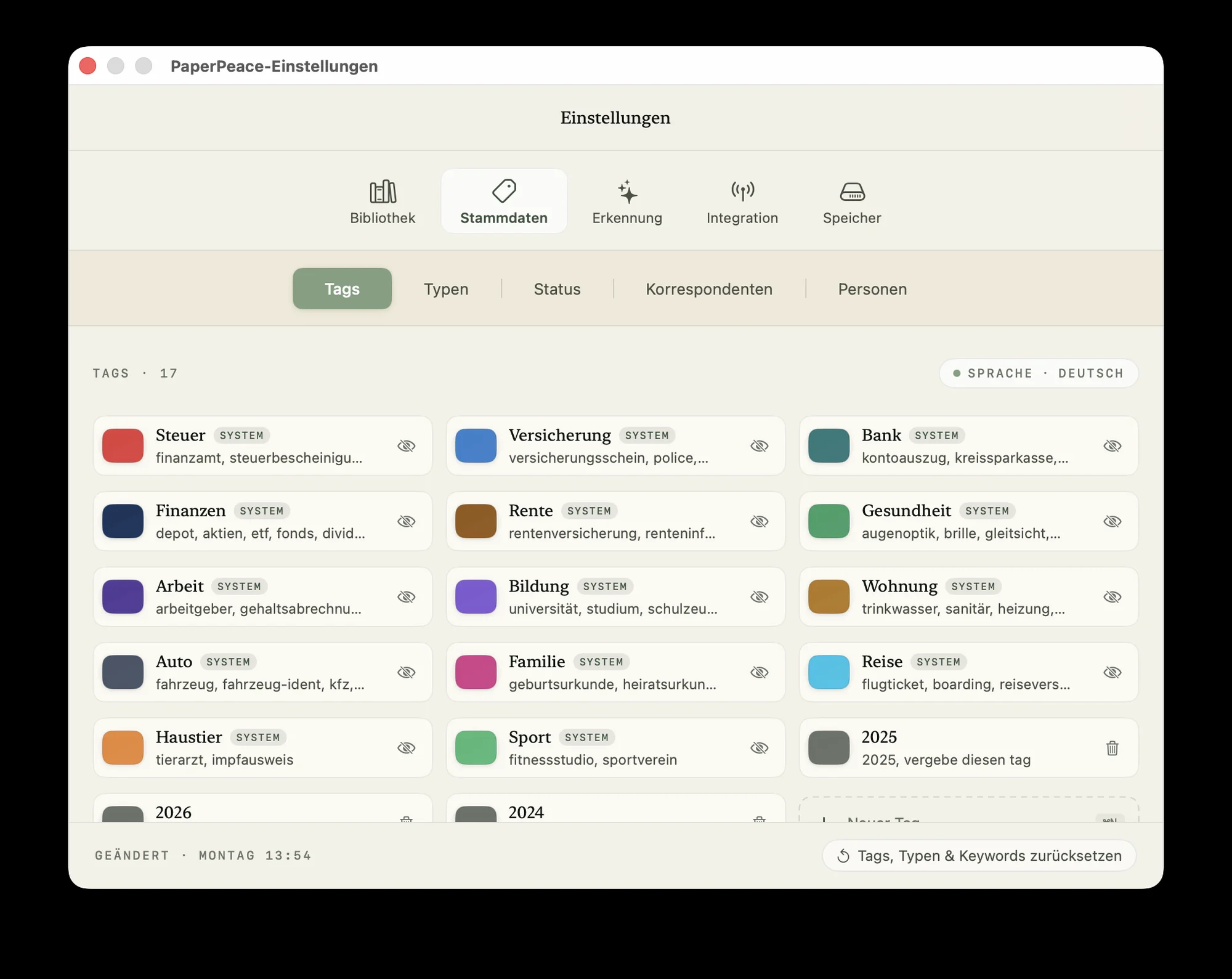
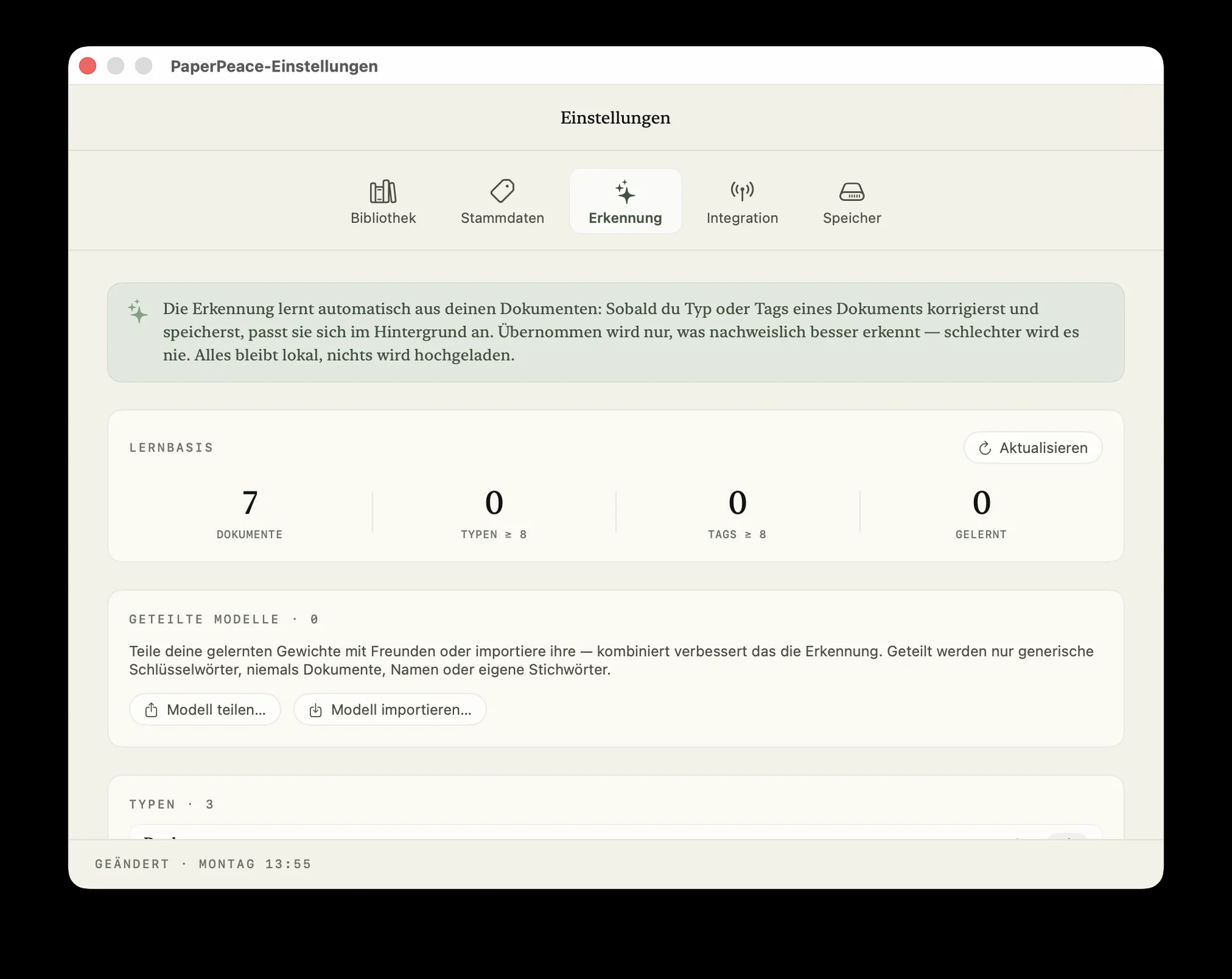
PaperPeace recognizes document types, tags, correspondents and people automatically. Thanks to built-in machine learning, it keeps learning and getting better. Recognition happens entirely on the device — your data is never sent over the internet for processing.
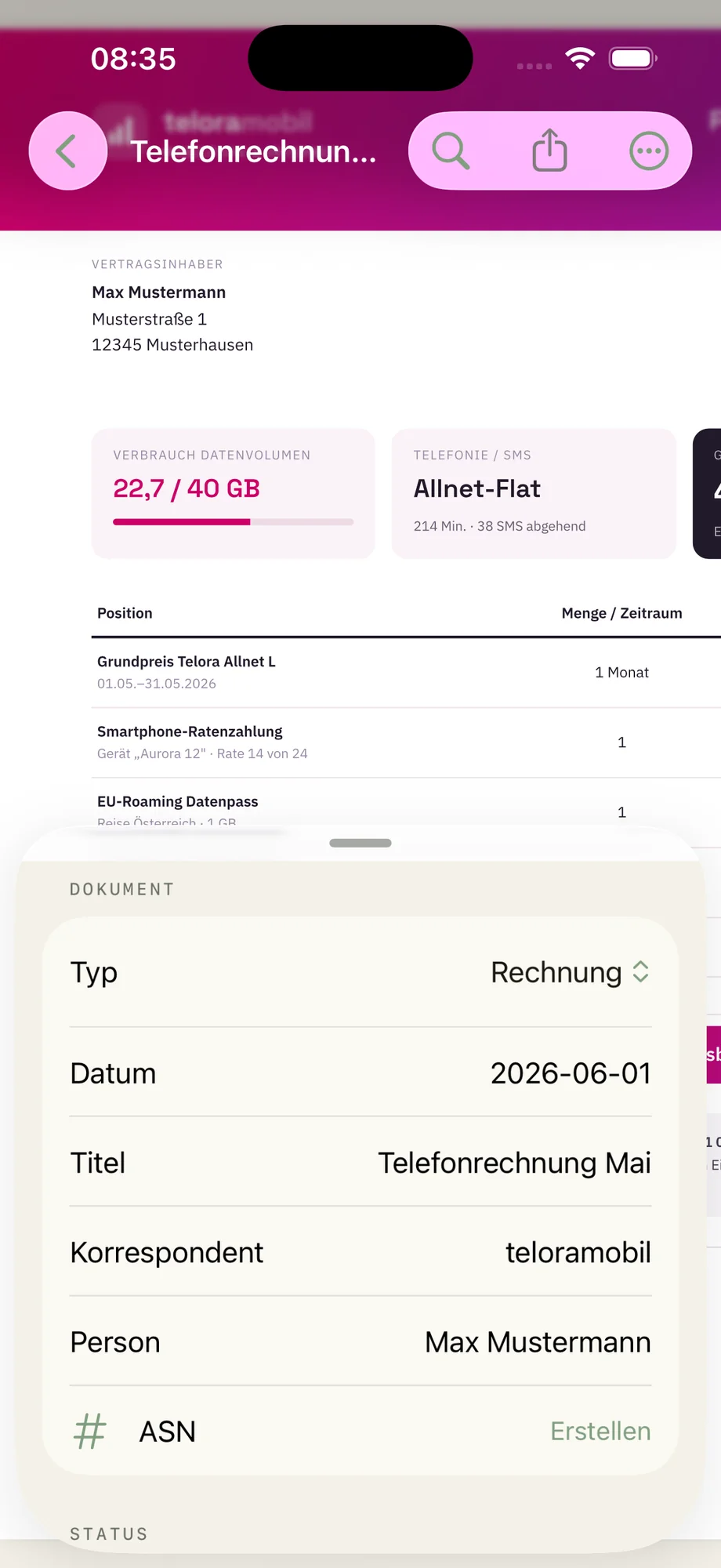
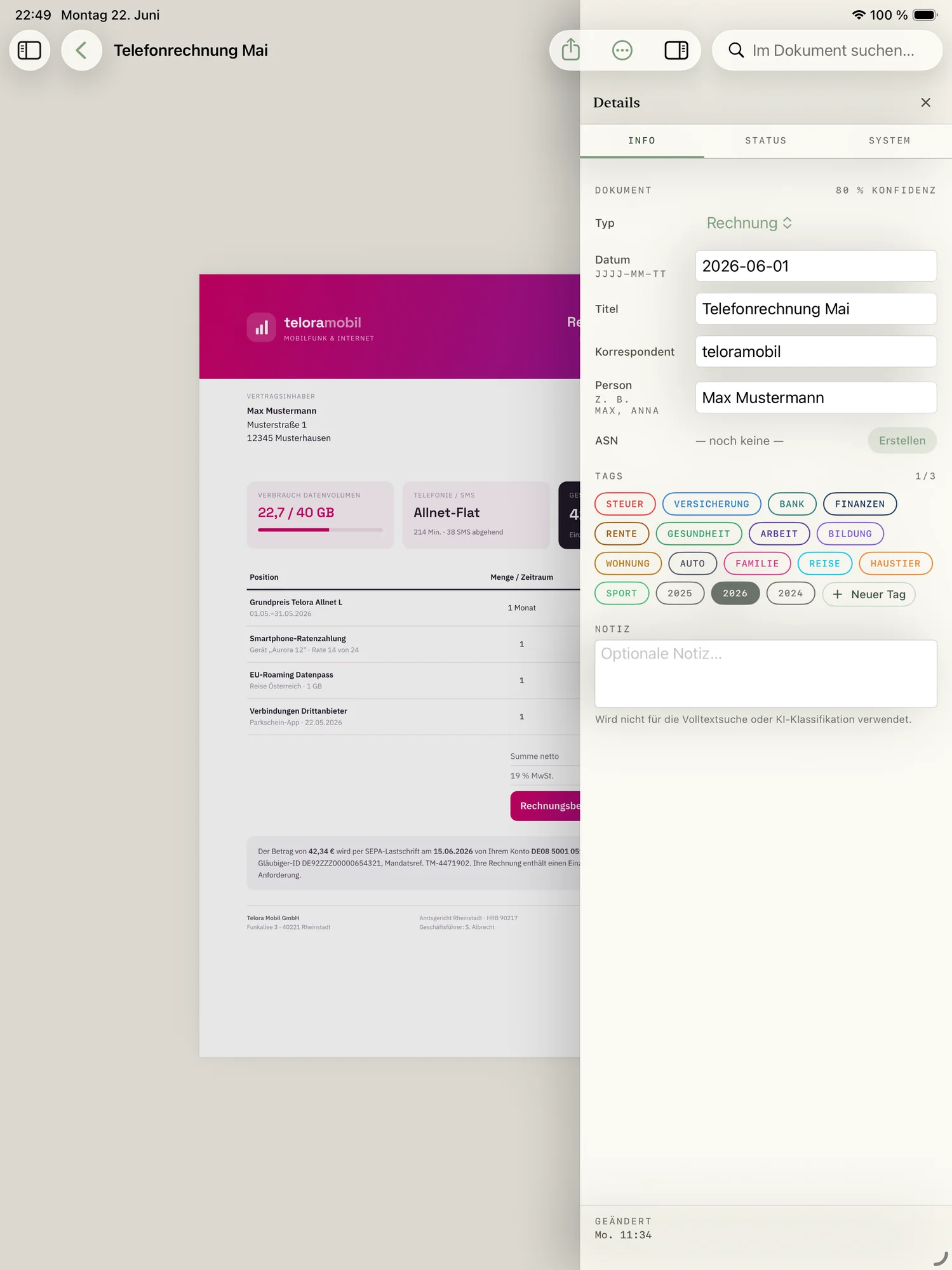
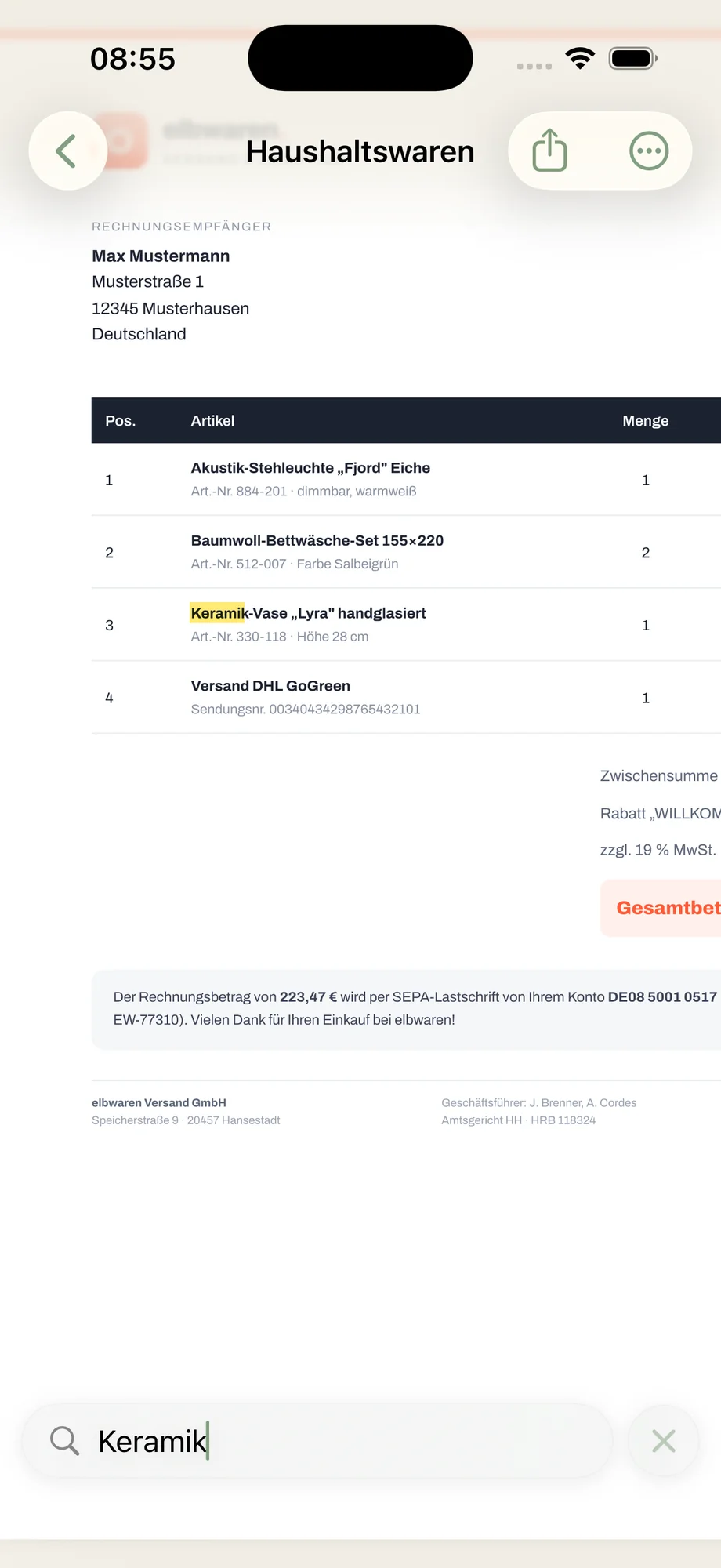
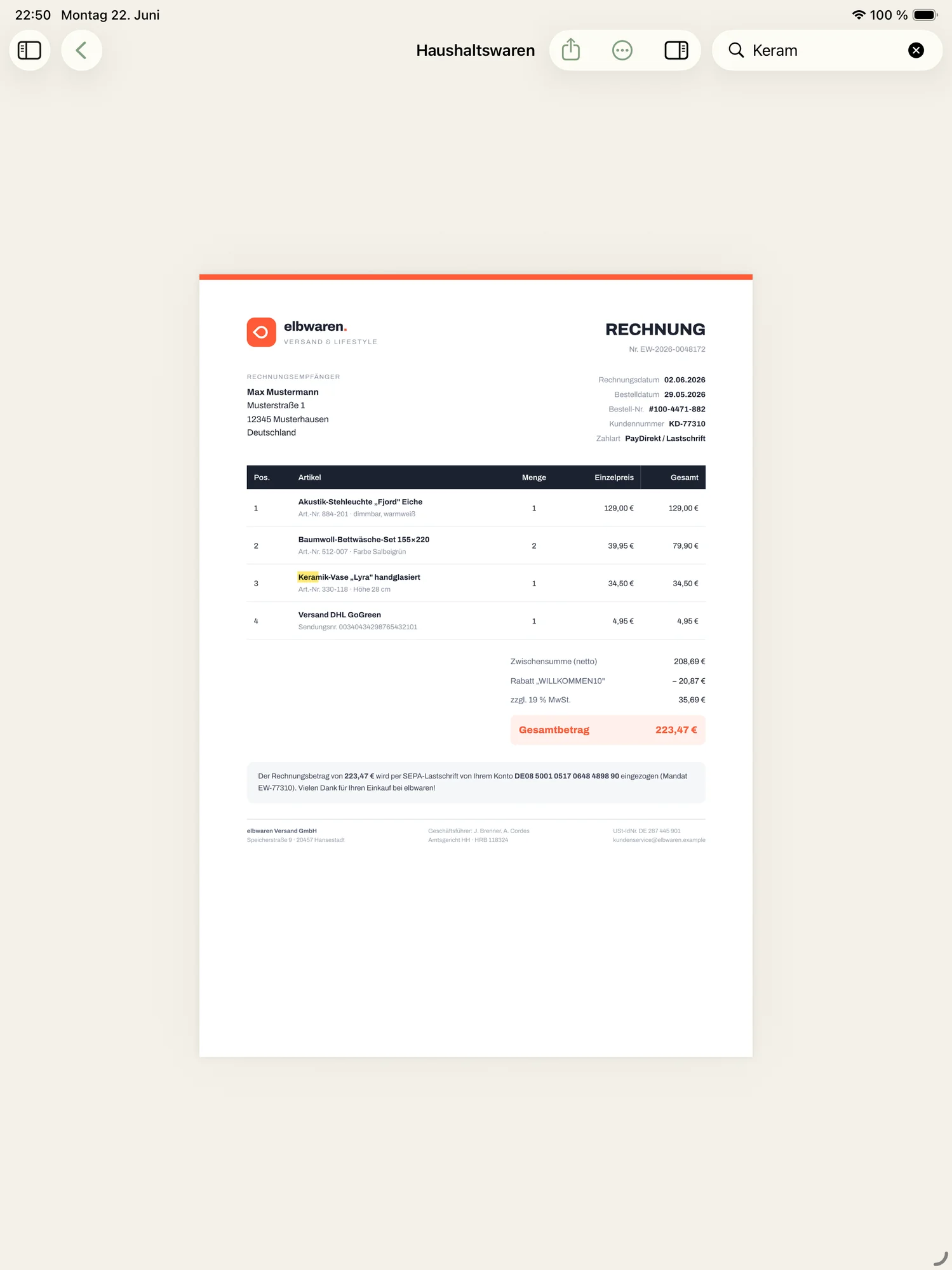
Search the words, not the filename.
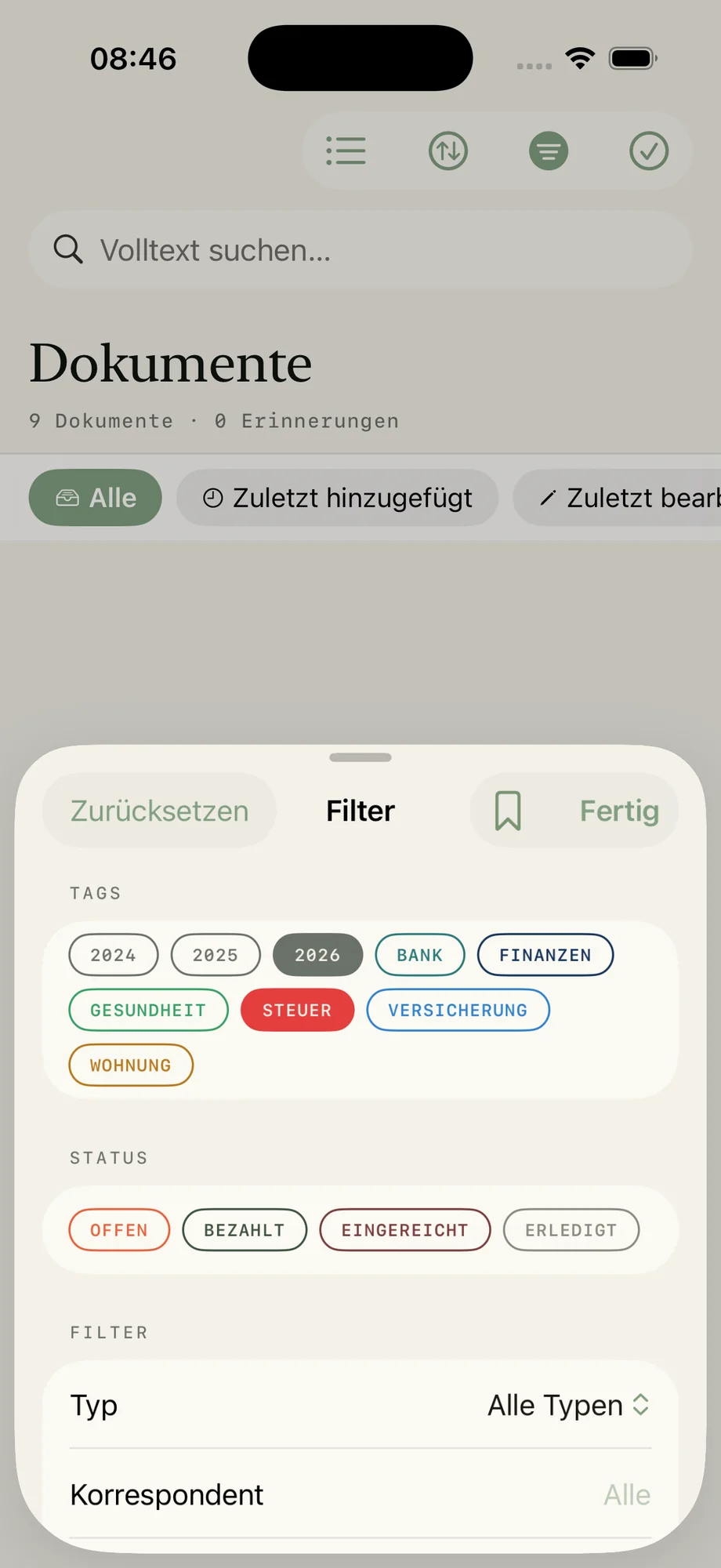
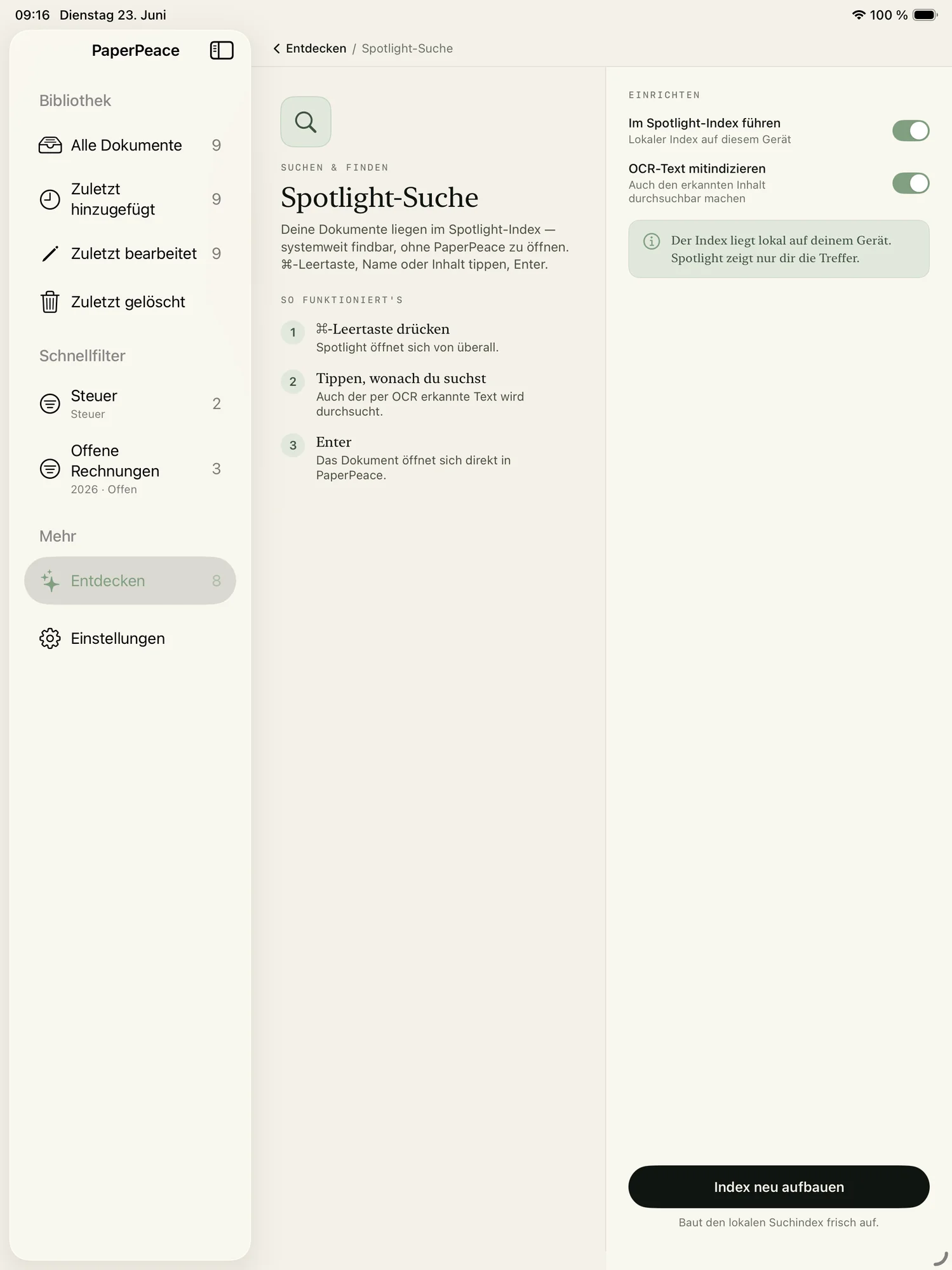
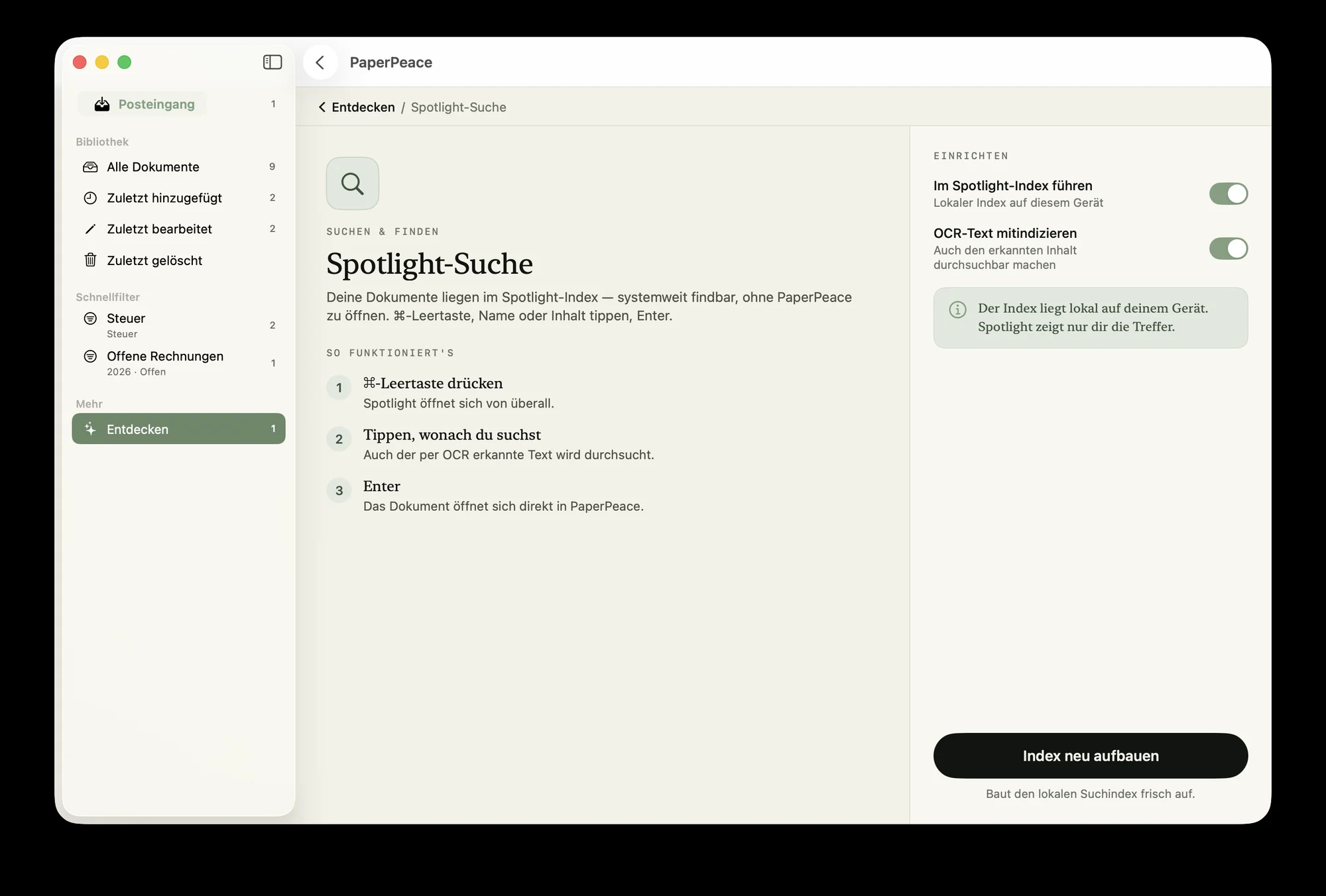
Just start typing — PaperPeace searches every letter, including the text inside scanned documents. Quick filters let you narrow by type, tag, correspondent or date, putting the right document in front of you in seconds.
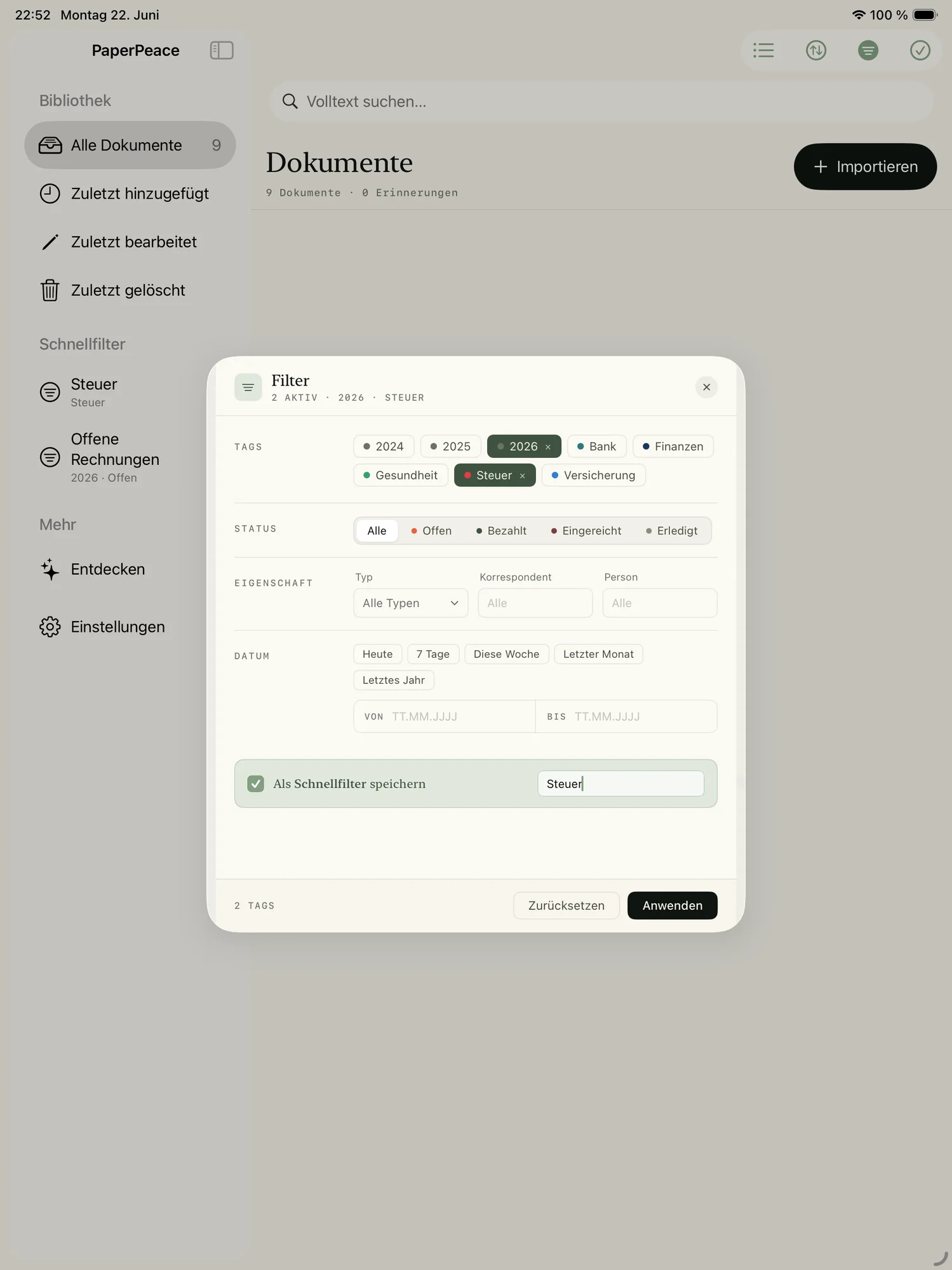
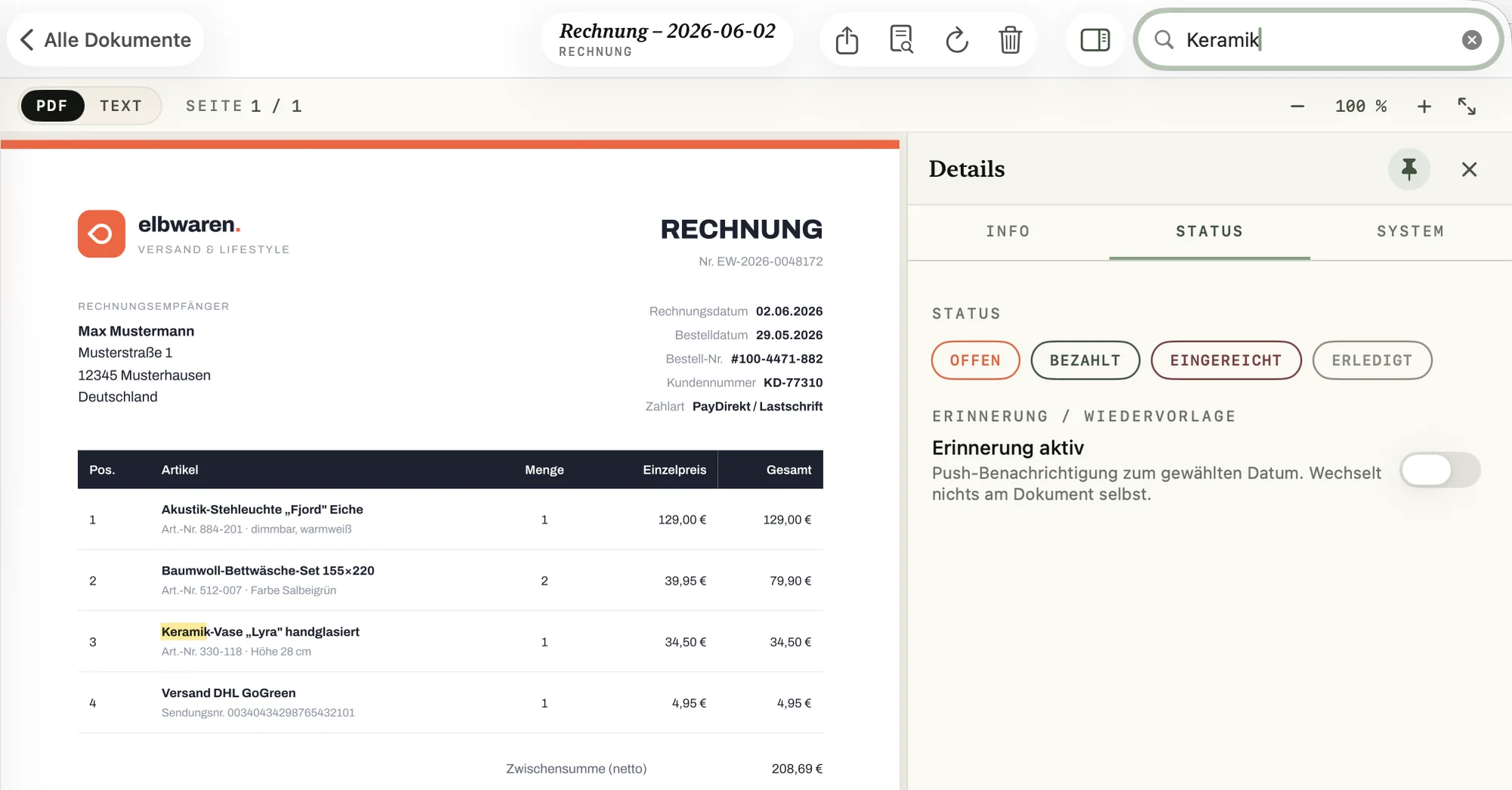
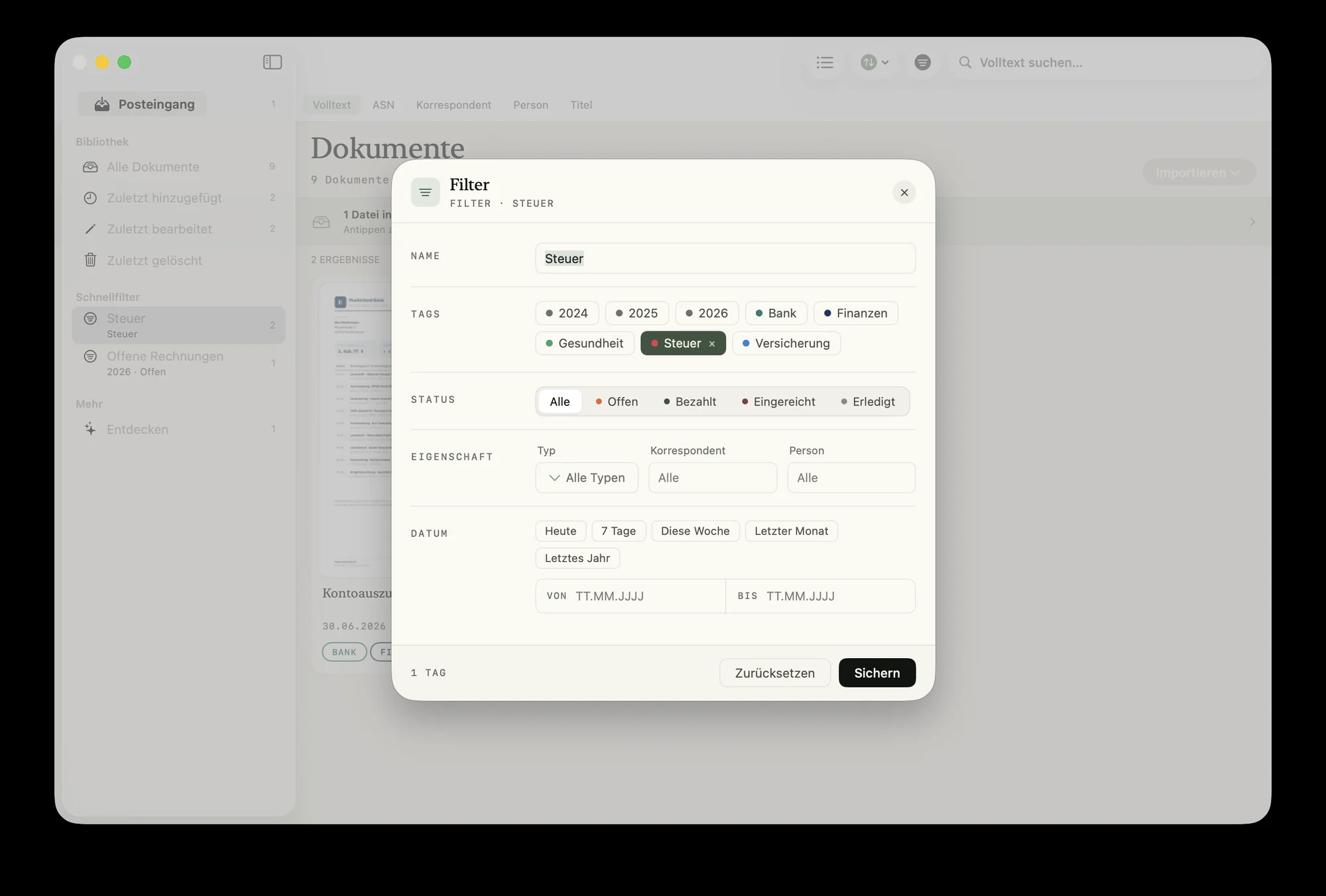
Right where you already look.
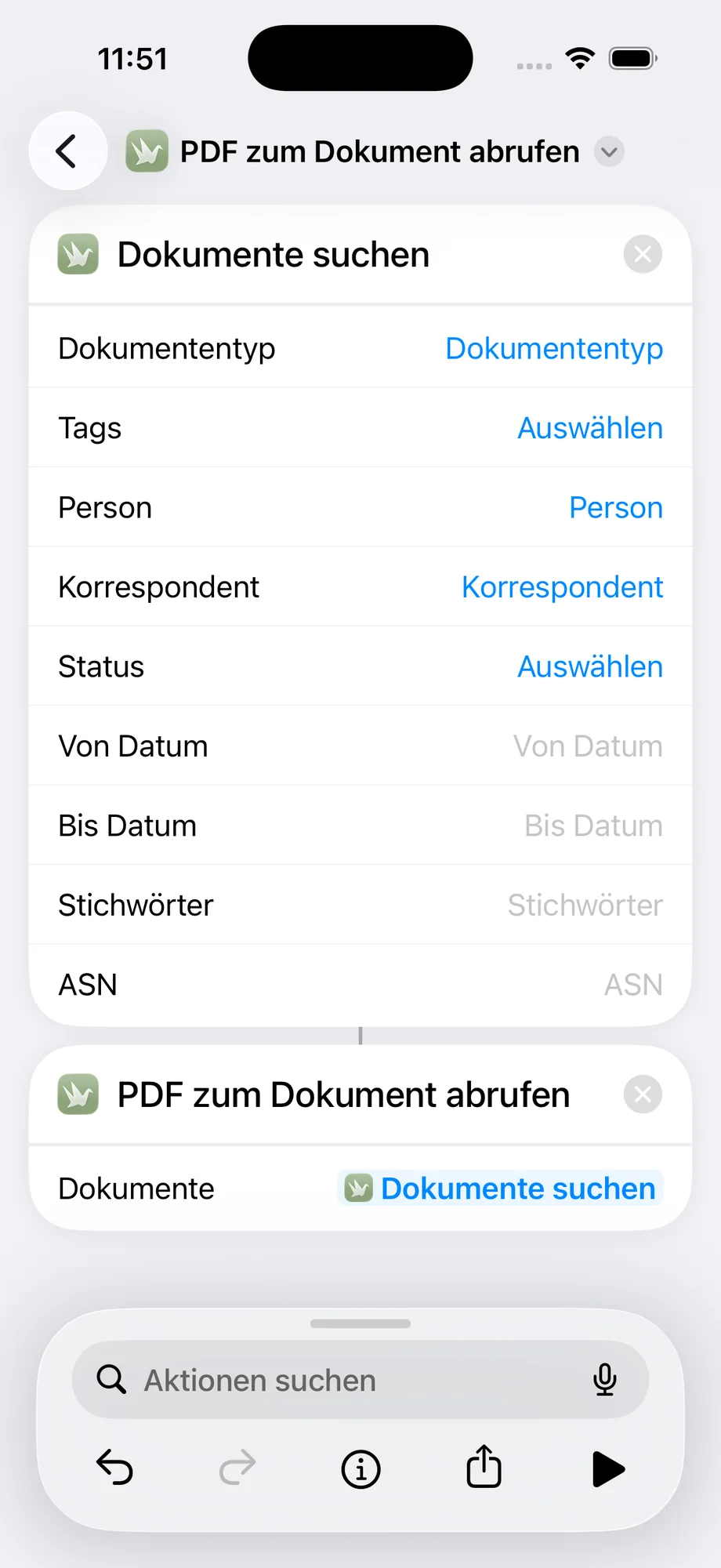
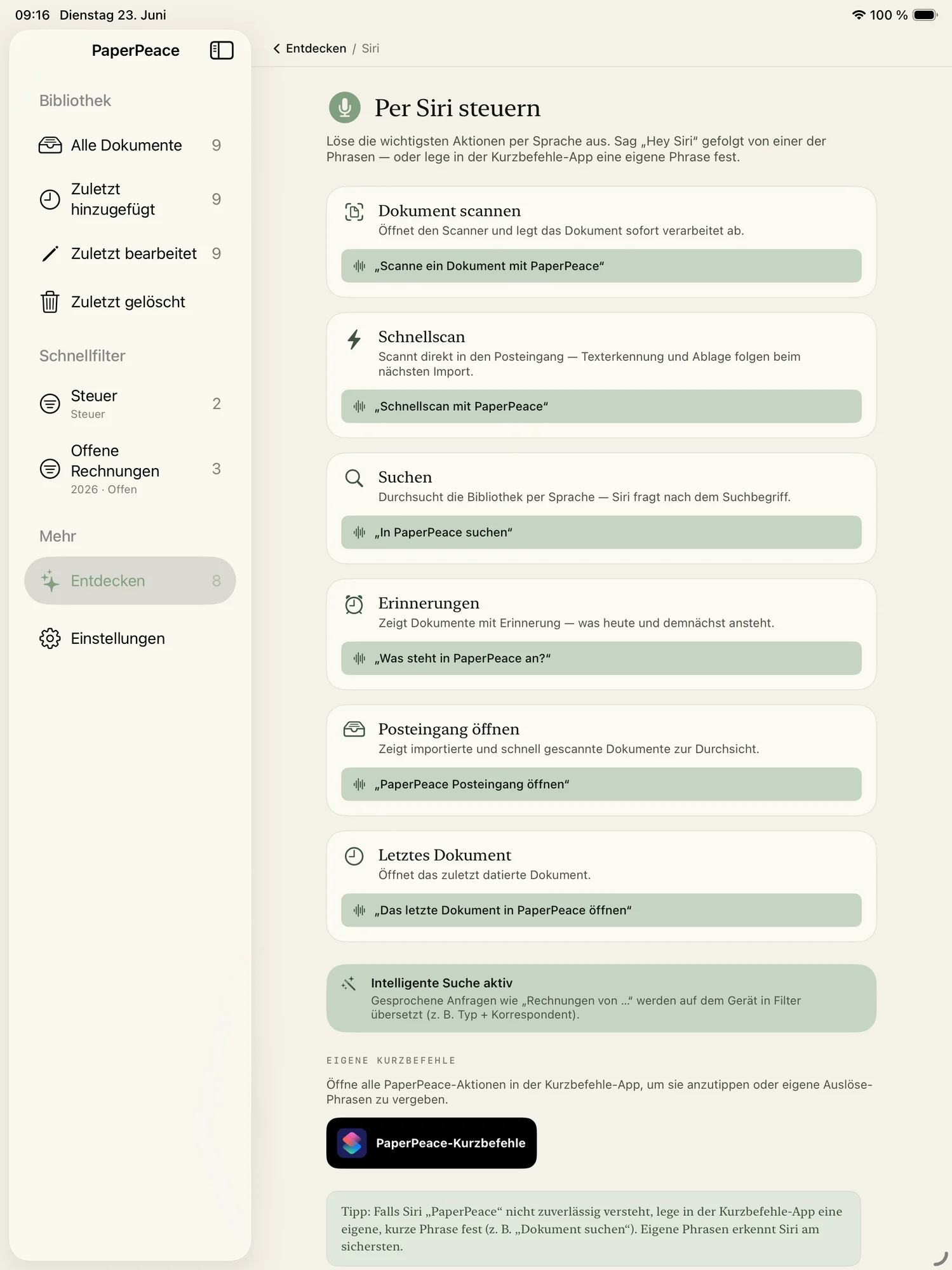
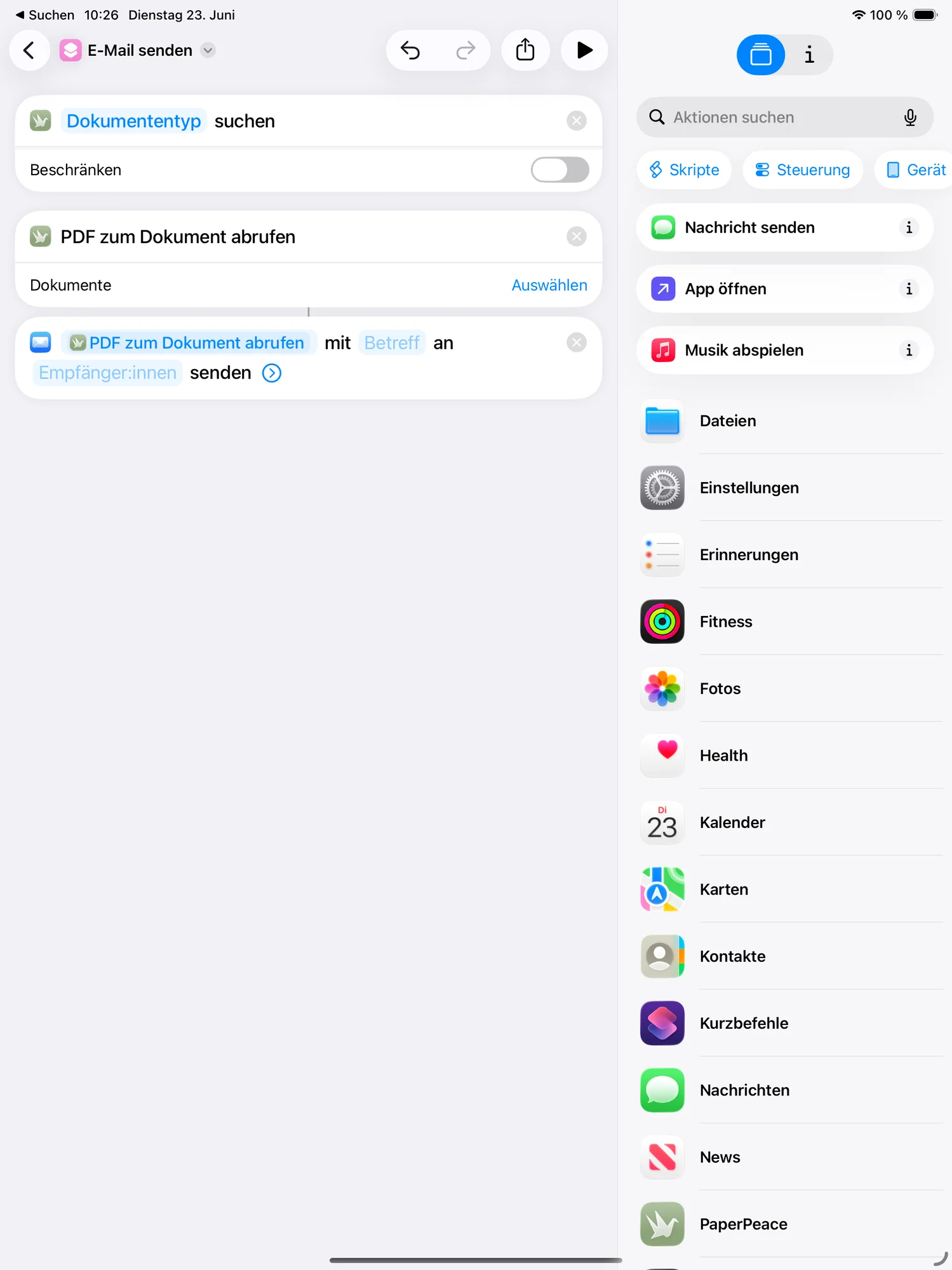
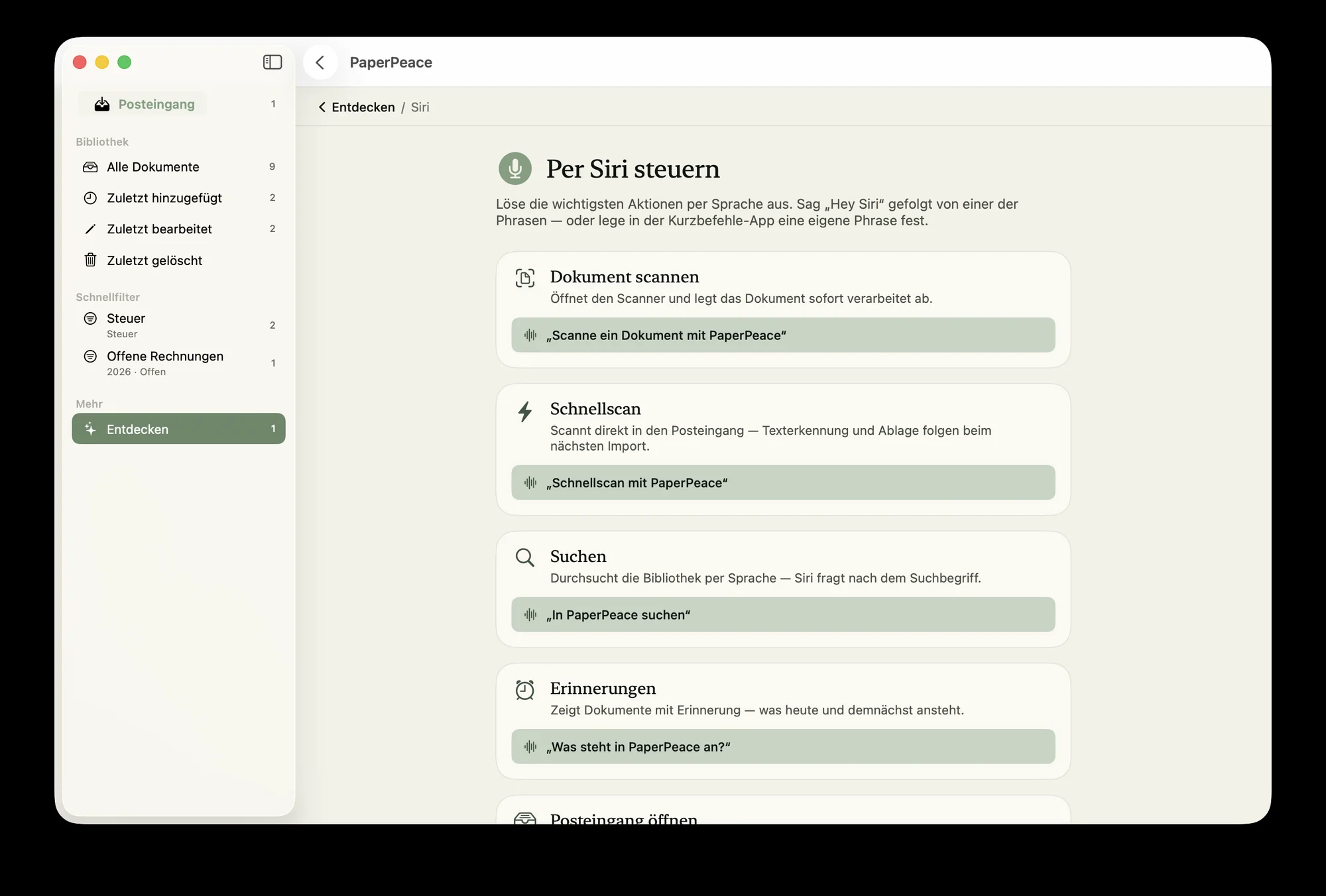
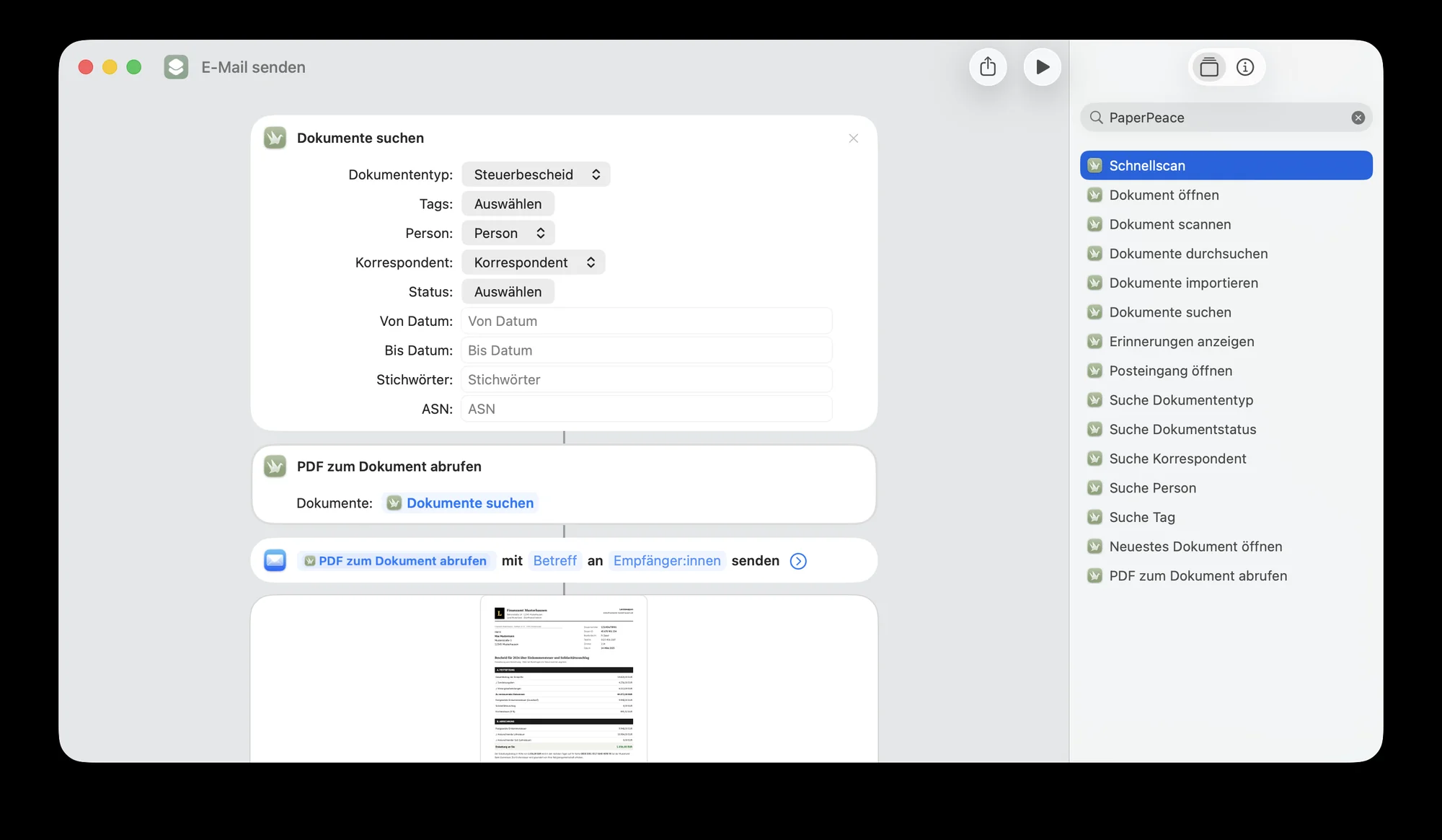
If you like, PaperPeace integrates deeply into iOS and macOS: find documents straight from Spotlight, ask Siri for them — and if you want something more custom, build your own workflows with Shortcuts.
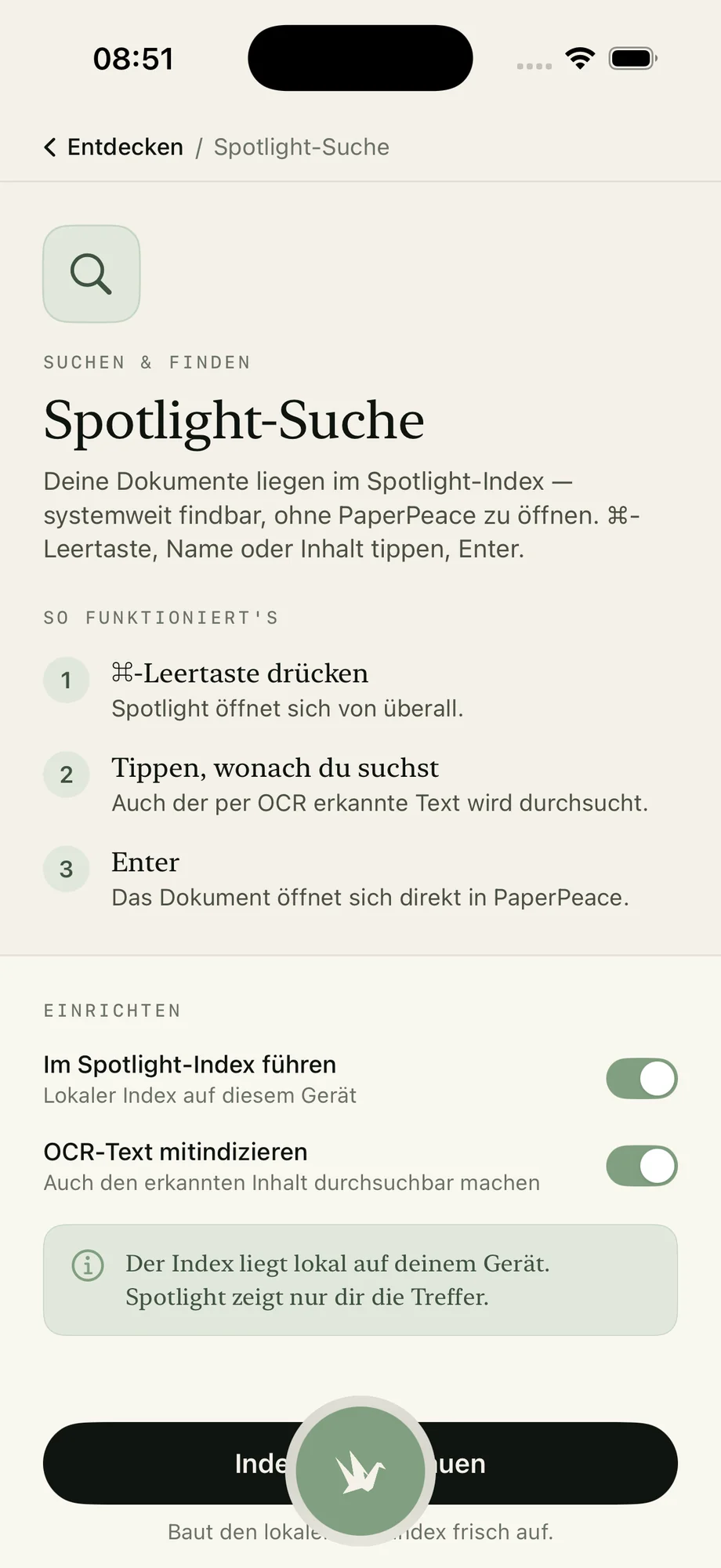
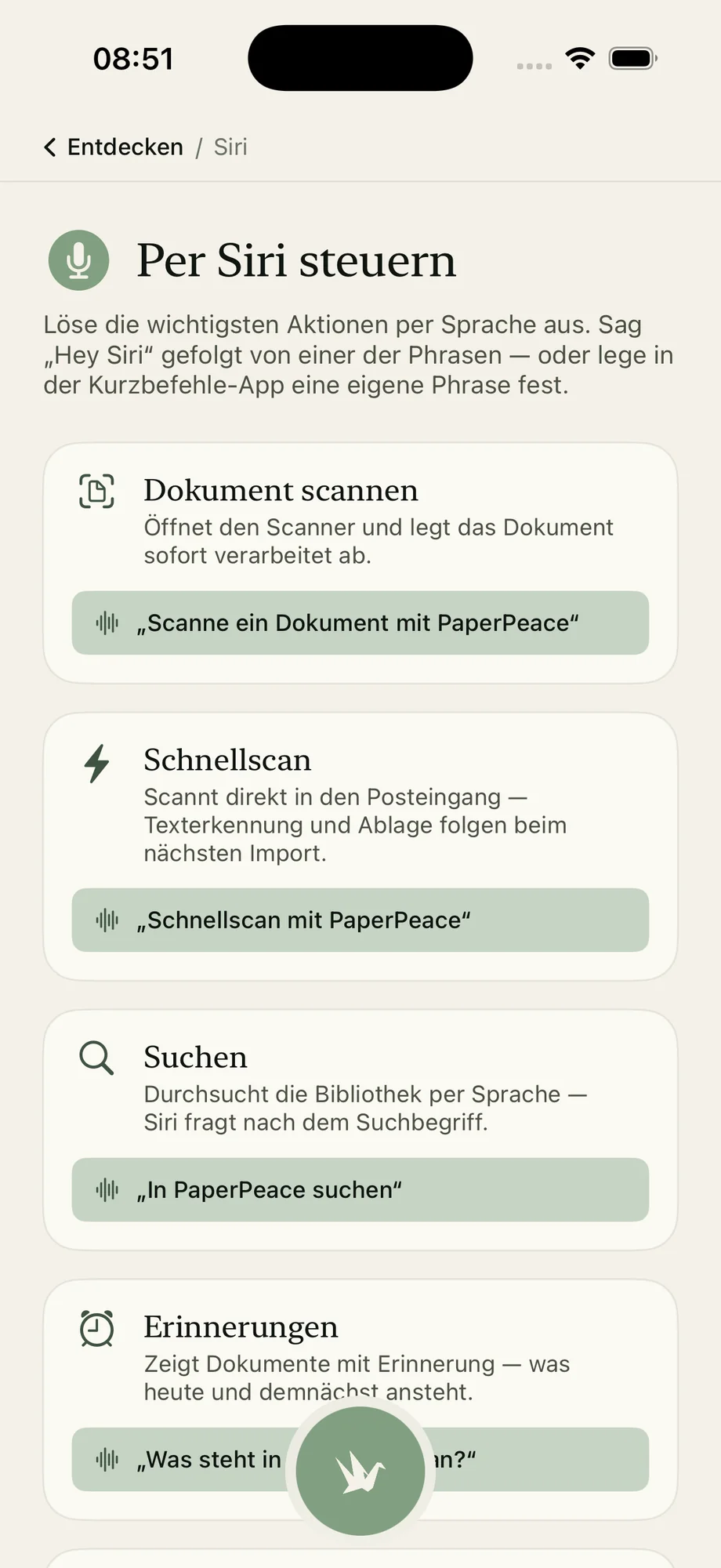
The same state on every device.
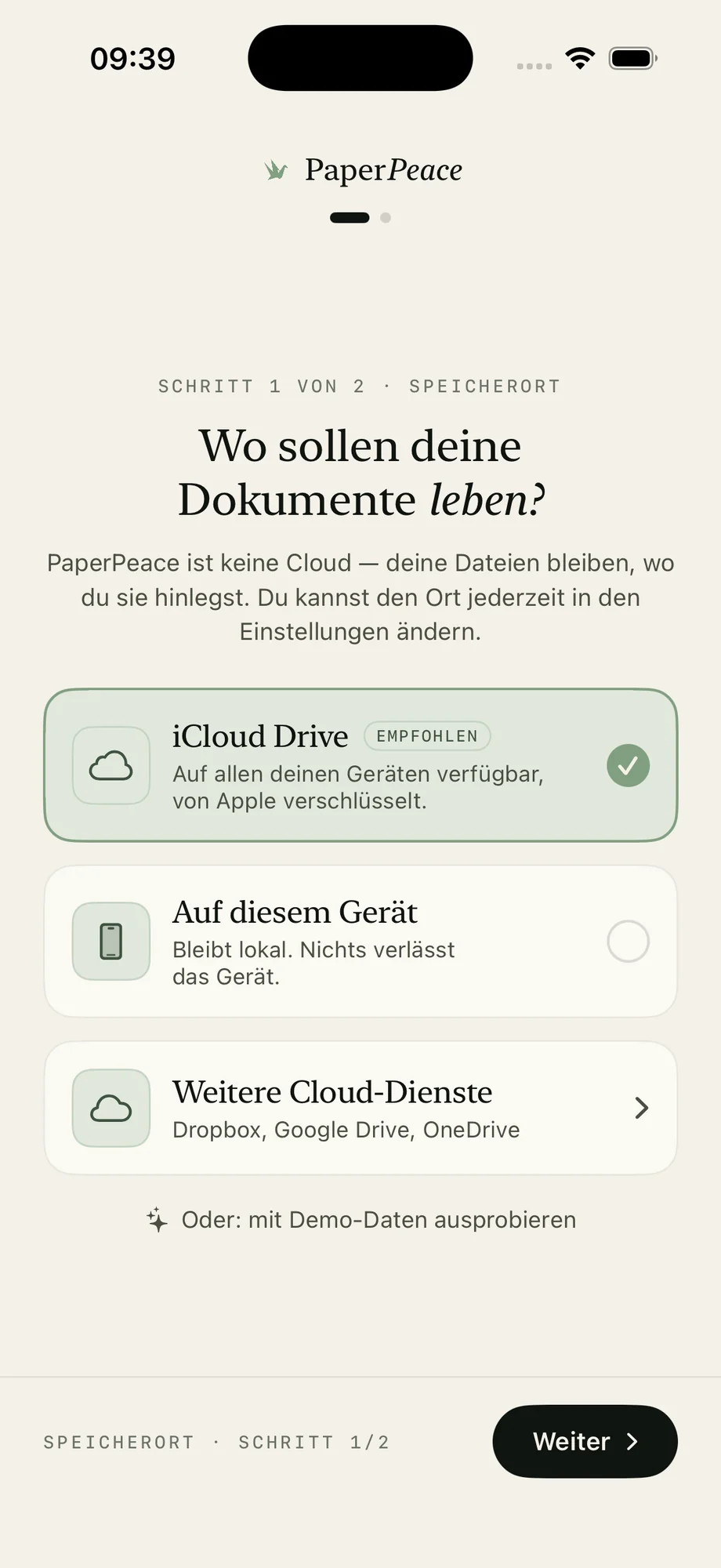
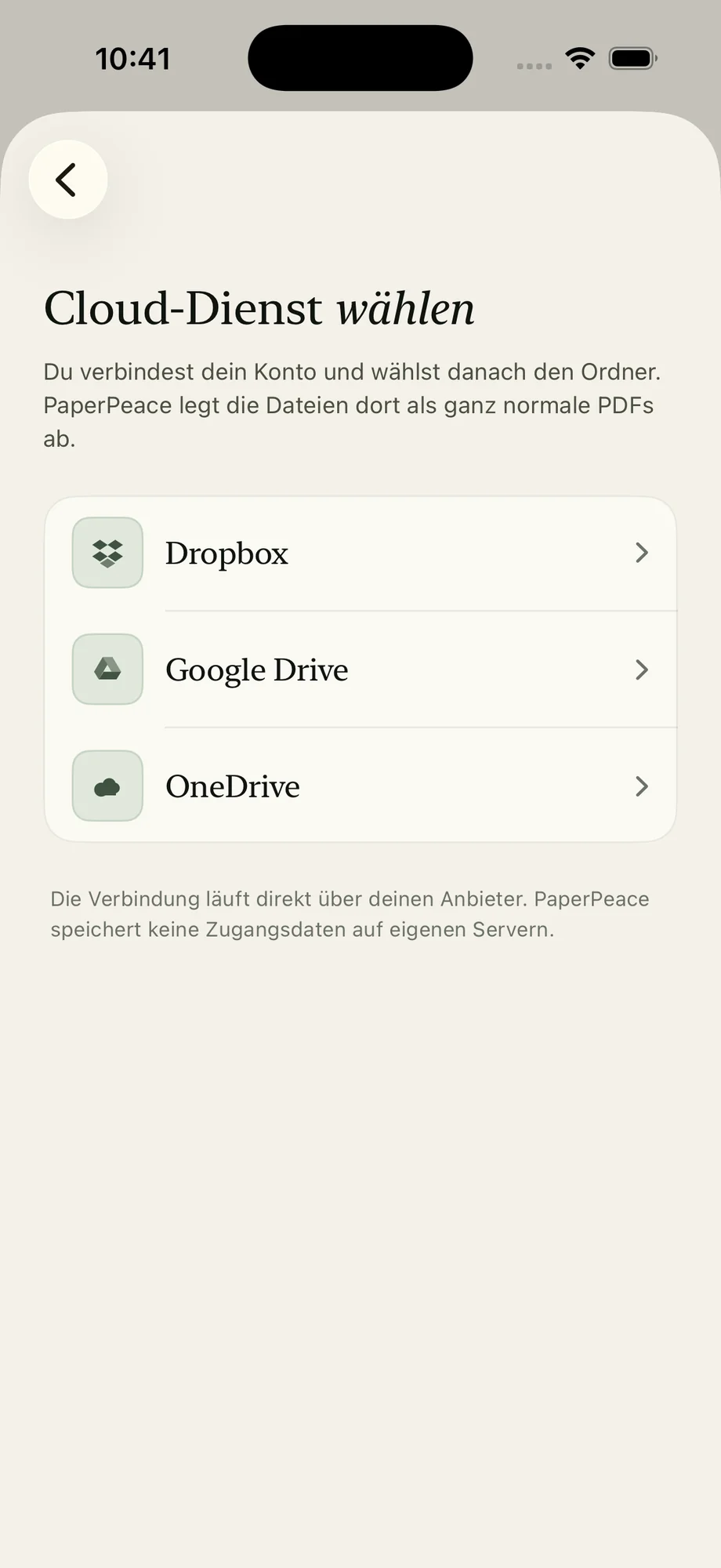
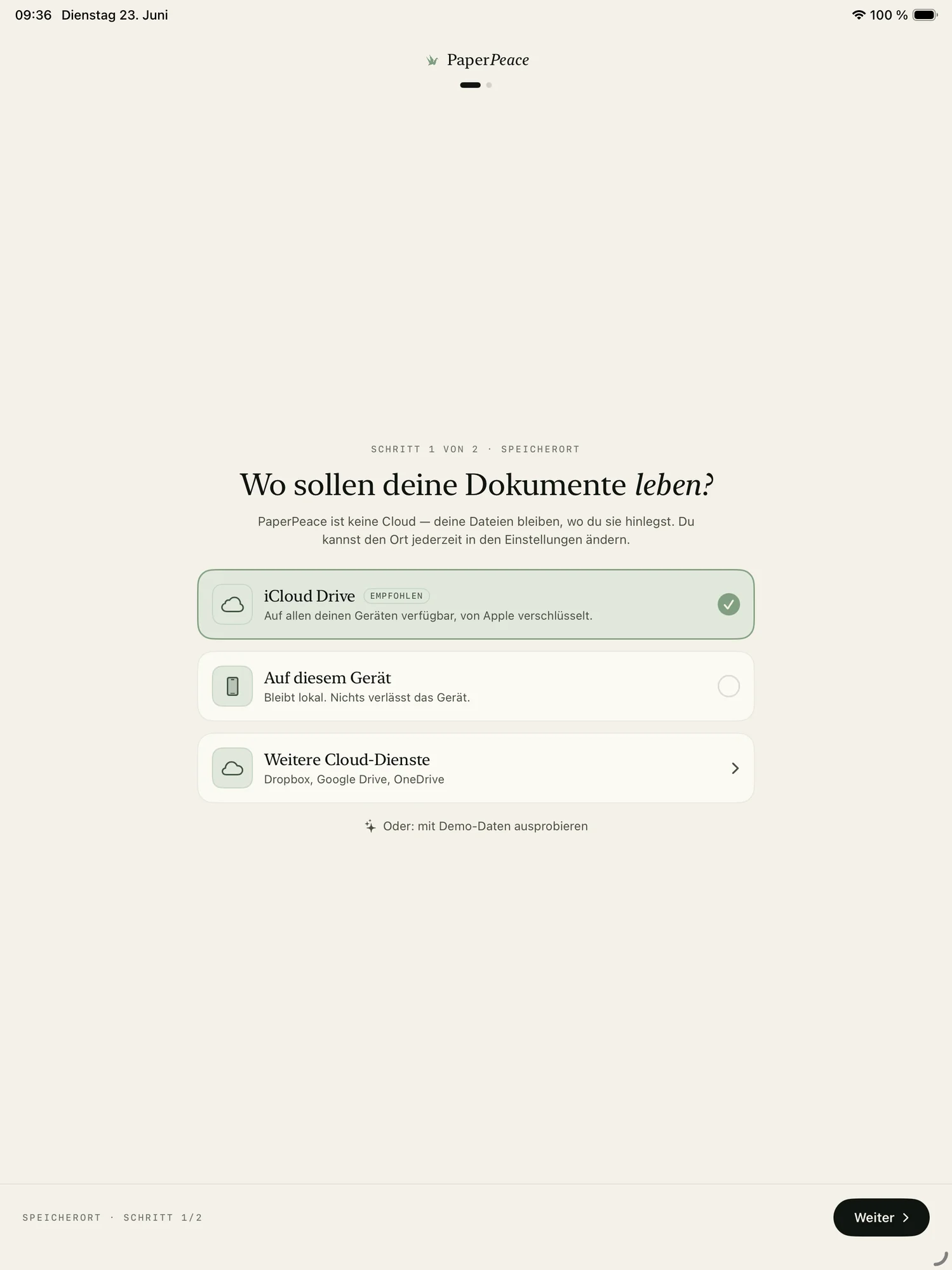
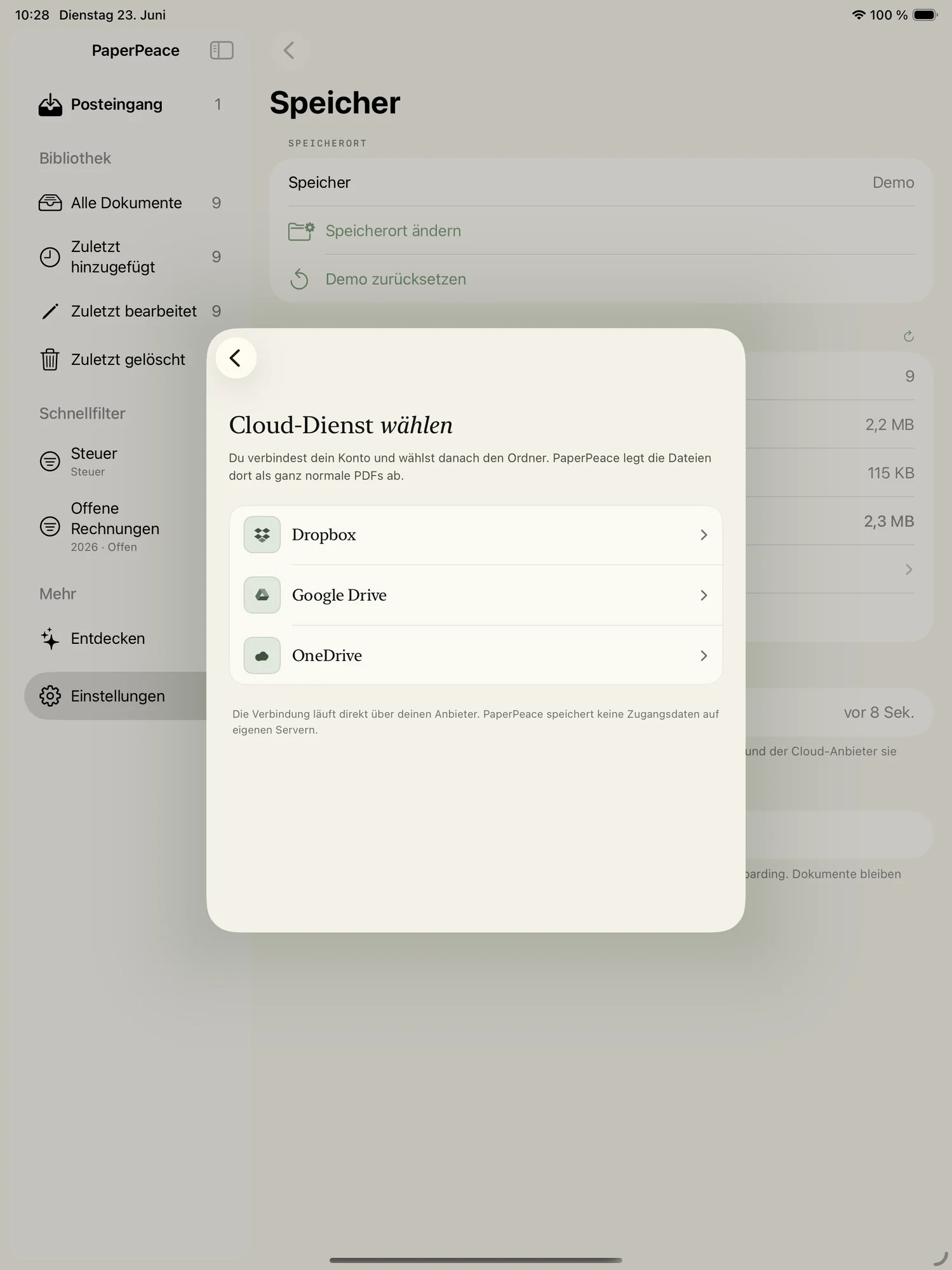
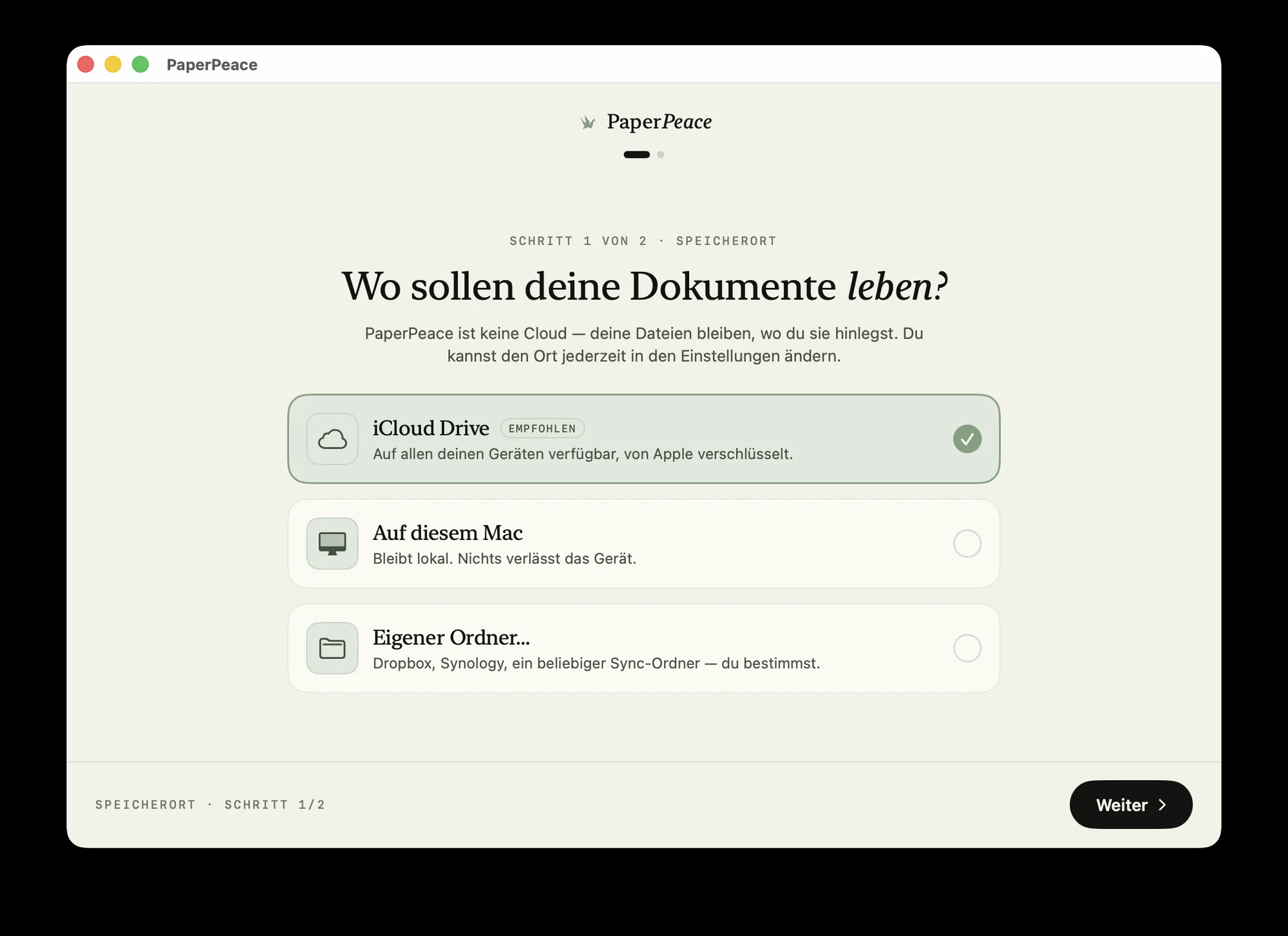
The same library on iPhone, iPad and Mac — the same tags, the same state, kept current in the background. You choose where it lives: locally, in iCloud Drive or with your own cloud provider. And through a shared folder you can easily work on the same documents together — perfect for family, your partner or a small office.
Never miss a deadline again.
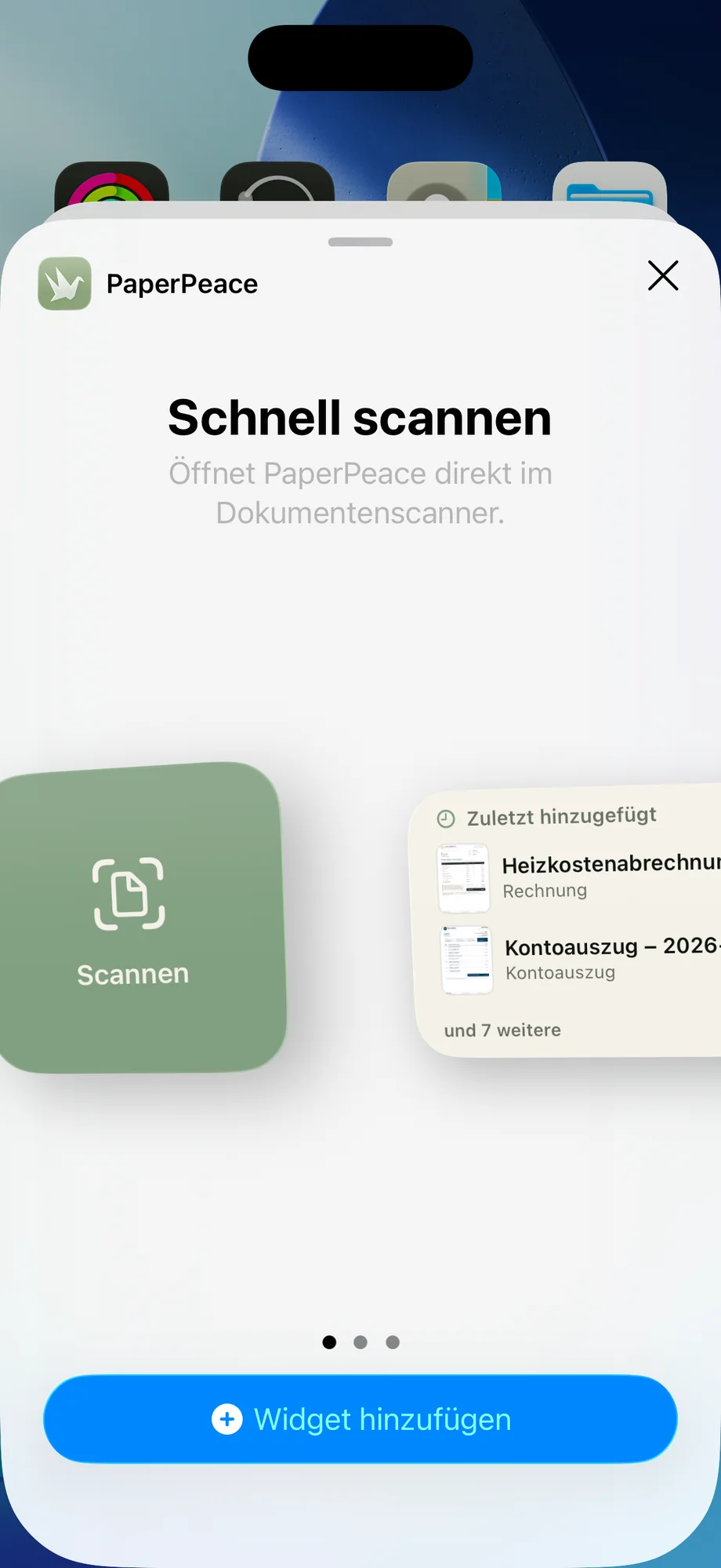
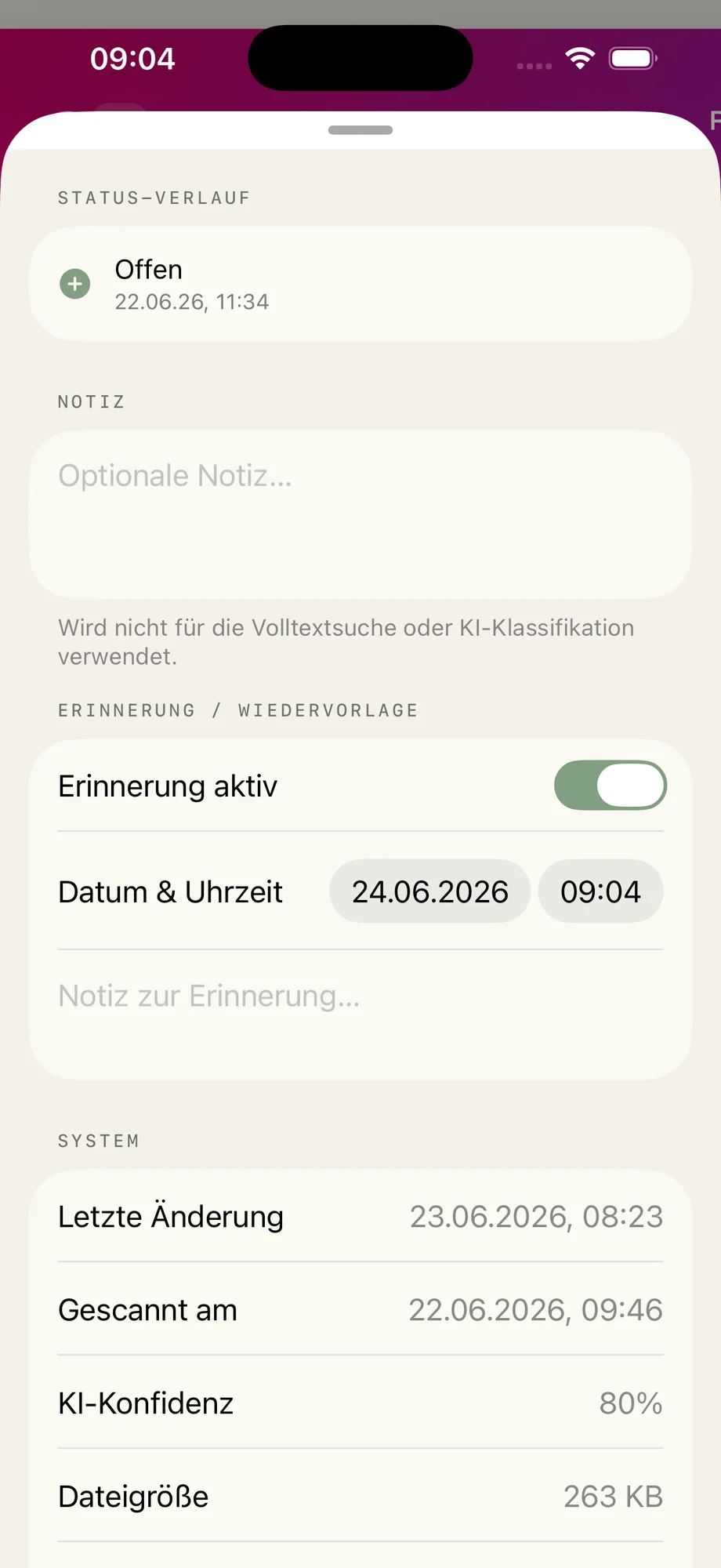
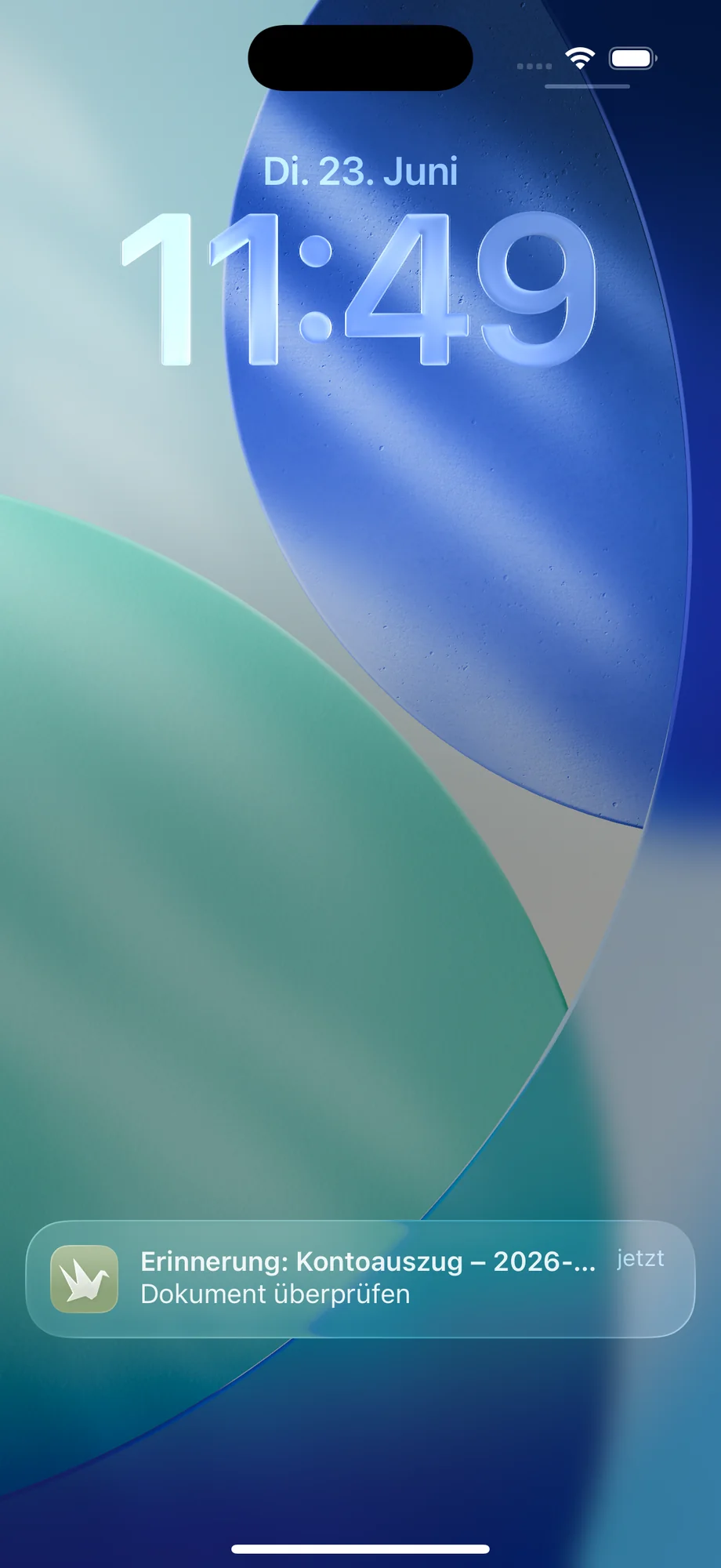
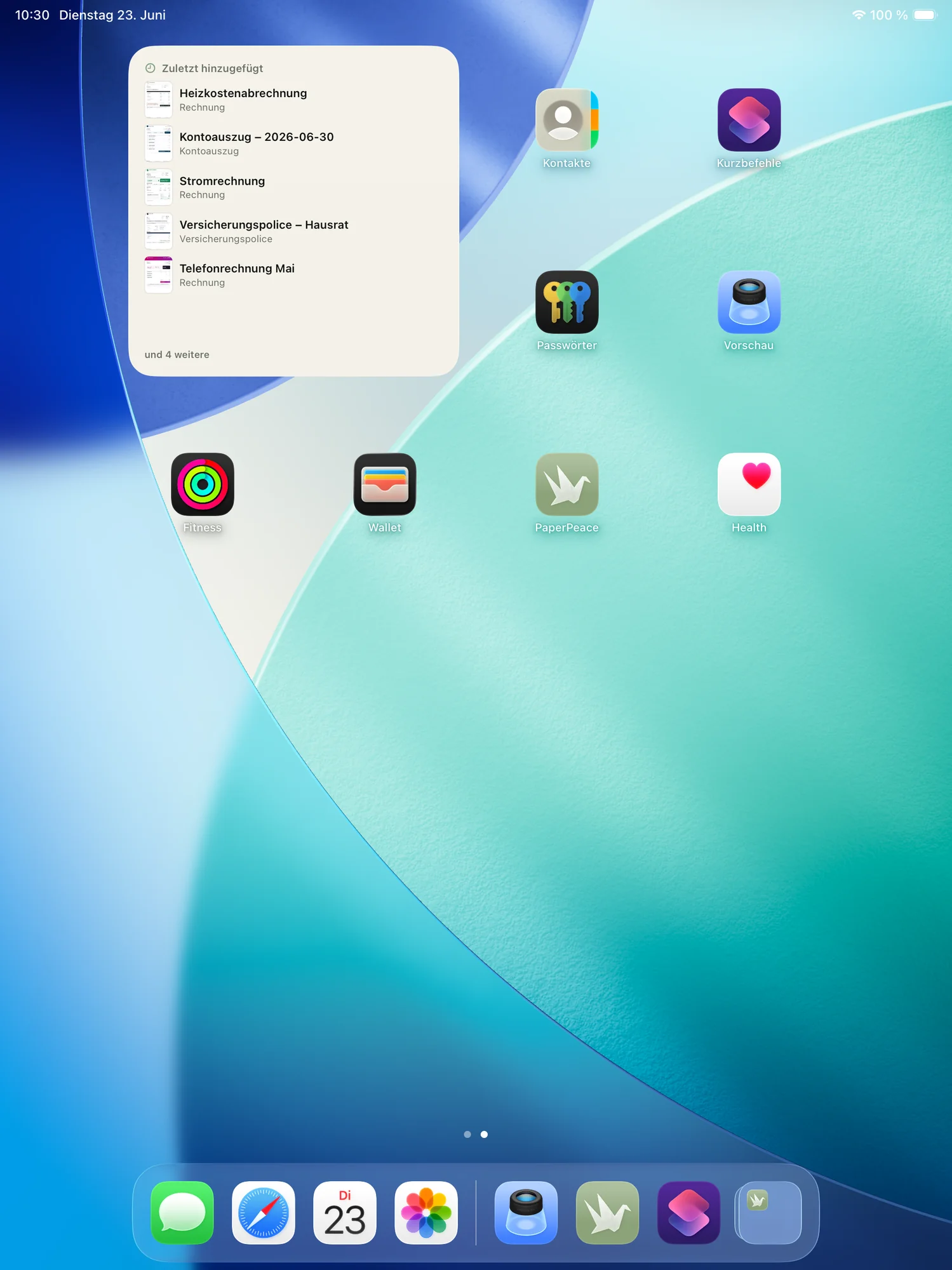
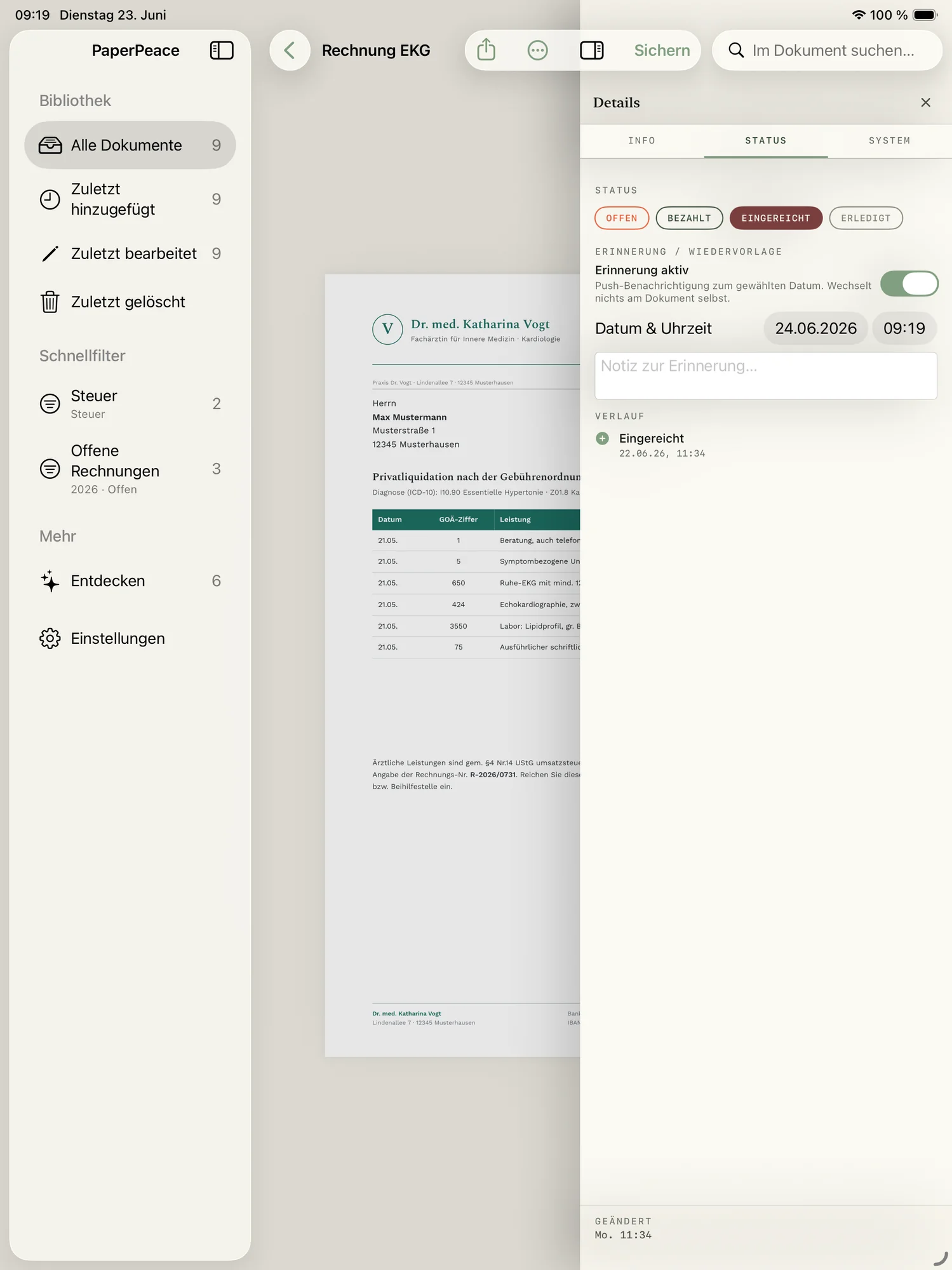
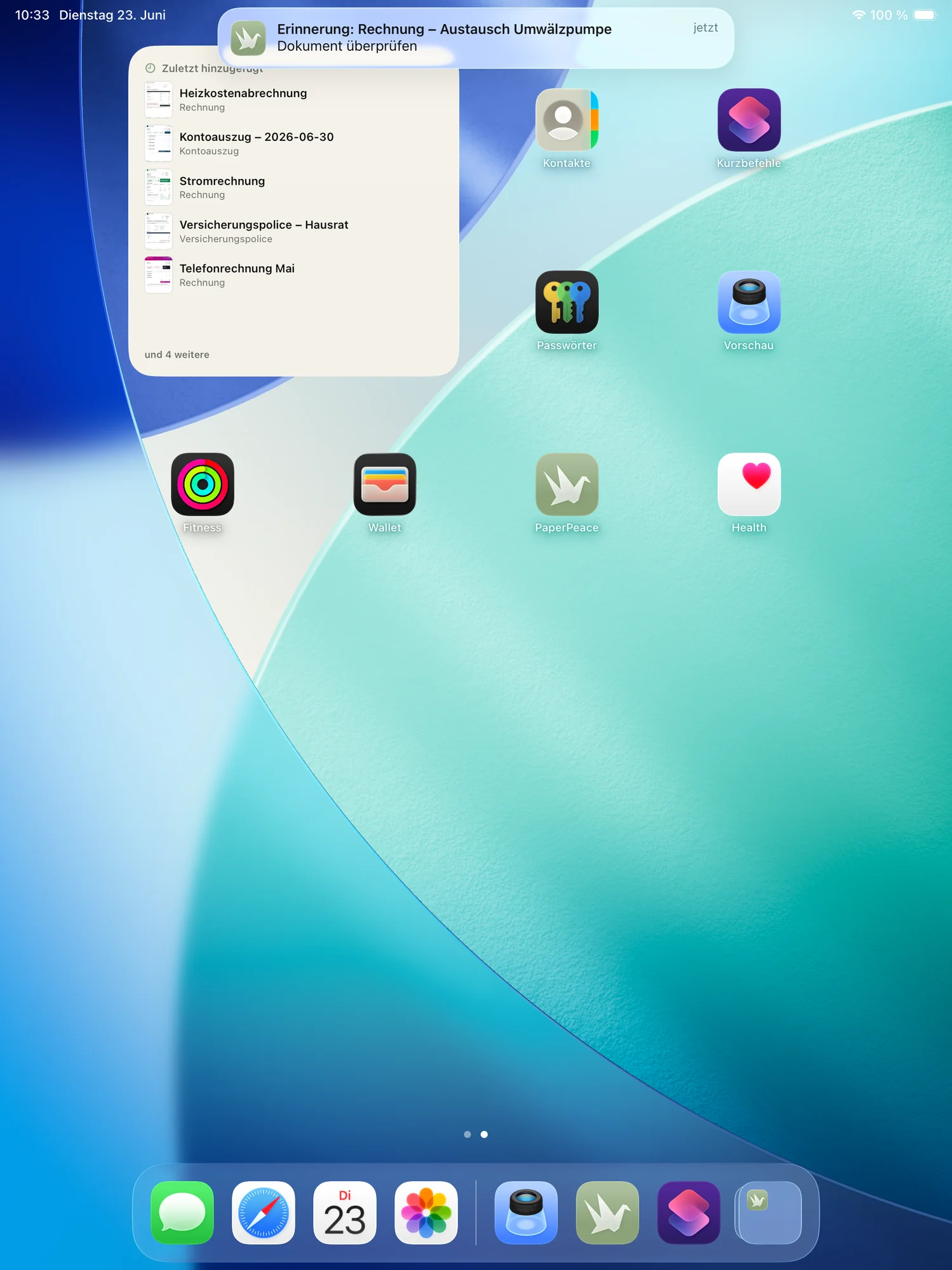
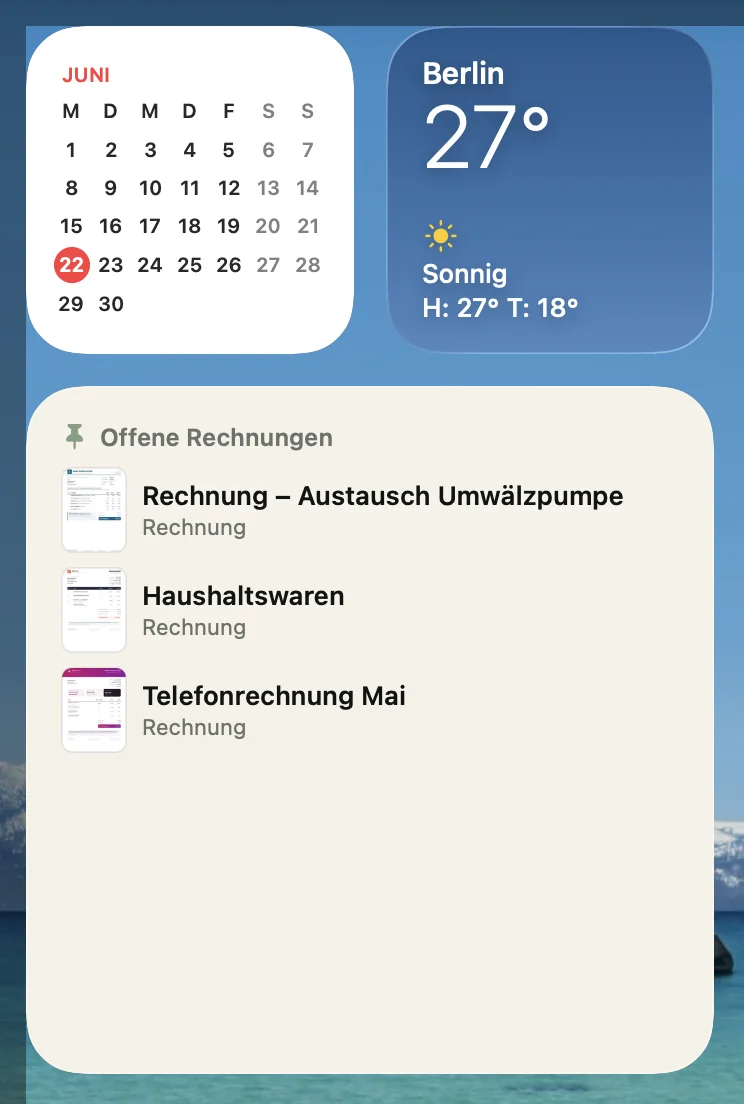
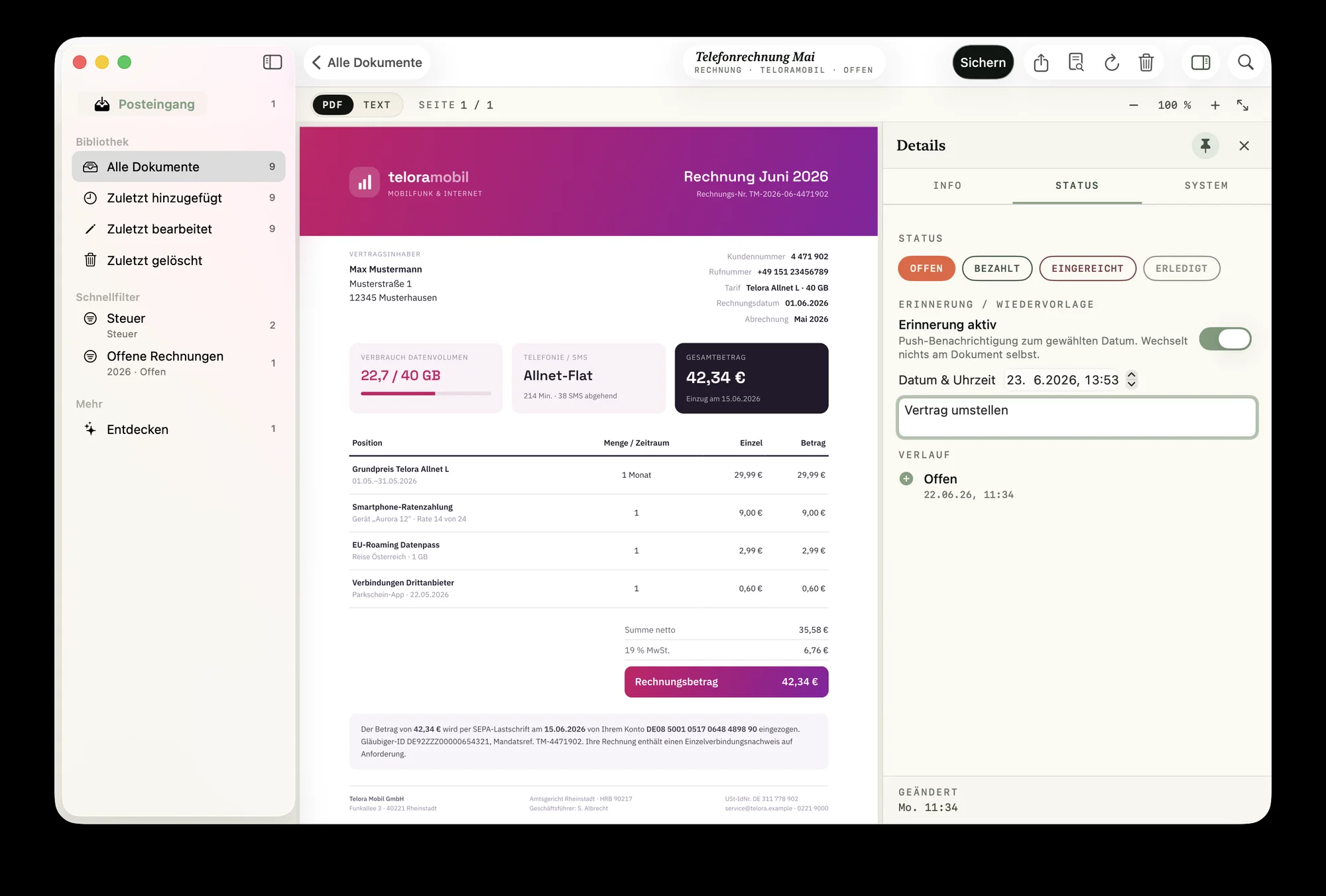
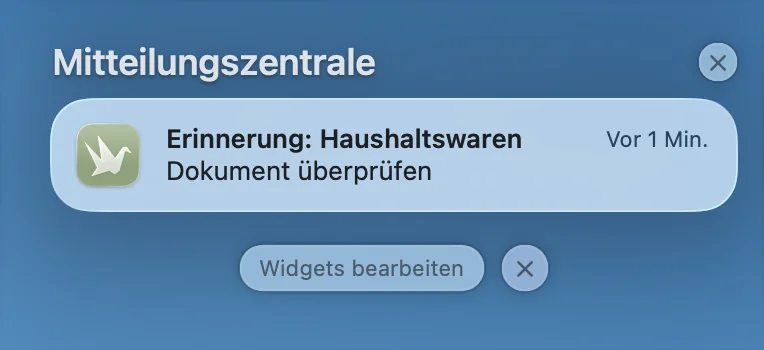
Contract renewal, warranty or a tax deadline: set a follow-up and PaperPeace reminds you in time. Pinned documents show up as a widget right on your Home and Lock Screen.
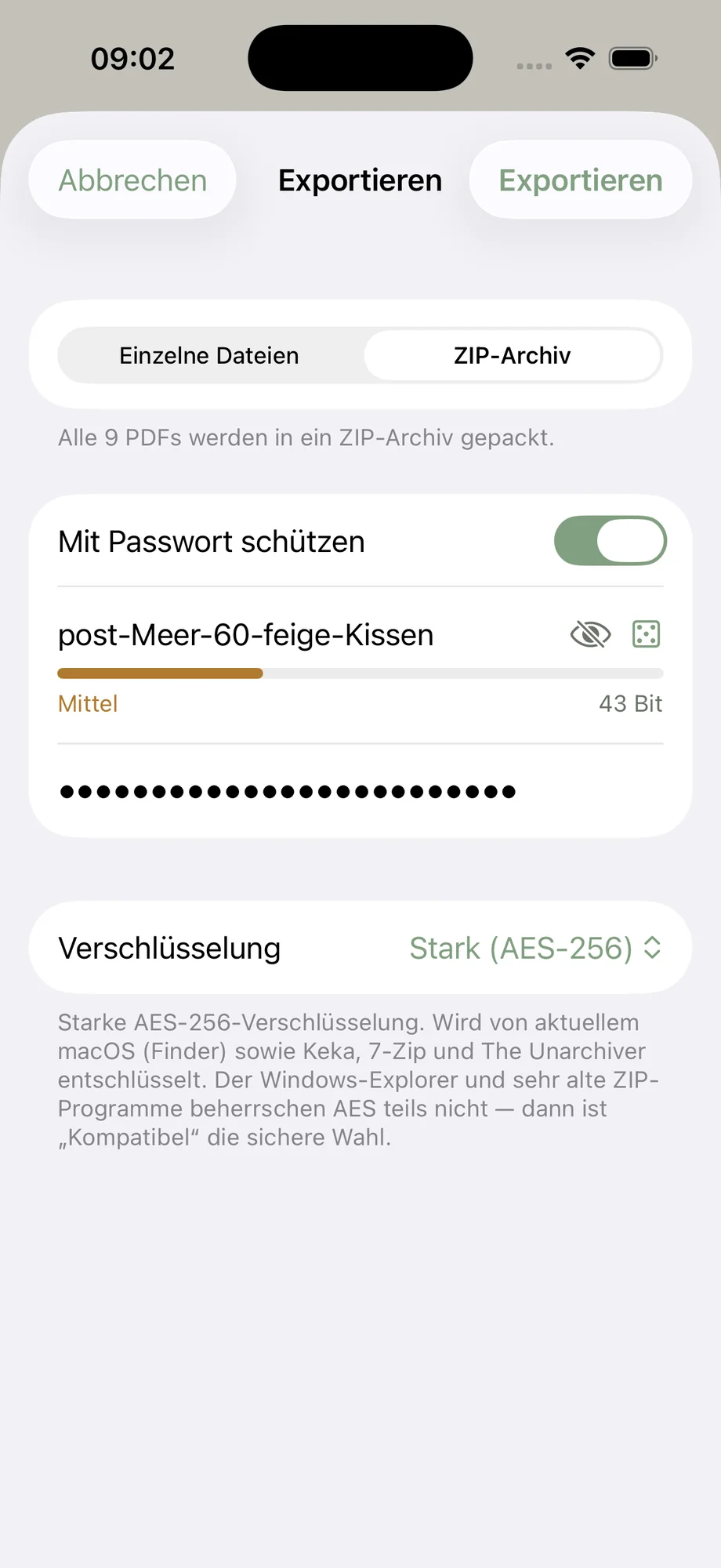
Share securely — encrypted.
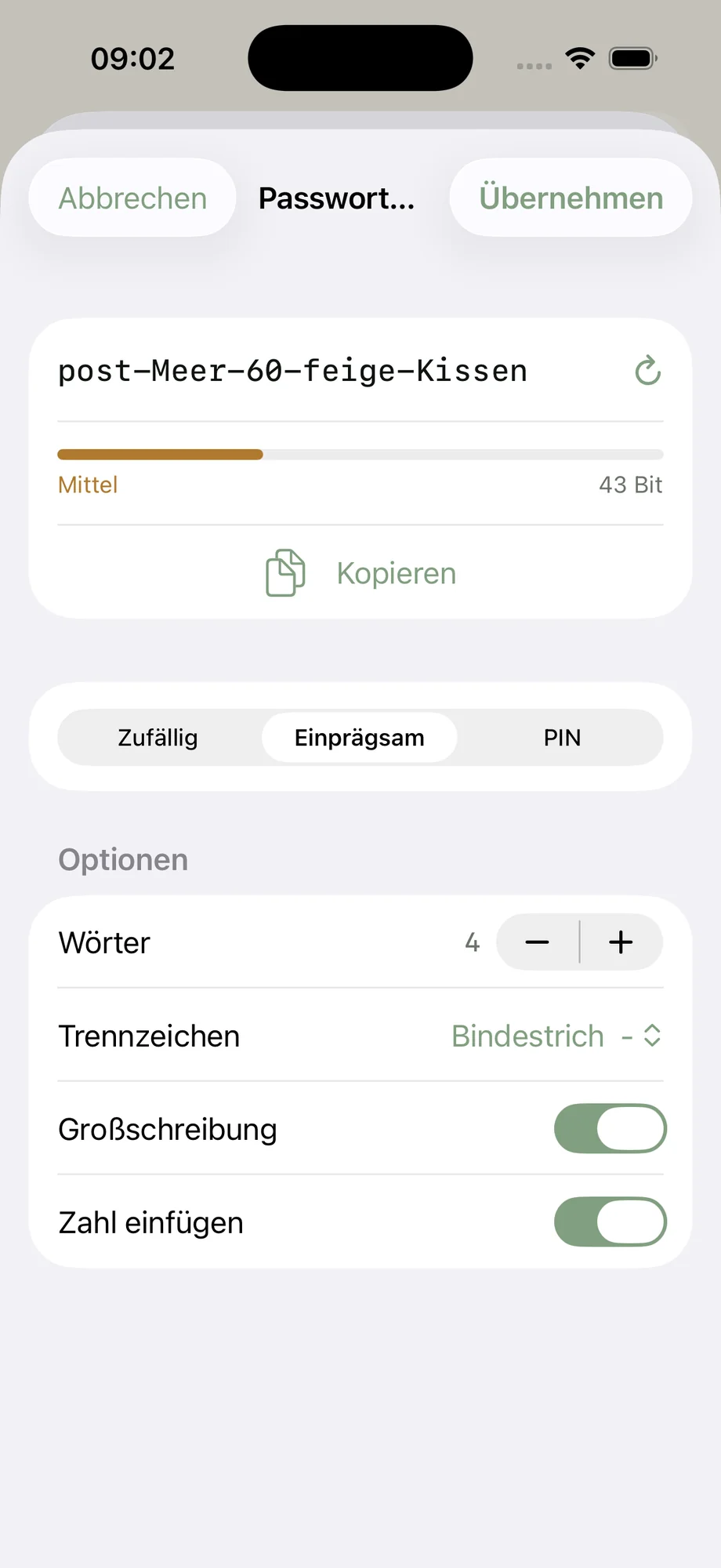
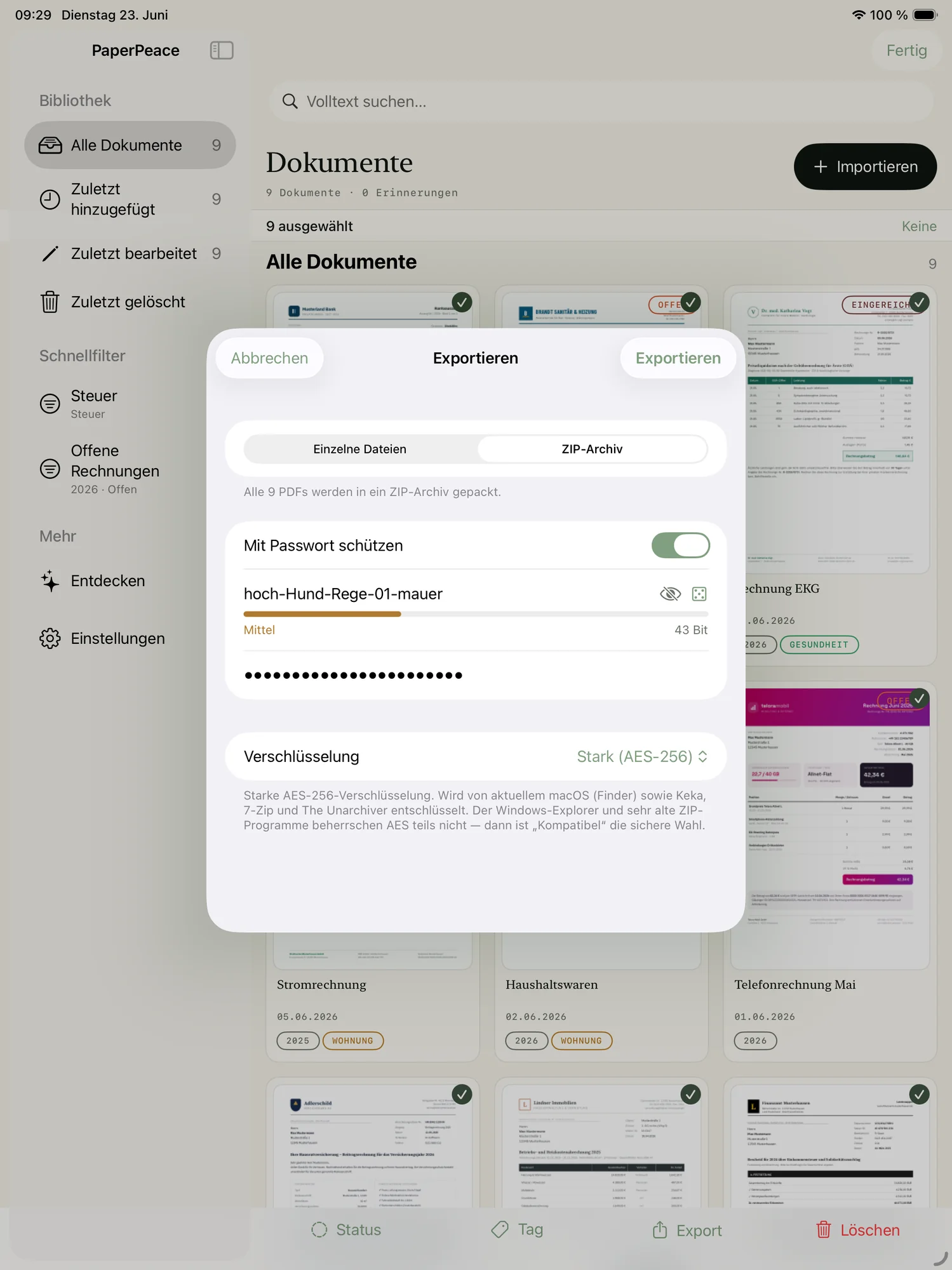
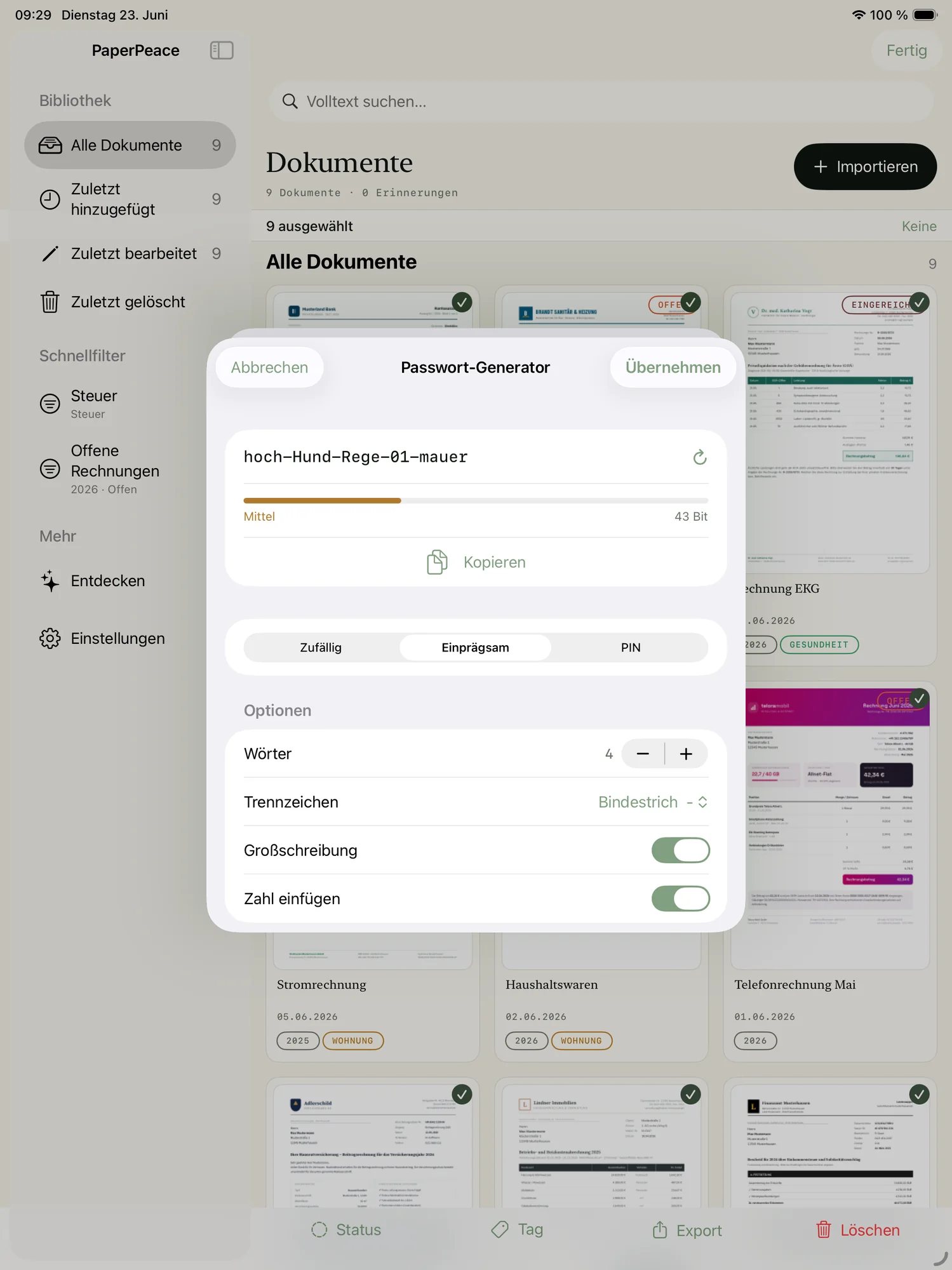
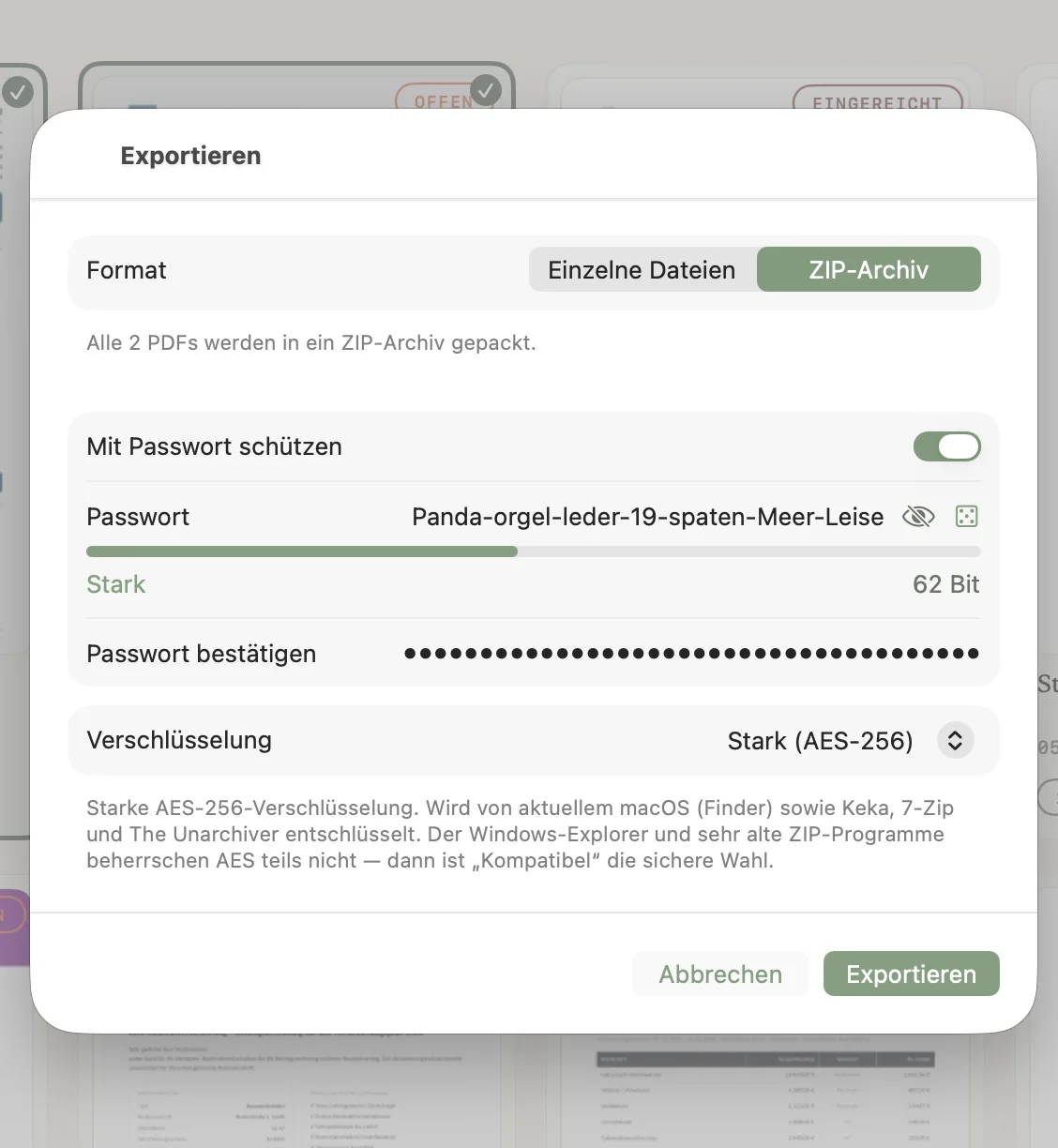
Need to send your tax records to your accountant? PaperPeace exports your documents into encrypted archives with strong AES-256 encryption — so sensitive files arrive safely.
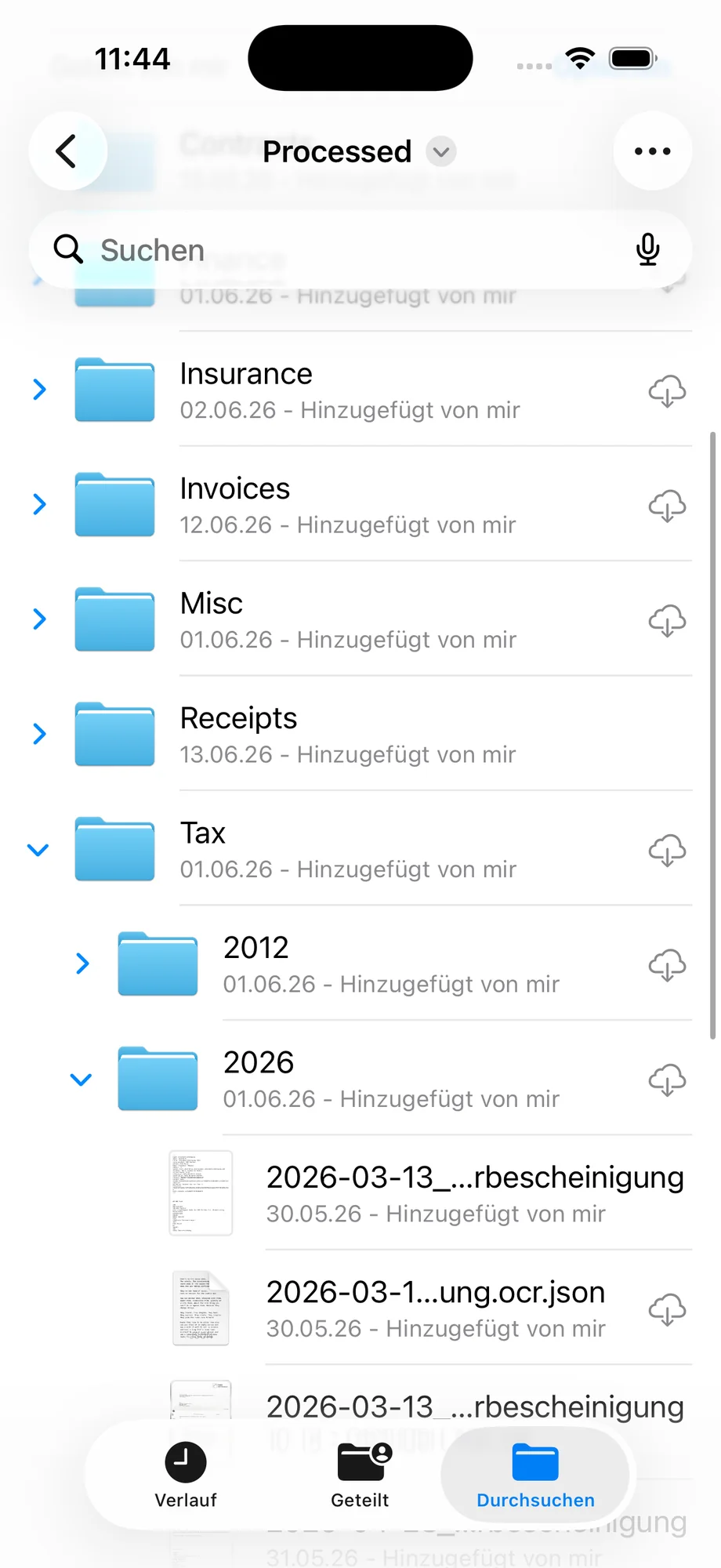
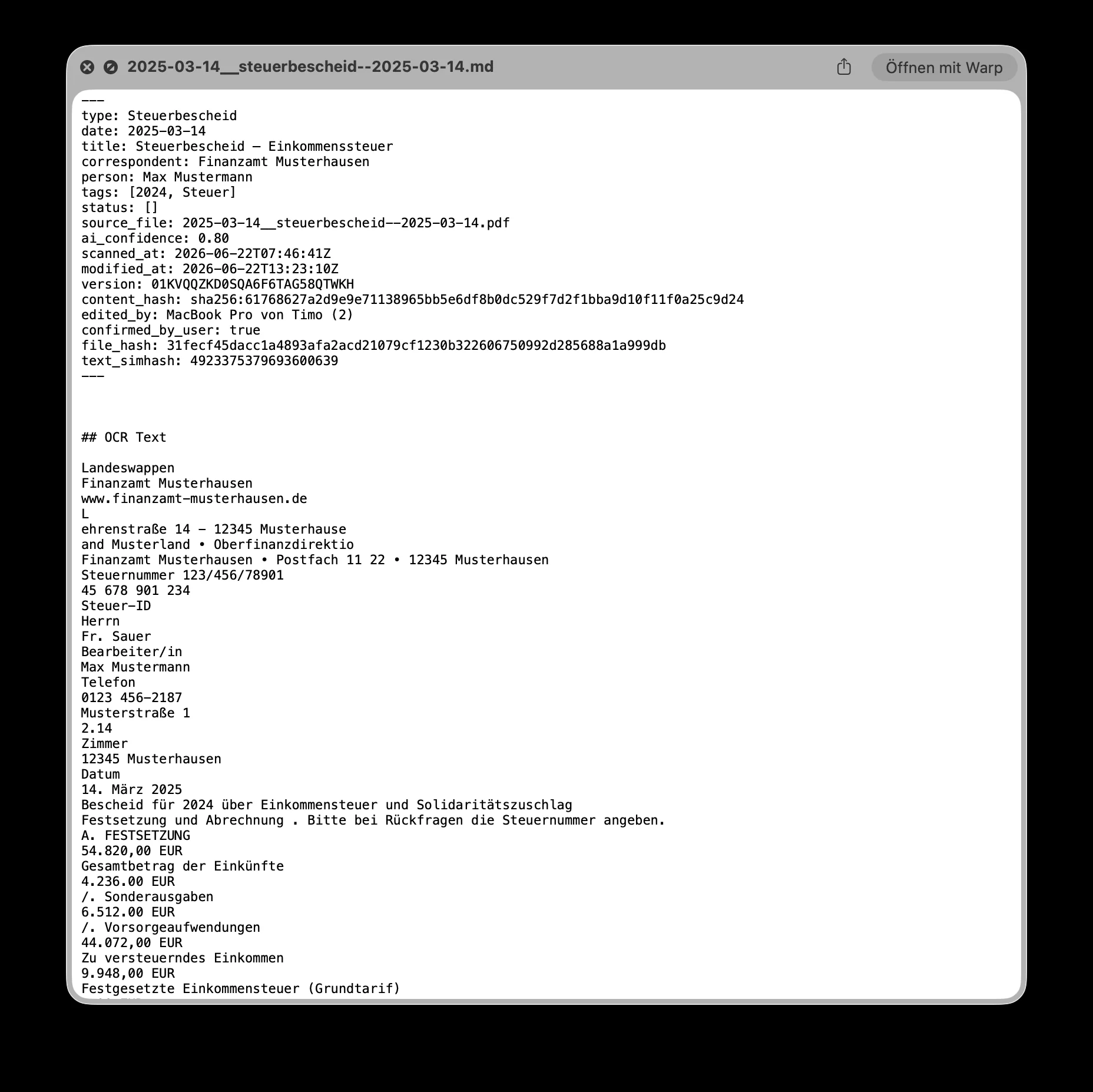
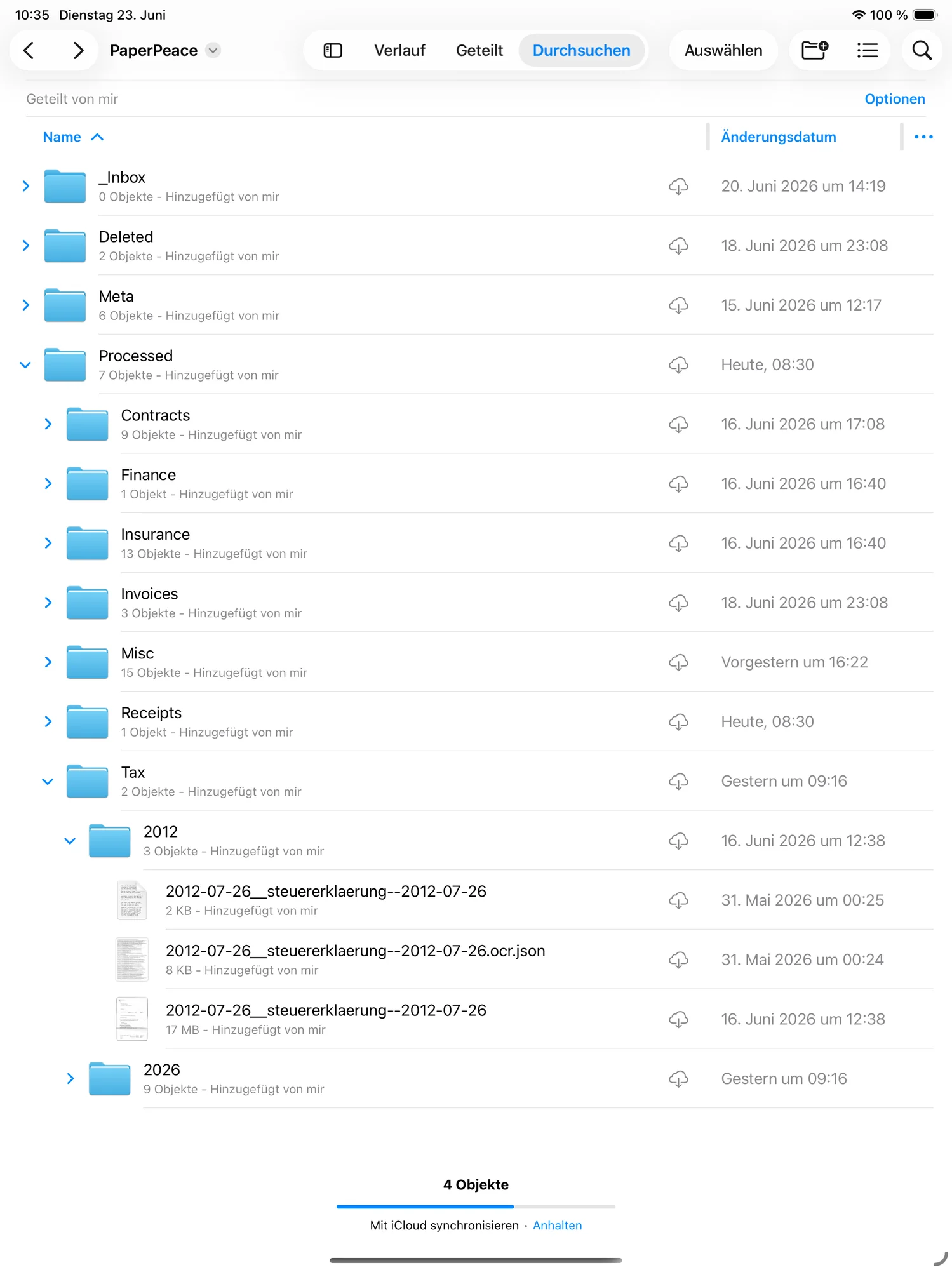
Your data stays yours.
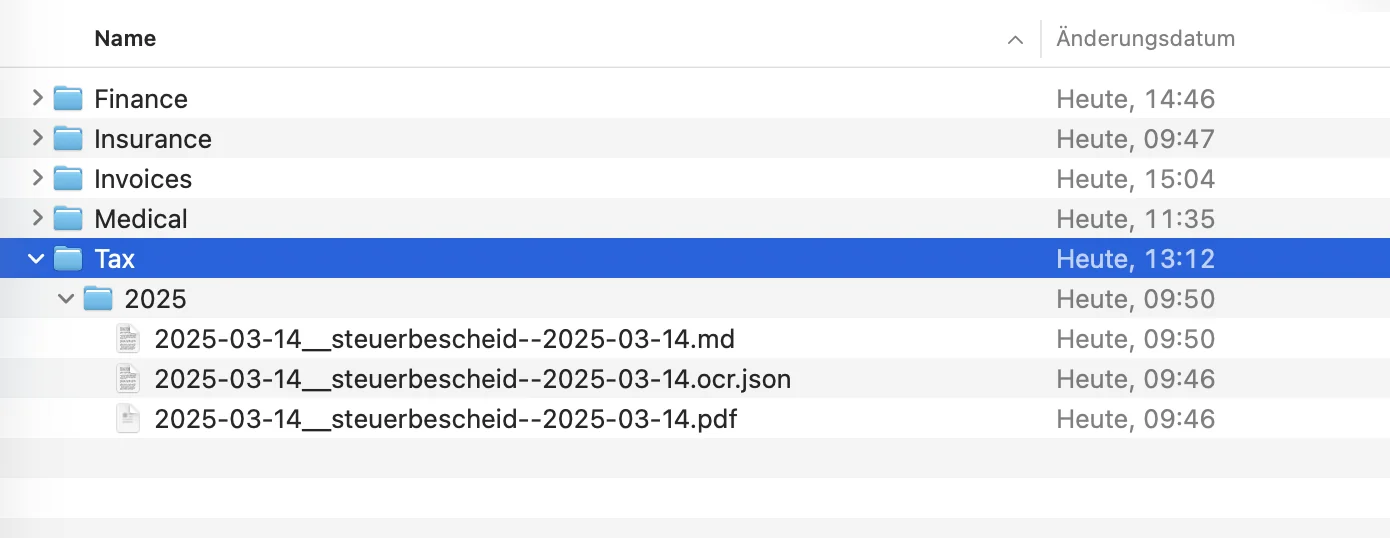
PaperPeace never stores your raw data in a proprietary format — it sits as plain, ordinary files at your storage location. So you can search and open it anytime, even without PaperPeace. The metadata it generates lands right alongside in easy-to-read Markdown files.
Good to know.
The most important questions about everyday use, storage and privacy — answered briefly.
Can I use PaperPeace without any IT skills?
Can I share PaperPeace with my partner or family?
Is PaperPeace any good for the self-employed?
Do I need my own server?
How does PaperPeace sync without a server?
Which storage locations are supported?
Can I get to my documents while I'm out and about?
Does a document ever leave my device for analysis?
What happens if I stop using PaperPeace one day?
Be there from the start.
PaperPeace launches as a TestFlight beta. Drop in your email — you'll get your invite as soon as the next batch of spots opens up. Free, no strings attached, unsubscribe anytime.
Almost there!
We've sent you a confirmation email. Please check your inbox. If you can't find it, take a look in your spam folder too.
Early access
Use PaperPeace before anyone else — on iPhone, iPad and Mac.
Help shape it
Your feedback goes straight into the app before it ships.
Free
The beta is free — and there'll be a free version later too, with no forced subscription.